Band Live Rock: Music Studio para PC
Batalsoft Music Apps
Descarga Band Live Rock: Music Studio en PC con GameLoop Emulator
Band Live Rock: Music Studio en PC
Band Live Rock: Music Studio, proveniente del desarrollador Batalsoft Music Apps, se ejecuta en el sistema Android en el pasado.
Ahora, puedes jugar Band Live Rock: Music Studio en PC con GameLoop sin problemas.
Descárgalo en la biblioteca de GameLoop o en los resultados de búsqueda. No más mirar la batería o llamadas frustrantes en el momento equivocado nunca más.
Simplemente disfrute de Band Live Rock: Music Studio PC en la pantalla grande de forma gratuita!
Band Live Rock: Music Studio Introducción
Looking for a real music production studio in your pocket?
Welcome to Band Live Rock, the complete Multitrack Recording Studio (DAW) and Instrument Simulator. Optimized for ultra-low latency, giving you a real-time playing experience without the lag. Whether you are a songwriter, a band member, or a beginner musician, turn your device into a portable professional studio. Record, Edit, Mix, and Master your full songs with our high-performance audio engine.
WHY BAND LIVE ROCK?
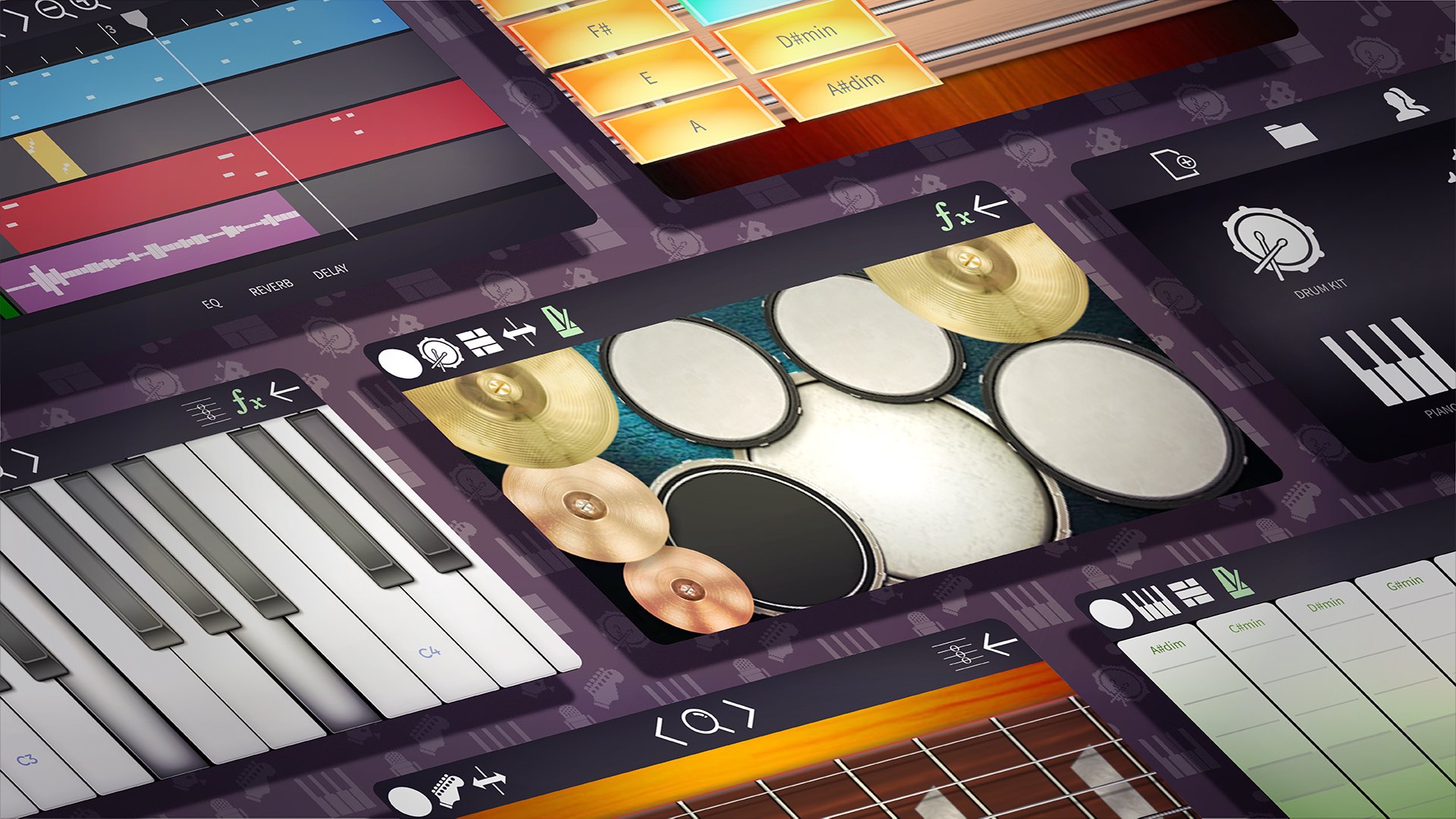
• Professional Multitrack Studio (DAW): Compose full songs layer by layer.
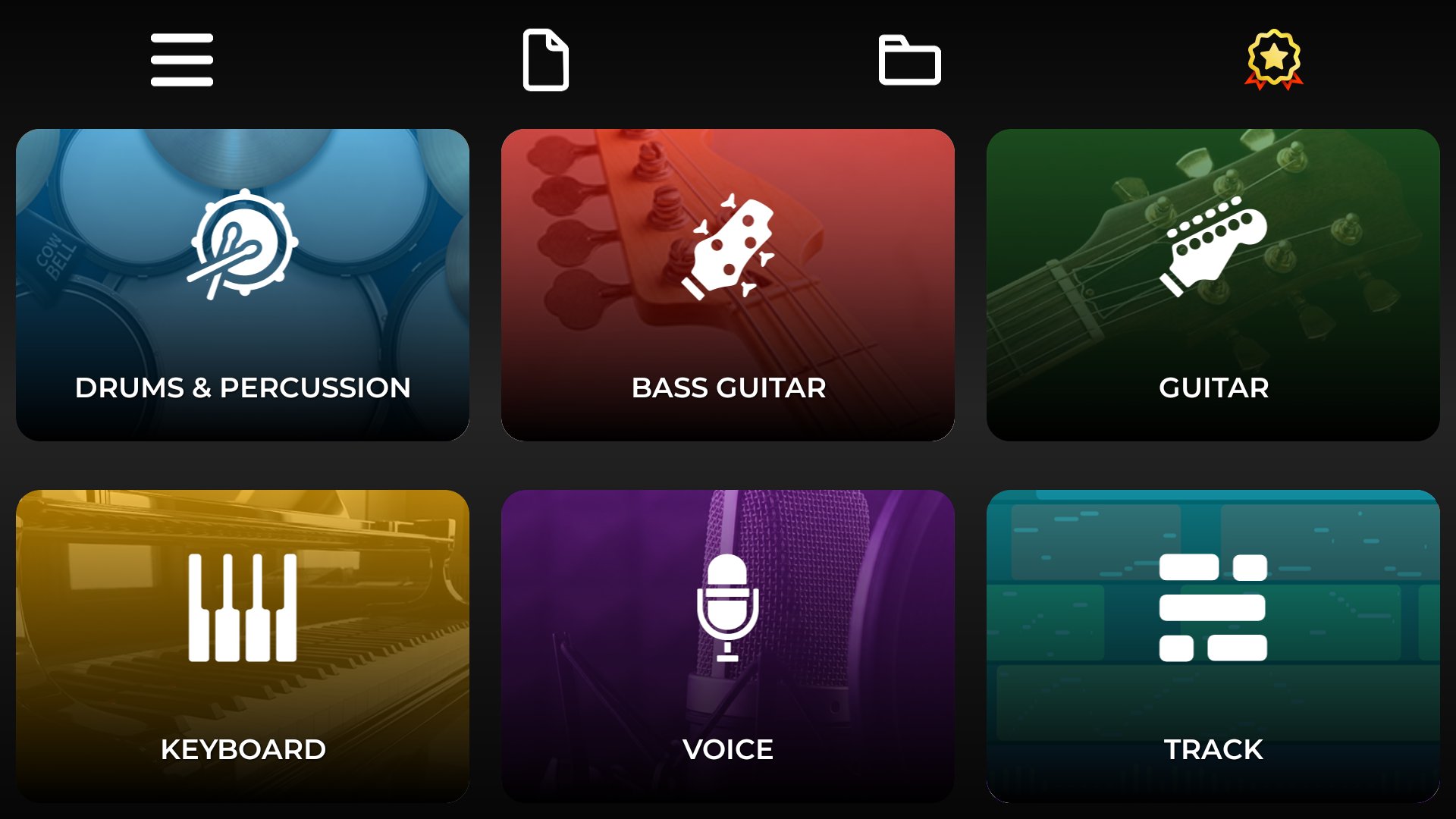
• Record Guitar, Drums, Piano, Bass, and Vocals on separate tracks.
• Project Management: Create, Save, Load and Backup full projects.
• Autosave included so you never lose your work.
• Audio Import: Import your own MP3, WAV, or OGG files to use as backing tracks or samples.
• Share your music: Export projects and share them with friends or bandmates.
ADVANCED MIDI CONNECTIVITY
• Unmatched in Mobile: Connect your physical instruments and turn your phone/tablet into a powerful sound module.
• USB OTG Support: Connect MIDI Keyboards, Controllers, or E-Drums via USB.
• Bluetooth MIDI: Wireless low-latency connection.
• Custom Mapping: Map your E-Drum notes to fit our kit perfectly.
• MIDI Output: Use the app as a controller for your PC DAW (Ableton, Cubase, Logic).
REAL-TIME EFFECTS & MIXER
• Compressor: Control dynamics for a punchy, studio sound.
• Equalizer (EQ): Fine-tune frequencies on every track.
• Effects: Add Chorus, Delay, and Reverb for depth.
• Mixer: Adjust Volume, Mute, and Solo for the perfect mix.
MASSIVE COLLECTION OF VIRTUAL INSTRUMENTS
• VST Style: SoundFont support to expand your instrument library.
• Continuous Updates: We add new instruments and sounds in every update.
• Guitars: Acoustic, Classical, Electric (Distorted & Clean), Jazz, 12-String, and Banjo. Featuring 24 frets.
• Drums & Percussion: Rock, Jazz, Classical Kit, Modern, Drum Machine, Bongos, Congas. Includes Double Bass.
• Keyboards: Grand Piano (81 keys), Organ, Synthesizers, Harpsichord, Accordion.
• Orchestral & Wind: Violin, Cello, Trumpet, Saxophone, Flute, Clarinet, Tuba.
• Basses: Real Bass, Slap Bass, Synth Bass. Featuring 24 frets.
• Vocals: High-quality Microphone recording.
ADDITIONAL FEATURES
• Left-Hand mode.
• Precise Timeline Editing: Zoom, Cut, Copy, Paste, Duplicate.
• Advanced Editing: Velocity, Transpose, and BPM Control.
• Piano Roll: edit every note of a track. Move, stretch, add or delete notes.
• Quantize: snap a section to the grid, from quarter notes to sixteenths and triplets, with adjustable strength.
• Record straight from the track view: arm a track with R and record from the cursor, wherever you are in the song.
• Export your song as MP3, OGG, WAV, FLAC or MIDI, or each track separately as stems.
• Compatible with external audio interfaces.
Join the revolution of mobile music creation. Download Band Live Rock and start producing your hit song today!
Avance
Etiquetas
Music-&Información
Desarrollador
Batalsoft Music Apps
La última versión
7.2.0
Última actualización
2026-09-14
Categoría
Music-audio
Disponible en
Google Play
Mostrar más
Cómo jugar Band Live Rock: Music Studio con GameLoop en PC
1. Descargue GameLoop desde el sitio web oficial, luego ejecute el archivo exe para instalar GameLoop.
2. Abra GameLoop y busque "Band Live Rock: Music Studio", busque Band Live Rock: Music Studio en los resultados de búsqueda y haga clic en "Instalar".
3. Disfruta jugando Band Live Rock: Music Studio en GameLoop.
Minimum requirements
OS
Windows 8.1 64-bit or Windows 10 64-bit
GPU
GTX 1050
CPU
i3-8300
Memory
8GB RAM
Storage
1GB available space
Recommended requirements
OS
Windows 8.1 64-bit or Windows 10 64-bit
GPU
GTX 1050
CPU
i3-9320
Memory
16GB RAM
Storage
1GB available space