
AudioFetch para PC
AudioFetch - Audio to WiFi-connected smartphones
Descarga AudioFetch en PC con GameLoop Emulator
AudioFetch en PC
AudioFetch, proveniente del desarrollador AudioFetch - Audio to WiFi-connected smartphones, se ejecuta en el sistema Android en el pasado.
Ahora, puedes jugar AudioFetch en PC con GameLoop sin problemas.
Descárgalo en la biblioteca de GameLoop o en los resultados de búsqueda. No más mirar la batería o llamadas frustrantes en el momento equivocado nunca más.
Simplemente disfrute de AudioFetch PC en la pantalla grande de forma gratuita!
AudioFetch Introducción
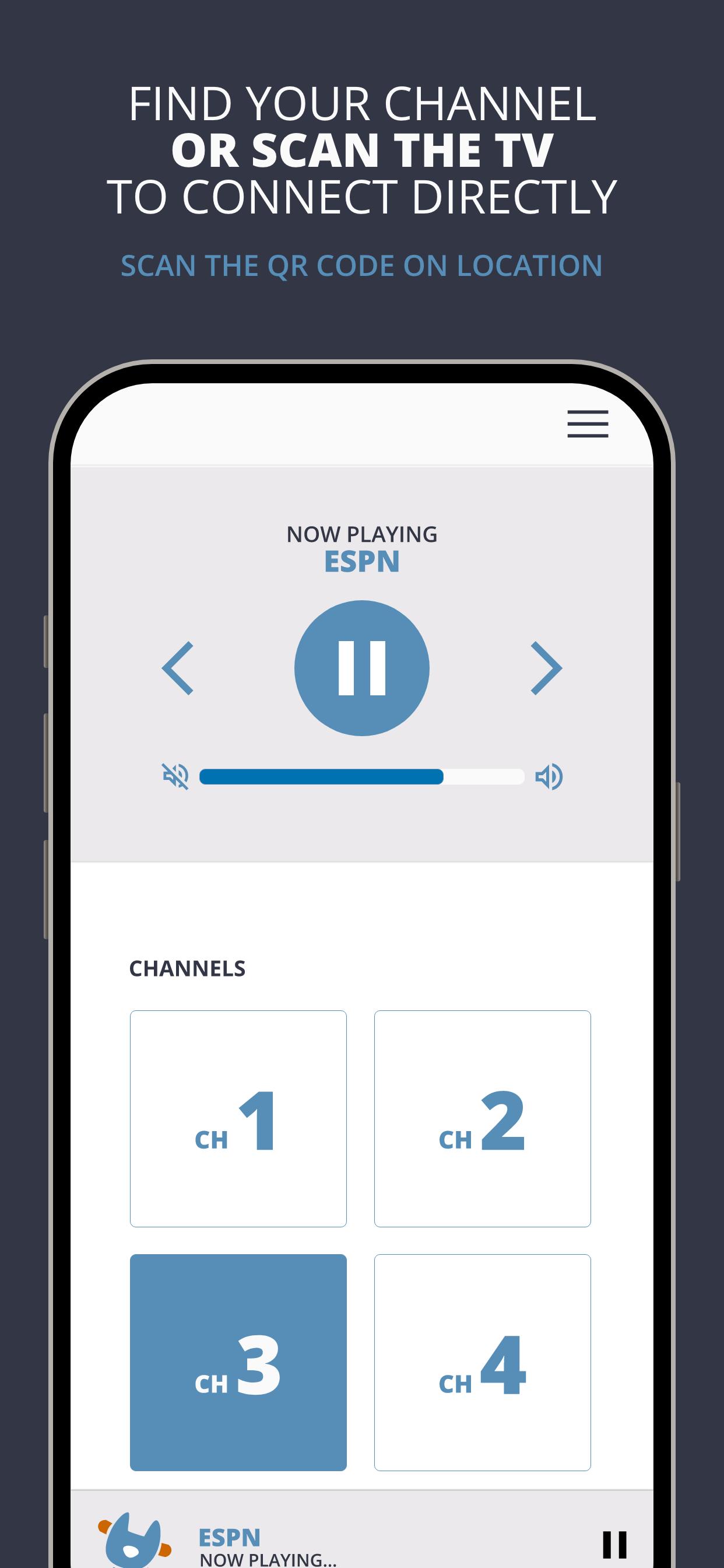
AudioFetch is the premium solution for local audio to smartphones and tablets over WiFi for unlimited uses including:
Fitness Centers: Delight your customers by enabling them to hear TV audio throughout the facility without being tethered to cardio equipment. Great for GroupEx classes as well.
Sports Bars: Sports fans will choose your pub, stay longer, and order more items when they can hear their game.
Church: Enhance your church services with assistive listening and/or real-time translation for those who need it. Works great with popular Bluetooth-enabled headphones.
Tourism: Replace outdated, expensive and unhygienic tour guide receivers with your guests’ smartphones, and allow your guests to maintain a safe social distance while still hearing the program.
Avance
Etiquetas
Music-&Información
Desarrollador
AudioFetch - Audio to WiFi-connected smartphones
La última versión
5.1.30
Última actualización
2025-06-16
Categoría
Music-audio
Disponible en
Google Play
Mostrar más
Cómo jugar AudioFetch con GameLoop en PC
1. Descargue GameLoop desde el sitio web oficial, luego ejecute el archivo exe para instalar GameLoop.
2. Abra GameLoop y busque "AudioFetch", busque AudioFetch en los resultados de búsqueda y haga clic en "Instalar".
3. Disfruta jugando AudioFetch en GameLoop.
Minimum requirements
OS
Windows 8.1 64-bit or Windows 10 64-bit
GPU
GTX 1050
CPU
i3-8300
Memory
8GB RAM
Storage
1GB available space
Recommended requirements
OS
Windows 8.1 64-bit or Windows 10 64-bit
GPU
GTX 1050
CPU
i3-9320
Memory
16GB RAM
Storage
1GB available space