Philips HearLink para PC
SBO Hearing A/S
Descarga Philips HearLink en PC con GameLoop Emulator
Philips HearLink en PC
Philips HearLink, proveniente del desarrollador SBO Hearing A/S, se ejecuta en el sistema Android en el pasado.
Ahora, puedes jugar Philips HearLink en PC con GameLoop sin problemas.
Descárgalo en la biblioteca de GameLoop o en los resultados de búsqueda. No más mirar la batería o llamadas frustrantes en el momento equivocado nunca más.
Simplemente disfrute de Philips HearLink PC en la pantalla grande de forma gratuita!
Philips HearLink Introducción
The Philips HearLink app is compatible with all Philips HearLink wireless hearing aids. Depending on the hearing aids and the mobile device you are using, you may or may not have access to all features the app offers.
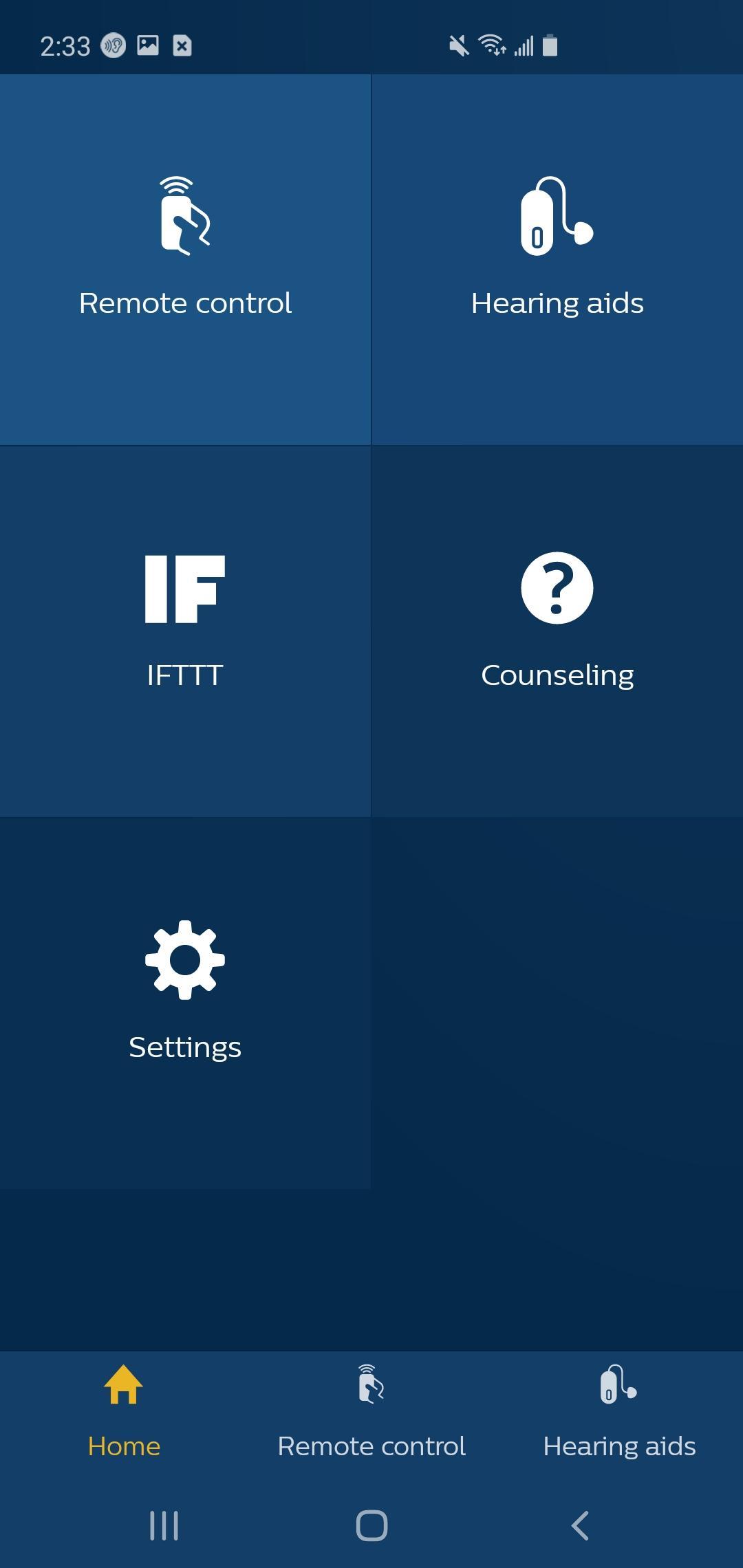
With the Philips HearLink app you can easily and discreetly control your wireless Philips HearLink hearing aids.
The mobile device becomes your remote control for changing listening programs, adjusting the volume, muting your hearing aids and activating streaming options. Here are some other helpful app functionalities:
- Select from which of your TV-Adapters you want to stream the signal to your hearing aids.
- Check your hearing aid battery level or the connection status from your mobile device to your hearing aids.
- With the "Find my hearing aids" function, you can track the location of your hearing aids.
- Connect your hearing aids to other devices and web services via IFTTT.
- Fine-tune the sound when watching a movie or streaming audio using the streaming equalizer, for a personalized listening experience. The streaming equalizer is available for all Philips Bluetooth hearing aids except Philips HearLink 2000 and 3000, if your devices support audio streaming.
For more information, you can access instructions on how to use this app in the application settings.
We recommend using the latest version of Android OS.
To check the latest list of compatible devices, please visit:
https://www.hearingsolutions.philips.com/support/connectivity/compatibility
The app is not compatible with the following Philips HearLink models: IIC, CIC, ITC.
We hope that you will like the changes. Thank you for using our app!
Avance
Etiquetas
MedicinaInformación
Desarrollador
SBO Hearing A/S
La última versión
2.5.0.10268
Última actualización
2021-09-27
Categoría
Medicina
Disponible en
Google Play
Mostrar más
Cómo jugar Philips HearLink con GameLoop en PC
1. Descargue GameLoop desde el sitio web oficial, luego ejecute el archivo exe para instalar GameLoop.
2. Abra GameLoop y busque "Philips HearLink", busque Philips HearLink en los resultados de búsqueda y haga clic en "Instalar".
3. Disfruta jugando Philips HearLink en GameLoop.
Minimum requirements
OS
Windows 8.1 64-bit or Windows 10 64-bit
GPU
GTX 1050
CPU
i3-8300
Memory
8GB RAM
Storage
1GB available space
Recommended requirements
OS
Windows 8.1 64-bit or Windows 10 64-bit
GPU
GTX 1050
CPU
i3-9320
Memory
16GB RAM
Storage
1GB available space