
Maps Detect: Satellite images para PC
MapDetector Team
Descarga Maps Detect: Satellite images en PC con GameLoop Emulator
Maps Detect: Satellite images en PC
Maps Detect: Satellite images, proveniente del desarrollador MapDetector Team, se ejecuta en el sistema Android en el pasado.
Ahora, puedes jugar Maps Detect: Satellite images en PC con GameLoop sin problemas.
Descárgalo en la biblioteca de GameLoop o en los resultados de búsqueda. No más mirar la batería o llamadas frustrantes en el momento equivocado nunca más.
Simplemente disfrute de Maps Detect: Satellite images PC en la pantalla grande de forma gratuita!
Maps Detect: Satellite images Introducción
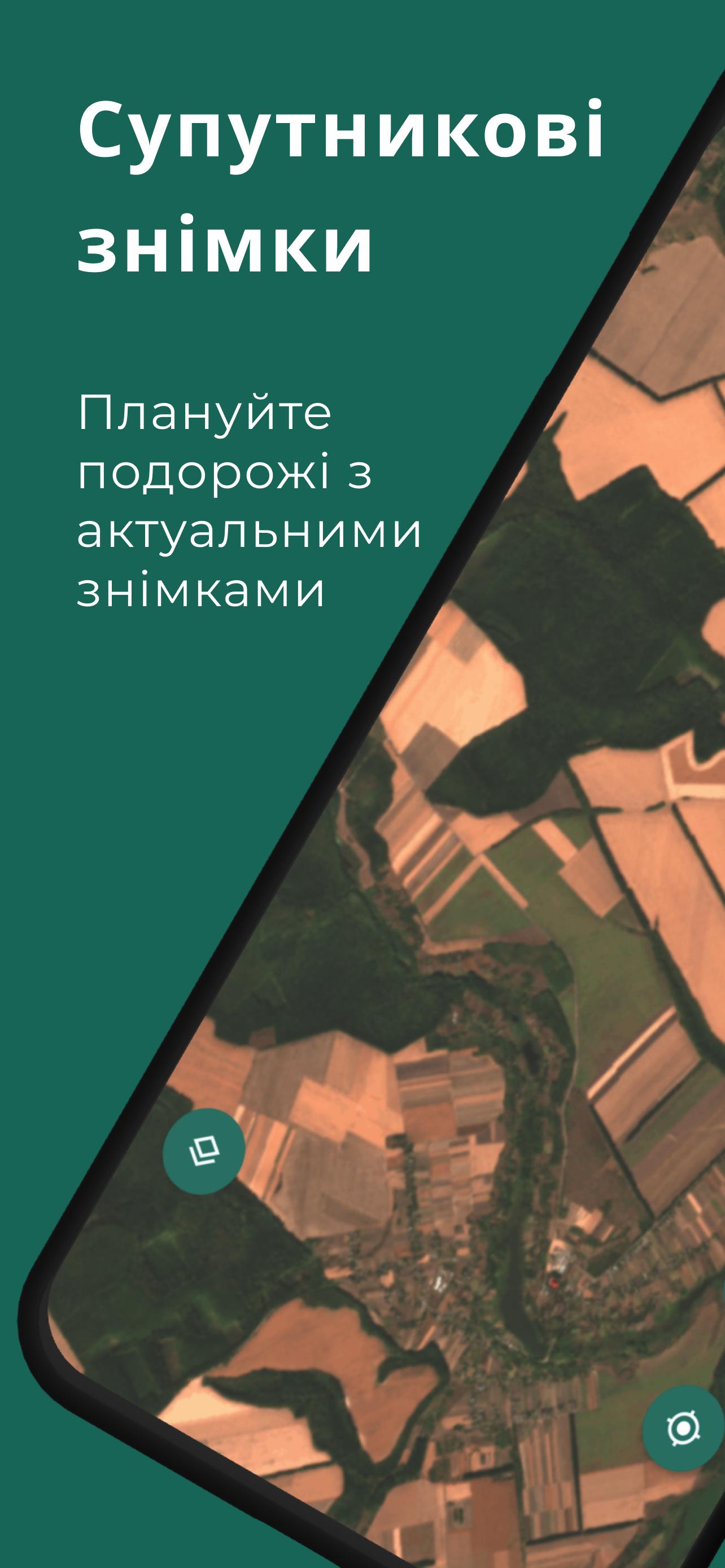
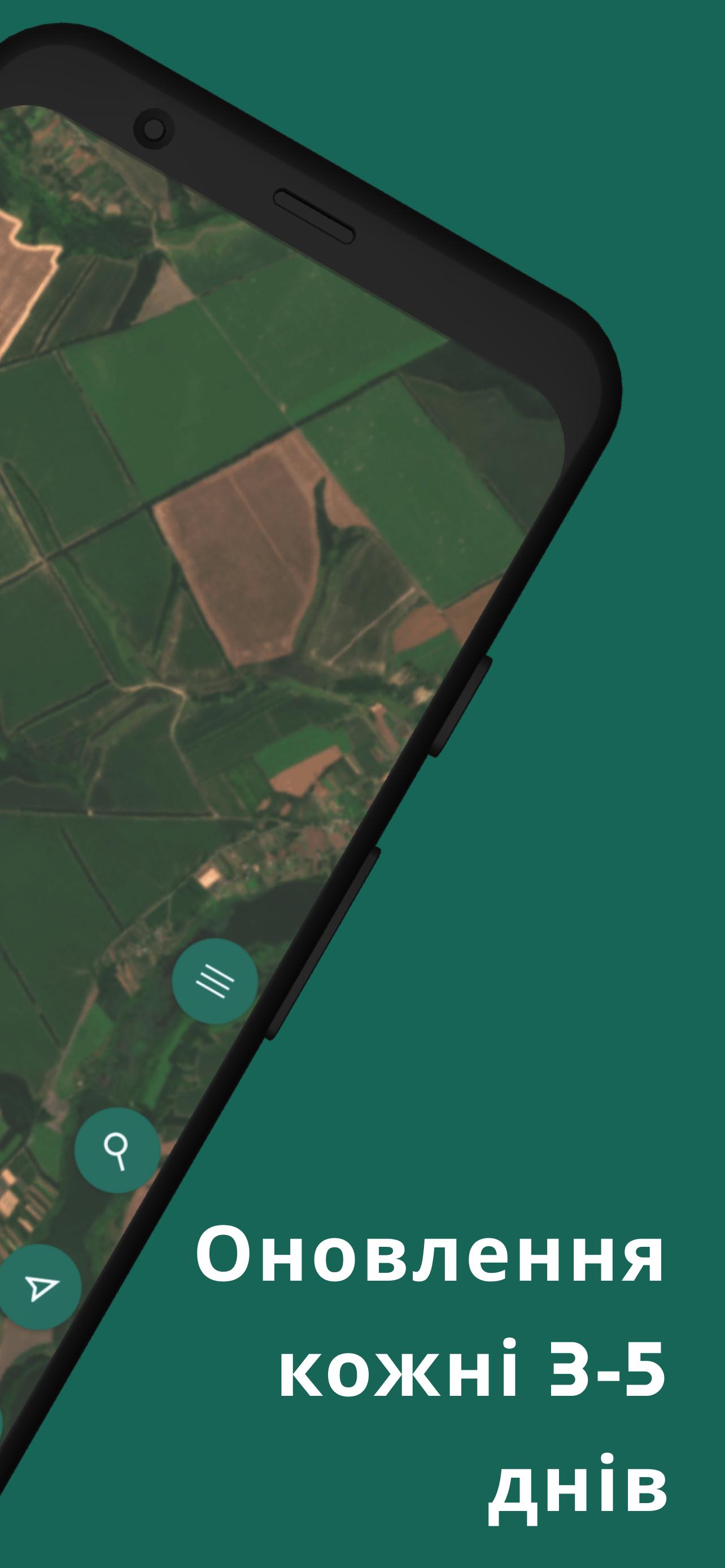
Maps Detect: Satellite Images is a mobile app for Android that offers powerful mapping, navigation and environmental monitoring features. It combines offline and online maps, OSM (OpenStreetMap) vector maps, Mapbox satellite maps, and hundreds of layers based on up-to-date satellite imagery, updated every 3-5 days.
Main functions:
Fresh satellite images: Get up-to-date satellite images to accurately display the terrain.
Offline and online maps: Use maps regardless of internet availability.
OSM vector maps: Detailed and accurate maps from open sources.
Mapbox satellite maps: High-quality satellite photos for detailed viewing.
Satellite imagery layers: Analyze areas with specialized layers updated weekly.
Trip Planning: Plan routes efficiently with the latest road and landscape changes.
Environmental monitoring: Track changes in agricultural fields, forests, roads and other objects.
Save markers: Create and save your own points of interest on the map.
GPS and location: Accurate positioning for efficient navigation.
Thanks to Maps Detect, you will be able to:
Explore the area remotely: Discover new areas from anywhere in the world.
Identify potential traces of cultures: Find new places of interest.
Monitor changes in the natural environment: Track environmental changes and human impacts.
Plan expeditions and trips: Find the best routes and points of interest.
Who Maps Detect is for:
Metal detecting enthusiasts: Plan your searches with detailed maps and photos.
Travelers and tourists: Discover new places with up-to-date maps.
Ecologists and naturalists: Monitor changes in ecosystems and natural landscapes.
Farmers and agronomists: Track the condition of fields and crops with the help of satellite images.
Explorers and Geologists: Analyze areas from different perspectives.
Anyone interested in changes in the environment: Stay up to date with the latest developments and changes.
Why choose Maps Detect:
Current data: Satellite images are updated every 3-5 days.
Versatility: A combination of offline and online maps ensures accessibility in all conditions.
Multi-functionality: Combines navigation, monitoring and research in one application.
Convenience: Intuitive interface and the possibility of personalization.
Accuracy: Using data from leading cartographic information providers.
Join the Maps Detect community and explore the world in a new way!
Download Maps Detect now and discover endless possibilities for navigation and exploration with up-to-date satellite images and maps.
Avance
Etiquetas
Maps-&Información
Desarrollador
MapDetector Team
La última versión
1.70
Última actualización
2025-09-05
Categoría
Maps-navigation
Disponible en
Google Play
Mostrar más
Cómo jugar Maps Detect: Satellite images con GameLoop en PC
1. Descargue GameLoop desde el sitio web oficial, luego ejecute el archivo exe para instalar GameLoop.
2. Abra GameLoop y busque "Maps Detect: Satellite images", busque Maps Detect: Satellite images en los resultados de búsqueda y haga clic en "Instalar".
3. Disfruta jugando Maps Detect: Satellite images en GameLoop.
Minimum requirements
OS
Windows 8.1 64-bit or Windows 10 64-bit
GPU
GTX 1050
CPU
i3-8300
Memory
8GB RAM
Storage
1GB available space
Recommended requirements
OS
Windows 8.1 64-bit or Windows 10 64-bit
GPU
GTX 1050
CPU
i3-9320
Memory
16GB RAM
Storage
1GB available space