
Noke para PC
Noke LLC
Descarga Noke en PC con GameLoop Emulator
Noke en PC
Noke, proveniente del desarrollador Noke LLC, se ejecuta en el sistema Android en el pasado.
Ahora, puedes jugar Noke en PC con GameLoop sin problemas.
Descárgalo en la biblioteca de GameLoop o en los resultados de búsqueda. No más mirar la batería o llamadas frustrantes en el momento equivocado nunca más.
Simplemente disfrute de Noke PC en la pantalla grande de forma gratuita!
Noke Introducción
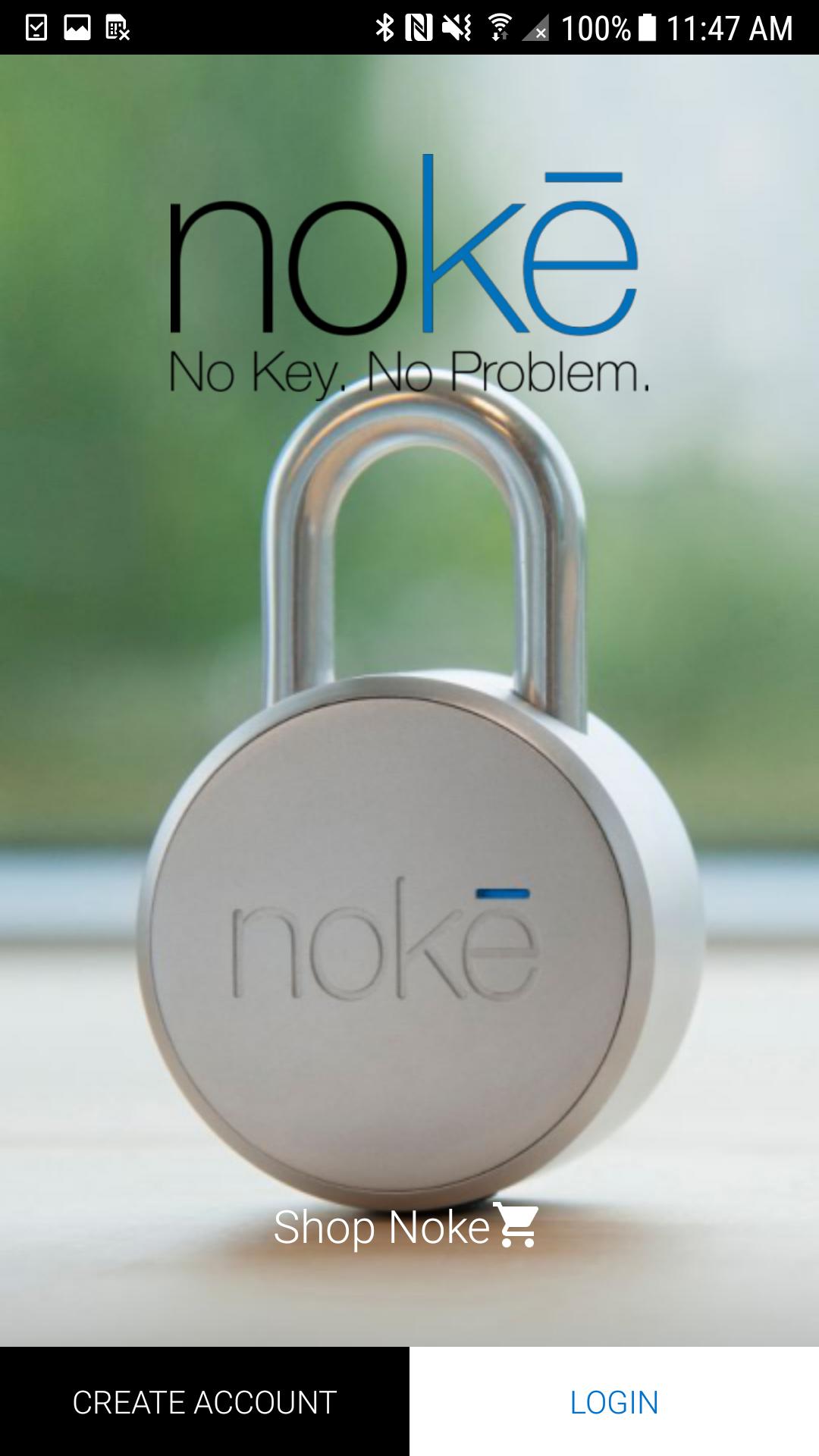
The Nokē app is used to operate and manage Bluetooth enabled Nokē smart-locks to eliminate the hassle of keys and combinations forever. With Nokē, convenience is key.
Its features include:
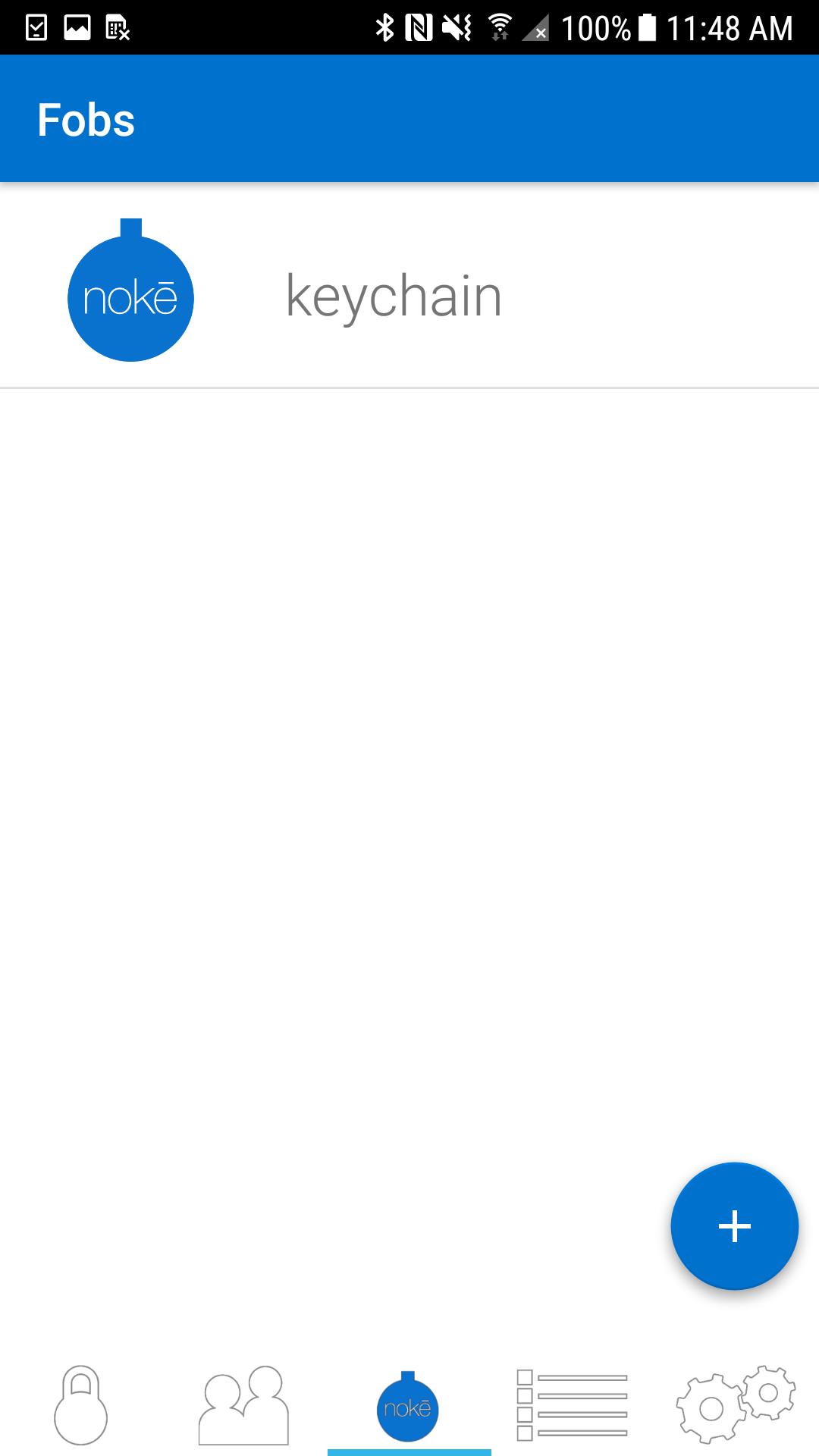
Locking: Once you’ve downloaded the Nokē app, you can simply and safely lock and unlock your Nokē smart-lock using Bluetooth 4.0 technology. The lock will sense your approach and can instantly unlock without you having to turn on your phone.
Sharing: Invite family and friends to have access to your lock using their own Bluetooth device. Within the Nokē app, you can share and revoke access with custom settings including day, time, or individual usage. For example, you can give unlimited access to your spouse, while giving just Monday afternoon access to your gardener.
GPS Location: Track where your lock is being used and view activity location on a map with the unique Nokē GPS feature.
History: The Nokē app provides you with an activity log so you can easily see who’s used your lock and exactly when and where they did.
For more information, or to buy a Nokē smart-lock, visit www.noke.com
Avance
Etiquetas
Estilo de vidaInformación
Desarrollador
Noke LLC
La última versión
2.1.3
Última actualización
2022-03-31
Categoría
Estilo de vida
Disponible en
Google Play
Mostrar más
Cómo jugar Noke con GameLoop en PC
1. Descargue GameLoop desde el sitio web oficial, luego ejecute el archivo exe para instalar GameLoop.
2. Abra GameLoop y busque "Noke", busque Noke en los resultados de búsqueda y haga clic en "Instalar".
3. Disfruta jugando Noke en GameLoop.
Minimum requirements
OS
Windows 8.1 64-bit or Windows 10 64-bit
GPU
GTX 1050
CPU
i3-8300
Memory
8GB RAM
Storage
1GB available space
Recommended requirements
OS
Windows 8.1 64-bit or Windows 10 64-bit
GPU
GTX 1050
CPU
i3-9320
Memory
16GB RAM
Storage
1GB available space