ECOVACS HOME para PC
ECOVACS ROBOTICS
Descarga ECOVACS HOME en PC con GameLoop Emulator
ECOVACS HOME en PC
ECOVACS HOME, proveniente del desarrollador ECOVACS ROBOTICS, se ejecuta en el sistema Android en el pasado.
Ahora, puedes jugar ECOVACS HOME en PC con GameLoop sin problemas.
Descárgalo en la biblioteca de GameLoop o en los resultados de búsqueda. No más mirar la batería o llamadas frustrantes en el momento equivocado nunca más.
Simplemente disfrute de ECOVACS HOME PC en la pantalla grande de forma gratuita!
ECOVACS HOME Introducción
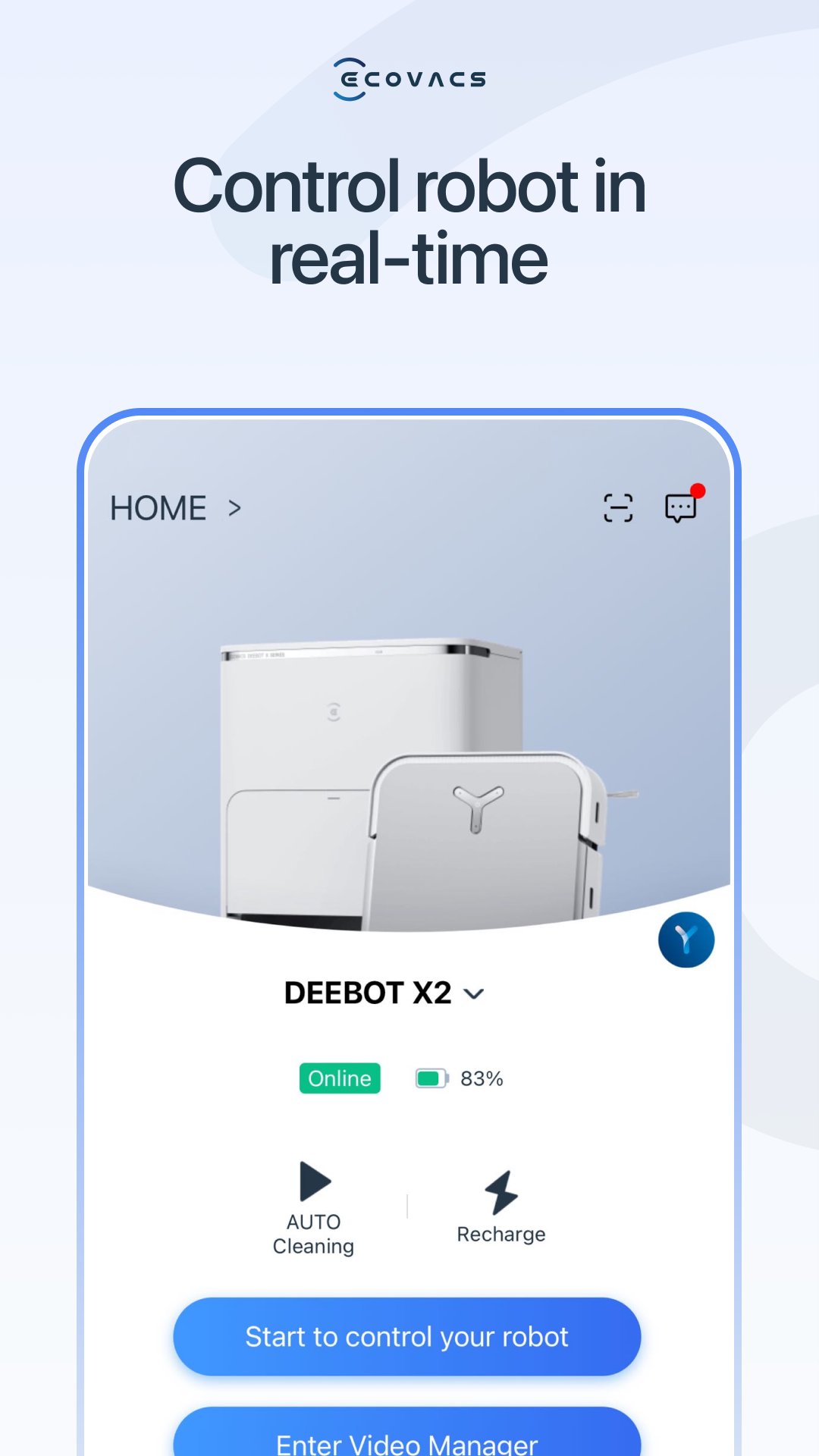
ECOVACS HOME debuts! With awesome connected features, our latest App allows you to control your DEEBOT anytime, anywhere, and takes your cleaning experience to a new level.
By connecting to your DEEBOT, you can:
• Start, pause, or stop cleaning
• Set a regular cleaning schedule
• Set voice report, suction power, and Do-Not-Disturb time*
• Receive notifications from your Wi-Fi enabled robot*
• Share DEEBOT with your friends through multiple accounts*
• Receive software and firmware updates*
• Access instruction manuals, video tutorials and FAQs, and contact customer service
And you can do much more with your advanced mapping DEEBOT (powered by Smart Navi™ Technology):
• Set up Virtual Boundary™ to create no-go zones*
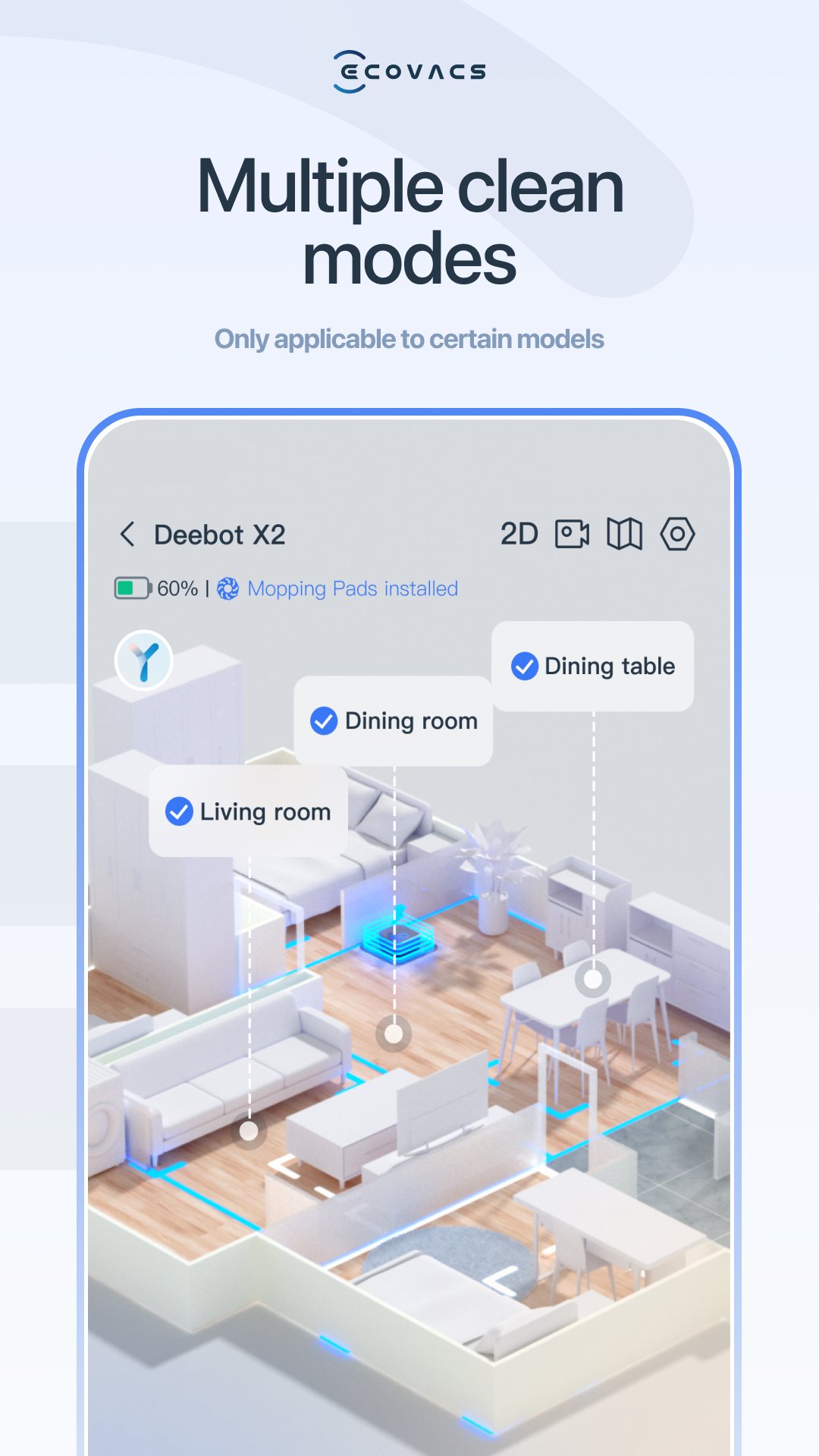
• Use Custom Cleaning to customize any cleaning area you want*
• View real-time stats from the visual map of your home, areas cleaned, and cleaning time*
• Adjust water flow level when DEEBOT is mopping (Robots with mopping function only)*
*Features vary with models. Go to ecovacs.com to see detailed features of your model.
*** App permissions***
The application service requires the following permissions on your phone. For optional permissions, if they are not accessed, the related features will not be available, but it will not affect the basic using of the App.
[Required Permissions]
/
[Optional Permissions]
-Location: Used for device networking, discovering nearby devices, and obtaining WiFi information currently connected to the mobile device.
-Camera: Scan the QR code on the Robot for networking, and scan the sharing code for device sharing.
-Photos and Videos(Storage): Used for changing profile pictures, posting image comments, and online customer service providing feedback via images.
-Microphone: Audio and video call feature for customer service and Robot Video Manager.
-Bluetooth: Used for connecting devices via Bluetooth, enabling network configuration and robot controlling.
-Nearby Devices: Used for scanning and discovering nearby Bluetooth devices during network configuration.
-WLAN: Used for connecting to the Wi-Fi hotspot emitted by the device for network configuration.
-Notifications: Used for sending device and system notification messages to users.
-Local Network: Used to enable local network access on iOS devices, allowing connection to the Wi-Fi hotspot released by the device during network configuration.
-Music and audio: Audio and video call feature for customer service and Robot Video Manager.
Plus, you can control your DEEBOT with simple commands through Amazon Alexa and Google Home**.
**Smart Home commands are available only in some countries/regions.
Requirements:
Wi-Fi with 2.4 GHz or 2.4/5 GHz mixed band support only
Mobile device with Android 4.4 or later
Need help? Visit ecovacs.com for more information or to contact our customer service team.
Avance
Etiquetas
Estilo de vidaInformación
Desarrollador
ECOVACS ROBOTICS
La última versión
3.16.1
Última actualización
2026-09-18
Categoría
Estilo de vida
Disponible en
Google Play
Mostrar más
Cómo jugar ECOVACS HOME con GameLoop en PC
1. Descargue GameLoop desde el sitio web oficial, luego ejecute el archivo exe para instalar GameLoop.
2. Abra GameLoop y busque "ECOVACS HOME", busque ECOVACS HOME en los resultados de búsqueda y haga clic en "Instalar".
3. Disfruta jugando ECOVACS HOME en GameLoop.
Minimum requirements
OS
Windows 8.1 64-bit or Windows 10 64-bit
GPU
GTX 1050
CPU
i3-8300
Memory
8GB RAM
Storage
1GB available space
Recommended requirements
OS
Windows 8.1 64-bit or Windows 10 64-bit
GPU
GTX 1050
CPU
i3-9320
Memory
16GB RAM
Storage
1GB available space