Relaxing Sounds for Sleep para PC
Potencialmente interesante
Descarga Relaxing Sounds for Sleep en PC con GameLoop Emulator
Relaxing Sounds for Sleep en PC
Relaxing Sounds for Sleep, proveniente del desarrollador Potencialmente interesante, se ejecuta en el sistema Android en el pasado.
Ahora, puedes jugar Relaxing Sounds for Sleep en PC con GameLoop sin problemas.
Descárgalo en la biblioteca de GameLoop o en los resultados de búsqueda. No más mirar la batería o llamadas frustrantes en el momento equivocado nunca más.
Simplemente disfrute de Relaxing Sounds for Sleep PC en la pantalla grande de forma gratuita!
Relaxing Sounds for Sleep Introducción
🌙 Relax and Sleep Deeply
Are you looking for relaxing sounds to sleep better, relieve stress, or calm anxiety? Discover the perfect app to create unique environments and enjoy deep rest.
🎵 Create Your Own Atmosphere:
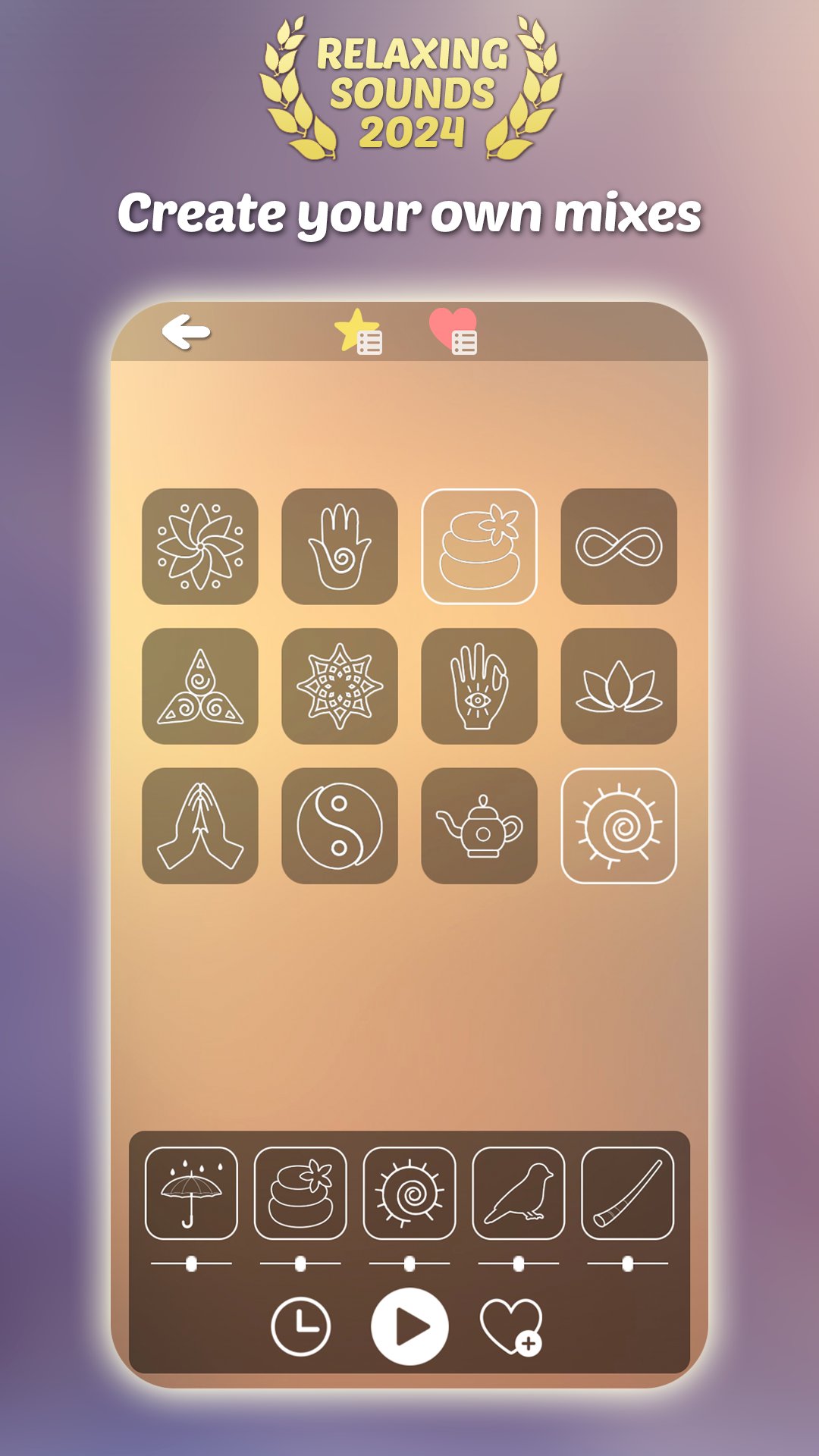
- Mix over 120 relaxing sounds for deep sleep.
- Choose from rain, white noise, nature sounds, Tibetan bowls, and more.
- Adjust the volume and save your favorite combinations.
🧘♂️ Wellness Benefits:
- Relieve stress and calm anxiety with meditation sounds.
- Ideal for better sleep, studying, or reading.
- Create personalized mixes, even offline.
⭐ Main Features:
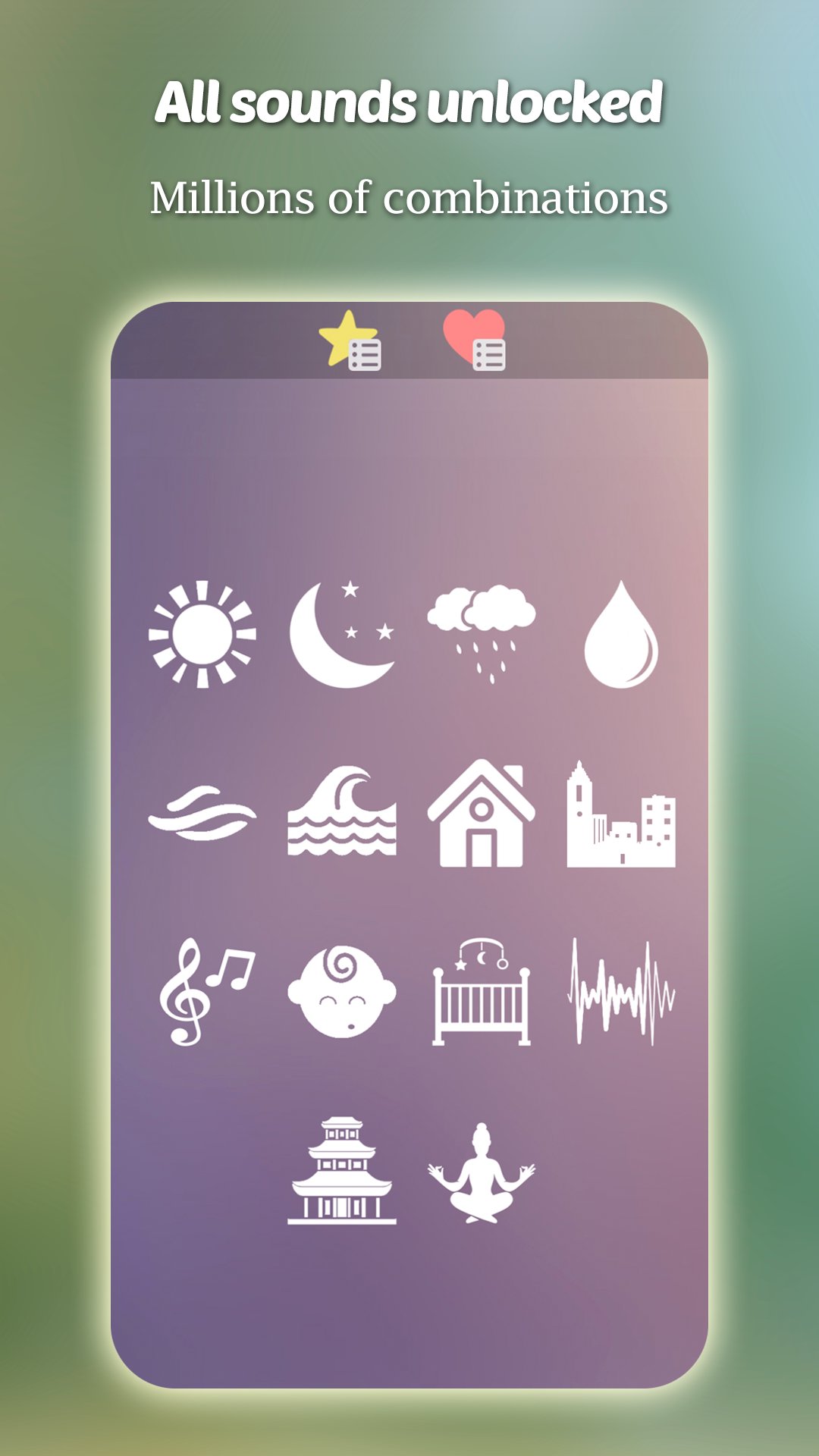
- Free sleep sounds: all unlocked from the start.
- Programmable timer for added convenience.
- Intuitive and easy-to-use interface.
- Pre-made mixes ready to enjoy.
💤 How Can Relaxing Sounds Help You?
- Sleep deeply and reduce insomnia.
- Progressive relaxation and mindfulness.
- Sounds for reading, studying, or meditating.
💡 Forever Free:
No subscriptions or recurring payments. Just a small optional payment to remove ads.
Download now and transform your rest with relaxing sounds designed to help you sleep deeply, relieve stress, and improve focus.
Avance
Etiquetas
Health-&Información
Desarrollador
Potencialmente interesante
La última versión
Relaxing sounds to mix 1.0
Última actualización
2025-07-09
Categoría
Health-fitness
Disponible en
Google Play
Mostrar más
Cómo jugar Relaxing Sounds for Sleep con GameLoop en PC
1. Descargue GameLoop desde el sitio web oficial, luego ejecute el archivo exe para instalar GameLoop.
2. Abra GameLoop y busque "Relaxing Sounds for Sleep", busque Relaxing Sounds for Sleep en los resultados de búsqueda y haga clic en "Instalar".
3. Disfruta jugando Relaxing Sounds for Sleep en GameLoop.
Minimum requirements
OS
Windows 8.1 64-bit or Windows 10 64-bit
GPU
GTX 1050
CPU
i3-8300
Memory
8GB RAM
Storage
1GB available space
Recommended requirements
OS
Windows 8.1 64-bit or Windows 10 64-bit
GPU
GTX 1050
CPU
i3-9320
Memory
16GB RAM
Storage
1GB available space