
I feel good! para PC
Virtuagym Professional
Descarga I feel good! en PC con GameLoop Emulator
I feel good! en PC
I feel good!, proveniente del desarrollador Virtuagym Professional, se ejecuta en el sistema Android en el pasado.
Ahora, puedes jugar I feel good! en PC con GameLoop sin problemas.
Descárgalo en la biblioteca de GameLoop o en los resultados de búsqueda. No más mirar la batería o llamadas frustrantes en el momento equivocado nunca más.
Simplemente disfrute de I feel good! PC en la pantalla grande de forma gratuita!
I feel good! Introducción
NOTE: YOU NEED AN ACTIVE I Feel Good! SUBSCRIPTION to access this app.
*IF YOU ARE A MEMBER, GET IT AT THE CENTER!
This is the key to getting the most out of your I Feel Good! subscription. Start your journey to a healthier life and let us guide you along the way. Discover I Feel Good!, the most comprehensive platform to improve your health and quality of life with:
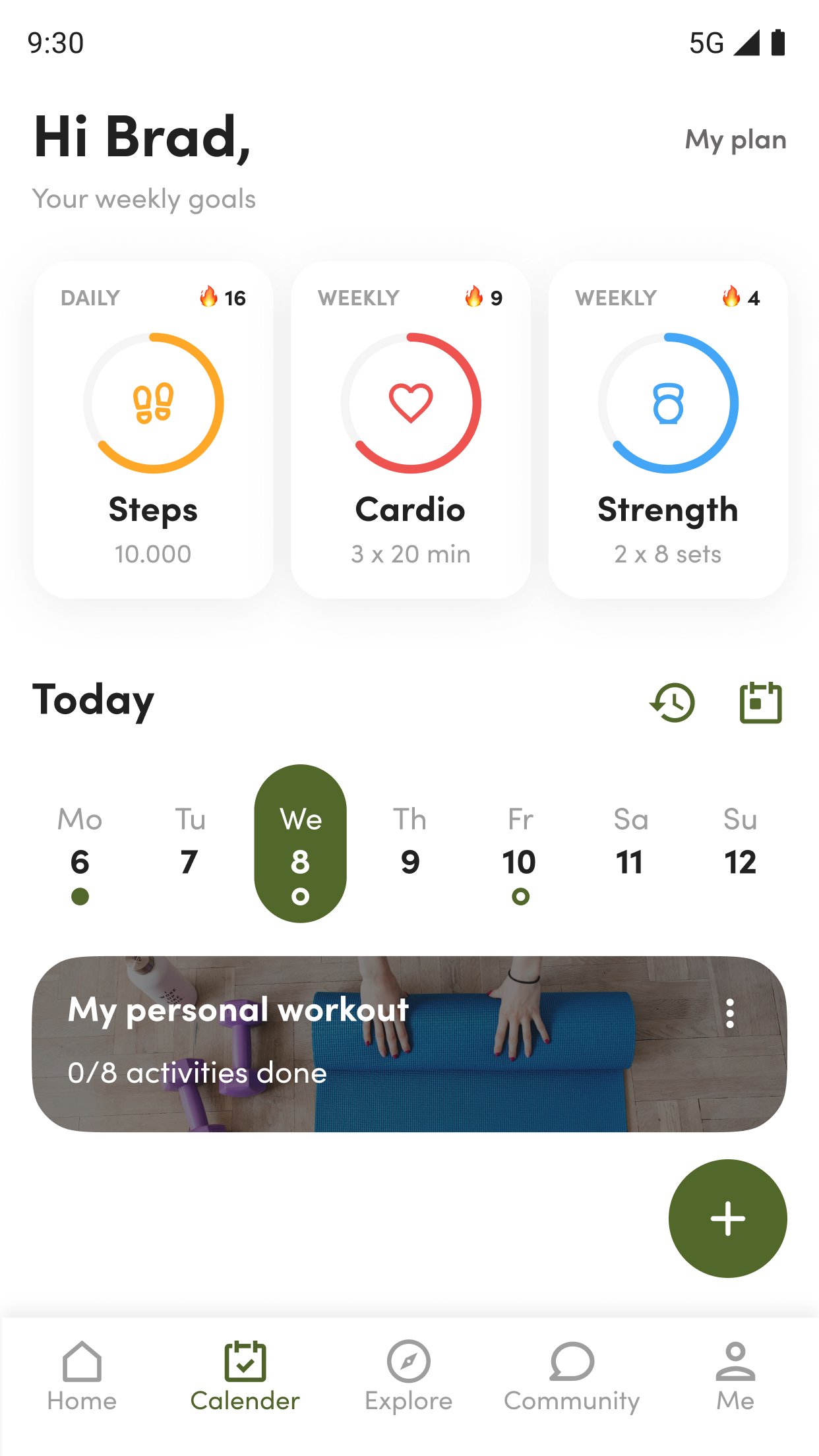
Check center schedules and book your private sessions through the app
Track your daily physical activities
Monitor your weight and other body metrics
Over 2,000 exercises and activities
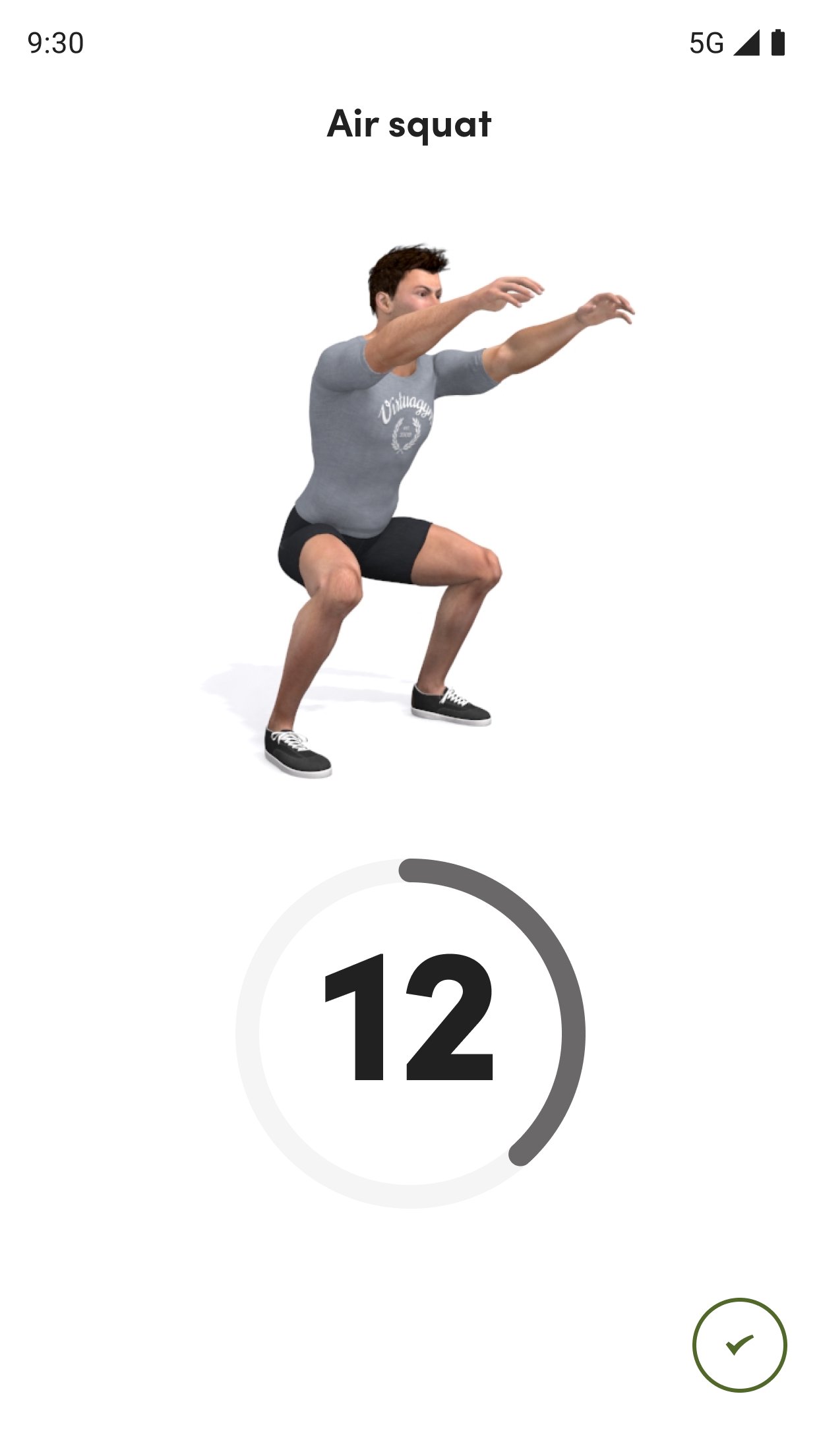
Exercise demonstrations in 3D animations
Preset workouts and the option to create your own workout
Over 150 badges to motivate you to stay fit
Sync your workouts with your home or gym fitness app, and track your progress. From your body fat percentage to your strength, this app is a great help
Avance
Etiquetas
Health-&Información
Desarrollador
Virtuagym Professional
La última versión
11.8.3
Última actualización
2025-12-11
Categoría
Health-fitness
Disponible en
Google Play
Mostrar más
Cómo jugar I feel good! con GameLoop en PC
1. Descargue GameLoop desde el sitio web oficial, luego ejecute el archivo exe para instalar GameLoop.
2. Abra GameLoop y busque "I feel good!", busque I feel good! en los resultados de búsqueda y haga clic en "Instalar".
3. Disfruta jugando I feel good! en GameLoop.
Minimum requirements
OS
Windows 8.1 64-bit or Windows 10 64-bit
GPU
GTX 1050
CPU
i3-8300
Memory
8GB RAM
Storage
1GB available space
Recommended requirements
OS
Windows 8.1 64-bit or Windows 10 64-bit
GPU
GTX 1050
CPU
i3-9320
Memory
16GB RAM
Storage
1GB available space