Disney Magic Timer by Oral-B para PC
Disney
Descarga Disney Magic Timer by Oral-B en PC con GameLoop Emulator
Disney Magic Timer by Oral-B en PC
Disney Magic Timer by Oral-B, proveniente del desarrollador Disney, se ejecuta en el sistema Android en el pasado.
Ahora, puedes jugar Disney Magic Timer by Oral-B en PC con GameLoop sin problemas.
Descárgalo en la biblioteca de GameLoop o en los resultados de búsqueda. No más mirar la batería o llamadas frustrantes en el momento equivocado nunca más.
Simplemente disfrute de Disney Magic Timer by Oral-B PC en la pantalla grande de forma gratuita!
Disney Magic Timer by Oral-B Introducción
End the Brushing Battle with Disney Magic Timer!
The Disney Magic Timer app helps transform tooth brushing from a chore into an adventure. Our app features your child’s favorite Disney characters, keeping kids motivated with 90% of kids brushing longer when using the app.
Brushing Rewards help kids stay excited about brushing their teeth!
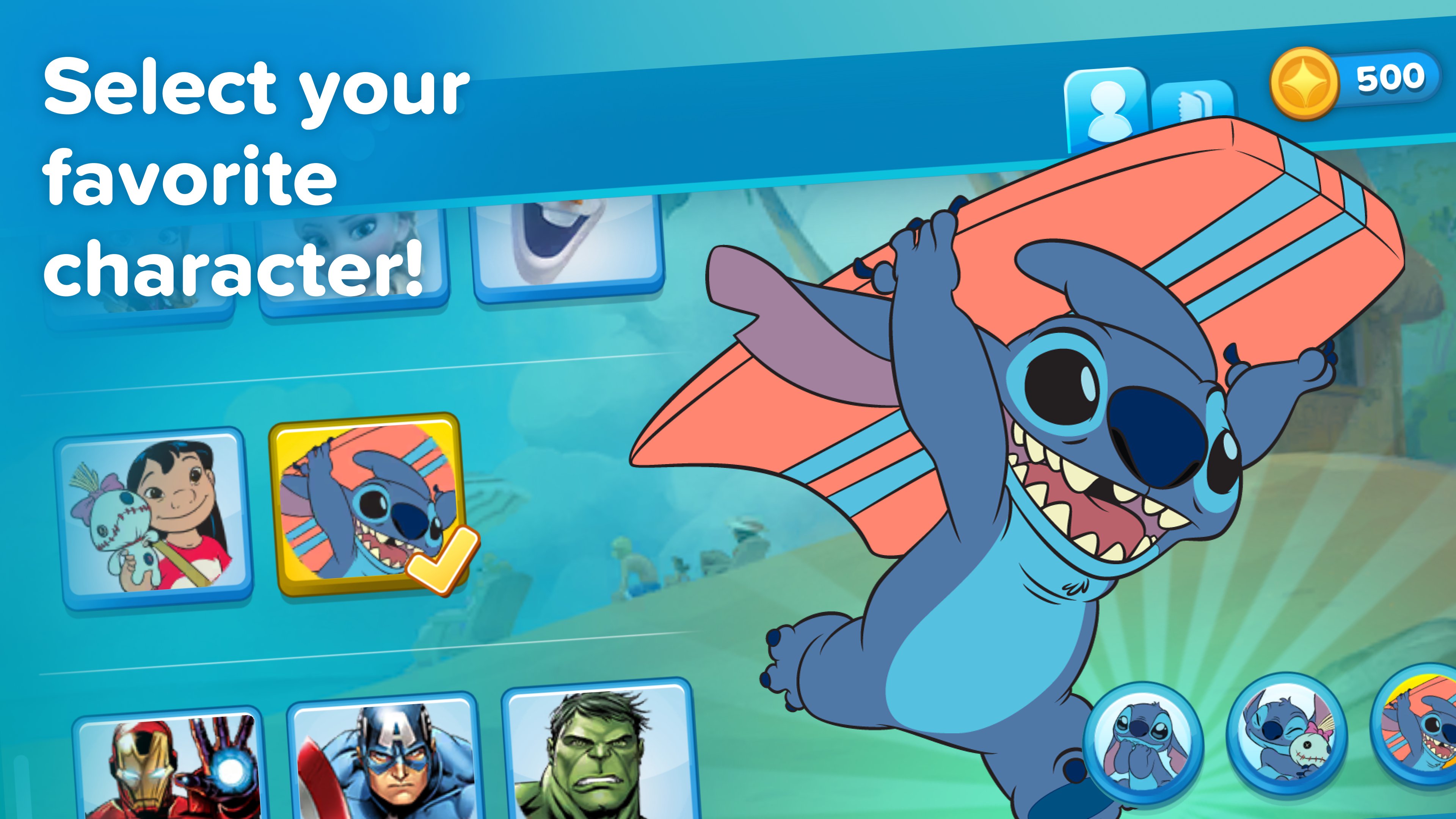
Every successful brushing session unlocks new characters and rewards, making your child eager to brush each day! A new Sticker Scenes feature allows for interactive play using the sticker rewards earned.
Track Progress with Brushing Reports!
Parents, we’ve got you covered too! The Disney Magic Timer includes a Brushing Progress Chart and a Report Card that keeps you informed about your child’s brushing habits. With this easy-to-read report, you can celebrate their achievements, track their progress, and encourage them to keep up their brushing routine!
All it takes is three simple steps:
1. Download the Disney Magic Timer app by Oral-B
2. Scan any Crest or Oral-B Kids product with your device's camera in the app.
3. Reveal more fun and let the brushing begin.
See how it works: http://www.oralb.com/stages/disney-timer-app
Characters featured in this app:
* Lilo and Stitch
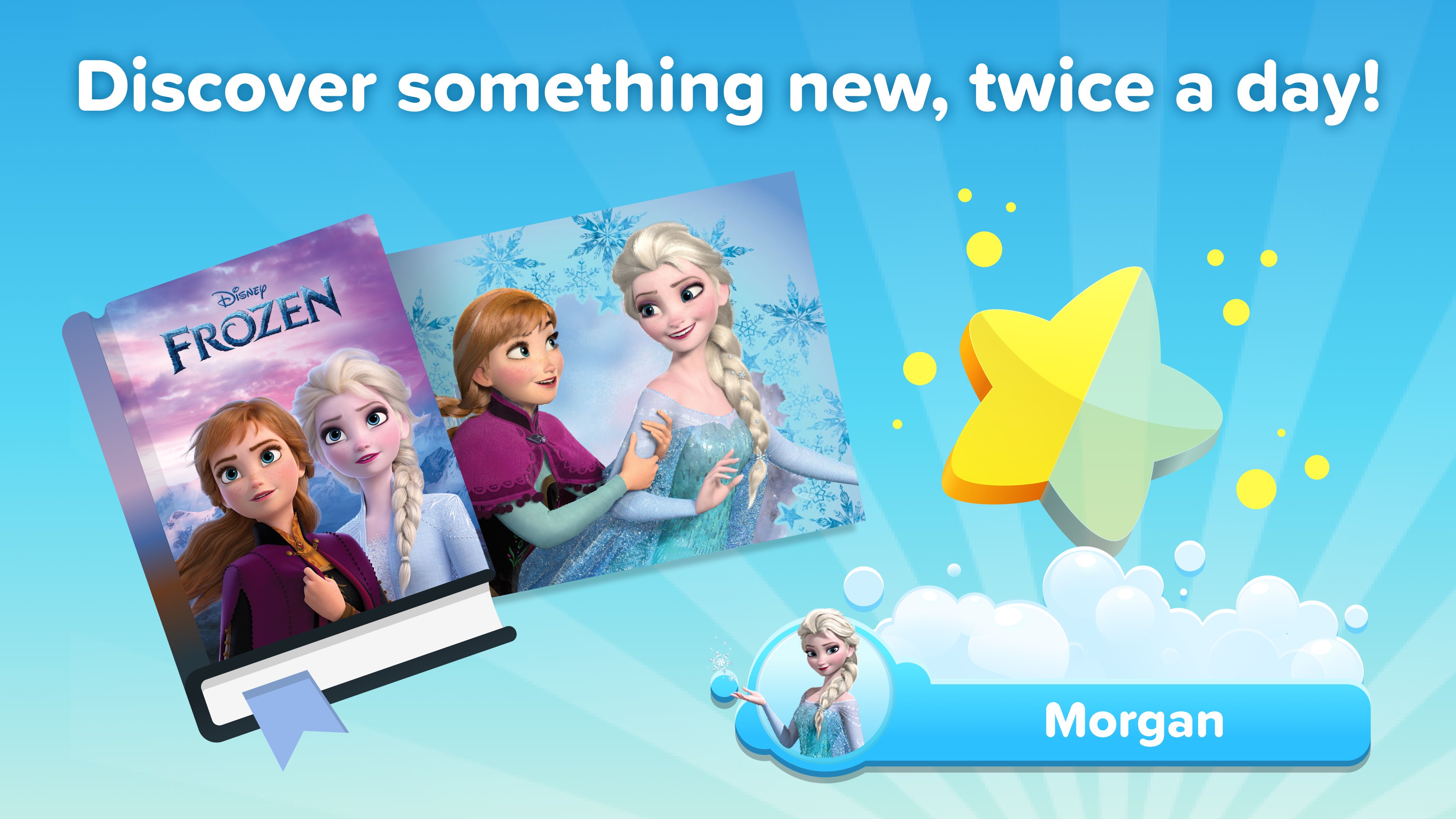
* Anna, Elsa, and Olaf
* Iron Man, Captain America, Hulk, Thor, Ant-Man, and Spiderman
* Mickey Mouse and Minnie Mouse
* Ariel, Belle, Cinderella, Jasmine, Moana, Rapunzel, and Tiana
* Simba, Nala, Timon, and Pumbaa
* Antonio and Mirabel
* The Mandalorian and The Child
* Rey, Darth Vader, Yoda, Stormtoopers, and BB8
* Lightning McQueen and Dusty
* Buzz Lightyear and Woody
* Sully
This app will use your device camera for scanning any Crest or Oral-B Kids product to unlock characters.
For assistance, please visit our customer care FAQ page here: http://www.oralb.com/stages/disney-timer-app
Avance
Etiquetas
Health-&Información
Desarrollador
Disney
La última versión
10.1.2
Última actualización
2026-08-21
Categoría
Health-fitness
Disponible en
Google Play
Mostrar más
Cómo jugar Disney Magic Timer by Oral-B con GameLoop en PC
1. Descargue GameLoop desde el sitio web oficial, luego ejecute el archivo exe para instalar GameLoop.
2. Abra GameLoop y busque "Disney Magic Timer by Oral-B", busque Disney Magic Timer by Oral-B en los resultados de búsqueda y haga clic en "Instalar".
3. Disfruta jugando Disney Magic Timer by Oral-B en GameLoop.
Minimum requirements
OS
Windows 8.1 64-bit or Windows 10 64-bit
GPU
GTX 1050
CPU
i3-8300
Memory
8GB RAM
Storage
1GB available space
Recommended requirements
OS
Windows 8.1 64-bit or Windows 10 64-bit
GPU
GTX 1050
CPU
i3-9320
Memory
16GB RAM
Storage
1GB available space