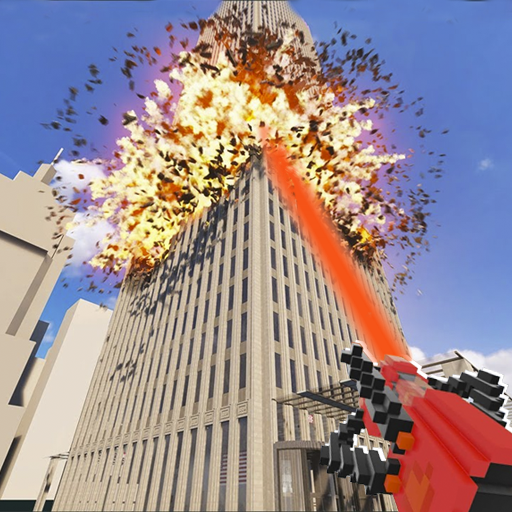
Teardown Mod for Minecraft para PC
Missarat Corporation Craftia
Descarga Teardown Mod for Minecraft en PC con GameLoop Emulator
Teardown Mod for Minecraft en PC
Teardown Mod for Minecraft, proveniente del desarrollador Missarat Corporation Craftia, se ejecuta en el sistema Android en el pasado.
Ahora, puedes jugar Teardown Mod for Minecraft en PC con GameLoop sin problemas.
Descárgalo en la biblioteca de GameLoop o en los resultados de búsqueda. No más mirar la batería o llamadas frustrantes en el momento equivocado nunca más.
Simplemente disfrute de Teardown Mod for Minecraft PC en la pantalla grande de forma gratuita!
Teardown Mod for Minecraft Introducción
Teardown mod for Minecraft Pocket Edition adds a thrilling and immersive experience that allows you to unleash your creativity and explore the world like never before. In this unique add-on, you'll have the power to deconstruct and tear down blocks, structures, and landscapes with precision and control.
Take on the role of a master builder as you carefully plan your teardowns and strategically dismantle structures. Whether you're looking to renovate an existing building or create a brand new design from scratch, the Teardown mod offers endless possibilities for crafting and construction.
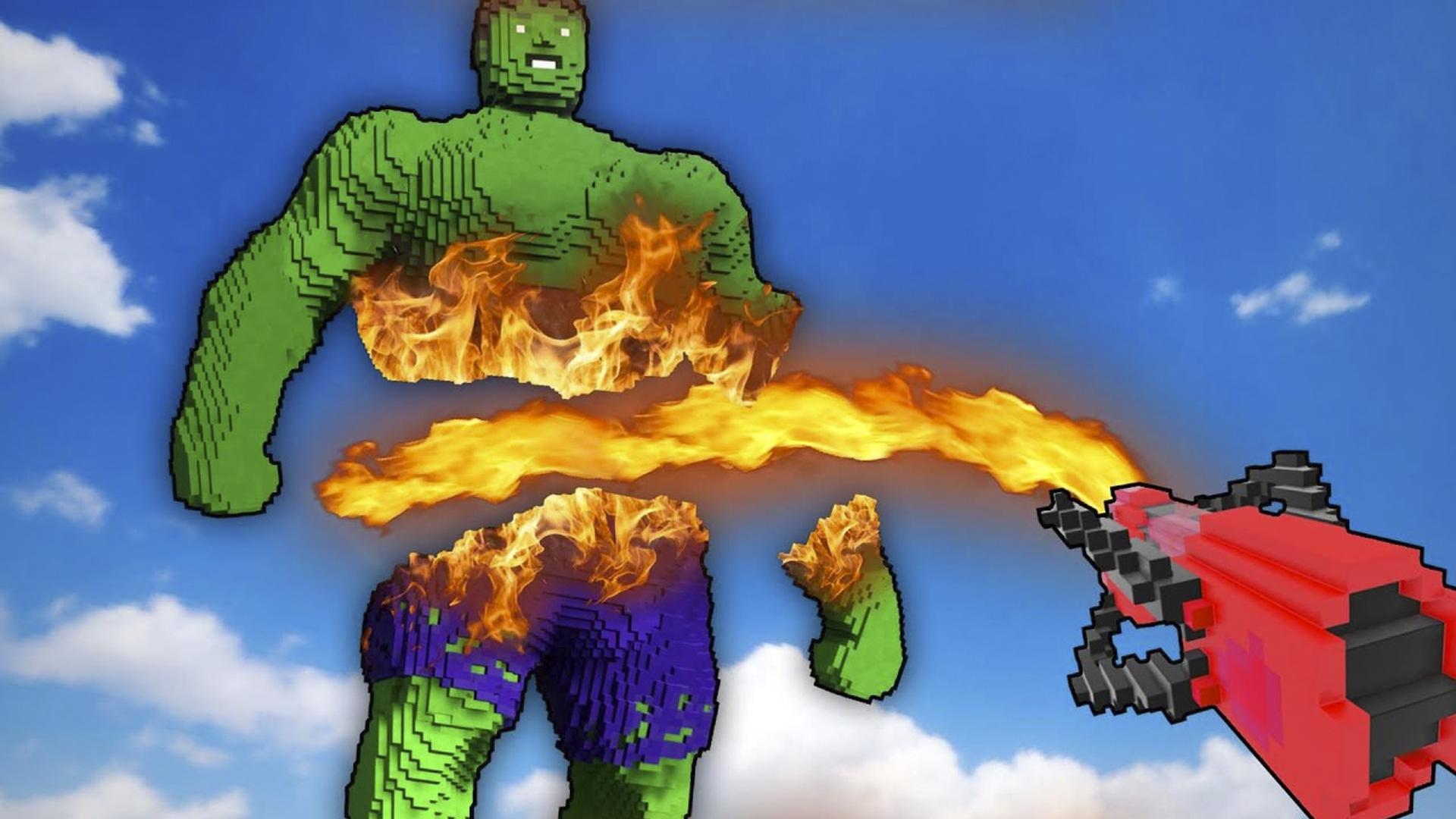
Unleash the power of destruction as you use various tools and techniques to tear down walls, break through barriers, and reshape the terrain. Each block you remove is like a blank canvas, waiting for you to shape it into something new and exciting.
To install our crafty craft apps you will need to follow a few steps, first of all download addon from the app page on your mobile device, then run our Block Launcher select the add-on you need | addons | map | skinseed | mc | mini games | skin | mods and press the install button, wait a few seconds after which the add-on will install and you will open the multicraft game where you will need to open the settings and select a new add-on, after which you can start your pixel world with a new wonderful mod!
💥 Advantages of our Blocks application: 💥
✅ Automatic installation in one click
✅ Large selection of mods / addons / skins / maps / minigames / textures / shaders / texture packs
✅ Constantly updating applications
✅ Extended description
✅Completely free
✅Realistic graphics with ray tracing technology
✅ Huge selection of different mc skins and textures
✅Regular updates of all mod / add-ons / texture / skins / maps
Try not to be afraid of adventures and go to the world of fascinating stories!
With the help of cool RTX shaders, you can experience all the delights of ray tracing technology. You will see lighting and objects on a completely different level!
Thank you for choosing our free Minecraft Guns- play and enjoy this addon with your friends or colleagues, also install our other addons | mods | maps | skinseed | mc | texture | mini games | skins | master mc for multicraft Bedrock Edition.
🔻DISCLAIMER: This is not an official Mojang product and is in no way affiliated with Mojang AB. The Minecraft name, the Minecraft trademark, and the Minecraft assets are the property of Mojang AB or their respected owner. Tear Down Mod follows the relevant usage guidelines at https://account.mojang.com/documents/brand_guidelines.🔻
Avance

Etiquetas
EntretenimientoInformación
Desarrollador
Missarat Corporation Craftia
La última versión
1
Última actualización
2023-07-28
Categoría
Entretenimiento
Disponible en
Google Play
Mostrar más
Cómo jugar Teardown Mod for Minecraft con GameLoop en PC
1. Descargue GameLoop desde el sitio web oficial, luego ejecute el archivo exe para instalar GameLoop.
2. Abra GameLoop y busque "Teardown Mod for Minecraft", busque Teardown Mod for Minecraft en los resultados de búsqueda y haga clic en "Instalar".
3. Disfruta jugando Teardown Mod for Minecraft en GameLoop.
Minimum requirements
OS
Windows 8.1 64-bit or Windows 10 64-bit
GPU
GTX 1050
CPU
i3-8300
Memory
8GB RAM
Storage
1GB available space
Recommended requirements
OS
Windows 8.1 64-bit or Windows 10 64-bit
GPU
GTX 1050
CPU
i3-9320
Memory
16GB RAM
Storage
1GB available space