
Sphero Golf para PC
Sphero Inc.
Descarga Sphero Golf en PC con GameLoop Emulator
Sphero Golf en PC
Sphero Golf, proveniente del desarrollador Sphero Inc., se ejecuta en el sistema Android en el pasado.
Ahora, puedes jugar Sphero Golf en PC con GameLoop sin problemas.
Descárgalo en la biblioteca de GameLoop o en los resultados de búsqueda. No más mirar la batería o llamadas frustrantes en el momento equivocado nunca más.
Simplemente disfrute de Sphero Golf PC en la pantalla grande de forma gratuita!
Sphero Golf Introducción
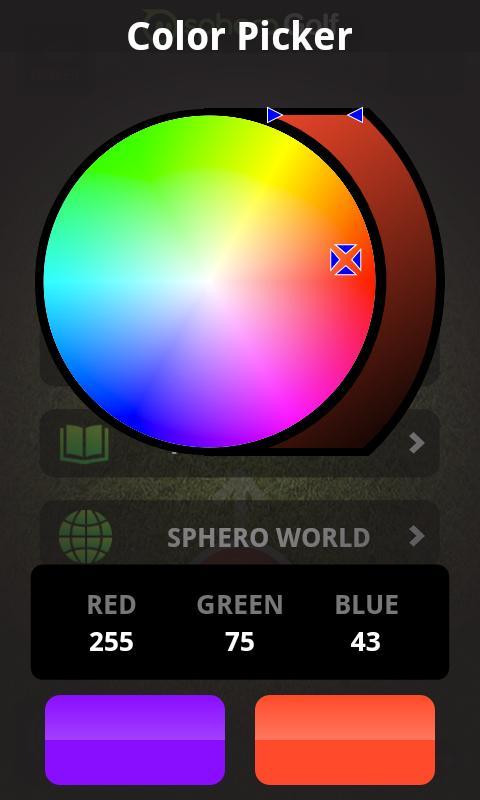
Sphero is the ball and your phone is the club. Create a “hole” then swing your phone or flick a finger to hit. Challenge friends to a round of office golf, create your own course at home, or venture out and make your own course practically anywhere.
You need to own a Sphero Robotic Ball in order to use this application! Visit gosphero.com to get Sphero, learn more from our tutorial videos, or become part of the Sphero community.
For exclusive content and the latest updates, become a fan of Sphero on Facebook at facebook.com/gosphero and follow us on Twitter at @gosphero
Enjoy Golf!
******************************************************
FEATURES:
******************************************************
° Simple putting style game play.
° Choose from Swing or Flick mode.
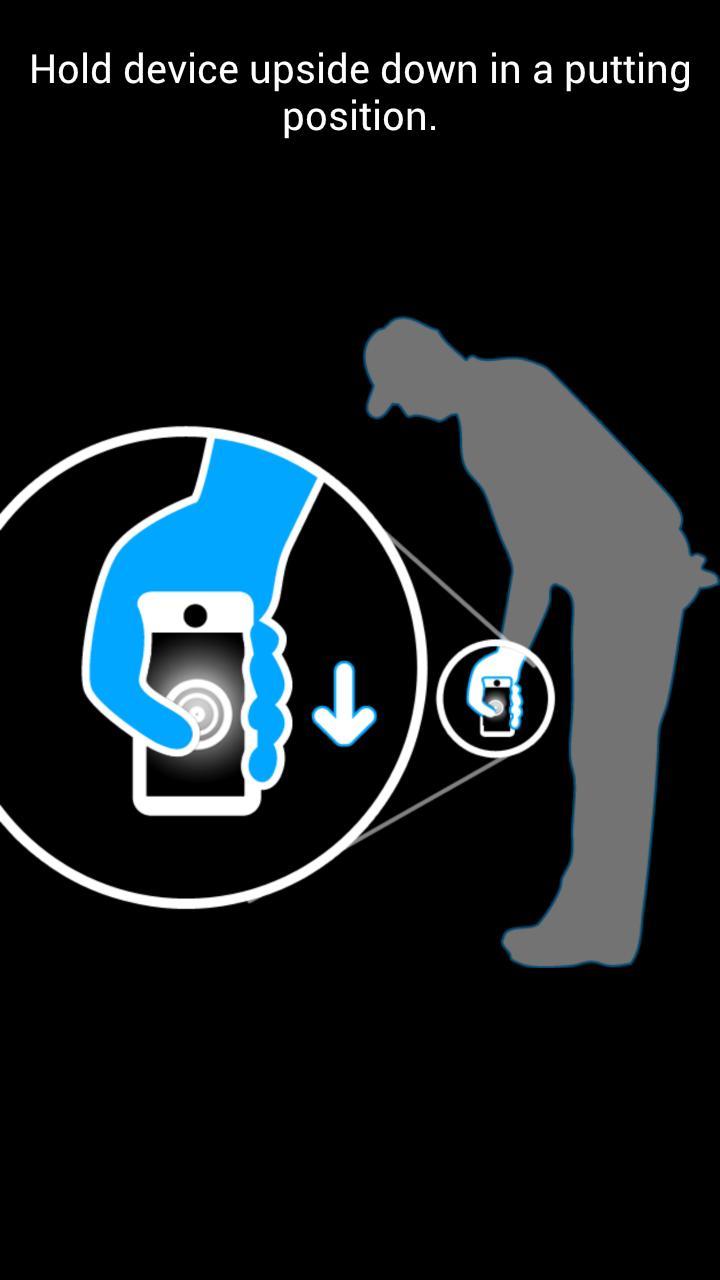
° Use Swing mode to swing your device like a golf club and make Sphero roll.
° Use Flick mode to flick the virtual ball onscreen and make Sphero roll.
° Take practice shots.
° Simple 2-finger gesture to adjust Sphero’s heading.
Avance
Información
Desarrollador
Sphero Inc.
La última versión
1.3.3
Última actualización
2014-06-17
Categoría
Entretenimiento
Disponible en
Google Play
Mostrar más
Cómo jugar Sphero Golf con GameLoop en PC
1. Descargue GameLoop desde el sitio web oficial, luego ejecute el archivo exe para instalar GameLoop.
2. Abra GameLoop y busque "Sphero Golf", busque Sphero Golf en los resultados de búsqueda y haga clic en "Instalar".
3. Disfruta jugando Sphero Golf en GameLoop.
Minimum requirements
OS
Windows 8.1 64-bit or Windows 10 64-bit
GPU
GTX 1050
CPU
i3-8300
Memory
8GB RAM
Storage
1GB available space
Recommended requirements
OS
Windows 8.1 64-bit or Windows 10 64-bit
GPU
GTX 1050
CPU
i3-9320
Memory
16GB RAM
Storage
1GB available space