Panasonic TV Remote Control para PC
Peel Technologies Inc.
Descarga Panasonic TV Remote Control en PC con GameLoop Emulator
Panasonic TV Remote Control en PC
Panasonic TV Remote Control, proveniente del desarrollador Peel Technologies Inc., se ejecuta en el sistema Android en el pasado.
Ahora, puedes jugar Panasonic TV Remote Control en PC con GameLoop sin problemas.
Descárgalo en la biblioteca de GameLoop o en los resultados de búsqueda. No más mirar la batería o llamadas frustrantes en el momento equivocado nunca más.
Simplemente disfrute de Panasonic TV Remote Control PC en la pantalla grande de forma gratuita!
Panasonic TV Remote Control Introducción
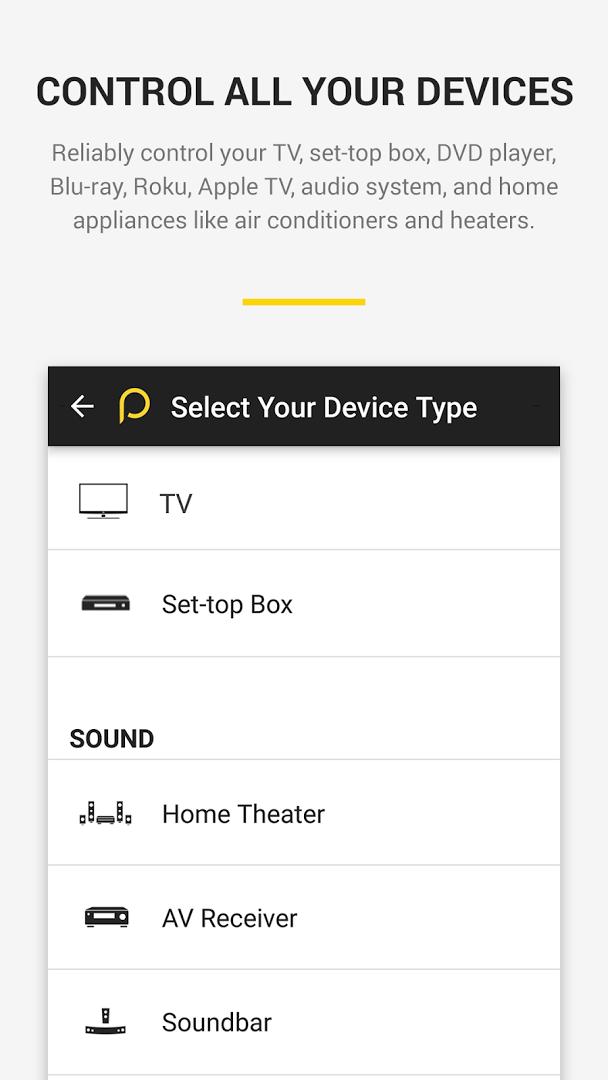
Use your smartphone to control your TV, Cable / Satellite box and many more devices! This remote app can control all popular brands of :
TVs - Panasonic, Samsung, LG, Sony, Vizio, Toshiba etc.,
Cable/Satellite box - Comcast, Dish, DirecTV, , DirectTV etc.
Streaming Media players - Apple TV, Roku, XBox, Chromecast
Home appliances ( AC and Heaters) - Samsung, LG, Panasonic . etc.
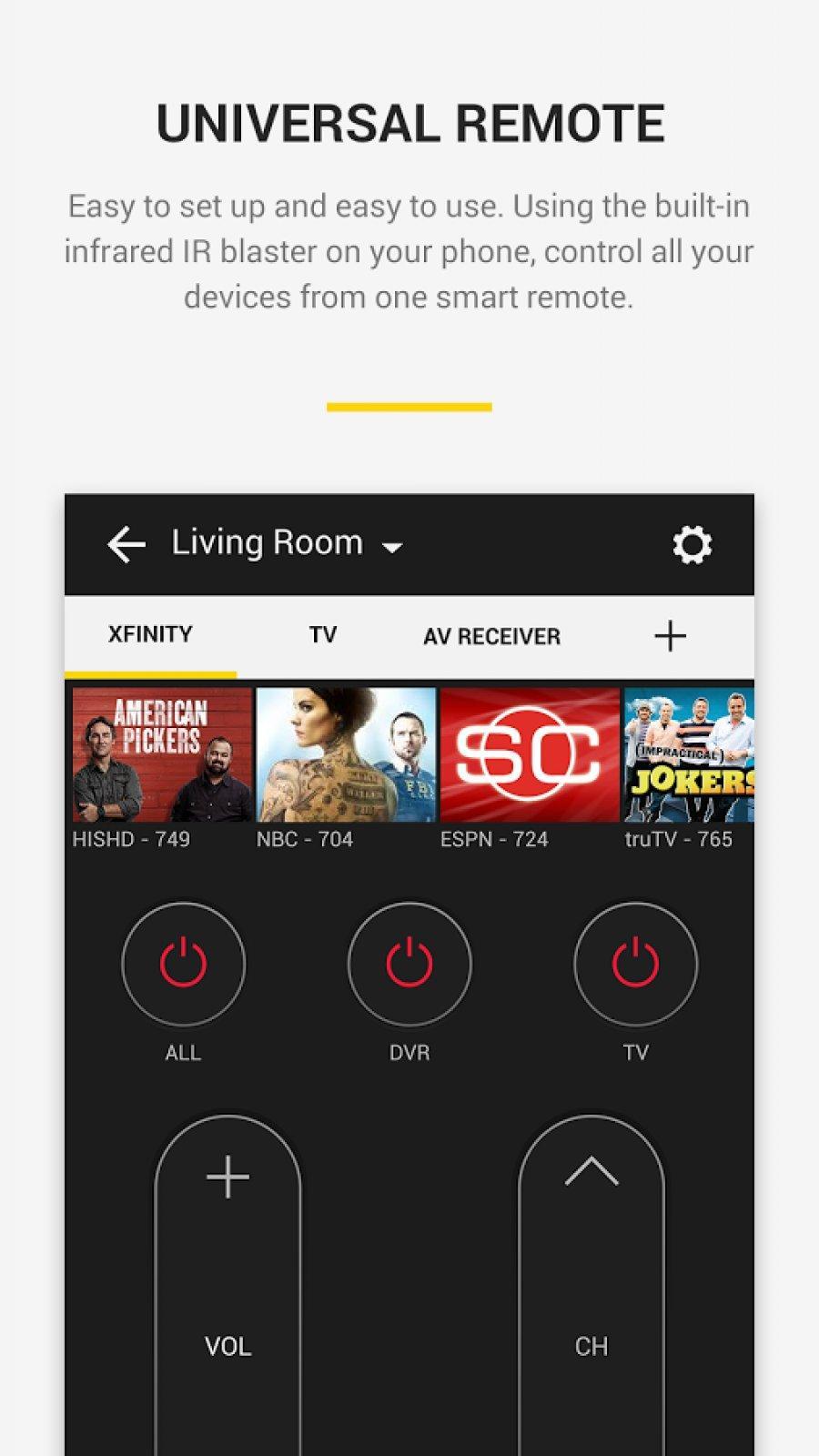
This remote uses built-in IR hardware on phone models such as LG G2/G4/G5, Huawei Honor 7 / 8, Xiaomi Mi 4 / 5 / Redmi and many more. For phones without the IR hardware such as Samsung S8 and S7, it uses WiFi to discover and control devices.
Easy to setup
• This app automatically sets up all the devices in your Wi-Fi network which can be controlled through IR
o Else, you can setup Remotes for your TV and cable / Satellite box and use your phone to control your TV and DTH / Cable box.
This app enables You to
• Use the remote widget on the lock screen to do basic control of TV and Satellite box
• Use the full remote on tapping the yellow bubble
• Tune into your favorite shows / movies by tapping on the show images
• Get a list of shows, games and movies which are 'Trending Now' and you 'Recently Watched Channels' , just tune into those shows by tapping on shows
• Get ribbons of shows of each genre
• Set up reminders to watch your favorite shows /Games / Movies
• Search your favorite shows /sport teams /channels
• Get Notifications on popular sports games, Movie premieres and Show premieres, on tapping them, you will into those shows
• Browse the channel guide and see the schedules of your favorite channels.
• See trailers, highlights, short clips of your favorite shows in the 'Videos' section.
Avance
Información
Desarrollador
Peel Technologies Inc.
La última versión
10.7.7.0
Última actualización
2019-05-10
Categoría
Entretenimiento
Disponible en
Google Play
Mostrar más
Cómo jugar Panasonic TV Remote Control con GameLoop en PC
1. Descargue GameLoop desde el sitio web oficial, luego ejecute el archivo exe para instalar GameLoop.
2. Abra GameLoop y busque "Panasonic TV Remote Control", busque Panasonic TV Remote Control en los resultados de búsqueda y haga clic en "Instalar".
3. Disfruta jugando Panasonic TV Remote Control en GameLoop.
Minimum requirements
OS
Windows 8.1 64-bit or Windows 10 64-bit
GPU
GTX 1050
CPU
i3-8300
Memory
8GB RAM
Storage
1GB available space
Recommended requirements
OS
Windows 8.1 64-bit or Windows 10 64-bit
GPU
GTX 1050
CPU
i3-9320
Memory
16GB RAM
Storage
1GB available space