NeonPics: Neon Text & Brush para PC
KRS Apps
Descarga NeonPics: Neon Text & Brush en PC con GameLoop Emulator
NeonPics: Neon Text & Brush en PC
NeonPics: Neon Text & Brush, proveniente del desarrollador KRS Apps, se ejecuta en el sistema Android en el pasado.
Ahora, puedes jugar NeonPics: Neon Text & Brush en PC con GameLoop sin problemas.
Descárgalo en la biblioteca de GameLoop o en los resultados de búsqueda. No más mirar la batería o llamadas frustrantes en el momento equivocado nunca más.
Simplemente disfrute de NeonPics: Neon Text & Brush PC en la pantalla grande de forma gratuita!
NeonPics: Neon Text & Brush Introducción
NeonPics - Make You Glow
NeonPics offers everything you want to make eye-catching neon pictures.
It provides neon drawing brush, neon effect custom fonts, neon library images, neon frames, filters, neon stickers and so on. With NeonPics , you can directly post your artworks to Instagram, Whatsapp, Facebook etc. Unlock your creativity, and edit to make you glow!
Features
🌟Neon Light brush - neon scribble provides different neon color brush to draw glowing lines on your photo
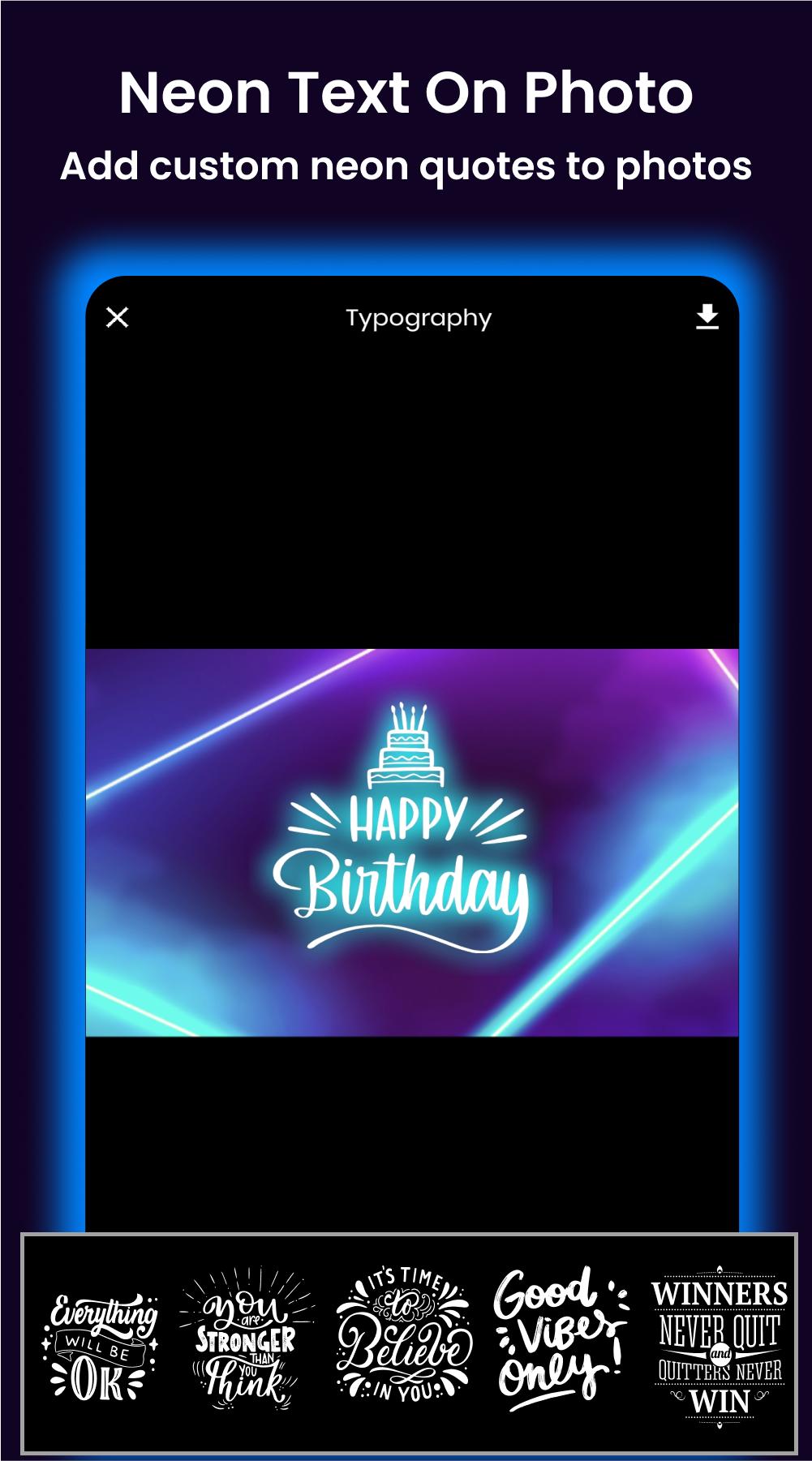
🌟Neon text on photo - helps you to easily make different color neon text on photo. It provide custom neon quotes also.
🌟Neon Sticker - It provide lot of fancy Neon glow stickers for you
Smart photo cut - One tap to cut your photo for every social media sizes.
🌟Neon frames and lines - this helps to make eye-catching custom neon quotes as you want
🌟Custom Filters - predefined and customizable colorful filters that suit for neon light
🌟Neon Library - this provide beautiful neon background photos to make your neon designs easy
How to use
🌟 First, select a photo from your gallery or our neon library.
🌟 Cut the photo in the size you like.
🌟 Use our neon feature as you want
🌟 Save can be easily saved by tap.
🌟 You can find your saved images in home easily
🌟 Share your images on any social media with on tap
NeonPics - Make You Glow
If you have any problems or suggestions, feel free to let us know. Email: krsappsdev@gmail.com
Avance
Etiquetas
EntretenimientoInformación
Desarrollador
KRS Apps
La última versión
1.0.27
Última actualización
2025-03-23
Categoría
Entretenimiento
Disponible en
Google Play
Mostrar más
Cómo jugar NeonPics: Neon Text & Brush con GameLoop en PC
1. Descargue GameLoop desde el sitio web oficial, luego ejecute el archivo exe para instalar GameLoop.
2. Abra GameLoop y busque "NeonPics: Neon Text & Brush", busque NeonPics: Neon Text & Brush en los resultados de búsqueda y haga clic en "Instalar".
3. Disfruta jugando NeonPics: Neon Text & Brush en GameLoop.
Minimum requirements
OS
Windows 8.1 64-bit or Windows 10 64-bit
GPU
GTX 1050
CPU
i3-8300
Memory
8GB RAM
Storage
1GB available space
Recommended requirements
OS
Windows 8.1 64-bit or Windows 10 64-bit
GPU
GTX 1050
CPU
i3-9320
Memory
16GB RAM
Storage
1GB available space