
VK Play Облачный гейминг para PC
My.com B.V.
Descarga VK Play Облачный гейминг en PC con GameLoop Emulator
VK Play Облачный гейминг en PC
VK Play Облачный гейминг, proveniente del desarrollador My.com B.V., se ejecuta en el sistema Android en el pasado.
Ahora, puedes jugar VK Play Облачный гейминг en PC con GameLoop sin problemas.
Descárgalo en la biblioteca de GameLoop o en los resultados de búsqueda. No más mirar la batería o llamadas frustrantes en el momento equivocado nunca más.
Simplemente disfrute de VK Play Облачный гейминг PC en la pantalla grande de forma gratuita!
VK Play Облачный гейминг Introducción
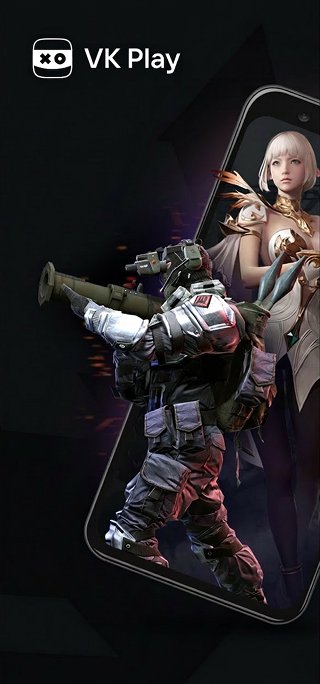
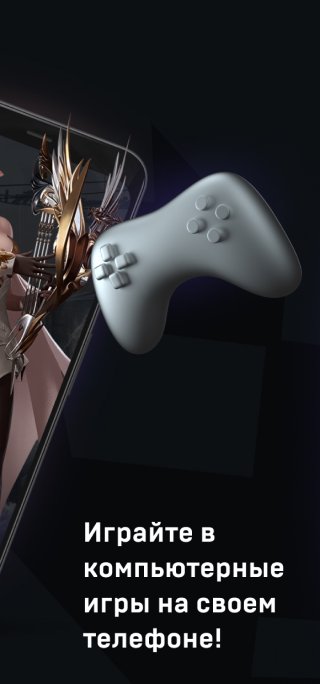
VK Play Cloud Gaming lets you play modern PC games on your smartphone or tablet. Games are run on powerful servers and streamed to your device over the internet.
Play modern games at maximum graphics settings in high resolution. No need for a powerful computer or expensive phone. The VK Play Cloud Gaming app works on smartphones running Android 7.0 or later.
You can launch PC games you've previously purchased from popular launchers. The VK Play Cloud Gaming catalog features over 420 pre-installed games that launch with a single tap. The service also lets you install other popular games not in the catalog.
Note: To play games on your phone, you'll need a gamepad or keyboard and mouse connected via Bluetooth or an OTG adapter.
To start playing, log in to the app with your account, select a plan, select a game from the catalog, and launch it.
You can use an existing VK Play Cloud Gaming account with an active plan. Or you can create a new account directly in the mobile app.
To play on the service, you will need a Wi-Fi internet connection with a minimum speed of 15 Mbps. We recommend connecting to a 5 GHz Wi-Fi network for the best streaming quality. When using Wi-Fi, ensure that there aren't too many devices connected to your network at the same time and that other devices aren't congesting the network. Watching videos, listening to music, or downloading files simultaneously may cause additional delays when launching games through VK Play Cloud Gaming.
Avance
Etiquetas
EntretenimientoInformación
Desarrollador
My.com B.V.
La última versión
1.100.110m
Última actualización
2026-10-05
Categoría
Entretenimiento
Disponible en
Google Play
Mostrar más
Cómo jugar VK Play Облачный гейминг con GameLoop en PC
1. Descargue GameLoop desde el sitio web oficial, luego ejecute el archivo exe para instalar GameLoop.
2. Abra GameLoop y busque "VK Play Облачный гейминг", busque VK Play Облачный гейминг en los resultados de búsqueda y haga clic en "Instalar".
3. Disfruta jugando VK Play Облачный гейминг en GameLoop.
Minimum requirements
OS
Windows 8.1 64-bit or Windows 10 64-bit
GPU
GTX 1050
CPU
i3-8300
Memory
8GB RAM
Storage
1GB available space
Recommended requirements
OS
Windows 8.1 64-bit or Windows 10 64-bit
GPU
GTX 1050
CPU
i3-9320
Memory
16GB RAM
Storage
1GB available space