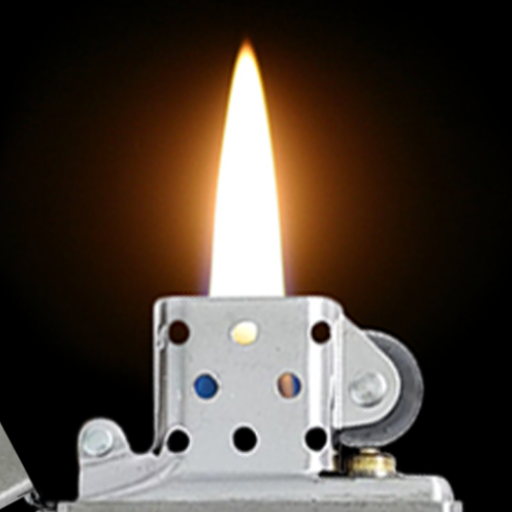
Lighter Simulator Prank para PC
RRM Jokes, Pranks and fun apps
Descarga Lighter Simulator Prank en PC con GameLoop Emulator
Lighter Simulator Prank en PC
Lighter Simulator Prank, proveniente del desarrollador RRM Jokes, Pranks and fun apps, se ejecuta en el sistema Android en el pasado.
Ahora, puedes jugar Lighter Simulator Prank en PC con GameLoop sin problemas.
Descárgalo en la biblioteca de GameLoop o en los resultados de búsqueda. No más mirar la batería o llamadas frustrantes en el momento equivocado nunca más.
Simplemente disfrute de Lighter Simulator Prank PC en la pantalla grande de forma gratuita!
Lighter Simulator Prank Introducción
Use this funny app to simulate a lighter/ igniter / burner with your smartphone now and trick your family and friends!
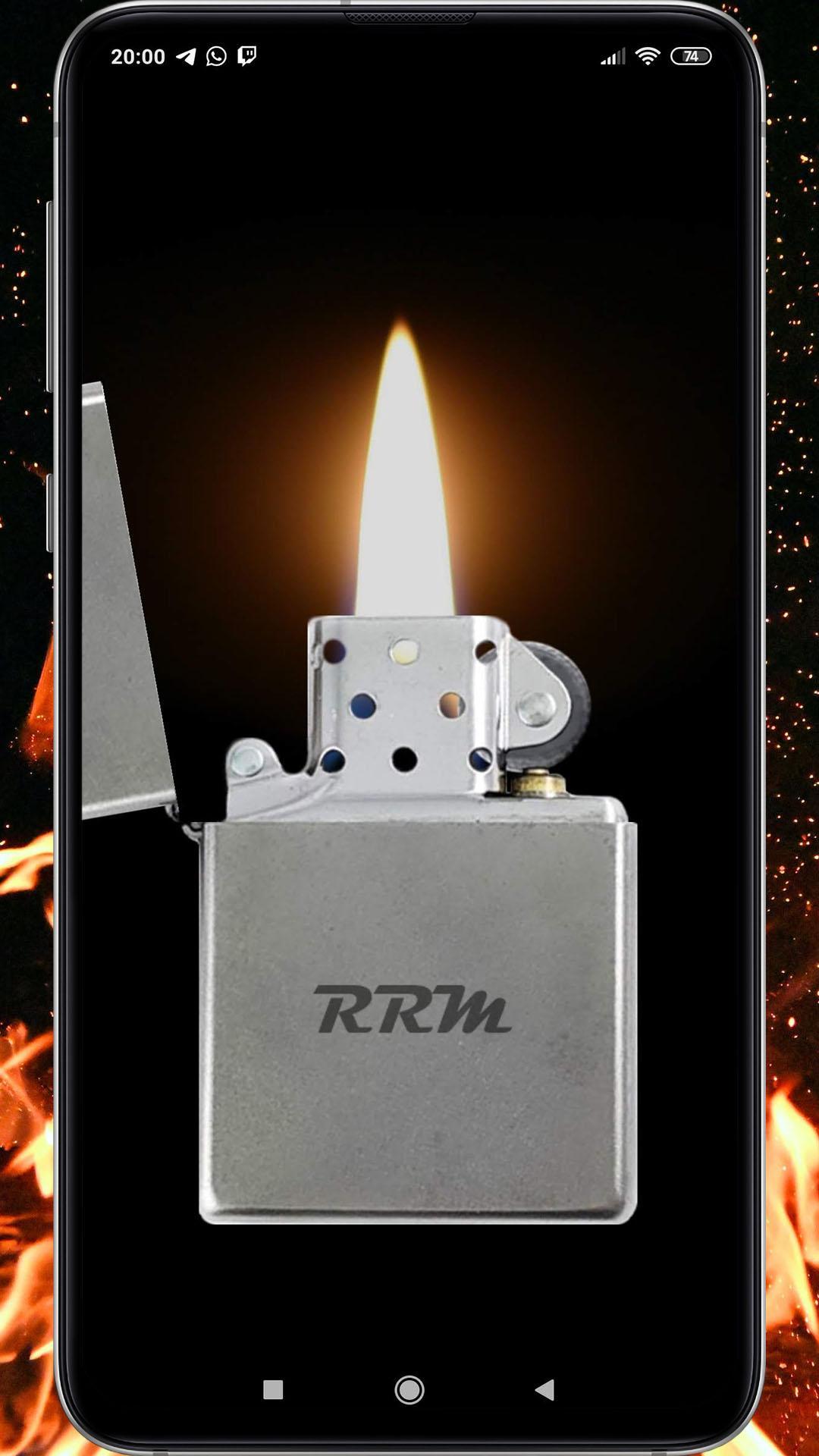
This is a very realistic prank app, perfect for jokes and entertaining children simulating the real operation of an lighter.
Features:
- High quality sounds recorded from a real lighter
- Accelerometers to open/close the lighter and move the flame
How to use it:
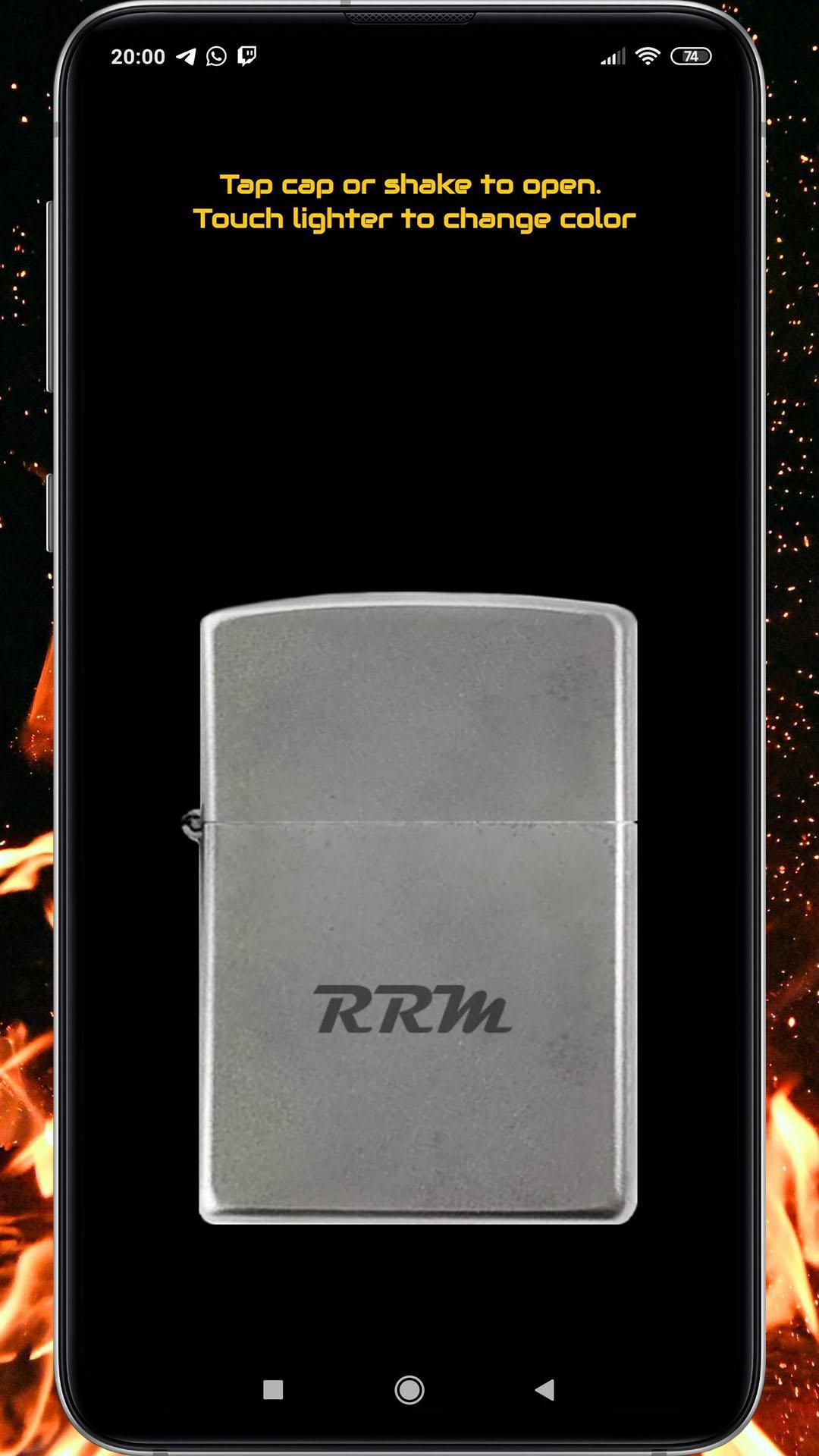
1) Open the lighter's cap by shaking your device or touching the cap
2) Turn the lighter on by sliding your fingers over the round stone, like with a real lighter
3) Move your device to see the flame swing and get larger or smaller
4) You can also select the lighter's color by tapping on its body.
Whether you want to prank your friends or you just want to have a good time, Lighter Simulator will provide you loads of fun and a whole new experience using the newest features of your device.
This app is so real that your friends might think you have a real lighter!
This application will be updated on a regular basis to bring users the most realistic and satisfying experience possible.
Any questions or suggestions will be answered as soon as possible.
Avance
Etiquetas
EntretenimientoInformación
Desarrollador
RRM Jokes, Pranks and fun apps
La última versión
1.0.1
Última actualización
2020-06-25
Categoría
Entretenimiento
Disponible en
Google Play
Mostrar más
Cómo jugar Lighter Simulator Prank con GameLoop en PC
1. Descargue GameLoop desde el sitio web oficial, luego ejecute el archivo exe para instalar GameLoop.
2. Abra GameLoop y busque "Lighter Simulator Prank", busque Lighter Simulator Prank en los resultados de búsqueda y haga clic en "Instalar".
3. Disfruta jugando Lighter Simulator Prank en GameLoop.
Minimum requirements
OS
Windows 8.1 64-bit or Windows 10 64-bit
GPU
GTX 1050
CPU
i3-8300
Memory
8GB RAM
Storage
1GB available space
Recommended requirements
OS
Windows 8.1 64-bit or Windows 10 64-bit
GPU
GTX 1050
CPU
i3-9320
Memory
16GB RAM
Storage
1GB available space