
Offroad Map Bussid para PC
Livery Sporty
Descarga Offroad Map Bussid en PC con GameLoop Emulator
Offroad Map Bussid en PC
Offroad Map Bussid, proveniente del desarrollador Livery Sporty, se ejecuta en el sistema Android en el pasado.
Ahora, puedes jugar Offroad Map Bussid en PC con GameLoop sin problemas.
Descárgalo en la biblioteca de GameLoop o en los resultados de búsqueda. No más mirar la batería o llamadas frustrantes en el momento equivocado nunca más.
Simplemente disfrute de Offroad Map Bussid PC en la pantalla grande de forma gratuita!
Offroad Map Bussid Introducción
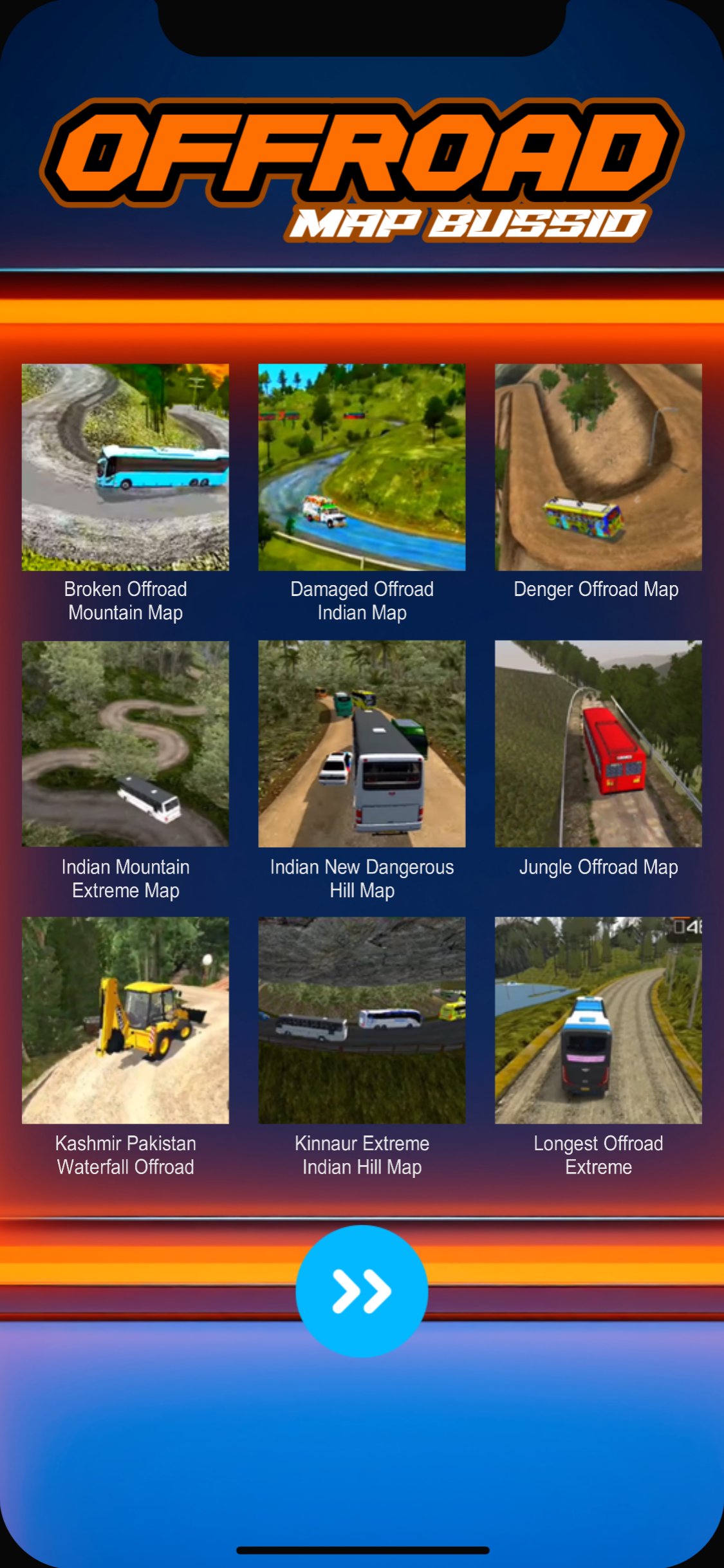
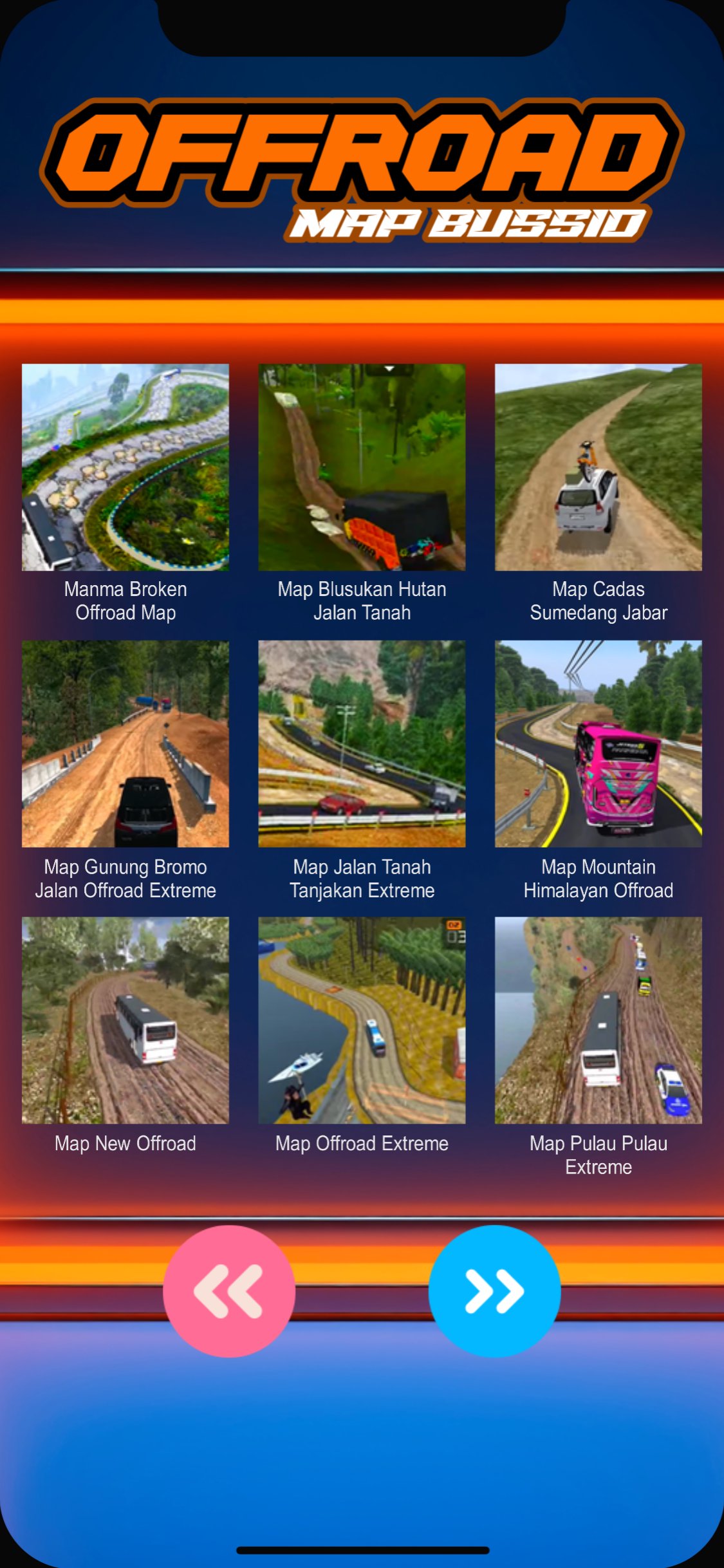
We present a variety of off-road Bussid mods for you, especially for all lovers of Indian Bussid map mods and the Indonesian version of the damaged, muddy, and potholed road mods. A total of 45 Bussid offroad mods, with various extreme route versions, offer an adrenaline-pumping driving experience, such as the hill road map mod with a 4x4 offroad car mod.
To download this Bussid offroad map mod:
1. Open the Play Store app.
2. Search for the Bussid offroad map mod.
3. Select install.
4. Wait for the Bussid offroad map mod to install on your device.
Playing with the Bus Simulator Offroad Mod is sure to be an exciting experience, especially since this app includes 45 offroad map mods for Bussid for you to explore.
How to use this Bussid offroad mod app:
a. Open the app.
b. Enter the loading application and select the next symbol.
c. There will be 5 slides of the Offroad Simulator mod maps.
d. Each slide contains 9 pieces of content from the Bussid Offroad map.
e. Select an image, then it will go to the download file. Select the download symbol.
f. Wait for the file to appear in your directory manager.
The most impressive thing is that you can explore various Bussid offroad map mods, including the Bussid Extreme Road Mod, with various routes commonly used by the 6x6 Bussid Offroad Truck Mod and the Bussid Offroad Car Mod.
To play the application:
- Open the Bus Simulator Indonesia game
- Enter, select Import
- Locate the downloaded file in your application's directory manager
- Select your downloaded file
- Then select Import
The Bussid Extreme Road Offroad Mod is ready to be used as a simulation. Experience the sensation of driving the Bussid Kerala Offroad Map Mod, a variant of the Indian Bussid Map Mod, with your 4WD vehicle. This is the route from the Bussid Offroad 4x4 Mod, which is definitely one of the steep downhill routes as one of the terrains in the Bus Simulator Hill Map Mod. You can also find it here, as part of the Nepali Offroad Mod.
That's all from us, enjoy.
Avance
Etiquetas
EntretenimientoEventosInformación
Desarrollador
Livery Sporty
La última versión
2.1
Última actualización
2026-05-07
Categoría
Entretenimiento
Disponible en
Google Play
Mostrar más
Cómo jugar Offroad Map Bussid con GameLoop en PC
1. Descargue GameLoop desde el sitio web oficial, luego ejecute el archivo exe para instalar GameLoop.
2. Abra GameLoop y busque "Offroad Map Bussid", busque Offroad Map Bussid en los resultados de búsqueda y haga clic en "Instalar".
3. Disfruta jugando Offroad Map Bussid en GameLoop.
Minimum requirements
OS
Windows 8.1 64-bit or Windows 10 64-bit
GPU
GTX 1050
CPU
i3-8300
Memory
8GB RAM
Storage
1GB available space
Recommended requirements
OS
Windows 8.1 64-bit or Windows 10 64-bit
GPU
GTX 1050
CPU
i3-9320
Memory
16GB RAM
Storage
1GB available space