Game Updates para PC
CProductions
Descarga Game Updates en PC con GameLoop Emulator
Game Updates en PC
Game Updates, proveniente del desarrollador CProductions, se ejecuta en el sistema Android en el pasado.
Ahora, puedes jugar Game Updates en PC con GameLoop sin problemas.
Descárgalo en la biblioteca de GameLoop o en los resultados de búsqueda. No más mirar la batería o llamadas frustrantes en el momento equivocado nunca más.
Simplemente disfrute de Game Updates PC en la pantalla grande de forma gratuita!
Game Updates Introducción
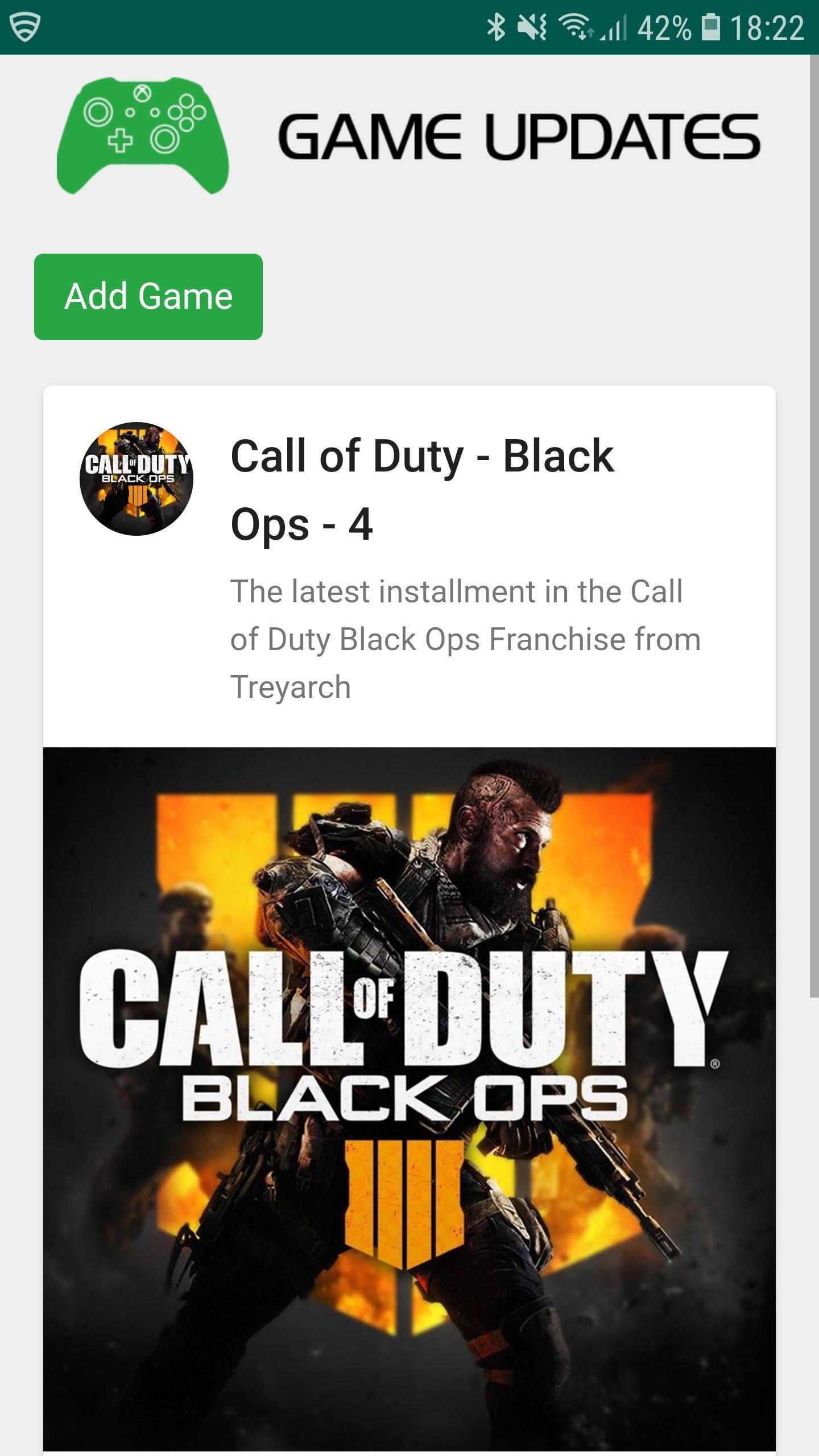
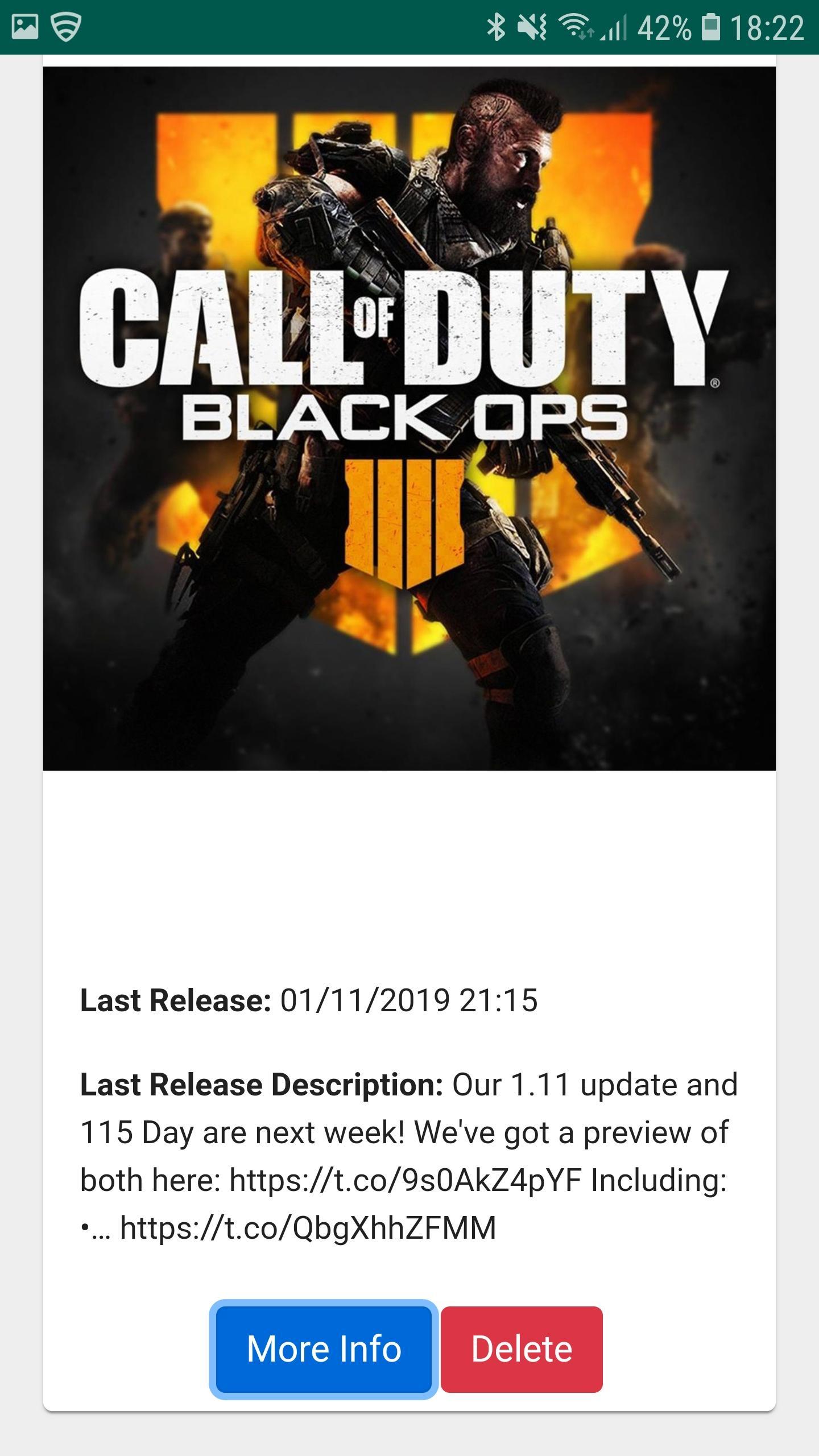
Game Updates shows you patch notes, change logs, update dates from your favourite games, all in one easy to see app.
Simply choose your favourite games and Game Updates will do the rest, showing you a list of your games along with when the last patch was released and what was included (bug fixes and features) allowing you to stay better informed about updates to your favourite games.
Fed up of waiting for your playstation, xbox or pc to download updates? Now you can plan when to update your game by being notified when game updates have been published - which maximises your game play time. Don't waste your valuable game play time by waiting for game updates.
1. Be Notified of your Game being updated via Game Updates App.
2. Turn on your Console / PC to Update your favourite game whilst you make some bacon and coffee.
3. Eat bacon and drink coffee.
4. Return to Console / PC to enjoy your updated game.
Download Game Updates today and never miss a PS4, Xbox One, Nintendo Switch, PC or Console Game Update again.
Avance
Información
Desarrollador
CProductions
La última versión
1.2
Última actualización
2019-05-19
Categoría
Entretenimiento
Disponible en
Google Play
Mostrar más
Cómo jugar Game Updates con GameLoop en PC
1. Descargue GameLoop desde el sitio web oficial, luego ejecute el archivo exe para instalar GameLoop.
2. Abra GameLoop y busque "Game Updates", busque Game Updates en los resultados de búsqueda y haga clic en "Instalar".
3. Disfruta jugando Game Updates en GameLoop.
Minimum requirements
OS
Windows 8.1 64-bit or Windows 10 64-bit
GPU
GTX 1050
CPU
i3-8300
Memory
8GB RAM
Storage
1GB available space
Recommended requirements
OS
Windows 8.1 64-bit or Windows 10 64-bit
GPU
GTX 1050
CPU
i3-9320
Memory
16GB RAM
Storage
1GB available space