
Fision TV+ para PC
Hotwire Communications, LTD
Descarga Fision TV+ en PC con GameLoop Emulator
Fision TV+ en PC
Fision TV+, proveniente del desarrollador Hotwire Communications, LTD, se ejecuta en el sistema Android en el pasado.
Ahora, puedes jugar Fision TV+ en PC con GameLoop sin problemas.
Descárgalo en la biblioteca de GameLoop o en los resultados de búsqueda. No más mirar la batería o llamadas frustrantes en el momento equivocado nunca más.
Simplemente disfrute de Fision TV+ PC en la pantalla grande de forma gratuita!
Fision TV+ Introducción
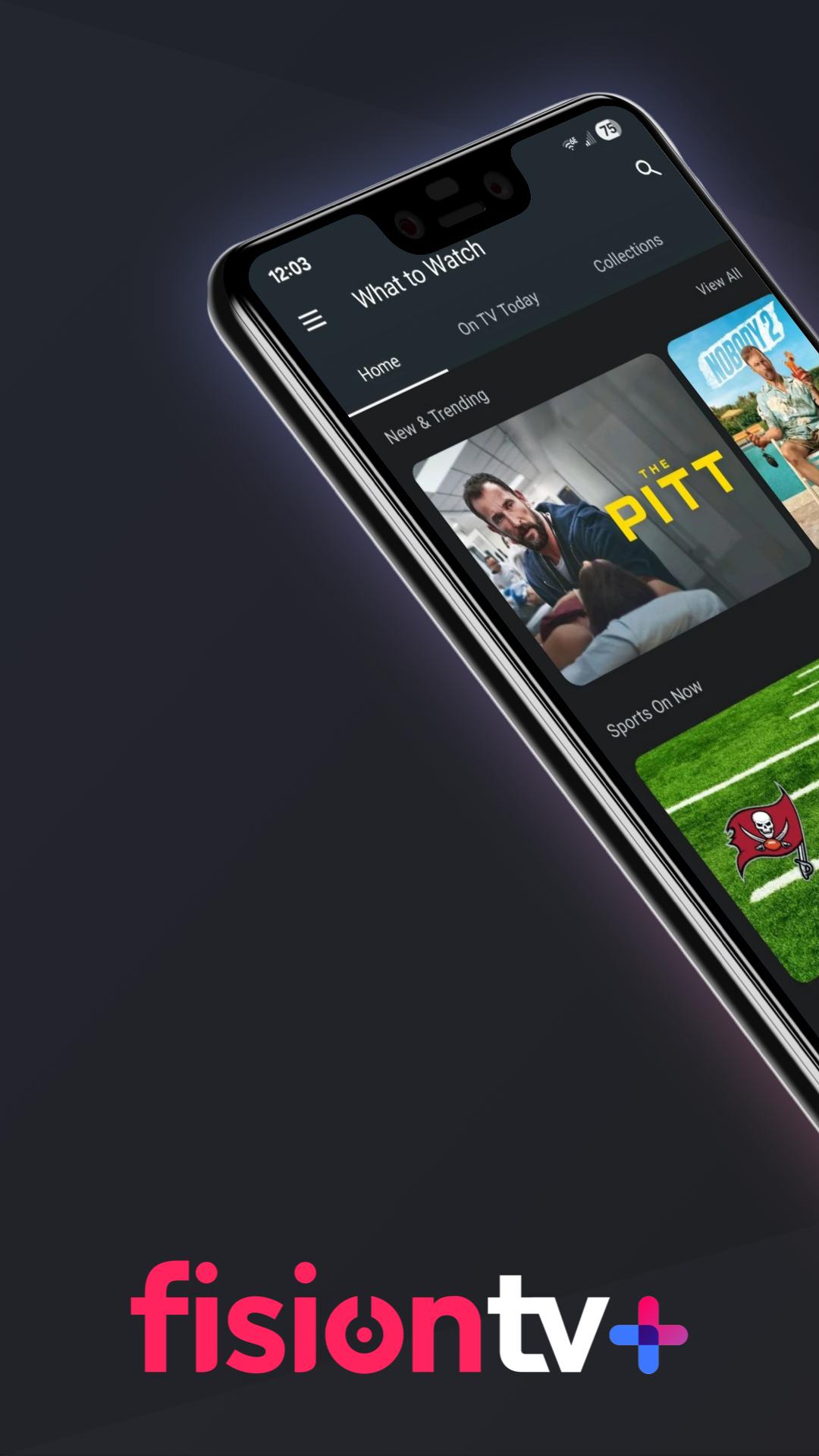
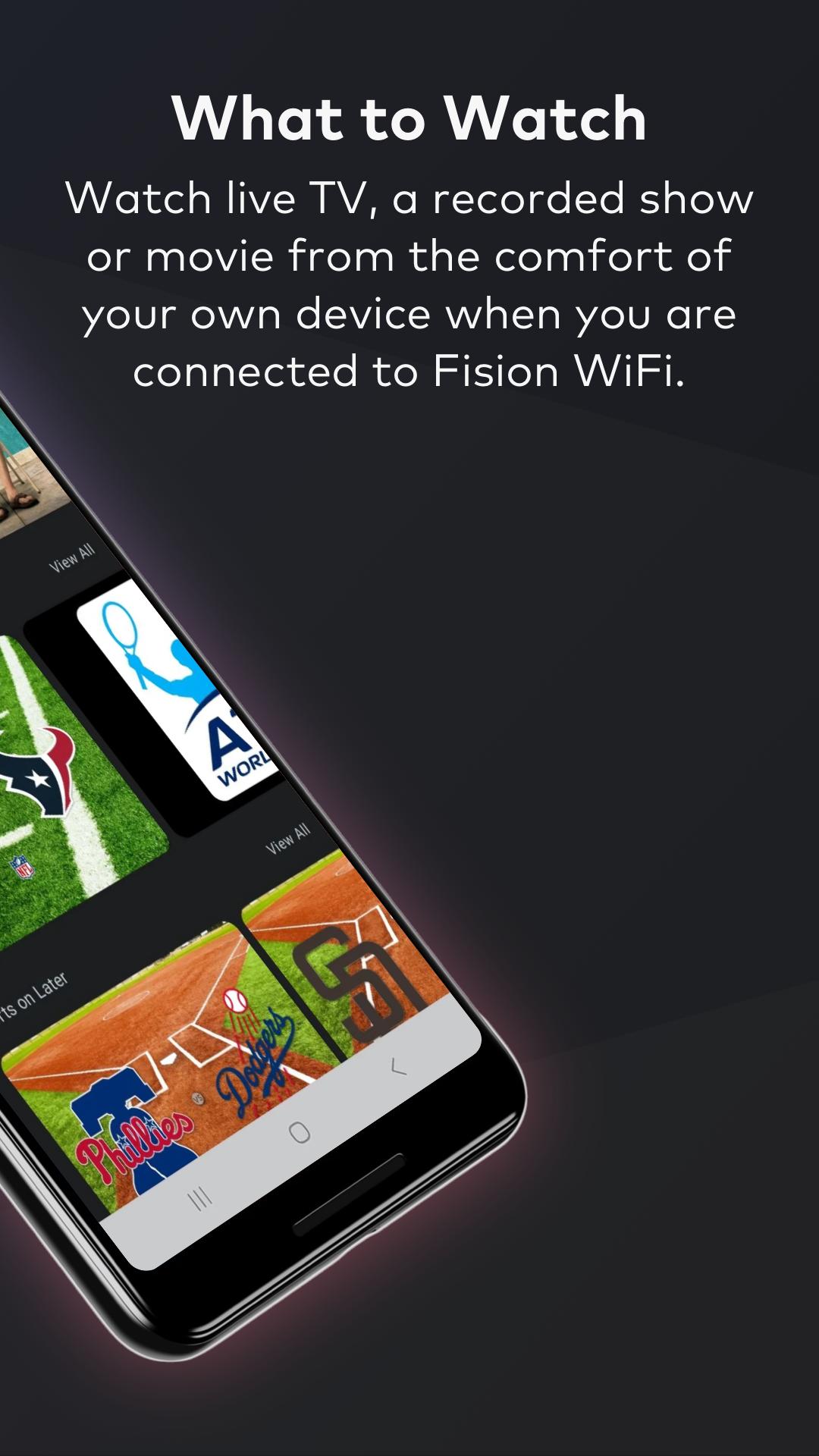
Fision TV+ customers are invited to enjoy free access to our Android app which is the ideal entertainment experience providing control, discovery and a mobile place for viewing. Watch your DVR recordings, find shows and schedule recordings, and browse content via the guide, by genre or category, explore the cast and crew, and see where the content is available to watch.
KEY FEATURES:
• Access to all channels you are subscribed to when connected to Fision Wi-Fi
• Access to over 200 channels when not connected to Fision Wi-Fi
• Set recordings for TV shows, movies and even series
• Browse and manage your recordings in My Shows
• Speed up the way you search and browse using your device’s keypad
• Find out more about the cast and crew
• At home, transform your device into a second TV screen
WHAT YOU NEED:
An Android device with Wi-Fi internet or a data service capable of streaming and an active subscription to Fision TV+ in good standings. To watch and set recordings you must also subscribe to Cloud DVR service.
TO USE:
- To use at home, connect your Android device to your Fision Wi-Fi home network.
- To use at your community common areas, you must connect to the Fision Wi-Fi network.
- To use on the go and access over 200 channels in real-time, connect to the internet.
Internet access or a data service capable of streaming is required to use Fision TV+ Mobile. Fision TV+ access is based upon your Hotwire Communications Digital TV service subscription level. You must have a current My Hotwire username and password, as well as a subscription to the corresponding cable TV network(s) you wish to access. Fision TV+ Mobile viewing experience may vary based on device used to view content. Not all devices have the necessary software required to view programming content. Certain programs may require Flash Player to view. The availability of programs varies and is determined by the cable TV network(s). Copyright ©2025 TiVo Inc. All rights reserved. TiVo and the TiVo logo are registered trademarks of TiVo Inc. and its subsidiaries worldwide. ©2025 Hotwire Communications, Ltd. All rights reserved. All other trademarks are the property of their respective owners.
Avance
Etiquetas
EntretenimientoInformación
Desarrollador
Hotwire Communications, LTD
La última versión
4.13.116-afb4ad40
Última actualización
2025-09-19
Categoría
Entretenimiento
Disponible en
Google Play
Mostrar más
Cómo jugar Fision TV+ con GameLoop en PC
1. Descargue GameLoop desde el sitio web oficial, luego ejecute el archivo exe para instalar GameLoop.
2. Abra GameLoop y busque "Fision TV+", busque Fision TV+ en los resultados de búsqueda y haga clic en "Instalar".
3. Disfruta jugando Fision TV+ en GameLoop.
Minimum requirements
OS
Windows 8.1 64-bit or Windows 10 64-bit
GPU
GTX 1050
CPU
i3-8300
Memory
8GB RAM
Storage
1GB available space
Recommended requirements
OS
Windows 8.1 64-bit or Windows 10 64-bit
GPU
GTX 1050
CPU
i3-9320
Memory
16GB RAM
Storage
1GB available space