
HD Video Projector Guide para PC
Nadia Coding
Descarga HD Video Projector Guide en PC con GameLoop Emulator
HD Video Projector Guide en PC
HD Video Projector Guide, proveniente del desarrollador Nadia Coding, se ejecuta en el sistema Android en el pasado.
Ahora, puedes jugar HD Video Projector Guide en PC con GameLoop sin problemas.
Descárgalo en la biblioteca de GameLoop o en los resultados de búsqueda. No más mirar la batería o llamadas frustrantes en el momento equivocado nunca más.
Simplemente disfrute de HD Video Projector Guide PC en la pantalla grande de forma gratuita!
HD Video Projector Guide Introducción
HD Video Projector Guide is an app for all devices and tablets to know everything about projection of a video. Be it projecting the video from your mobile, windows PC, Laptop or a macbook, This is app which can be used to know how to set up projectors to enjoy a theatre like viewing experience.
Latest Projectors to Buy
In the HD Video Screen Mirroring, we have provided the list as well as the buying links of the best projectors in the market currently. As the technology in this space gets better, we will be updating the list and also provide which projectors are best suited for your needs
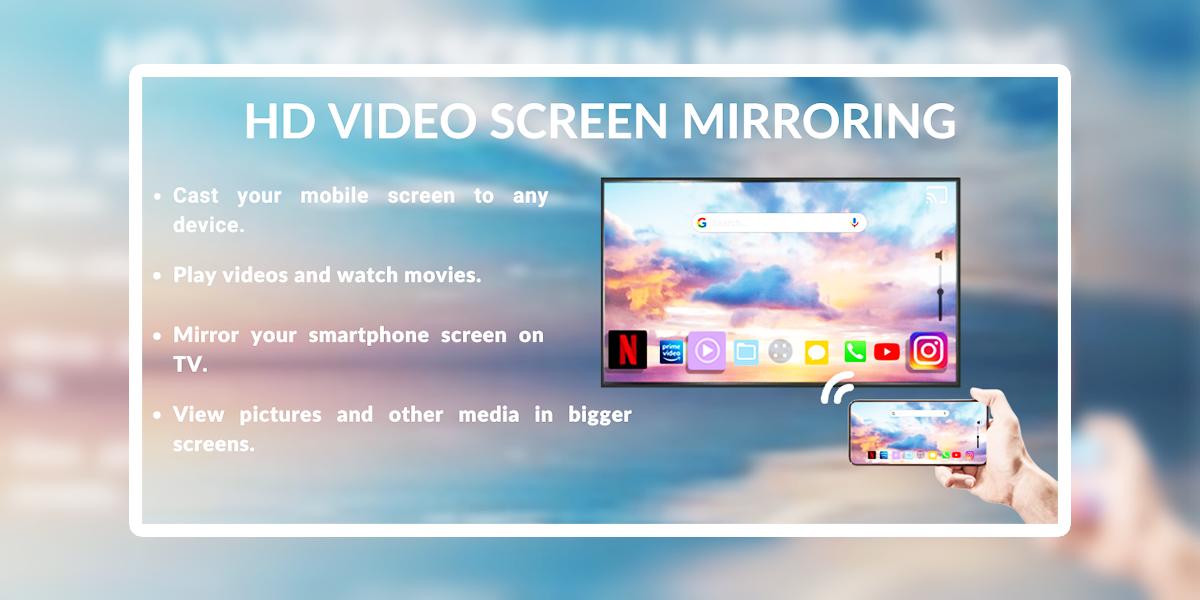
HD Video Screen Mirroring
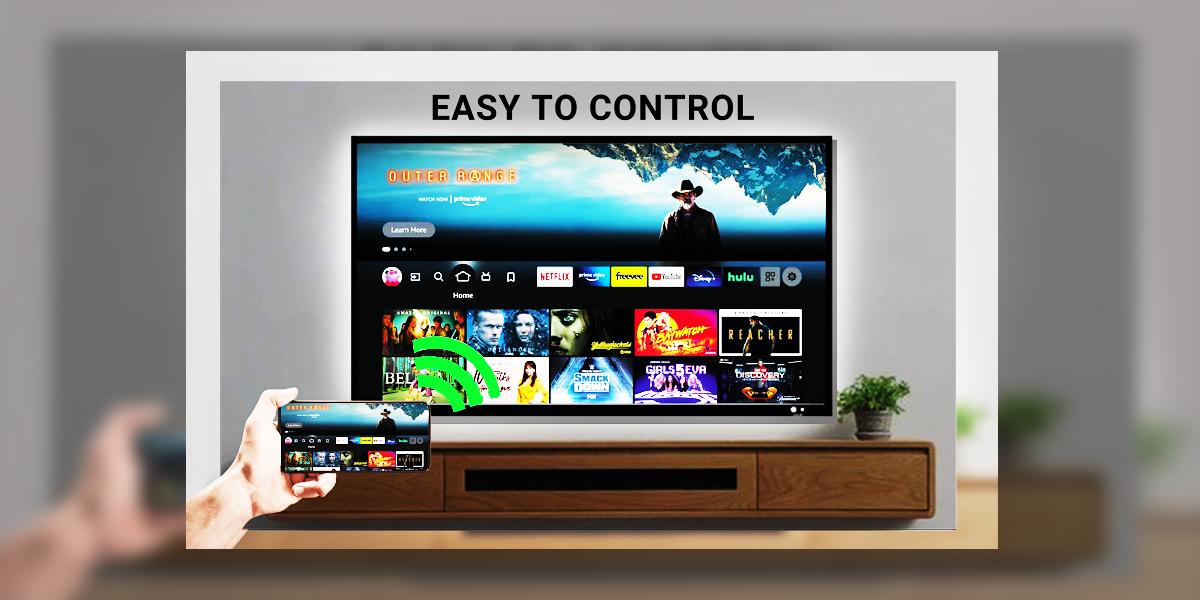
Video Screen Mirroring helps you achieve an amazing theater like experience while setting up your projector. You can know what you need to set up the projector perfectly with articles,videos. HD Video Screen Mirroring can be used to know how to set up projectors from multiple devices.
Projector Articles
Read articles, news about the latest technology changes, offers on the best projectors available in the market. If you are a projector enthusiast, stay updated.
HD Projector Guide is about providing all the information, devices required to set up a perfect projector.
Avance
Etiquetas
EntretenimientoInformación
Desarrollador
Nadia Coding
La última versión
1.0
Última actualización
2022-10-10
Categoría
Entretenimiento
Disponible en
Google Play
Mostrar más
Cómo jugar HD Video Projector Guide con GameLoop en PC
1. Descargue GameLoop desde el sitio web oficial, luego ejecute el archivo exe para instalar GameLoop.
2. Abra GameLoop y busque "HD Video Projector Guide", busque HD Video Projector Guide en los resultados de búsqueda y haga clic en "Instalar".
3. Disfruta jugando HD Video Projector Guide en GameLoop.
Minimum requirements
OS
Windows 8.1 64-bit or Windows 10 64-bit
GPU
GTX 1050
CPU
i3-8300
Memory
8GB RAM
Storage
1GB available space
Recommended requirements
OS
Windows 8.1 64-bit or Windows 10 64-bit
GPU
GTX 1050
CPU
i3-9320
Memory
16GB RAM
Storage
1GB available space