Voice Changer para PC
Creative Photo Tools
Descarga Voice Changer en PC con GameLoop Emulator
Voice Changer en PC
Voice Changer, proveniente del desarrollador Creative Photo Tools, se ejecuta en el sistema Android en el pasado.
Ahora, puedes jugar Voice Changer en PC con GameLoop sin problemas.
Descárgalo en la biblioteca de GameLoop o en los resultados de búsqueda. No más mirar la batería o llamadas frustrantes en el momento equivocado nunca más.
Simplemente disfrute de Voice Changer PC en la pantalla grande de forma gratuita!
Voice Changer Introducción
Voice Changer
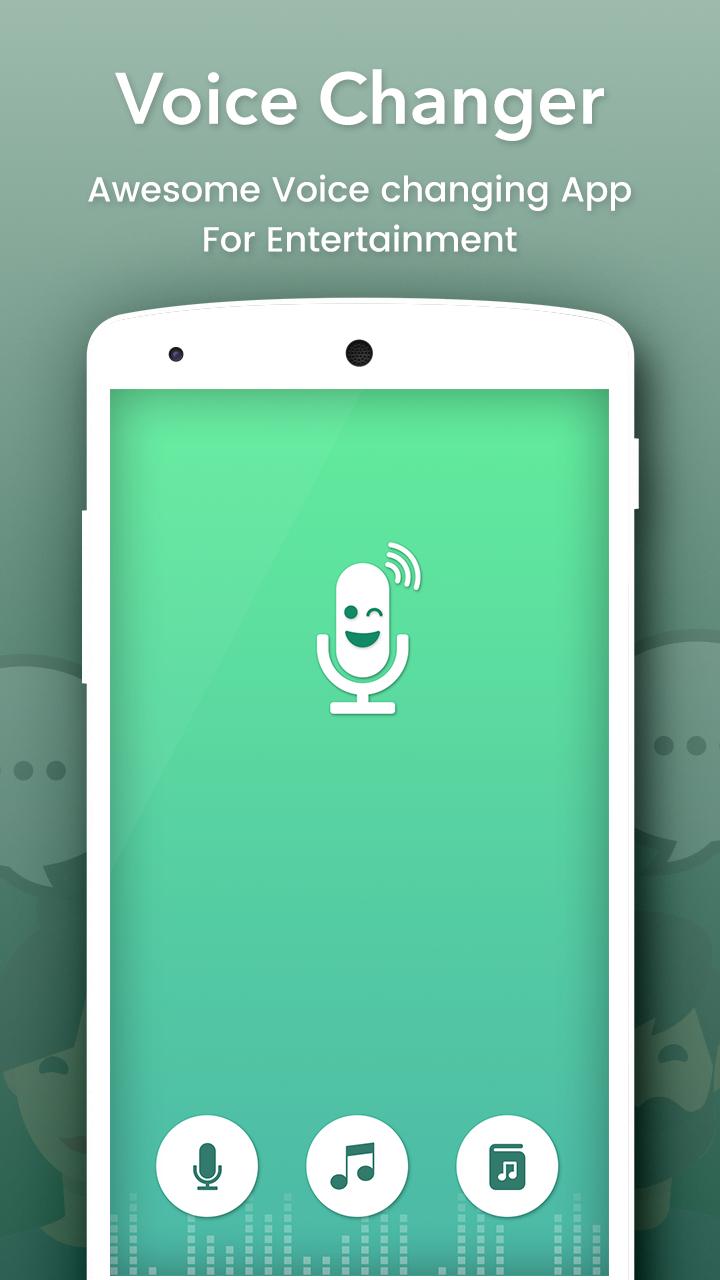
Change your voice and have fun listening to your modified voice. Record your voice, apply effects, and share them with your friends.
This is the best app for changing your voice by applying effects on the audios. It is very simple to use and can generate fantastic and funny effects.
INCLUDES FOLLOWING EFFECTS:
• Normal
• Helium
• Hexafluoride
• Robot
• Space mutant
• Backwards
• Monster
• Small creature
• Telephone
• Dragon
• Nervous
• Extraterrestrial
• Cathedral
• Cyborg
• Android
• Drunk
• Giant
• Squirrel
• Grand Canyon
• Fly
• Zombie
• Child
• Underwater
• Evil puppet
• Battery low
• Shrinking
• Devil
• Fan
• Ghost
• Alien
• Small alien
• Villain
• Death
• Everything is spinning
• Poltergeist
• Skull mask
FEATURES :
- Amazing effects: normal, helium, hexafluoride, fast, slow, cave, chipmunk, monster, alien, big sound, small sound, bee, death…
- Custom sound with effects: echo, reverb, pitch, tempo, volume, bass, mid, treble
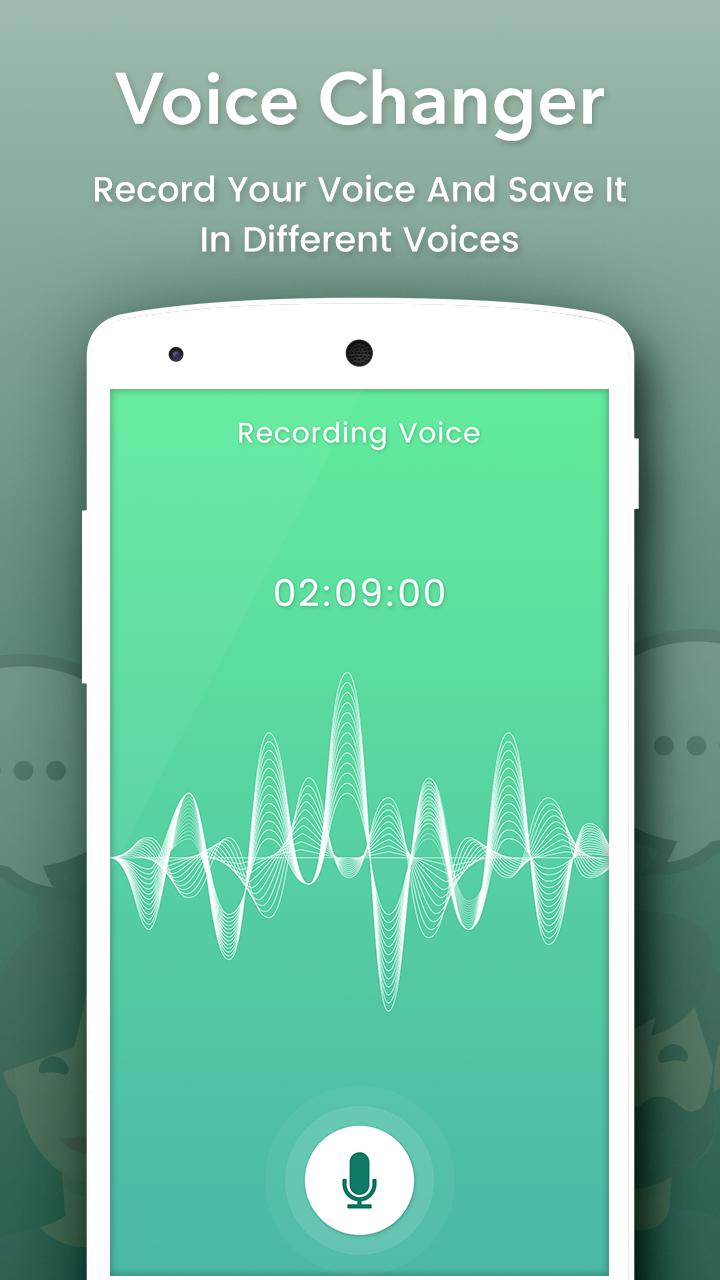
- Record and change your voice Directly.
- Import sound, song, audio files, add effects and change them
- Save, share, set as ringtone by your records
- Amazing quality.
- Nice User Interface and Easy to Use.
- View in Album.
- View, edit the saved audios.
- Share the saved audios to your friends via bluetooth, or social networks.
Avance
Información
Desarrollador
Creative Photo Tools
La última versión
1.4
Última actualización
2018-07-11
Categoría
Entretenimiento
Disponible en
Google Play
Mostrar más
Cómo jugar Voice Changer con GameLoop en PC
1. Descargue GameLoop desde el sitio web oficial, luego ejecute el archivo exe para instalar GameLoop.
2. Abra GameLoop y busque "Voice Changer", busque Voice Changer en los resultados de búsqueda y haga clic en "Instalar".
3. Disfruta jugando Voice Changer en GameLoop.
Minimum requirements
OS
Windows 8.1 64-bit or Windows 10 64-bit
GPU
GTX 1050
CPU
i3-8300
Memory
8GB RAM
Storage
1GB available space
Recommended requirements
OS
Windows 8.1 64-bit or Windows 10 64-bit
GPU
GTX 1050
CPU
i3-9320
Memory
16GB RAM
Storage
1GB available space