
실시간티비 - 온에어 TV 방송 para PC
JUNGENT
Descarga 실시간티비 - 온에어 TV 방송 en PC con GameLoop Emulator
실시간티비 - 온에어 TV 방송 en PC
실시간티비 - 온에어 TV 방송, proveniente del desarrollador JUNGENT, se ejecuta en el sistema Android en el pasado.
Ahora, puedes jugar 실시간티비 - 온에어 TV 방송 en PC con GameLoop sin problemas.
Descárgalo en la biblioteca de GameLoop o en los resultados de búsqueda. No más mirar la batería o llamadas frustrantes en el momento equivocado nunca más.
Simplemente disfrute de 실시간티비 - 온에어 TV 방송 PC en la pantalla grande de forma gratuita!
실시간티비 - 온에어 TV 방송 Introducción
When you want to watch TV on your computer or mobile instead of on TV, the hassle of finding and subscribing to a station is no more!
Free live TV in my hand!
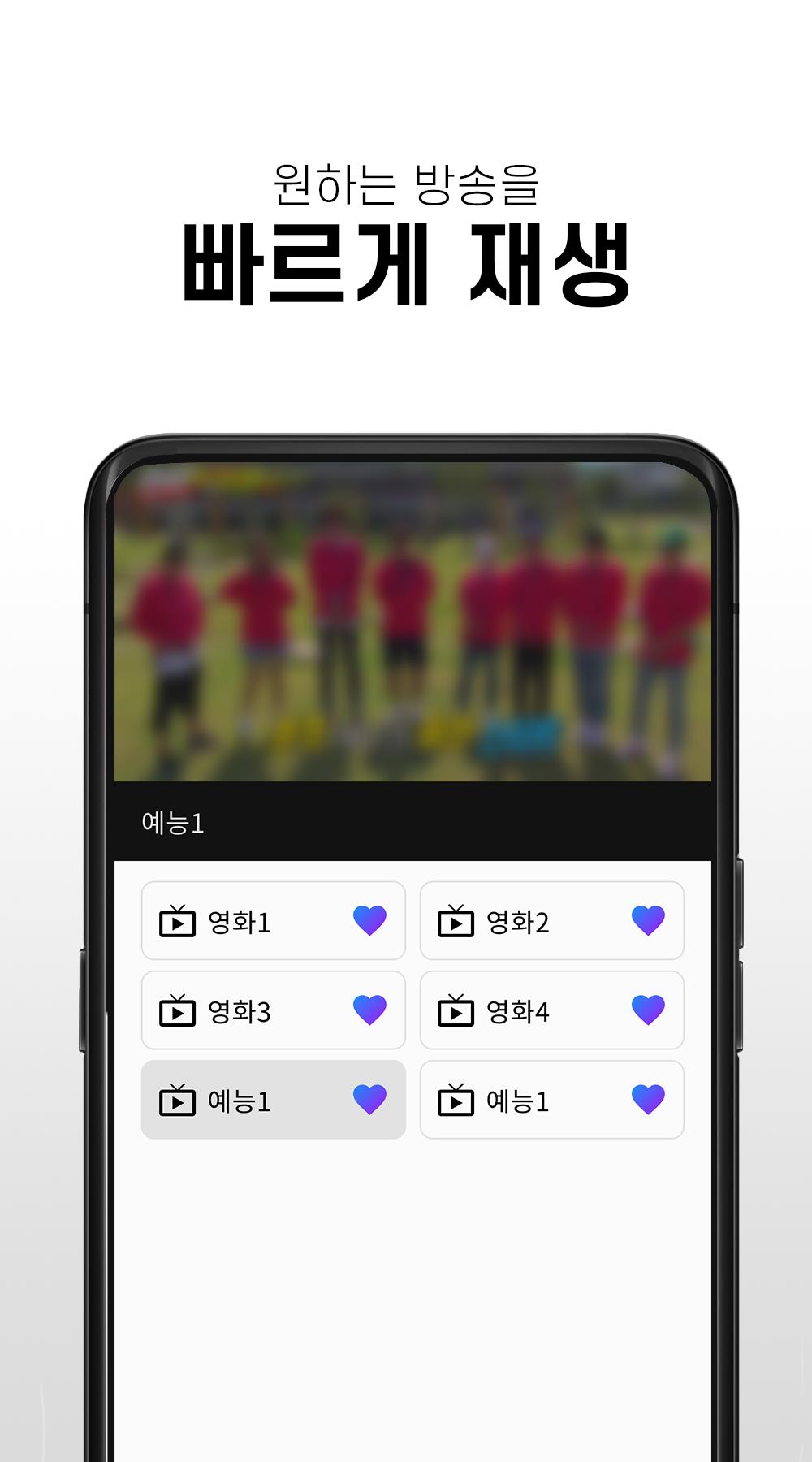
You can watch real-time TV quickly and easily with a few touches without unnecessary membership registration and login.
※ How to use the app
- After running the free real-time TV app, you can watch the broadcast by selecting the desired station.
- You can enjoy various broadcasts from real-time TV to movies, entertainment shows, and anime.
※ main function
- You can watch channels for free without registration
- Various terrestrial, general, and cable channels available
- You can create your own favorite channels
- Can watch channels in full screen mode
- Volume and screen brightness can be adjusted with left and right gestures
※ Channel List
- KBS, KBS, MBC, EBS, Channel A, TVN, YTN, Yonhap News, MBN, Screen Golf Zone, FTV, EBS KIDS, Children's TV, Movie & Entertainment Channels, etc.
※ Precautions
- Depending on network conditions, some channels may be temporarily unavailable, and we are supporting smooth service in the shortest possible time.
- This app is recommended to be used in a WIFI environment if it is not an unlimited data plan. When using 3G/LTE/5G, data charges may apply depending on the subscription plan.
Avance

Etiquetas
EntretenimientoInformación
Desarrollador
JUNGENT
La última versión
1.0.1
Última actualización
2022-09-21
Categoría
Entretenimiento
Disponible en
Google Play
Mostrar más
Cómo jugar 실시간티비 - 온에어 TV 방송 con GameLoop en PC
1. Descargue GameLoop desde el sitio web oficial, luego ejecute el archivo exe para instalar GameLoop.
2. Abra GameLoop y busque "실시간티비 - 온에어 TV 방송", busque 실시간티비 - 온에어 TV 방송 en los resultados de búsqueda y haga clic en "Instalar".
3. Disfruta jugando 실시간티비 - 온에어 TV 방송 en GameLoop.
Minimum requirements
OS
Windows 8.1 64-bit or Windows 10 64-bit
GPU
GTX 1050
CPU
i3-8300
Memory
8GB RAM
Storage
1GB available space
Recommended requirements
OS
Windows 8.1 64-bit or Windows 10 64-bit
GPU
GTX 1050
CPU
i3-9320
Memory
16GB RAM
Storage
1GB available space