Phonics Learning - Kids Game para PC
Bitty Apps
Descarga Phonics Learning - Kids Game en PC con GameLoop Emulator
Phonics Learning - Kids Game en PC
Phonics Learning - Kids Game, proveniente del desarrollador Bitty Apps, se ejecuta en el sistema Android en el pasado.
Ahora, puedes jugar Phonics Learning - Kids Game en PC con GameLoop sin problemas.
Descárgalo en la biblioteca de GameLoop o en los resultados de búsqueda. No más mirar la batería o llamadas frustrantes en el momento equivocado nunca más.
Simplemente disfrute de Phonics Learning - Kids Game PC en la pantalla grande de forma gratuita!
Phonics Learning - Kids Game Introducción
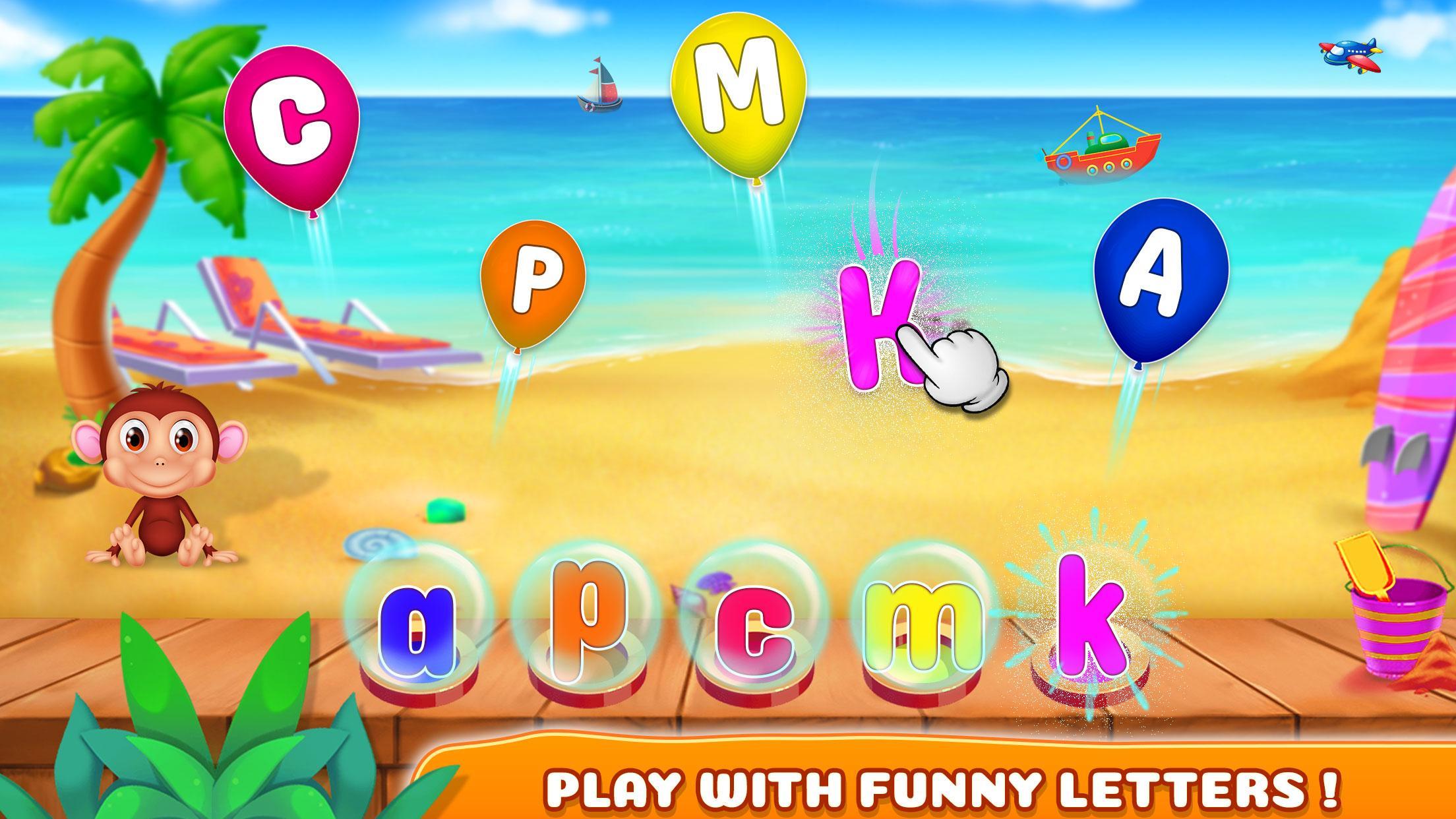
“Phonics Learning” is a simple and exciting learning game. It will introduce the English phonics with the educational process being funny and interesting. With no effort, you will learn English Phonic sounds and their first object names. The Game includes a bunch of unique of ways to teach the phonics in a very fun way like Learn, Play and Matching. Lower/Uppercase letters can be selected to play.
How to Play:
- Learn Phonics: You have to select any balloon of capital letter and have to match with the small letter give. Pronunciation will be played by the sound of that selected letter. You will give stars based on your performance.
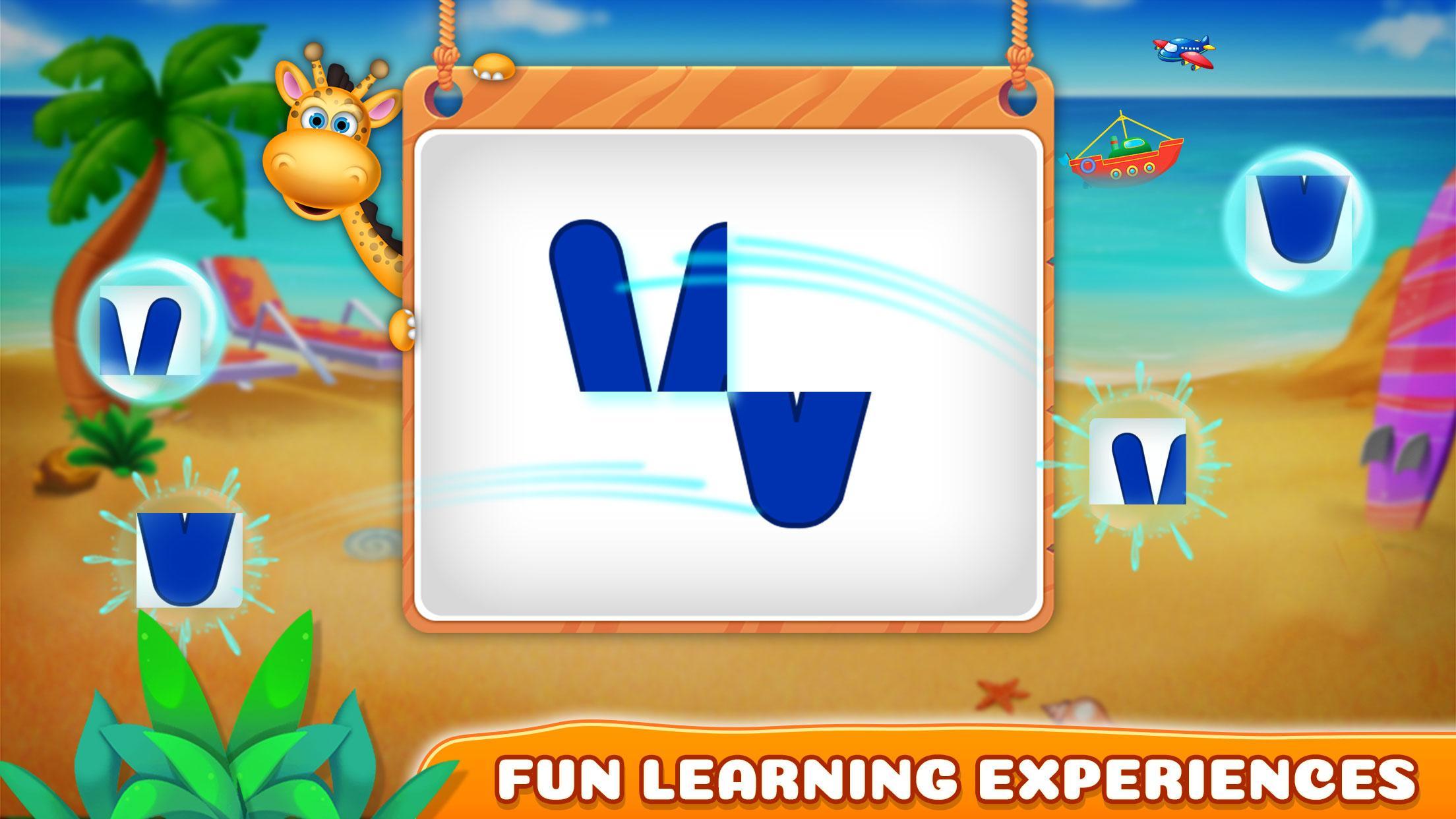
- Play with Phonics: Arrange the pieces of paper in a way that will create a single letter. Pronunciation will be played by the sound of that selected letter. You will give stars based on your performance.
- Matching Phonics: It's a matching game between phonic letters and the objects that begins with the relevant phonic sound. You have flip the cards with matching phonic letter and objects which are started from their phonic letter.
- Guess Phonics: You need to select the correct phonic/letter from the all letters to match the object shown in the boat.
Features:
- High-quality graphics
- Nice music
- 4 type of learning games
- 6 levels in each game
- Easy to learn phonics
Enjoy!
Any suggestions are heartily welcomed.
Avance
Etiquetas
EducativosInformación
Desarrollador
Bitty Apps
La última versión
1.0.4
Última actualización
2023-09-18
Categoría
Educativos
Disponible en
Google Play
Mostrar más
Cómo jugar Phonics Learning - Kids Game con GameLoop en PC
1. Descargue GameLoop desde el sitio web oficial, luego ejecute el archivo exe para instalar GameLoop.
2. Abra GameLoop y busque "Phonics Learning - Kids Game", busque Phonics Learning - Kids Game en los resultados de búsqueda y haga clic en "Instalar".
3. Disfruta jugando Phonics Learning - Kids Game en GameLoop.
Minimum requirements
OS
Windows 8.1 64-bit or Windows 10 64-bit
GPU
GTX 1050
CPU
i3-8300
Memory
8GB RAM
Storage
1GB available space
Recommended requirements
OS
Windows 8.1 64-bit or Windows 10 64-bit
GPU
GTX 1050
CPU
i3-9320
Memory
16GB RAM
Storage
1GB available space