Lecto+ para PC
Santillana España
Descarga Lecto+ en PC con GameLoop Emulator
Lecto+ en PC
Lecto+, proveniente del desarrollador Santillana España, se ejecuta en el sistema Android en el pasado.
Ahora, puedes jugar Lecto+ en PC con GameLoop sin problemas.
Descárgalo en la biblioteca de GameLoop o en los resultados de búsqueda. No más mirar la batería o llamadas frustrantes en el momento equivocado nunca más.
Simplemente disfrute de Lecto+ PC en la pantalla grande de forma gratuita!
Lecto+ Introducción
Lecto + is a project for the teaching of literacy by Santillana Educación S. L. It has a mixed methodology that starts from visual and auditory discrimination, moving on to the exercise of writing and reading comprehension. Without forgetting the application of learning to the different textual typologies. The project is organized from 5 content blocks: visual discrimination, auditory discrimination, graphomotor skills, writing and reading comprehension.
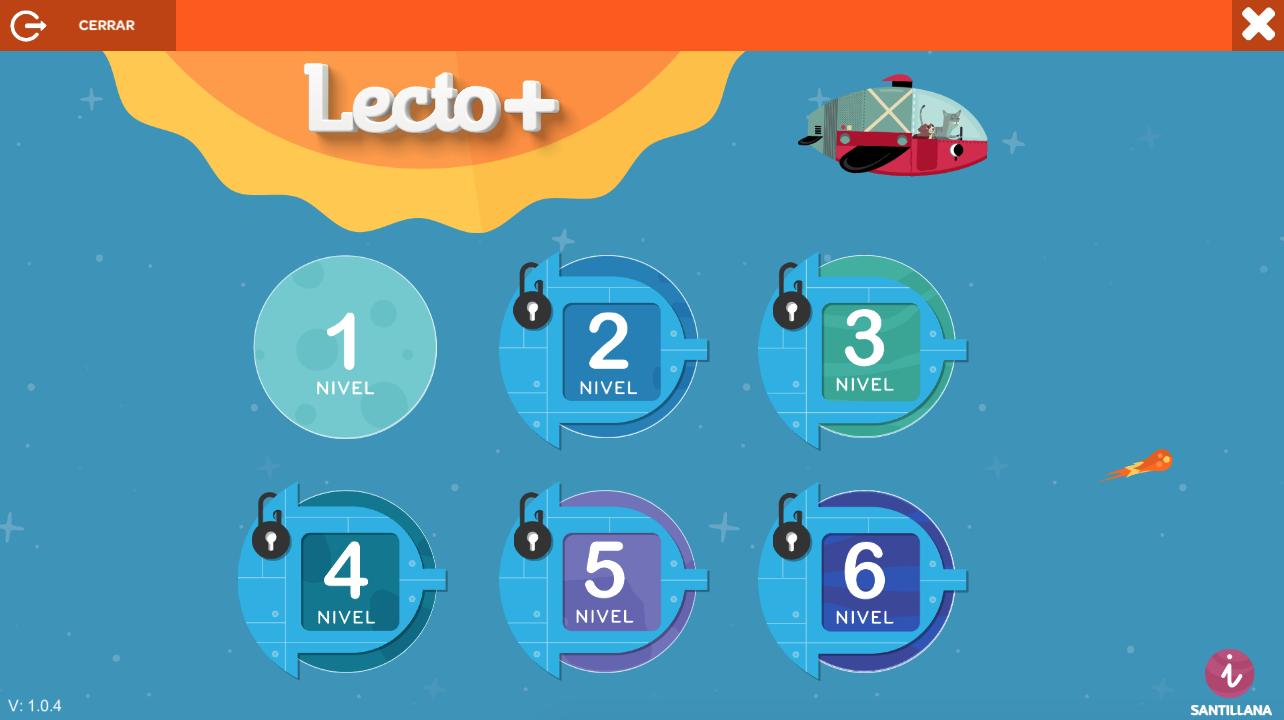
The Lecto + app is divided into 6 levels. Its objectives are to motivate, reinforce and extend literacy learning in a dynamic way. It includes:
• Card by card. Turning the worksheets.
• Games. Motivating interactive activities that reinforce the content of literacy learning.
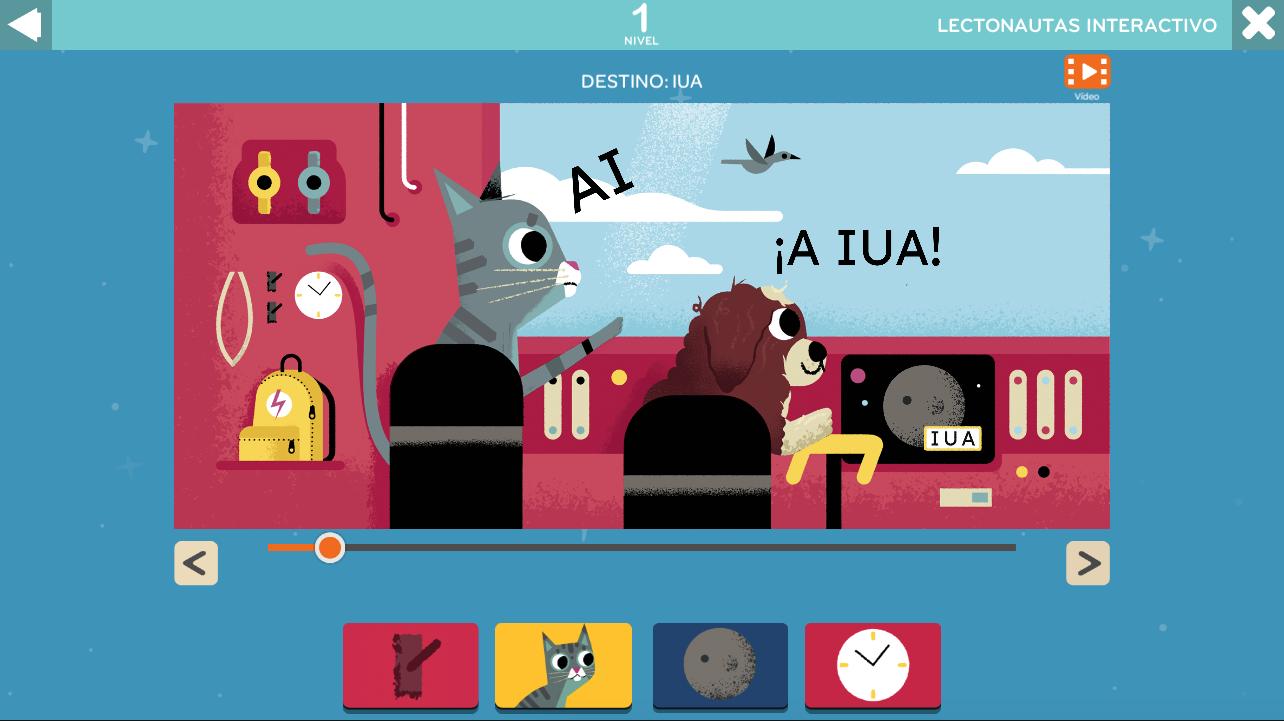
• Lectonauts. Reading and video flipping of the adventures of Oli and Sila. Available in interactive version on level 1.
• Animated gestures. Animated facial and articulation exercises.
• Letter strokes. Animated letter by letter strokes to practice and internalize them. Available in levels 1 to 5.
• Phonological awareness. Resource to work syllabic rhythms and sounds. Available on levels 1, 2 and 3.
• Micro-stories. Mobile book to invent stories. Available on levels 4 and 5.
Avance
Etiquetas
EducativosInformación
Desarrollador
Santillana España
La última versión
1.1.3
Última actualización
2025-10-17
Categoría
Educativos
Disponible en
Google Play
Mostrar más
Cómo jugar Lecto+ con GameLoop en PC
1. Descargue GameLoop desde el sitio web oficial, luego ejecute el archivo exe para instalar GameLoop.
2. Abra GameLoop y busque "Lecto+", busque Lecto+ en los resultados de búsqueda y haga clic en "Instalar".
3. Disfruta jugando Lecto+ en GameLoop.
Minimum requirements
OS
Windows 8.1 64-bit or Windows 10 64-bit
GPU
GTX 1050
CPU
i3-8300
Memory
8GB RAM
Storage
1GB available space
Recommended requirements
OS
Windows 8.1 64-bit or Windows 10 64-bit
GPU
GTX 1050
CPU
i3-9320
Memory
16GB RAM
Storage
1GB available space