
Preschool Learning Games para PC
Queleas LLC
Descarga Preschool Learning Games en PC con GameLoop Emulator
Preschool Learning Games en PC
Preschool Learning Games, proveniente del desarrollador Queleas LLC, se ejecuta en el sistema Android en el pasado.
Ahora, puedes jugar Preschool Learning Games en PC con GameLoop sin problemas.
Descárgalo en la biblioteca de GameLoop o en los resultados de búsqueda. No más mirar la batería o llamadas frustrantes en el momento equivocado nunca más.
Simplemente disfrute de Preschool Learning Games PC en la pantalla grande de forma gratuita!
Preschool Learning Games Introducción
Fun, educational games for toddlers and preschool kids ages 2 to 5!
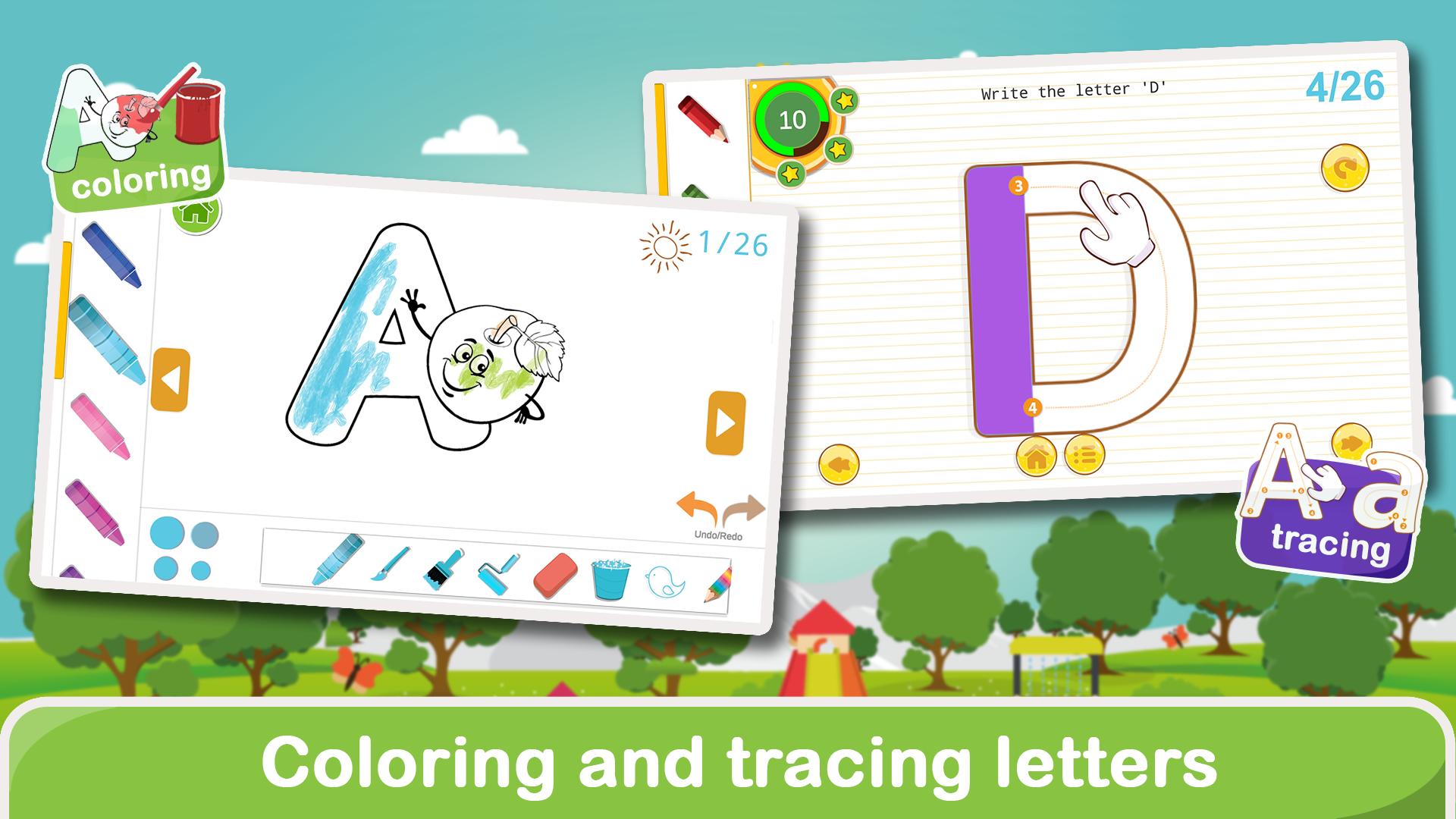
Help your child learn the ABCs, numbers, shapes, colors, and more through engaging mini-games designed by educators. This app is perfect for toddlers and preschoolers, offering a safe and playful environment for early learning.
🧠 Features:
- 15+ fun learning games for kids
- Learn letters, numbers, colors, and shapes
- Designed for ages 2, 3, 4, and 5
- Simple touch controls for little hands
- No internet required – play anywhere
- Upgrade to unlock more games!
These preschool games help build early skills in literacy, numeracy, logic, and memory. Whether your child is just starting to learn or getting ready for kindergarten, this app is a great first step.
Trusted by parents. Loved by kids!
Avance

Etiquetas
CasualUn solo jugadorEstilizadoDesconectadoIdiomaAbcInformación
Desarrollador
Queleas LLC
La última versión
9.9
Última actualización
2025-10-11
Categoría
Educativos
Disponible en
Google Play
Mostrar más
Cómo jugar Preschool Learning Games con GameLoop en PC
1. Descargue GameLoop desde el sitio web oficial, luego ejecute el archivo exe para instalar GameLoop.
2. Abra GameLoop y busque "Preschool Learning Games", busque Preschool Learning Games en los resultados de búsqueda y haga clic en "Instalar".
3. Disfruta jugando Preschool Learning Games en GameLoop.
Minimum requirements
OS
Windows 8.1 64-bit or Windows 10 64-bit
GPU
GTX 1050
CPU
i3-8300
Memory
8GB RAM
Storage
1GB available space
Recommended requirements
OS
Windows 8.1 64-bit or Windows 10 64-bit
GPU
GTX 1050
CPU
i3-9320
Memory
16GB RAM
Storage
1GB available space