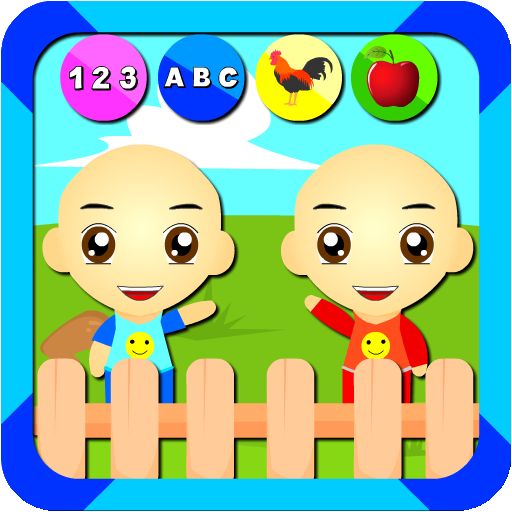
Belajar Bersama Si Kembar para PC
Tac Tic Tuc Studio
Descarga Belajar Bersama Si Kembar en PC con GameLoop Emulator
Belajar Bersama Si Kembar en PC
Belajar Bersama Si Kembar, proveniente del desarrollador Tac Tic Tuc Studio, se ejecuta en el sistema Android en el pasado.
Ahora, puedes jugar Belajar Bersama Si Kembar en PC con GameLoop sin problemas.
Descárgalo en la biblioteca de GameLoop o en los resultados de búsqueda. No más mirar la batería o llamadas frustrantes en el momento equivocado nunca más.
Simplemente disfrute de Belajar Bersama Si Kembar PC en la pantalla grande de forma gratuita!
Belajar Bersama Si Kembar Introducción
Welcome to our educational game,
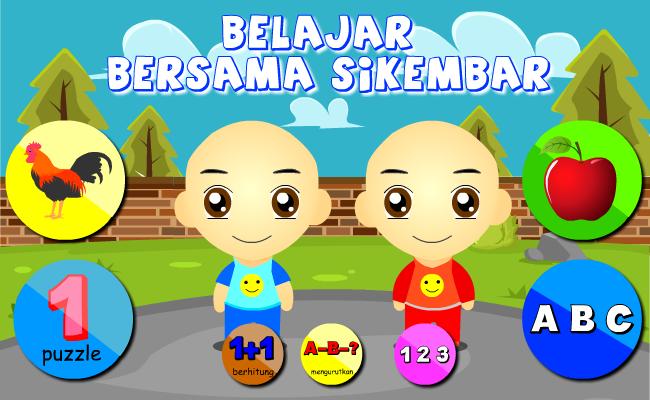
this game teaches children, toddlers, paud, early age, to learn to recognize numbers, letters
Animals and fruit,
very interesting and has good cartoon images and has sound
Sikembar will accompany your child to learn while playing.
Very Interactive, funny, cute, and kind. suitable for children
Additional features:
- Learning Animals
- Learning Fruit
-learn to count
- learn to read ABC letters and Numbers 123
then download this application for free (free).
== Disclaimer ==.
Sikembar is the character of children who have similar faces who are 4 years old, they are named Wahid and Imran. their nickname is Sikembar. The characters in the game / application are made to accompany users, especially children in playing and learning.
the characters in this game are the result of their own design creations, there is no connection and connection between the image / sound of any cartoon / animation character. Please contact us if there is a complaint in this game.
tac tic tuc Studio
Avance

Etiquetas
EducativosInformación
Desarrollador
Tac Tic Tuc Studio
La última versión
2.2.0
Última actualización
2022-06-03
Categoría
Educativos
Disponible en
Google Play
Mostrar más
Cómo jugar Belajar Bersama Si Kembar con GameLoop en PC
1. Descargue GameLoop desde el sitio web oficial, luego ejecute el archivo exe para instalar GameLoop.
2. Abra GameLoop y busque "Belajar Bersama Si Kembar", busque Belajar Bersama Si Kembar en los resultados de búsqueda y haga clic en "Instalar".
3. Disfruta jugando Belajar Bersama Si Kembar en GameLoop.
Minimum requirements
OS
Windows 8.1 64-bit or Windows 10 64-bit
GPU
GTX 1050
CPU
i3-8300
Memory
8GB RAM
Storage
1GB available space
Recommended requirements
OS
Windows 8.1 64-bit or Windows 10 64-bit
GPU
GTX 1050
CPU
i3-9320
Memory
16GB RAM
Storage
1GB available space