
SamEnglish: Listening & Write para PC
Nguyễn Văn Mão
Descarga SamEnglish: Listening & Write en PC con GameLoop Emulator
SamEnglish: Listening & Write en PC
SamEnglish: Listening & Write, proveniente del desarrollador Nguyễn Văn Mão, se ejecuta en el sistema Android en el pasado.
Ahora, puedes jugar SamEnglish: Listening & Write en PC con GameLoop sin problemas.
Descárgalo en la biblioteca de GameLoop o en los resultados de búsqueda. No más mirar la batería o llamadas frustrantes en el momento equivocado nunca más.
Simplemente disfrute de SamEnglish: Listening & Write PC en la pantalla grande de forma gratuita!
SamEnglish: Listening & Write Introducción
SamEnglish English listening practice application by shadowing method is completely free, the application will help you improve your English level, especially the application will improve your listening skills
What is shadowing method?
“Shadowing” is an extremely effective technique if you want to improve your tone, tone, and practice the pronunciation of native speakers when learning a foreign language. The concept of "Shadowing" is quite simple, learners just need to listen to a sample video or audio with a real human voice and repeat what they say.
Unlike the technique of listening, stopping and repeating, you will not wait to hear the whole sentence and then repeat what the Speaker said, but you and the Speaker will almost say it at the same time. That is, you will completely imitate the way they break sentences, emphasize, attach and avoid procrastination as much as possible.
App highlights:
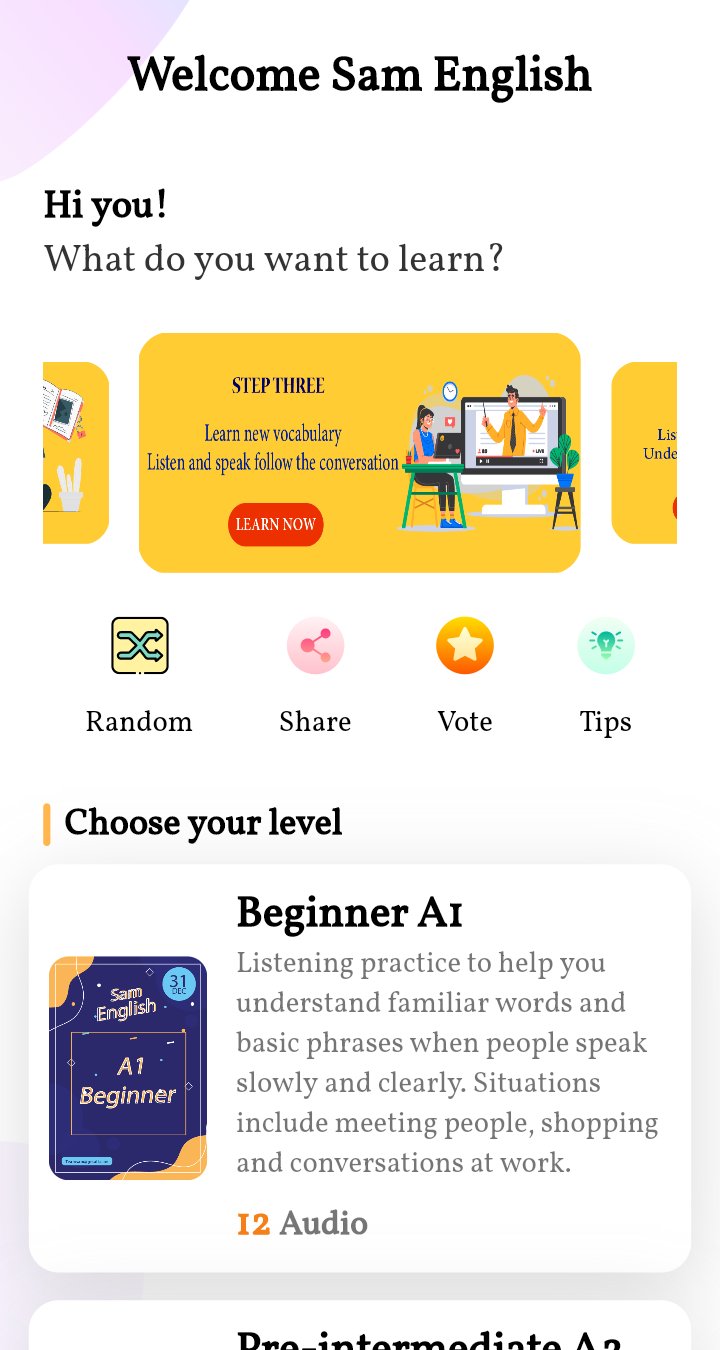
* The application is built according to a specific route: Step one, step two, step three.
* Step one: You will listen to the audio once
* Step two: You will write down what you hear
* Step three: You will check the listening again, re-read the subtitles and learn new words.
After practicing listening according to the above three steps, your listening skills will be developed very well. Not only that, but your writing and reading skills will also improve.
The main functions of the application:
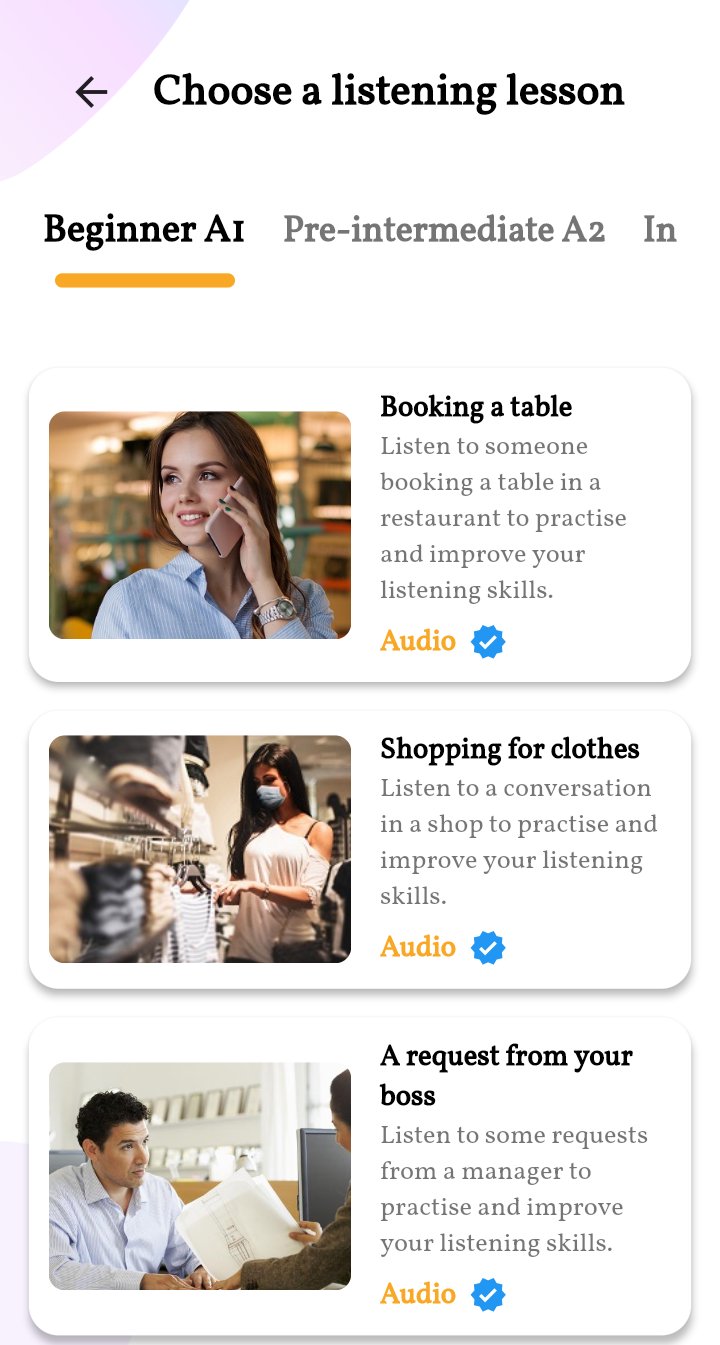
* Show listening levels by term, you can choose depending on your level
* Practice listening according to the method to help you learn faster
* Look up vocabulary right on the app
* List of knowledge and instructions to help you have many skills in learning English
Thank you for accompanying the application.
Avance
Etiquetas
EducaciónInformación
Desarrollador
Nguyễn Văn Mão
La última versión
1.0.2
Última actualización
2025-11-28
Categoría
Educación
Disponible en
Google Play
Mostrar más
Cómo jugar SamEnglish: Listening & Write con GameLoop en PC
1. Descargue GameLoop desde el sitio web oficial, luego ejecute el archivo exe para instalar GameLoop.
2. Abra GameLoop y busque "SamEnglish: Listening & Write", busque SamEnglish: Listening & Write en los resultados de búsqueda y haga clic en "Instalar".
3. Disfruta jugando SamEnglish: Listening & Write en GameLoop.
Minimum requirements
OS
Windows 8.1 64-bit or Windows 10 64-bit
GPU
GTX 1050
CPU
i3-8300
Memory
8GB RAM
Storage
1GB available space
Recommended requirements
OS
Windows 8.1 64-bit or Windows 10 64-bit
GPU
GTX 1050
CPU
i3-9320
Memory
16GB RAM
Storage
1GB available space