
PicBook: Picture Book Maker para PC
kolacbb
Descarga PicBook: Picture Book Maker en PC con GameLoop Emulator
PicBook: Picture Book Maker en PC
PicBook: Picture Book Maker, proveniente del desarrollador kolacbb, se ejecuta en el sistema Android en el pasado.
Ahora, puedes jugar PicBook: Picture Book Maker en PC con GameLoop sin problemas.
Descárgalo en la biblioteca de GameLoop o en los resultados de búsqueda. No más mirar la batería o llamadas frustrantes en el momento equivocado nunca más.
Simplemente disfrute de PicBook: Picture Book Maker PC en la pantalla grande de forma gratuita!
PicBook: Picture Book Maker Introducción
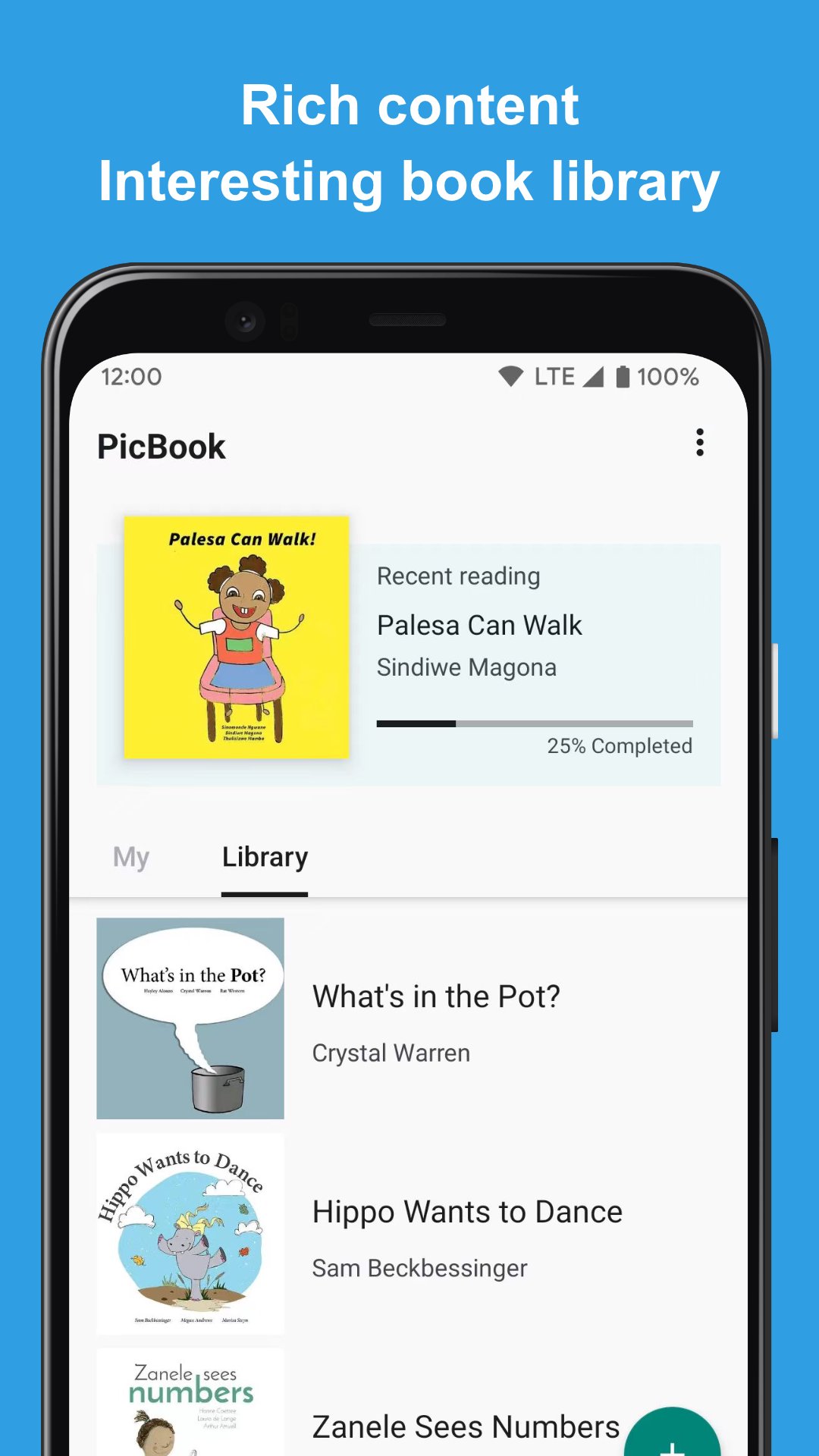
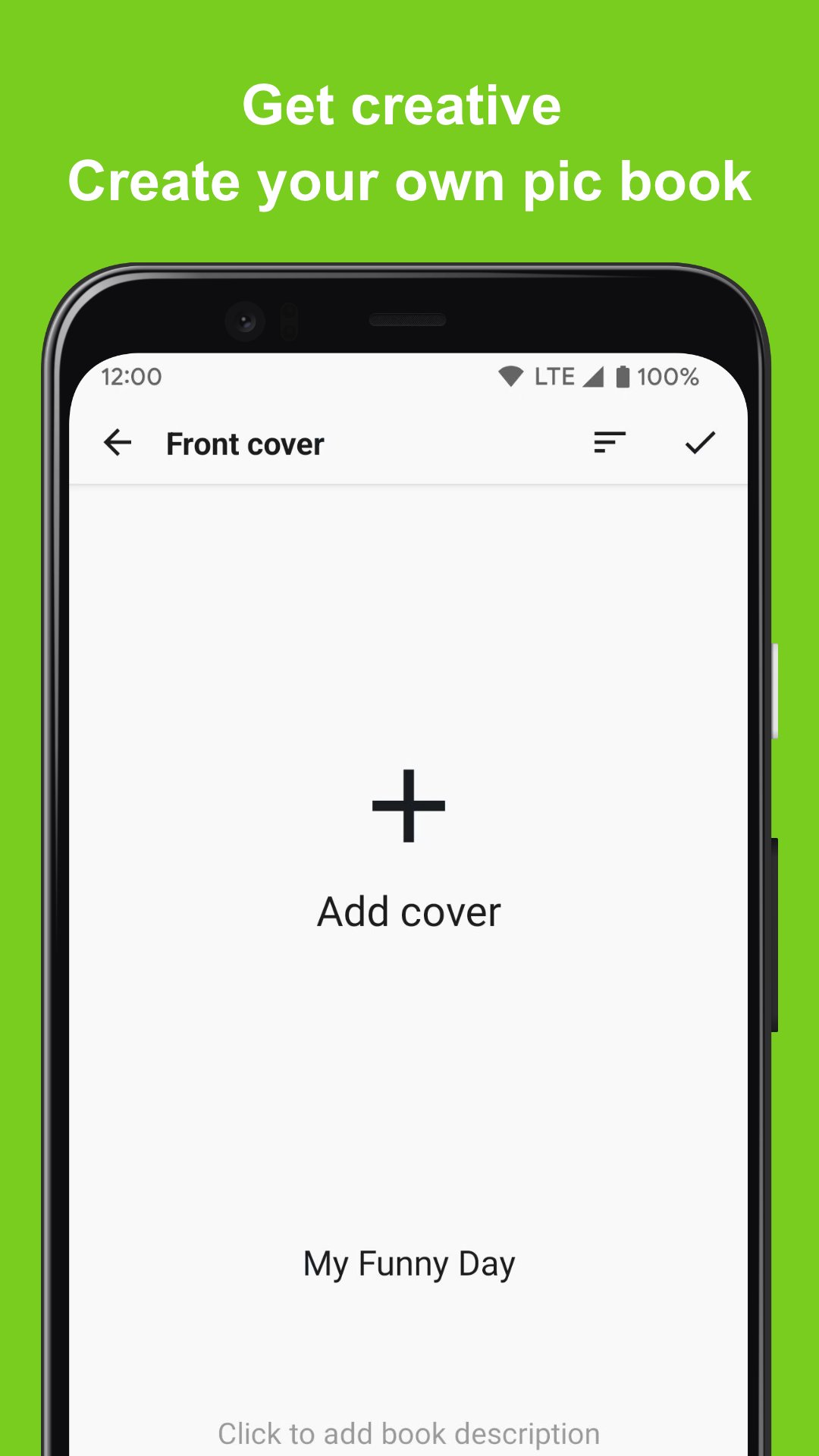
PicBook can create picture books with your own pictures or photos, and can enrich the content of picture books with text and audio. It's not just a picture book maker and editing tool, it can also be used to create story books, memory albums, flashcards and more.
🎁 Key Features
⭐️ Select the picture in the album to create a picture book
⭐️ Not only can choose from local device, but also support to choose from Google photos
⭐️ Add text and audio to each page of the picture book
⭐️ The created picture book content (picture and audio) will only be saved locally
⭐️ Built-in rich picture books for reading and editing, which can be used as templates
⭐️ Complete picture book reading experience
🎁 Scenes
⭐️ Flashcards: Use your own voice and carefully selected pictures to create a flashcard for you to learn to recognize colors, learn to write and pronounce letters, learn to recognize shapes, and more. PicBook will be a powerful tool for you to understand the world!
⭐️ Memories album: record a journey that has just been completed or the common memories with the person you love. With the most sincere language and text, you can create a touching audio-visual feast of memories.
⭐️ Storybook: Prepare to make a storybook for you, using your familiar voice, so that he can hear your gentlest voice and the most interesting and meaningful stories all the time
🎁 More Info
For inquiries, please kindly send your question to kolacbb@gmail.com, our service team will get back to you as soon as possible. Thank you!
Avance
Etiquetas
EducaciónArt-&Información
Desarrollador
kolacbb
La última versión
1.2.2
Última actualización
2024-07-23
Categoría
Educación
Disponible en
Google Play
Mostrar más
Cómo jugar PicBook: Picture Book Maker con GameLoop en PC
1. Descargue GameLoop desde el sitio web oficial, luego ejecute el archivo exe para instalar GameLoop.
2. Abra GameLoop y busque "PicBook: Picture Book Maker", busque PicBook: Picture Book Maker en los resultados de búsqueda y haga clic en "Instalar".
3. Disfruta jugando PicBook: Picture Book Maker en GameLoop.
Minimum requirements
OS
Windows 8.1 64-bit or Windows 10 64-bit
GPU
GTX 1050
CPU
i3-8300
Memory
8GB RAM
Storage
1GB available space
Recommended requirements
OS
Windows 8.1 64-bit or Windows 10 64-bit
GPU
GTX 1050
CPU
i3-9320
Memory
16GB RAM
Storage
1GB available space