
Notre Dame Mais Perto de Você para PC
GVdasa Sistemas
Descarga Notre Dame Mais Perto de Você en PC con GameLoop Emulator
Notre Dame Mais Perto de Você en PC
Notre Dame Mais Perto de Você, proveniente del desarrollador GVdasa Sistemas, se ejecuta en el sistema Android en el pasado.
Ahora, puedes jugar Notre Dame Mais Perto de Você en PC con GameLoop sin problemas.
Descárgalo en la biblioteca de GameLoop o en los resultados de búsqueda. No más mirar la batería o llamadas frustrantes en el momento equivocado nunca más.
Simplemente disfrute de Notre Dame Mais Perto de Você PC en la pantalla grande de forma gratuita!
Notre Dame Mais Perto de Você Introducción
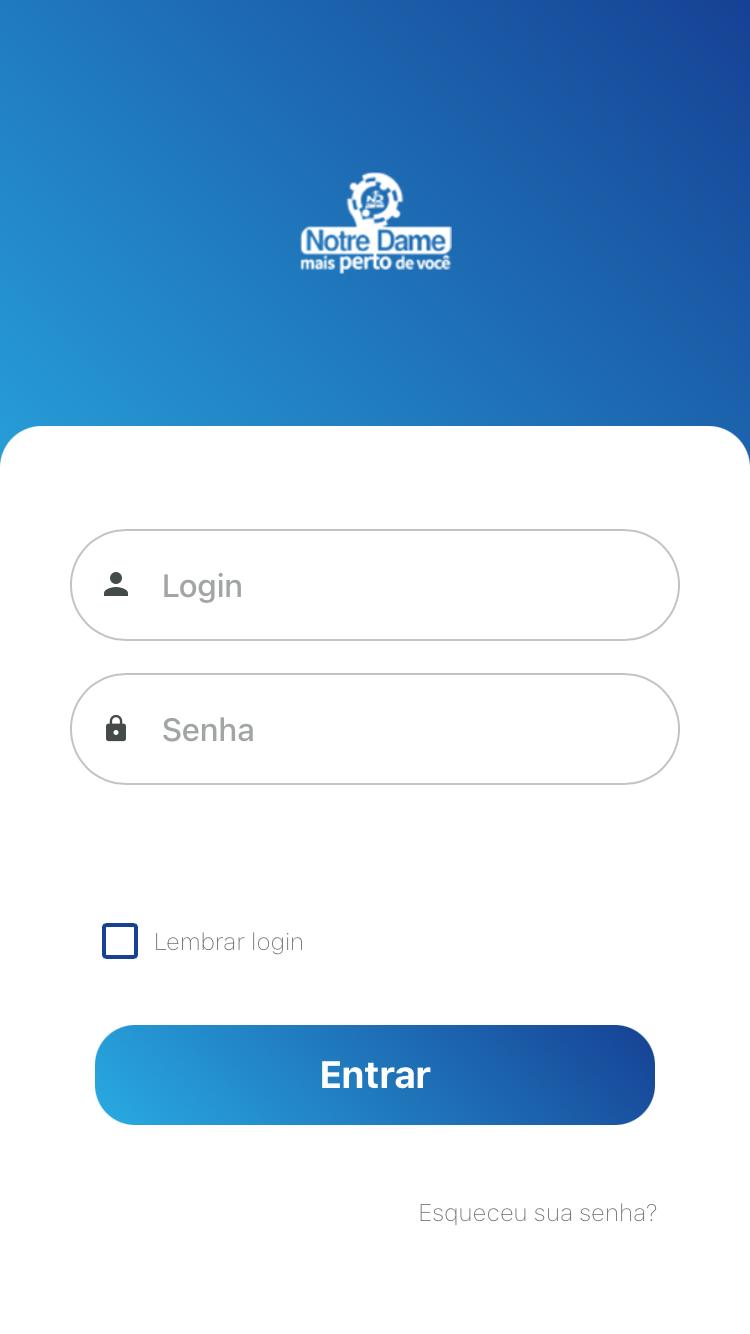
Developed to facilitate access to information for students, parents and guardians, allowing:
• Consultation of the daily record for parents to follow the student's routine, such as food, hygiene and sleep.
• Consultation of files and circulars for parents to download. allowing you to consult at any time you want.
• Financial consultation of the installments due, overdue, paid with the possibility of copying the digitizable line to pay in the bank application of your choice.
• Sending messages between parents and teachers.
• Pedagogical consultation with the possibility to filter by period of occurrence.
• Consultation of the student's entrance and exit accesses at the institution.
And much more...
Avance

Etiquetas
EducaciónInformación
Desarrollador
GVdasa Sistemas
La última versión
1.0.5
Última actualización
2022-08-02
Categoría
Educación
Disponible en
Google Play
Mostrar más
Cómo jugar Notre Dame Mais Perto de Você con GameLoop en PC
1. Descargue GameLoop desde el sitio web oficial, luego ejecute el archivo exe para instalar GameLoop.
2. Abra GameLoop y busque "Notre Dame Mais Perto de Você", busque Notre Dame Mais Perto de Você en los resultados de búsqueda y haga clic en "Instalar".
3. Disfruta jugando Notre Dame Mais Perto de Você en GameLoop.
Minimum requirements
OS
Windows 8.1 64-bit or Windows 10 64-bit
GPU
GTX 1050
CPU
i3-8300
Memory
8GB RAM
Storage
1GB available space
Recommended requirements
OS
Windows 8.1 64-bit or Windows 10 64-bit
GPU
GTX 1050
CPU
i3-9320
Memory
16GB RAM
Storage
1GB available space