MCPLUS - SPM 25 para PC
Sim IT Sdn Bhd
Descarga MCPLUS - SPM 25 en PC con GameLoop Emulator
MCPLUS - SPM 25 en PC
MCPLUS - SPM 25, proveniente del desarrollador Sim IT Sdn Bhd, se ejecuta en el sistema Android en el pasado.
Ahora, puedes jugar MCPLUS - SPM 25 en PC con GameLoop sin problemas.
Descárgalo en la biblioteca de GameLoop o en los resultados de búsqueda. No más mirar la batería o llamadas frustrantes en el momento equivocado nunca más.
Simplemente disfrute de MCPLUS - SPM 25 PC en la pantalla grande de forma gratuita!
MCPLUS - SPM 25 Introducción
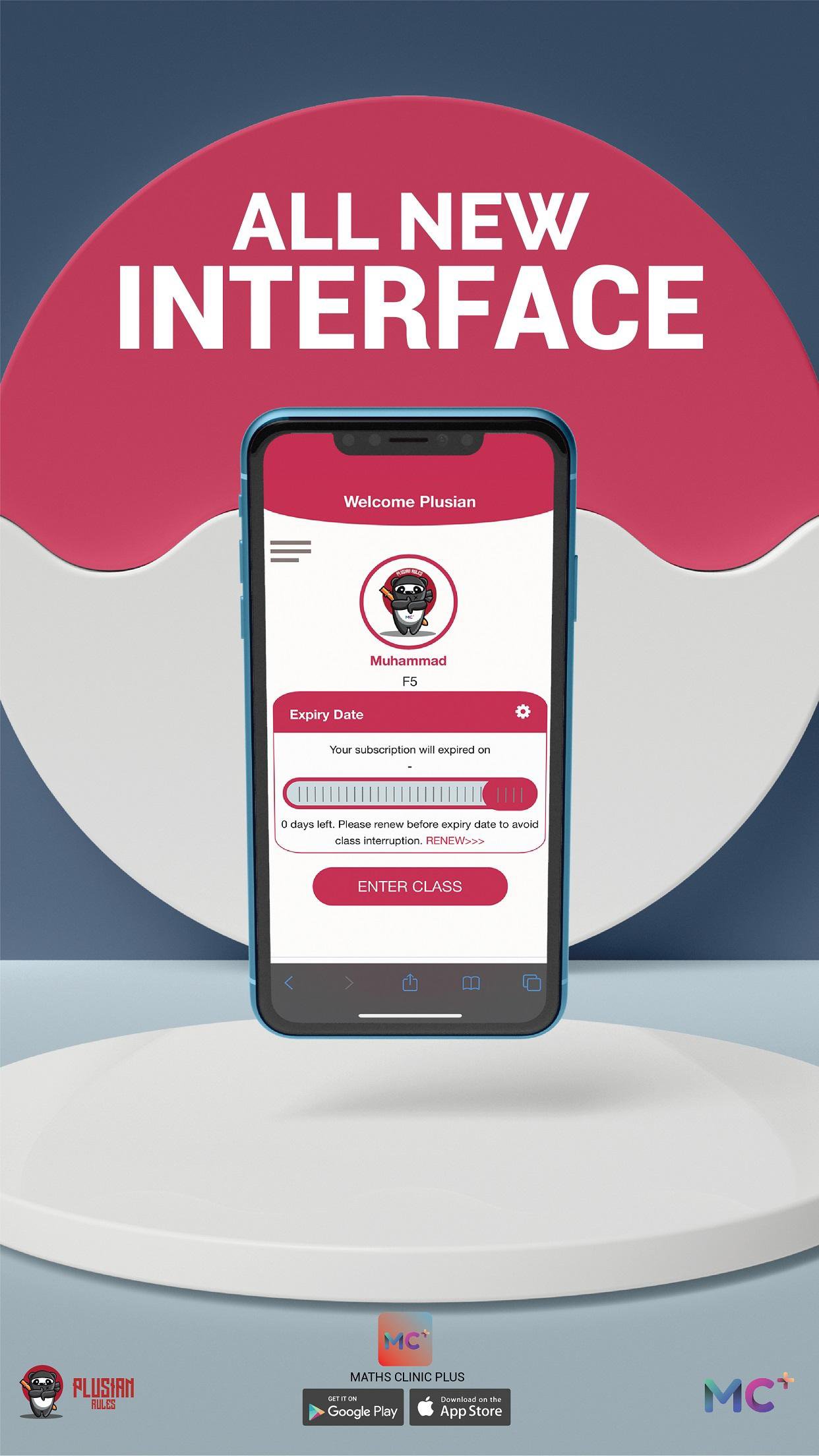
Looking for the best online tuition provider in Malaysia? Look no further than MCPLUS! Our app is the perfect way to access our top-quality tuition services from the comfort of your own home.
With MCPLUS, students can choose from a variety of subscription packages to suit their individual needs. Whether you're looking for regular weekly sessions or just need some extra help with a specific subject, we've got you covered.
And if you miss a live class, don't worry – our Reply Function allows you to catch up on all the important material at your own pace.
But that's not all – MCPLUS also offers a Note Bank for our students, giving you access to a wealth of resources and materials to help you succeed in your studies.
And with our team of expert tutors, you can be sure you're getting the best tuition experience possible. Choose from a variety of talented educators to find the perfect fit for your learning style and goals.
So why wait? Download MCPLUS today and start your journey to academic success!
Avance

Etiquetas
EducaciónInformación
Desarrollador
Sim IT Sdn Bhd
La última versión
2.1.2
Última actualización
2025-09-11
Categoría
Educación
Disponible en
Google Play
Mostrar más
Cómo jugar MCPLUS - SPM 25 con GameLoop en PC
1. Descargue GameLoop desde el sitio web oficial, luego ejecute el archivo exe para instalar GameLoop.
2. Abra GameLoop y busque "MCPLUS - SPM 25", busque MCPLUS - SPM 25 en los resultados de búsqueda y haga clic en "Instalar".
3. Disfruta jugando MCPLUS - SPM 25 en GameLoop.
Minimum requirements
OS
Windows 8.1 64-bit or Windows 10 64-bit
GPU
GTX 1050
CPU
i3-8300
Memory
8GB RAM
Storage
1GB available space
Recommended requirements
OS
Windows 8.1 64-bit or Windows 10 64-bit
GPU
GTX 1050
CPU
i3-9320
Memory
16GB RAM
Storage
1GB available space