LYNX Whiteboard para PC
Clevertouch
Descarga LYNX Whiteboard en PC con GameLoop Emulator
LYNX Whiteboard en PC
LYNX Whiteboard, proveniente del desarrollador Clevertouch, se ejecuta en el sistema Android en el pasado.
Ahora, puedes jugar LYNX Whiteboard en PC con GameLoop sin problemas.
Descárgalo en la biblioteca de GameLoop o en los resultados de búsqueda. No más mirar la batería o llamadas frustrantes en el momento equivocado nunca más.
Simplemente disfrute de LYNX Whiteboard PC en la pantalla grande de forma gratuita!
LYNX Whiteboard Introducción
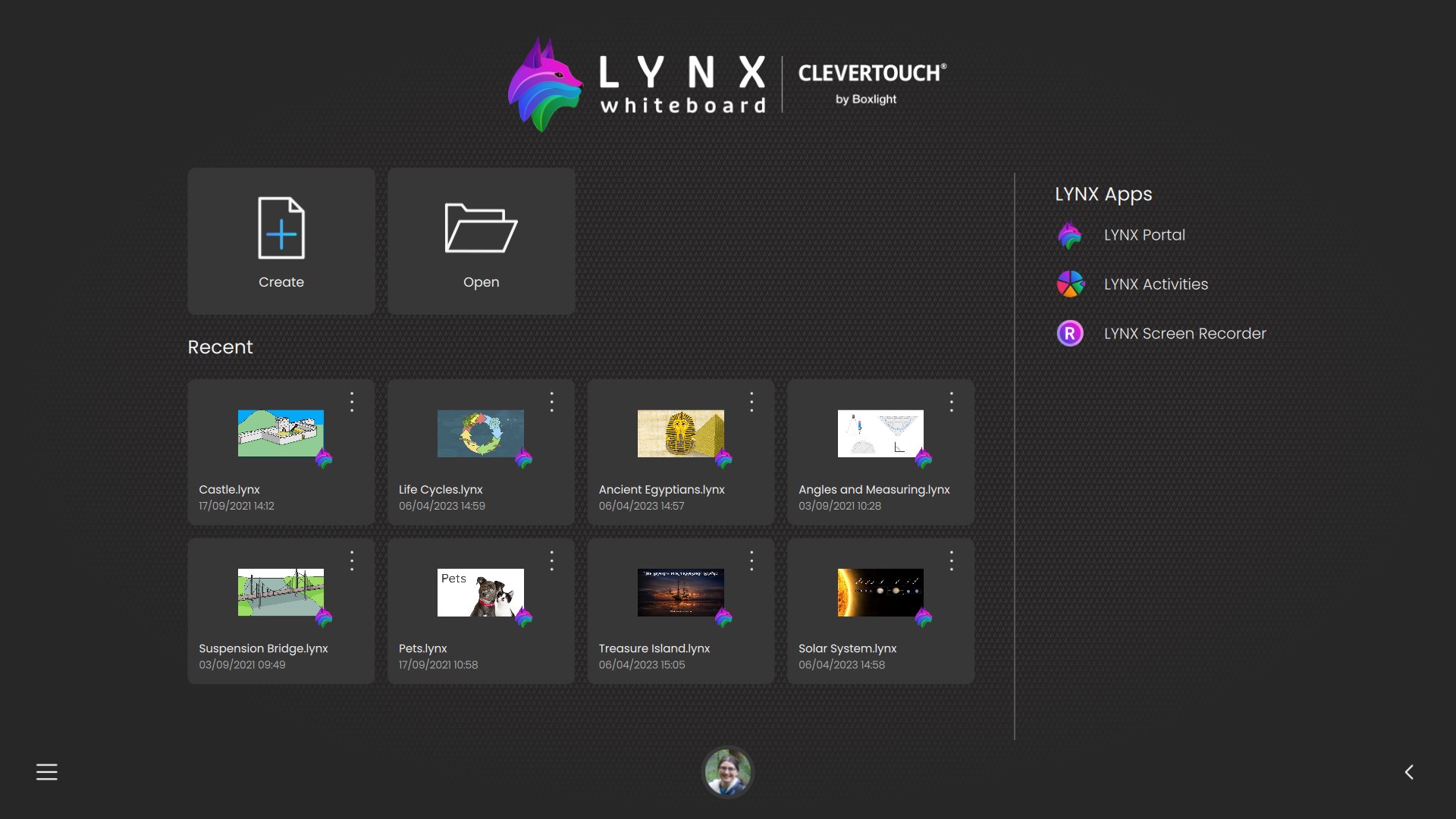
LYNX Whiteboard isn’t just a drawing canvas—it’s a full-featured cloud ready file manager with built-in whiteboarding tools, designed to help you organize, annotate, and share your documents across all your devices, including USB and external storage.
Why You’ll Love LYNX Whiteboard
- Centralized File Management
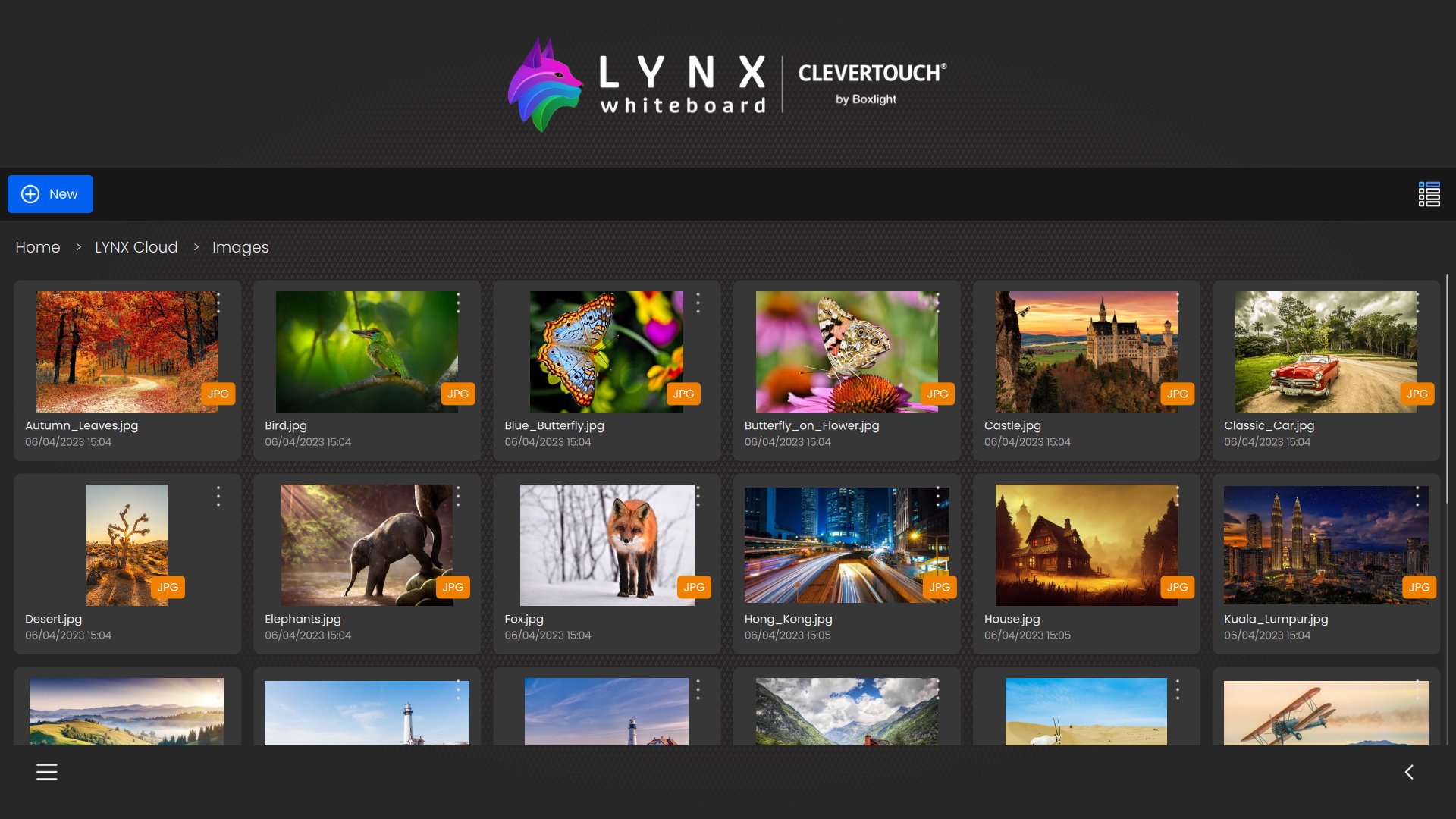
Browse, organize, and preview PowerPoint, Word, PDF, SMART Notebook, image and video files from your device’s internal storage, SD cards, USB drives, and OTG devices—all from one intuitive interface.
- Rich Media Integration
Drag and drop images and video clips from your device’s gallery, USB drives, or other external storage into any whiteboard or document for richer presentations and notes.
- Seamless Local + Cloud Sync
Access the same workspace on your phone, tablet, or PC. Work on files stored locally, on external storage, or in LYNX Cloud (or connected cloud services), and pick up right where you left off. Easy move files between local and cloud storage in both directions.
- Integrated Annotation & Sketching
Open any document and instantly mark it up—draw, highlight, or write notes directly on your files with a variety of pens, highlighters, and erasers.
- Smart Handwriting Recognition
Convert your sketches and notes into editable text instantly, making it easier to search, copy, and share your work.
- Ad-Free, Distraction-Free
Focus on your work without interruptions—LYNX Whiteboard is completely free of ads.
Avance
Etiquetas
EducaciónProductividadInformación
Desarrollador
Clevertouch
La última versión
8.6.5.0
Última actualización
2026-03-26
Categoría
Educación
Disponible en
Google Play
Mostrar más
Cómo jugar LYNX Whiteboard con GameLoop en PC
1. Descargue GameLoop desde el sitio web oficial, luego ejecute el archivo exe para instalar GameLoop.
2. Abra GameLoop y busque "LYNX Whiteboard", busque LYNX Whiteboard en los resultados de búsqueda y haga clic en "Instalar".
3. Disfruta jugando LYNX Whiteboard en GameLoop.
Minimum requirements
OS
Windows 8.1 64-bit or Windows 10 64-bit
GPU
GTX 1050
CPU
i3-8300
Memory
8GB RAM
Storage
1GB available space
Recommended requirements
OS
Windows 8.1 64-bit or Windows 10 64-bit
GPU
GTX 1050
CPU
i3-9320
Memory
16GB RAM
Storage
1GB available space