
BluePrinnt para PC
Education Thanos Media
Descarga BluePrinnt en PC con GameLoop Emulator
BluePrinnt en PC
BluePrinnt, proveniente del desarrollador Education Thanos Media, se ejecuta en el sistema Android en el pasado.
Ahora, puedes jugar BluePrinnt en PC con GameLoop sin problemas.
Descárgalo en la biblioteca de GameLoop o en los resultados de búsqueda. No más mirar la batería o llamadas frustrantes en el momento equivocado nunca más.
Simplemente disfrute de BluePrinnt PC en la pantalla grande de forma gratuita!
BluePrinnt Introducción
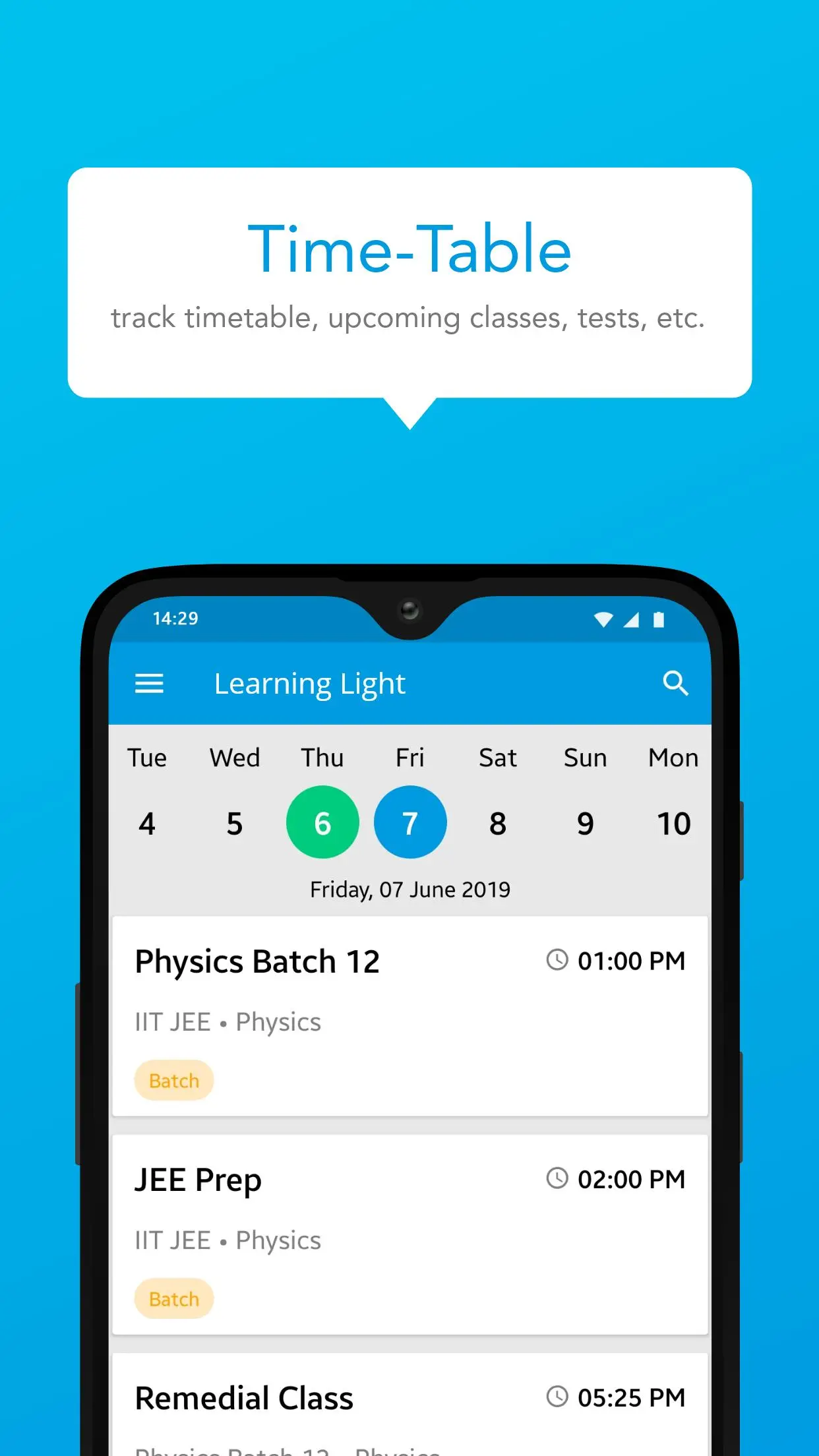
Unlock a new dimension of learning with BluePrinnt, your comprehensive educational companion designed to make studying seamless and engaging. Whether you're a student seeking help with complex subjects or a teacher aiming to enhance classroom experiences, BluePrinnt offers an array of tools to support your educational journey. Our platform features interactive lessons, practice quizzes, and in-depth video tutorials across various subjects. The intuitive interface and personalized learning paths ensure that you stay motivated and achieve your academic goals. Download BluePrinnt today and take control of your learning experience with cutting-edge technology at your fingertips.
Avance

Etiquetas
EducaciónInformación
Desarrollador
Education Thanos Media
La última versión
1.9.1.4
Última actualización
2025-08-21
Categoría
Educación
Disponible en
Google Play
Mostrar más
Cómo jugar BluePrinnt con GameLoop en PC
1. Descargue GameLoop desde el sitio web oficial, luego ejecute el archivo exe para instalar GameLoop.
2. Abra GameLoop y busque "BluePrinnt", busque BluePrinnt en los resultados de búsqueda y haga clic en "Instalar".
3. Disfruta jugando BluePrinnt en GameLoop.
Minimum requirements
OS
Windows 8.1 64-bit or Windows 10 64-bit
GPU
GTX 1050
CPU
i3-8300
Memory
8GB RAM
Storage
1GB available space
Recommended requirements
OS
Windows 8.1 64-bit or Windows 10 64-bit
GPU
GTX 1050
CPU
i3-9320
Memory
16GB RAM
Storage
1GB available space