
DOS Introduction para PC
Softied Apps
Descarga DOS Introduction en PC con GameLoop Emulator
DOS Introduction en PC
DOS Introduction, proveniente del desarrollador Softied Apps, se ejecuta en el sistema Android en el pasado.
Ahora, puedes jugar DOS Introduction en PC con GameLoop sin problemas.
Descárgalo en la biblioteca de GameLoop o en los resultados de búsqueda. No más mirar la batería o llamadas frustrantes en el momento equivocado nunca más.
Simplemente disfrute de DOS Introduction PC en la pantalla grande de forma gratuita!
DOS Introduction Introducción
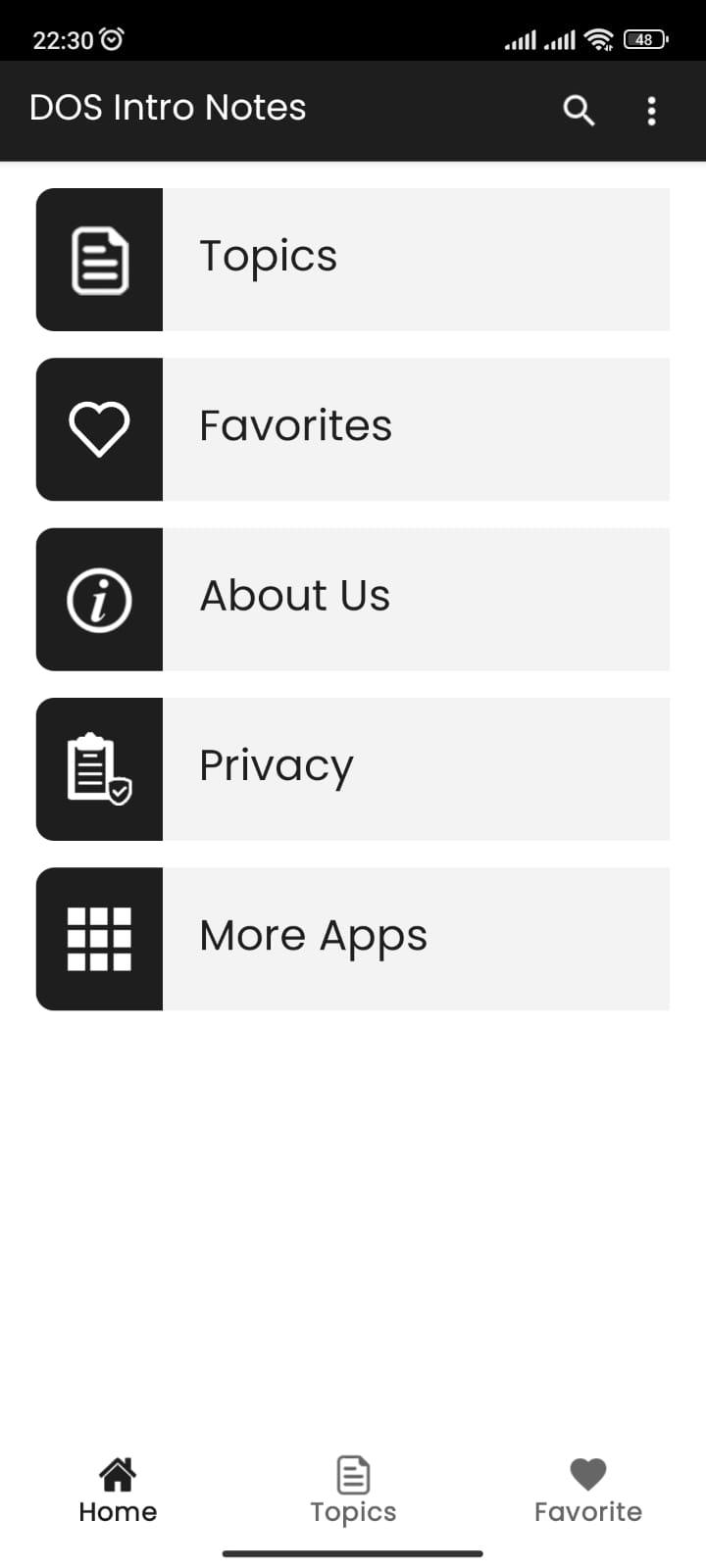
This app contains DOS basic notes.
DOS is a platform-independent acronym for Disk Operating System, which was initially introduced by IBM for the System/360 mainframe and later became common shorthand for the popular family of disk-based operating systems for x86-based IBM PC compatibles. DOS primarily consists of Microsoft's MS-DOS and a rebranded IBM version under the name PC DOS, both of which were introduced in 1981. Later compatible systems from other manufacturers are DR DOS (since 1988 by Digital Research, later sold to Novell then spun into Caldera, Lineo, and finally DeviceLogics), ROM-DOS (since 1989 by Datalight), PTS-DOS (since 1993 by Paragon Technology and PhysTechSoft), Embedded DOS (by General Software), FreeDOS (1998), and RxDOS. MS-DOS dominated the IBM PC compatible market between 1981 and 1995.
[Source: Wikipedia]
Avance
Etiquetas
EducaciónInformación
Desarrollador
Softied Apps
La última versión
1.0
Última actualización
2023-08-27
Categoría
Educación
Disponible en
Google Play
Mostrar más
Cómo jugar DOS Introduction con GameLoop en PC
1. Descargue GameLoop desde el sitio web oficial, luego ejecute el archivo exe para instalar GameLoop.
2. Abra GameLoop y busque "DOS Introduction", busque DOS Introduction en los resultados de búsqueda y haga clic en "Instalar".
3. Disfruta jugando DOS Introduction en GameLoop.
Minimum requirements
OS
Windows 8.1 64-bit or Windows 10 64-bit
GPU
GTX 1050
CPU
i3-8300
Memory
8GB RAM
Storage
1GB available space
Recommended requirements
OS
Windows 8.1 64-bit or Windows 10 64-bit
GPU
GTX 1050
CPU
i3-9320
Memory
16GB RAM
Storage
1GB available space