Computer Fundamentals para PC
Softecks
Descarga Computer Fundamentals en PC con GameLoop Emulator
Computer Fundamentals en PC
Computer Fundamentals, proveniente del desarrollador Softecks, se ejecuta en el sistema Android en el pasado.
Ahora, puedes jugar Computer Fundamentals en PC con GameLoop sin problemas.
Descárgalo en la biblioteca de GameLoop o en los resultados de búsqueda. No más mirar la batería o llamadas frustrantes en el momento equivocado nunca más.
Simplemente disfrute de Computer Fundamentals PC en la pantalla grande de forma gratuita!
Computer Fundamentals Introducción
Computer Fundamentals Q&A & MCQ is an educational app for students, beginners, job seekers, competitive exam candidates and anyone who wants to build a clear understanding of computers. The app combines structured lessons, question-and-answer content and multiple-choice practice, making it easier to learn, revise and test essential computer concepts on a mobile device.
LEARN COMPUTER FUNDAMENTALS STEP BY STEP
Start with the meaning of a computer and understand how data is accepted, stored, processed and converted into useful information. Learn the difference between hardware and software, input and output, data and information, memory and storage, and other ideas that form the foundation of computer education.
The organized structure helps both first-time learners and users who need a quick refresher before an examination, interview or classroom test.
QUESTIONS AND ANSWERS FOR EASY REVISION
Use the Q&A section to review important definitions, concepts and commonly asked computer questions. The question-based format helps you focus on one topic at a time, understand the answer and continue learning at your own pace.
It supports school and college revision, computer awareness preparation, basic IT learning and interview practice.
PRACTISE WITH COMPUTER MCQS
The MCQ section helps you check your understanding through categorized multiple-choice questions. Practice regularly to improve recall and identify weak areas.
MCQs can support competitive exams, recruitment assessments, computer literacy tests and general knowledge preparation.
TOPICS INCLUDED
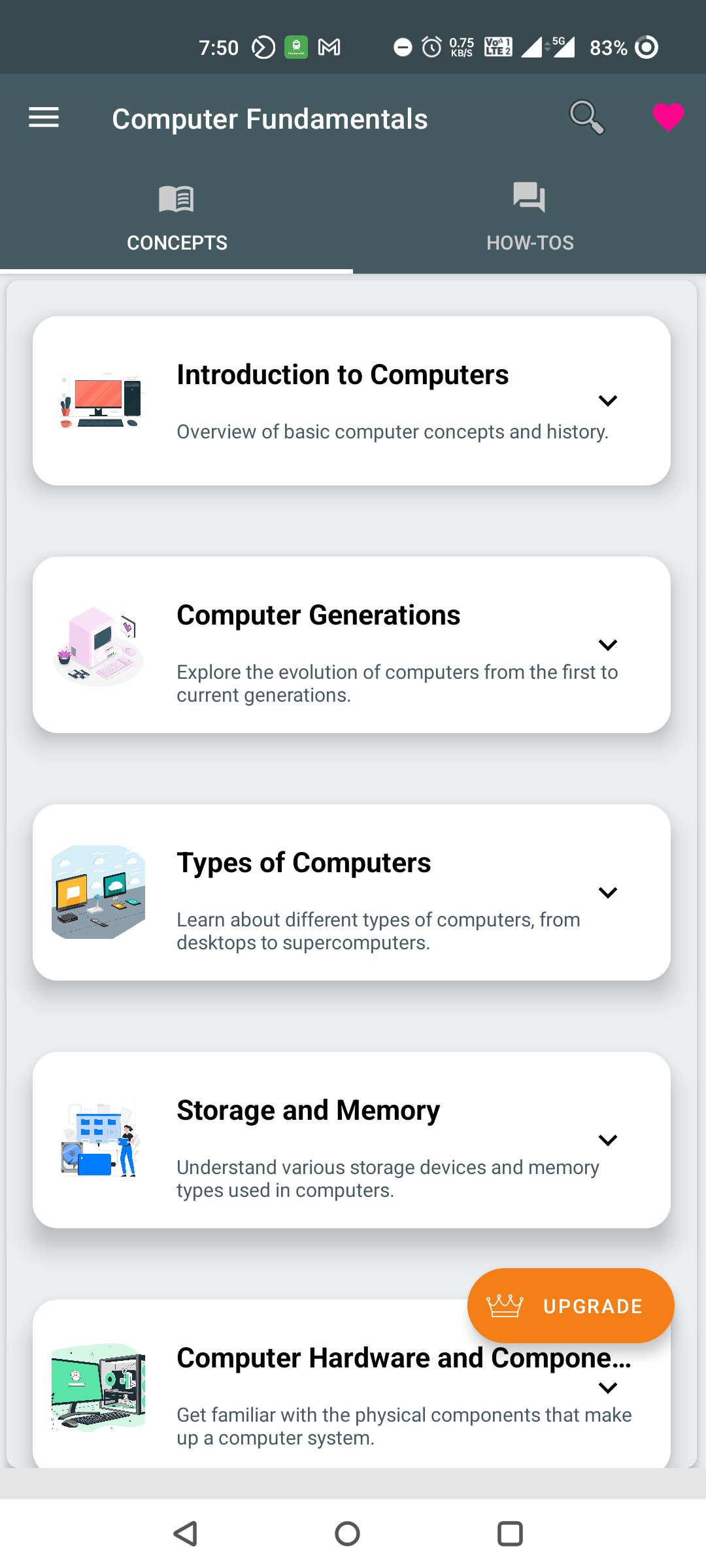
The app covers computer history, overview and applications, generations of computers, types of computers, personal computers, workstations, minicomputers, mainframes and supercomputers.
You can also study computer components, input and output units, CPU, control unit, arithmetic logic unit, system unit, instruction cycle and the connection between major parts of a computer.
Hardware topics include keyboards, mouse devices, joysticks, scanners, microphones, optical readers, barcode readers, monitors, printers, ports, motherboards and storage media.
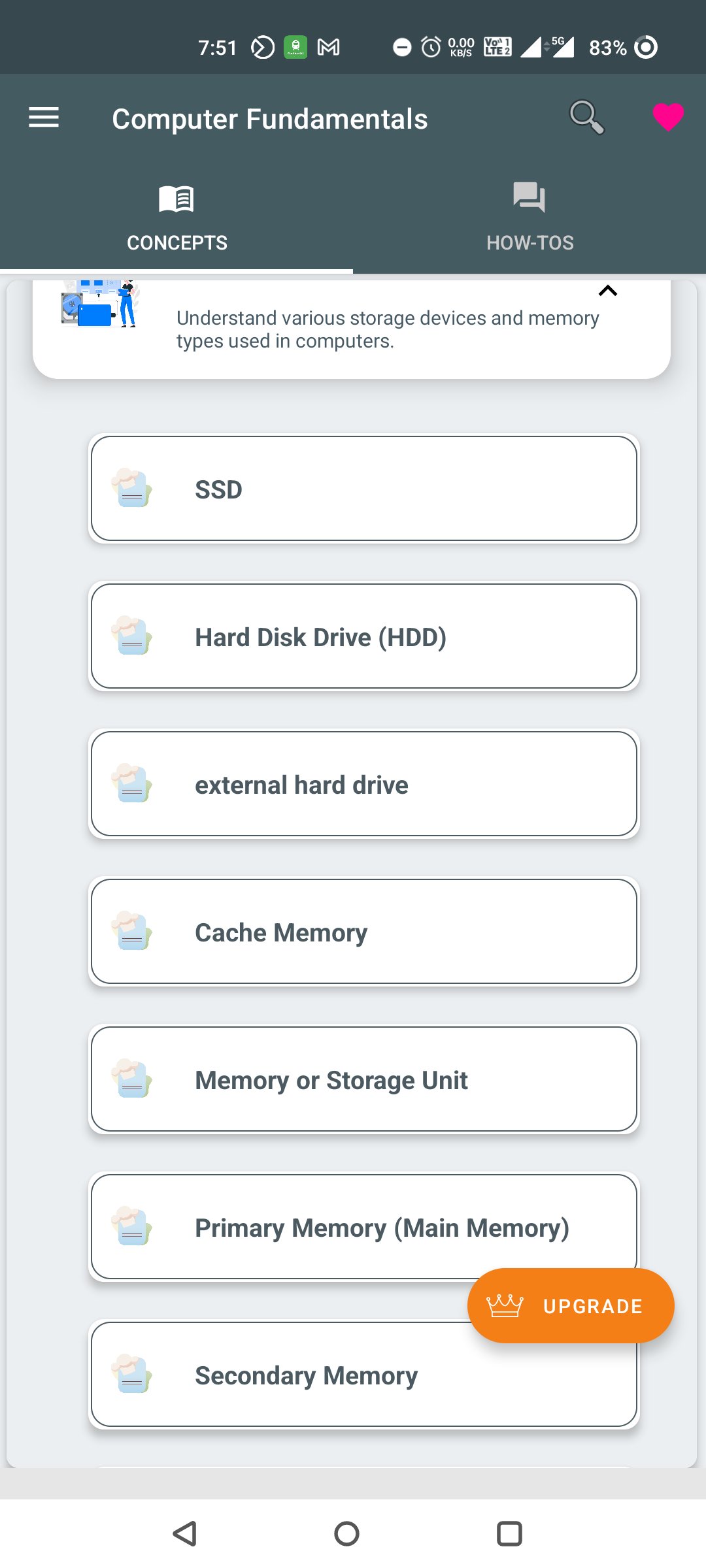
Memory-related learning includes cache memory, primary memory, secondary memory, RAM, SRAM, DRAM, ROM and memory units.
Software and system concepts include hardware-software relationships, system software, application software, operating systems, types of operating systems, networking, internet, intranet, data processing and the difference between data and information.
The app also introduces number systems and number conversion, including decimal, binary, octal and hexadecimal systems, along with commonly used conversion methods.
Additional learning areas include computer care, computer courses, buying considerations and other general computer education topics.
USEFUL FEATURES
• Organized computer fundamentals content
• Questions and answers for concept revision
• Categorized computer MCQ practice
• Simple navigation and readable learning screens
• General computer-related updates when available
• Suitable for quick revision and regular study
WHO CAN USE THIS APP?
Computer Fundamentals Q&A & MCQ can be helpful for school students, college students, diploma learners, beginners in information technology, competitive exam candidates, office users, job seekers and anyone who wants to improve basic computer knowledge.
Use the app to strengthen your foundation, prepare for examinations, revise before interviews or understand how computers and digital systems work.
Download Computer Fundamentals Q&A & MCQ and begin learning computer basics through clear explanations, structured questions and practical MCQ revision.
Disclaimer: This app is intended for educational and general reference purposes. Course requirements and examination patterns may vary. Always use current textbooks, official syllabi and trusted sources for formal study.
Avance
Etiquetas
EducaciónInformación
Desarrollador
Softecks
La última versión
5.2
Última actualización
2026-08-22
Categoría
Educación
Disponible en
Google Play
Mostrar más
Cómo jugar Computer Fundamentals con GameLoop en PC
1. Descargue GameLoop desde el sitio web oficial, luego ejecute el archivo exe para instalar GameLoop.
2. Abra GameLoop y busque "Computer Fundamentals", busque Computer Fundamentals en los resultados de búsqueda y haga clic en "Instalar".
3. Disfruta jugando Computer Fundamentals en GameLoop.
Minimum requirements
OS
Windows 8.1 64-bit or Windows 10 64-bit
GPU
GTX 1050
CPU
i3-8300
Memory
8GB RAM
Storage
1GB available space
Recommended requirements
OS
Windows 8.1 64-bit or Windows 10 64-bit
GPU
GTX 1050
CPU
i3-9320
Memory
16GB RAM
Storage
1GB available space