
Impartus para PC
Impartus Innovations
Descarga Impartus en PC con GameLoop Emulator
Impartus en PC
Impartus, proveniente del desarrollador Impartus Innovations, se ejecuta en el sistema Android en el pasado.
Ahora, puedes jugar Impartus en PC con GameLoop sin problemas.
Descárgalo en la biblioteca de GameLoop o en los resultados de búsqueda. No más mirar la batería o llamadas frustrantes en el momento equivocado nunca más.
Simplemente disfrute de Impartus PC en la pantalla grande de forma gratuita!
Impartus Introducción
Impartus is a comprehensive, video learning platform that brings about a paradigm shift in the teaching - learning experience.
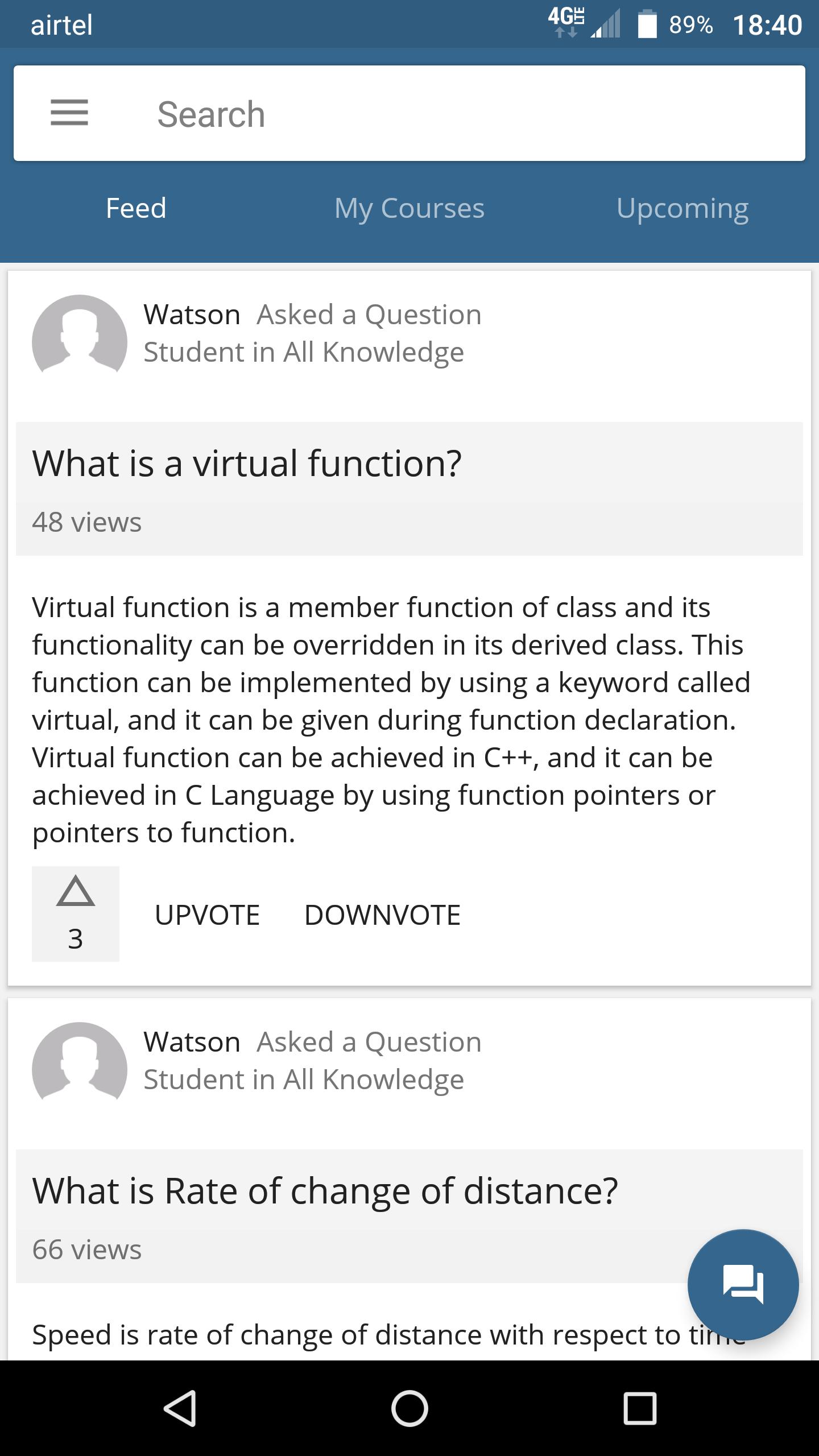
With Impartus, educators are able to capture, edit, and distribute contextually relevant content. Students gain deeper understanding as they use the platform to watch recorded or live-streamed class lectures and review supplementary course material at any time, from anywhere. And administrators can serve more students with existing resources while improving outcomes for all.
The core features of the solution include:
• Multi-view automated lecture capture
• In-Video Search
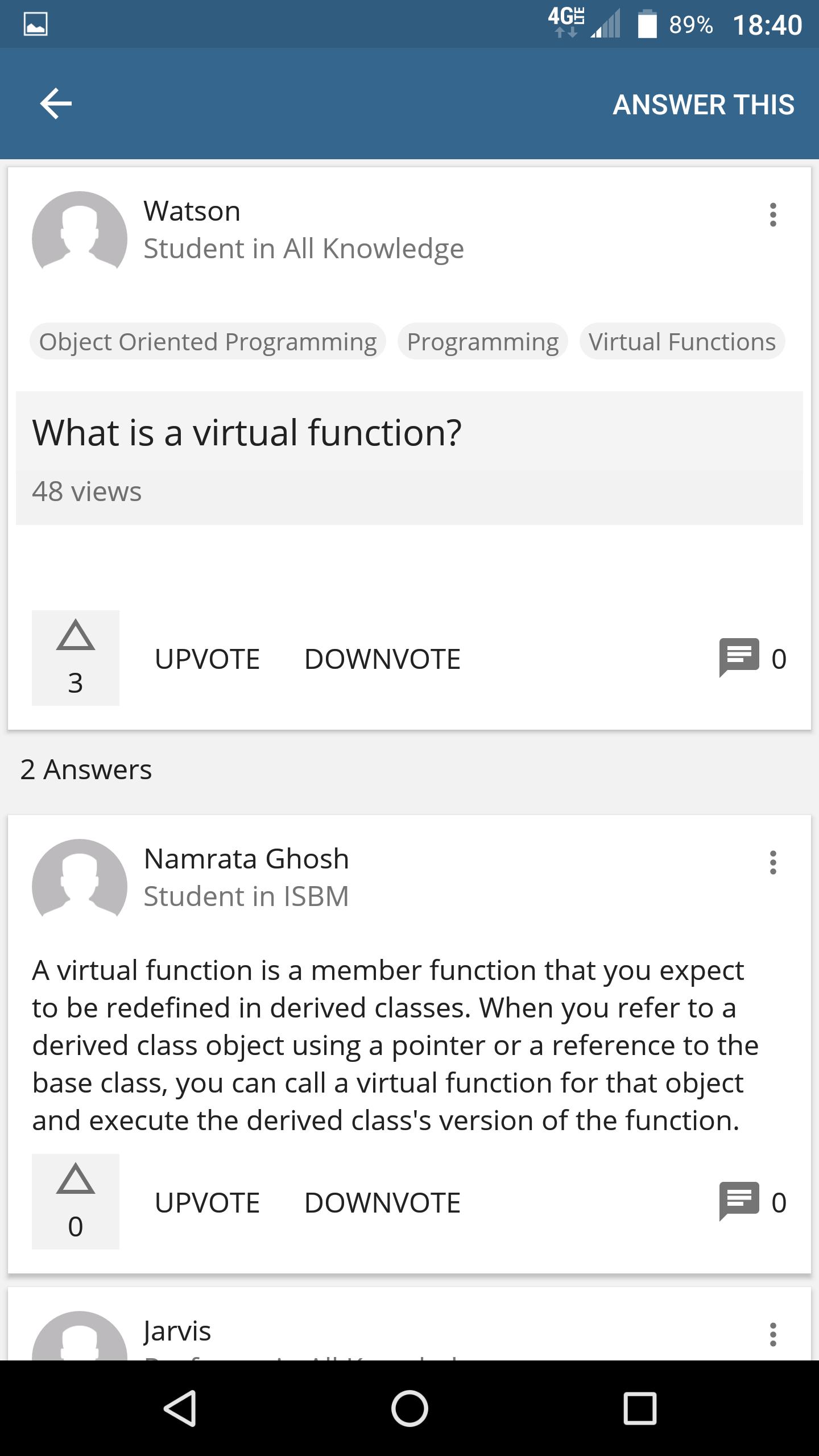
• Discussion Forum
• Flipped Lectures
• Video Conferencing and Live Streaming
• Out of the box integration with popular LMSs
Avance
Etiquetas
EducaciónInformación
Desarrollador
Impartus Innovations
La última versión
2.9
Última actualización
2024-01-04
Categoría
Educación
Disponible en
Google Play
Mostrar más
Cómo jugar Impartus con GameLoop en PC
1. Descargue GameLoop desde el sitio web oficial, luego ejecute el archivo exe para instalar GameLoop.
2. Abra GameLoop y busque "Impartus", busque Impartus en los resultados de búsqueda y haga clic en "Instalar".
3. Disfruta jugando Impartus en GameLoop.
Minimum requirements
OS
Windows 8.1 64-bit or Windows 10 64-bit
GPU
GTX 1050
CPU
i3-8300
Memory
8GB RAM
Storage
1GB available space
Recommended requirements
OS
Windows 8.1 64-bit or Windows 10 64-bit
GPU
GTX 1050
CPU
i3-9320
Memory
16GB RAM
Storage
1GB available space