
UE Online Campus para PC
Datenlotsen Informationssysteme GmbH
Descarga UE Online Campus en PC con GameLoop Emulator
UE Online Campus en PC
UE Online Campus, proveniente del desarrollador Datenlotsen Informationssysteme GmbH, se ejecuta en el sistema Android en el pasado.
Ahora, puedes jugar UE Online Campus en PC con GameLoop sin problemas.
Descárgalo en la biblioteca de GameLoop o en los resultados de búsqueda. No más mirar la batería o llamadas frustrantes en el momento equivocado nunca más.
Simplemente disfrute de UE Online Campus PC en la pantalla grande de forma gratuita!
UE Online Campus Introducción
UE Online Campus is the mobile application for the campus management software from Datenlotsen Informationssysteme GmbH at the University of Europe for Applied Sciences.
This app enables students and teachers at the University of Europe for Applied Sciences to use certain functions of CampusNet® easily and easily, even on the go. Have the grades from the last exam already been published? In which room will my colloquium take place today? Has the professor already provided the new exercise sheets? Students and teachers can now answer all of these questions on the go using their smartphone.
The app gives students direct, personalized access to information about their studies and teachers to their data in the area of teaching.
The app offers, among other things:
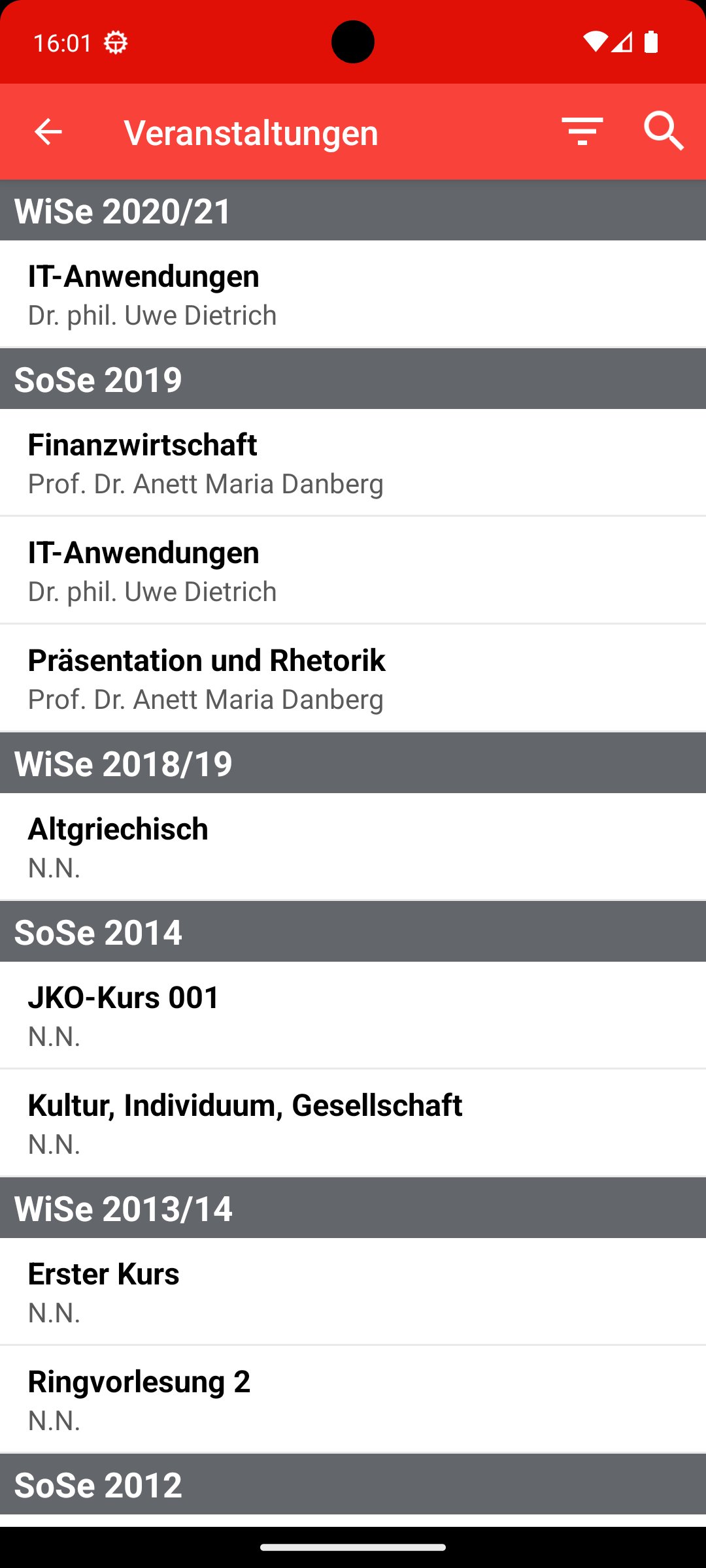
* Event overview
* View/download materials
* Exam list
* Receiving and sending messages
* Appointment calendar
Avance

Etiquetas
EducaciónInformación
Desarrollador
Datenlotsen Informationssysteme GmbH
La última versión
1.7.29
Última actualización
2025-08-29
Categoría
Educación
Disponible en
Google Play
Mostrar más
Cómo jugar UE Online Campus con GameLoop en PC
1. Descargue GameLoop desde el sitio web oficial, luego ejecute el archivo exe para instalar GameLoop.
2. Abra GameLoop y busque "UE Online Campus", busque UE Online Campus en los resultados de búsqueda y haga clic en "Instalar".
3. Disfruta jugando UE Online Campus en GameLoop.
Minimum requirements
OS
Windows 8.1 64-bit or Windows 10 64-bit
GPU
GTX 1050
CPU
i3-8300
Memory
8GB RAM
Storage
1GB available space
Recommended requirements
OS
Windows 8.1 64-bit or Windows 10 64-bit
GPU
GTX 1050
CPU
i3-9320
Memory
16GB RAM
Storage
1GB available space