
תיאוריה 2026 לימוד תאוריה para PC
UP System
Descarga תיאוריה 2026 לימוד תאוריה en PC con GameLoop Emulator
תיאוריה 2026 לימוד תאוריה en PC
תיאוריה 2026 לימוד תאוריה, proveniente del desarrollador UP System, se ejecuta en el sistema Android en el pasado.
Ahora, puedes jugar תיאוריה 2026 לימוד תאוריה en PC con GameLoop sin problemas.
Descárgalo en la biblioteca de GameLoop o en los resultados de búsqueda. No más mirar la batería o llamadas frustrantes en el momento equivocado nunca más.
Simplemente disfrute de תיאוריה 2026 לימוד תאוריה PC en la pantalla grande de forma gratuita!
תיאוריה 2026 לימוד תאוריה Introducción
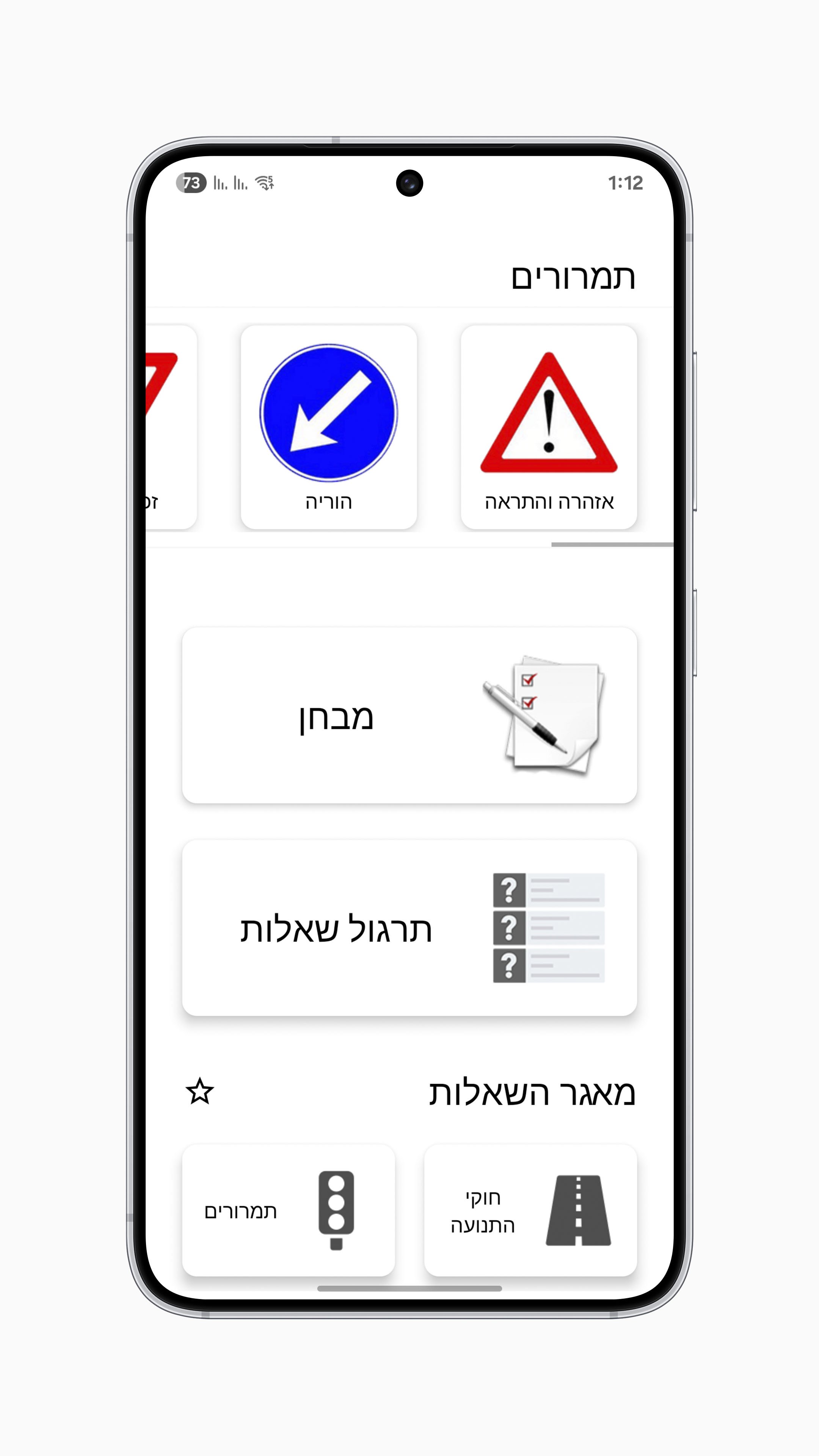
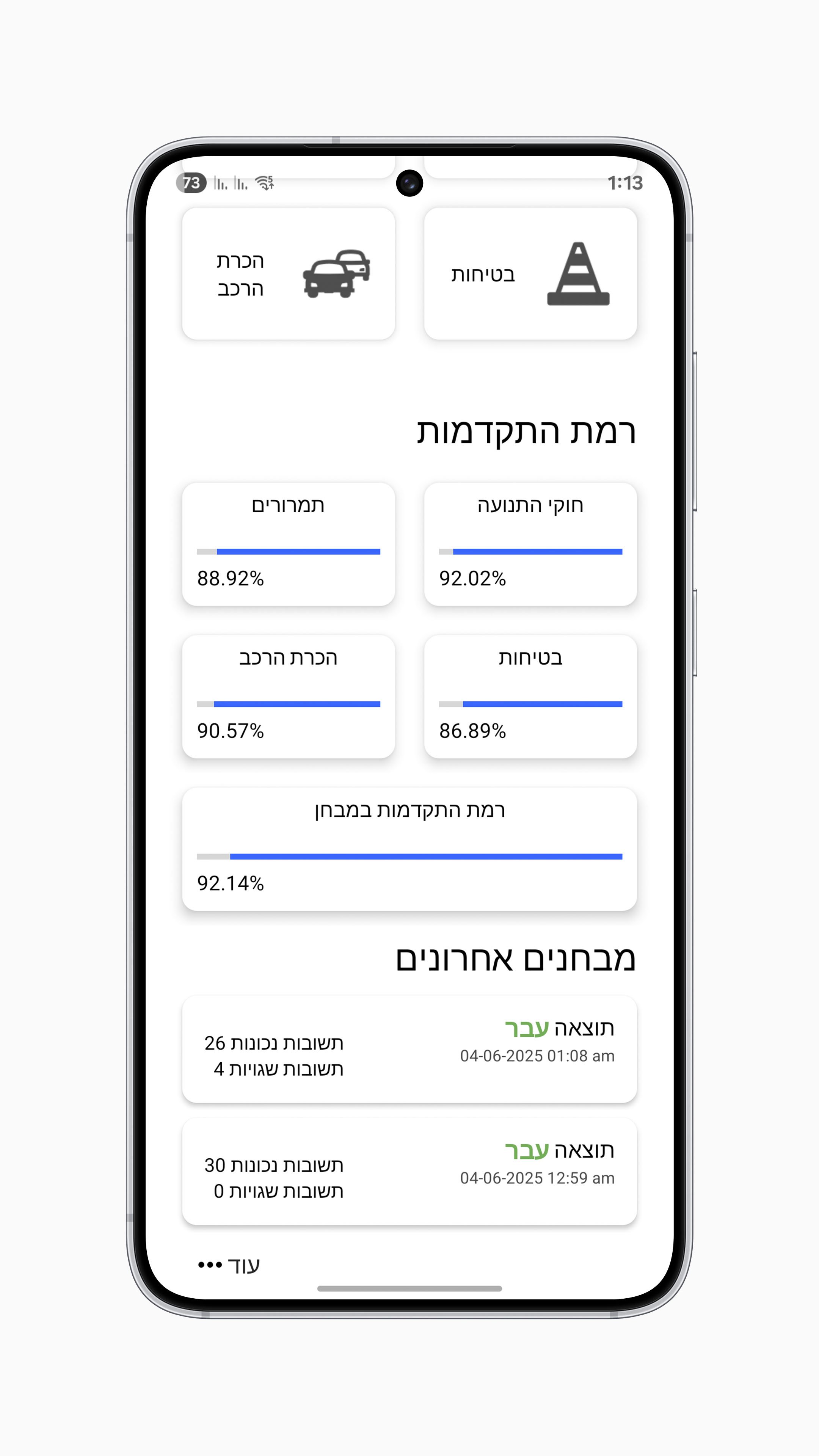
- The app contains an easy learning path to prepare for the theory test.
- The app contains the full question database and traffic sign board of the Ministry of Transportation.
- The app contains the updated question database for 2026.
- A test experience like the real test.
- The app provides all the material required to pass the theory test completely free of charge!
- The app supports all levels of driving licenses in Israel:
1. Level A for motorcycles
2. Level B for vehicles up to 3.5 tons and up to 8 passengers
3. Level C and C1 for trucks
4. Level D for passenger transportation (buses and taxis)
5. Level 1 - tractor
Avance
Etiquetas
EducaciónInformación
Desarrollador
UP System
La última versión
8.5
Última actualización
2025-07-02
Categoría
Educación
Disponible en
Google Play
Mostrar más
Cómo jugar תיאוריה 2026 לימוד תאוריה con GameLoop en PC
1. Descargue GameLoop desde el sitio web oficial, luego ejecute el archivo exe para instalar GameLoop.
2. Abra GameLoop y busque "תיאוריה 2026 לימוד תאוריה", busque תיאוריה 2026 לימוד תאוריה en los resultados de búsqueda y haga clic en "Instalar".
3. Disfruta jugando תיאוריה 2026 לימוד תאוריה en GameLoop.
Minimum requirements
OS
Windows 8.1 64-bit or Windows 10 64-bit
GPU
GTX 1050
CPU
i3-8300
Memory
8GB RAM
Storage
1GB available space
Recommended requirements
OS
Windows 8.1 64-bit or Windows 10 64-bit
GPU
GTX 1050
CPU
i3-9320
Memory
16GB RAM
Storage
1GB available space