
Threema OnPrem. Self-Hosted para PC
Threema GmbH
Descarga Threema OnPrem. Self-Hosted en PC con GameLoop Emulator
Threema OnPrem. Self-Hosted en PC
Threema OnPrem. Self-Hosted, proveniente del desarrollador Threema GmbH, se ejecuta en el sistema Android en el pasado.
Ahora, puedes jugar Threema OnPrem. Self-Hosted en PC con GameLoop sin problemas.
Descárgalo en la biblioteca de GameLoop o en los resultados de búsqueda. No más mirar la batería o llamadas frustrantes en el momento equivocado nunca más.
Simplemente disfrute de Threema OnPrem. Self-Hosted PC en la pantalla grande de forma gratuita!
Threema OnPrem. Self-Hosted Introducción
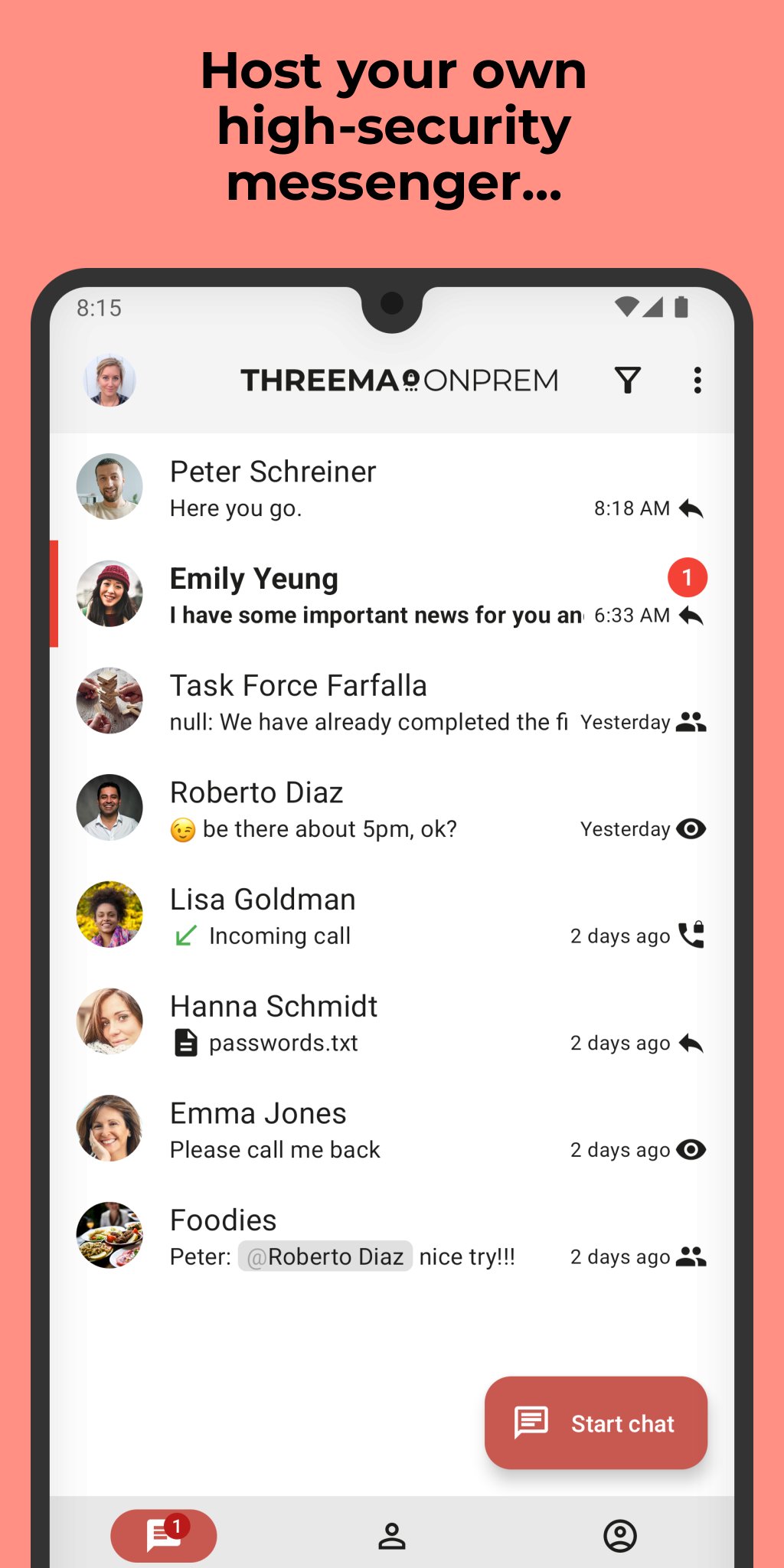
Threema OnPrem is the self-hosted communication solution for organizations with the highest security requirements. The combination of Threema’s proven security architecture and complete data sovereignty creates an independent communication environment that is unmatched in terms of confidentiality – ideal for government agencies, police forces, and industrial companies.
Advantages of Threema OnPrem:
• 100% data sovereignty through hosting on your own servers
• Proven Threema security architecture
• Confidential communication in teams, groups, and projects
• End-to-end encrypted voice and video calls
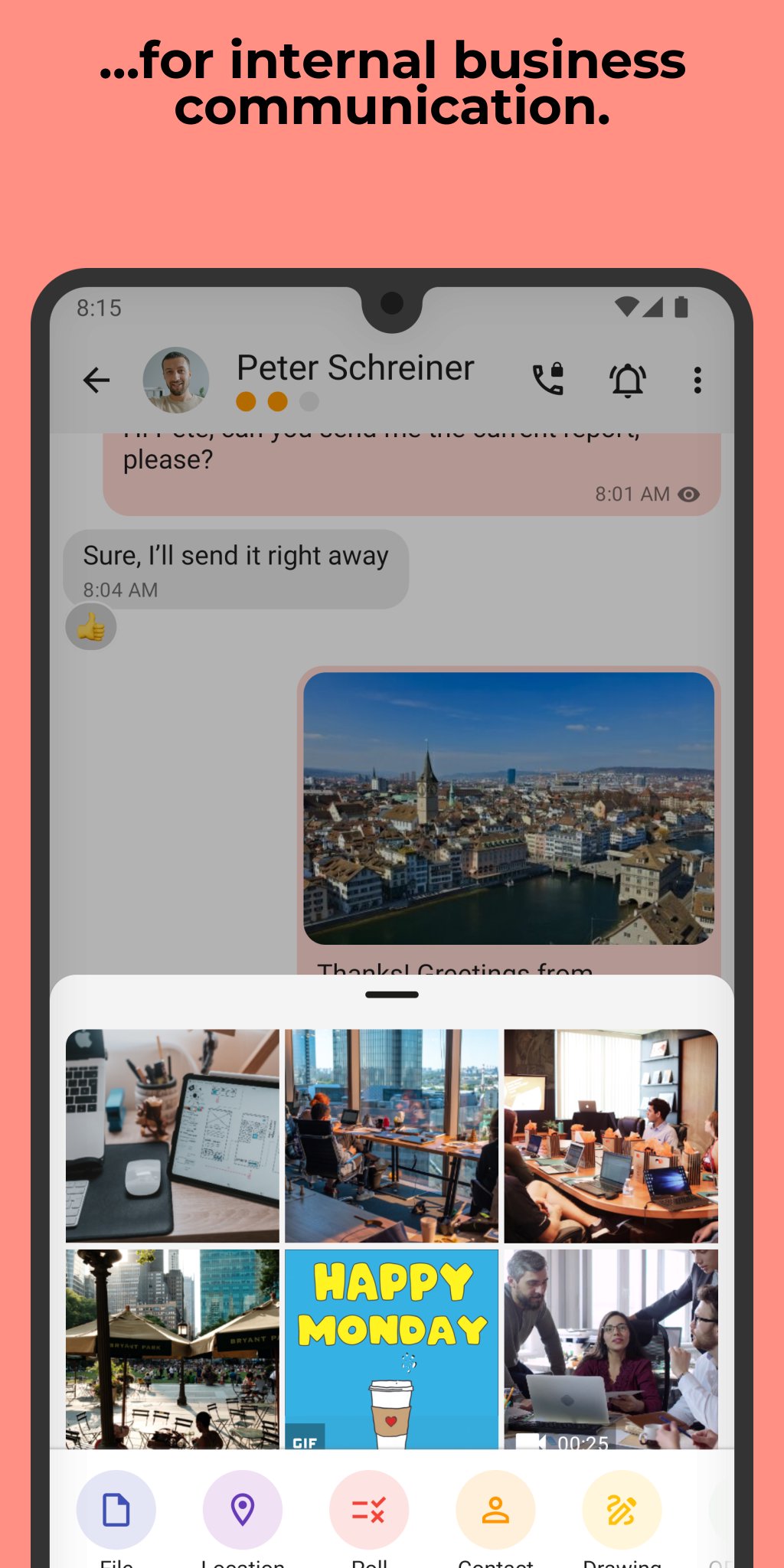
• Secure exchange of files and documents in all formats
• Cross-platform use thanks to mobile app, desktop app, and web client
• Additional protection of confidential chats with PIN or fingerprint
NOTE: Before you can use this app, Threema OnPrem must be set up on your company server. For more information, visit threema.com/onprem.
Enjoy using Threema OnPrem!
Avance
Etiquetas
ComunicacionesInformación
Desarrollador
Threema GmbH
La última versión
6.3.2o
Última actualización
2026-05-06
Categoría
Comunicaciones
Disponible en
Google Play
Mostrar más
Cómo jugar Threema OnPrem. Self-Hosted con GameLoop en PC
1. Descargue GameLoop desde el sitio web oficial, luego ejecute el archivo exe para instalar GameLoop.
2. Abra GameLoop y busque "Threema OnPrem. Self-Hosted", busque Threema OnPrem. Self-Hosted en los resultados de búsqueda y haga clic en "Instalar".
3. Disfruta jugando Threema OnPrem. Self-Hosted en GameLoop.
Minimum requirements
OS
Windows 8.1 64-bit or Windows 10 64-bit
GPU
GTX 1050
CPU
i3-8300
Memory
8GB RAM
Storage
1GB available space
Recommended requirements
OS
Windows 8.1 64-bit or Windows 10 64-bit
GPU
GTX 1050
CPU
i3-9320
Memory
16GB RAM
Storage
1GB available space