
Securus Mobile para PC
Securus Technologies, LLC
Descarga Securus Mobile en PC con GameLoop Emulator
Securus Mobile en PC
Securus Mobile, proveniente del desarrollador Securus Technologies, LLC, se ejecuta en el sistema Android en el pasado.
Ahora, puedes jugar Securus Mobile en PC con GameLoop sin problemas.
Descárgalo en la biblioteca de GameLoop o en los resultados de búsqueda. No más mirar la batería o llamadas frustrantes en el momento equivocado nunca más.
Simplemente disfrute de Securus Mobile PC en la pantalla grande de forma gratuita!
Securus Mobile Introducción
The Securus Mobile app now requires Android 10.0 or higher. Please update to the latest version.
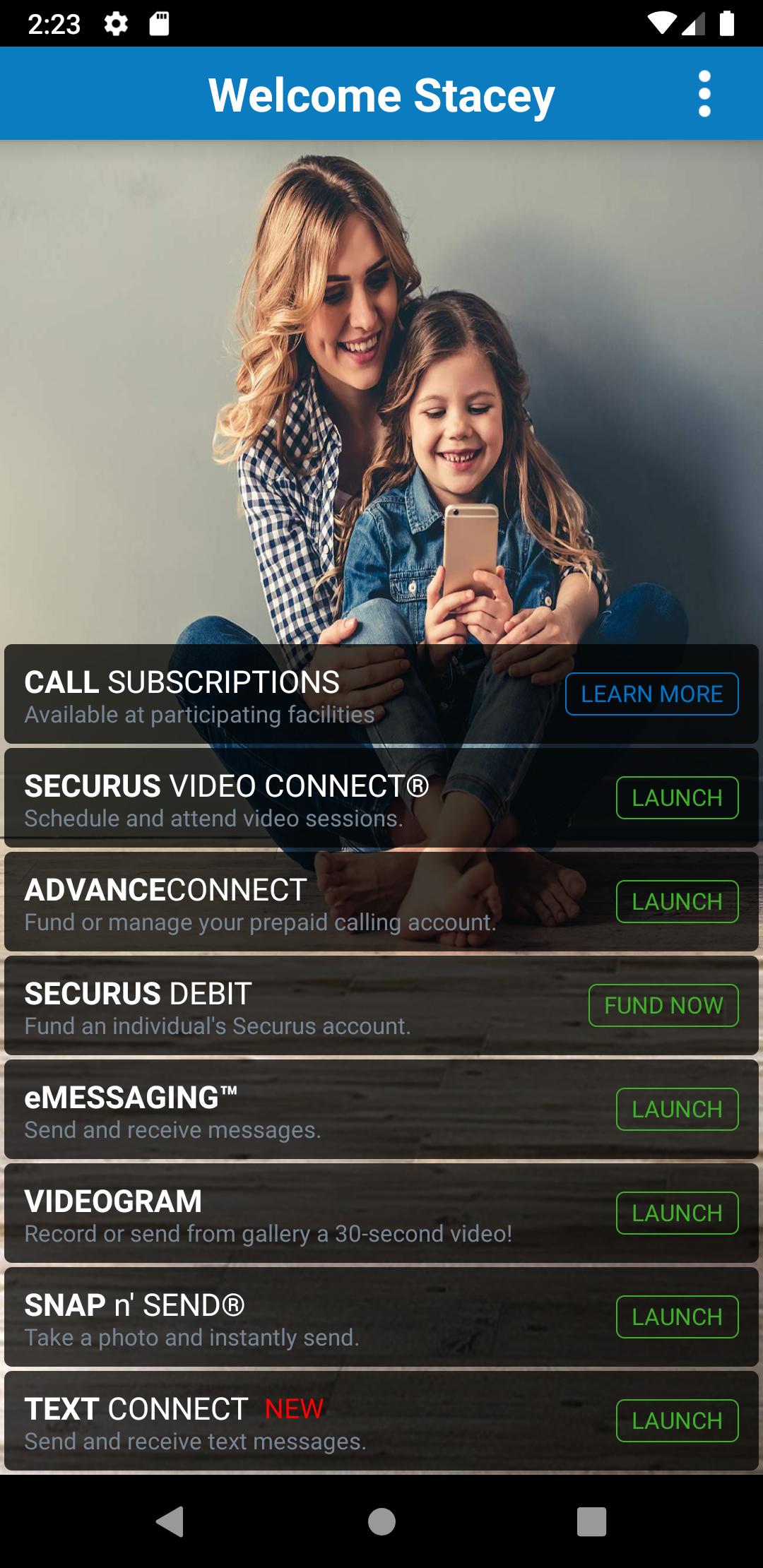
The app provides the following features to easily setup and manage our incarcerated connection services:
• Create a Securus Online account (required for app and website access)
• Change password and 4 digit PIN
• Setup security questions for easy password reset
Video Connect®
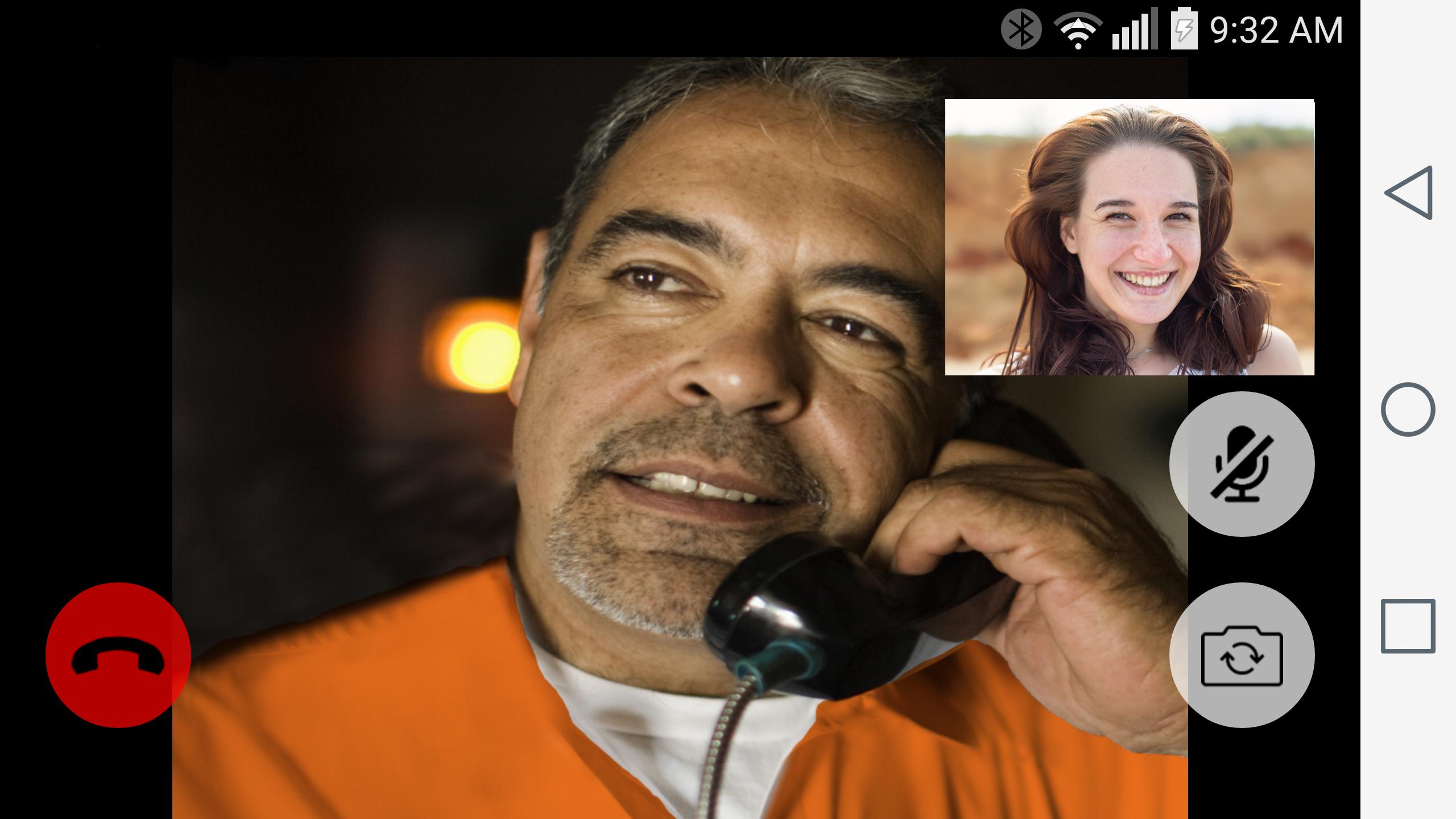
• Enroll in Video Connect, schedule a video session with an incarcerated individual remotely from anywhere in the world where you have Wi-Fi or cellular data service at all Securus sites that offer Video Connect.
• Access and view your upcoming scheduled video sessions
• Sync details of upcoming video sessions with your calendar
• Receive notifications for upcoming video sessions
• Manage photos for identification, view transaction history and manage credit/debit cards
• Test Wi-Fi/cellular connection to determine quality of Video Connect
*For best results and to reduce echo, use a headset or ear buds with microphone for Video Connect
Prepaid Calling Account Management for You
AdvanceConnect – fund this account to receive calls to the phone numbers you choose from your contact. You can:
• Enroll and add funds to AdvanceConnect account to always be ready for a call
• See available funds
• Add or change phone numbers that can receive calls
• View call details and transaction summary
• View the last call attempt to a number
• Block or unblock calls
• Enroll in AutoPay or TextPay
• Update or change credit/debit card information
Securus Debit – deposit funds to this account for your contact to use for:
• Calling any number they choose
• Purchase music, games and movies for their tablet
• Schedule and pay for a Video Connect session
• Purchase stamps to send eMessages and eCards
Feature availability varies by facility
Messaging Services
eMessaging™
• Sign up, purchase ‘stamps’
• Send and receive messages
• Send and receive eCards - digital greeting cards to encourage and uplift
• Attach photos to messages
• Snap n’ Send™ - Snap a selfie or choose from your gallery to send a photo to your contact
• Multiple attachments – attach up to 5 eCards and photos to your message
• Transfer stamps to your contact or prepay for them to reply
• Send a 30 second VideoGram
Feature availability varies by facility
Securus Text Connect - allows real-time two-way short message communication between you and an incarcerated individual using the Securus app.
• You purchase a package of ‘Connects’ at an incarcerated’s facility and begin sending text messages through the Securus app
• The incarcerated can reply using your Connects and you will receive an app notification of incoming texts
• You can setup an automatic re-purchase of your Connects package when your balance gets low (called Recharge)
• Connects are purchased on a per-facility basis and can be used to text only incarcerated individuals located at that facility
• Digital greeting cards, called ‘eCards’, can be sent to an incarcerated individual with a text message
• Low balance alerts via email can be setup by you to always have funds to continue text messaging
Avance
Etiquetas
ComunicacionesInformación
Desarrollador
Securus Technologies, LLC
La última versión
3.85.2 (build 2)
Última actualización
2025-02-10
Categoría
Comunicaciones
Disponible en
Google Play
Mostrar más
Cómo jugar Securus Mobile con GameLoop en PC
1. Descargue GameLoop desde el sitio web oficial, luego ejecute el archivo exe para instalar GameLoop.
2. Abra GameLoop y busque "Securus Mobile", busque Securus Mobile en los resultados de búsqueda y haga clic en "Instalar".
3. Disfruta jugando Securus Mobile en GameLoop.
Minimum requirements
OS
Windows 8.1 64-bit or Windows 10 64-bit
GPU
GTX 1050
CPU
i3-8300
Memory
8GB RAM
Storage
1GB available space
Recommended requirements
OS
Windows 8.1 64-bit or Windows 10 64-bit
GPU
GTX 1050
CPU
i3-9320
Memory
16GB RAM
Storage
1GB available space