
Project Activate para PC
Research at Google
Descarga Project Activate en PC con GameLoop Emulator
Project Activate en PC
Project Activate, proveniente del desarrollador Research at Google, se ejecuta en el sistema Android en el pasado.
Ahora, puedes jugar Project Activate en PC con GameLoop sin problemas.
Descárgalo en la biblioteca de GameLoop o en los resultados de búsqueda. No más mirar la batería o llamadas frustrantes en el momento equivocado nunca más.
Simplemente disfrute de Project Activate PC en la pantalla grande de forma gratuita!
Project Activate Introducción
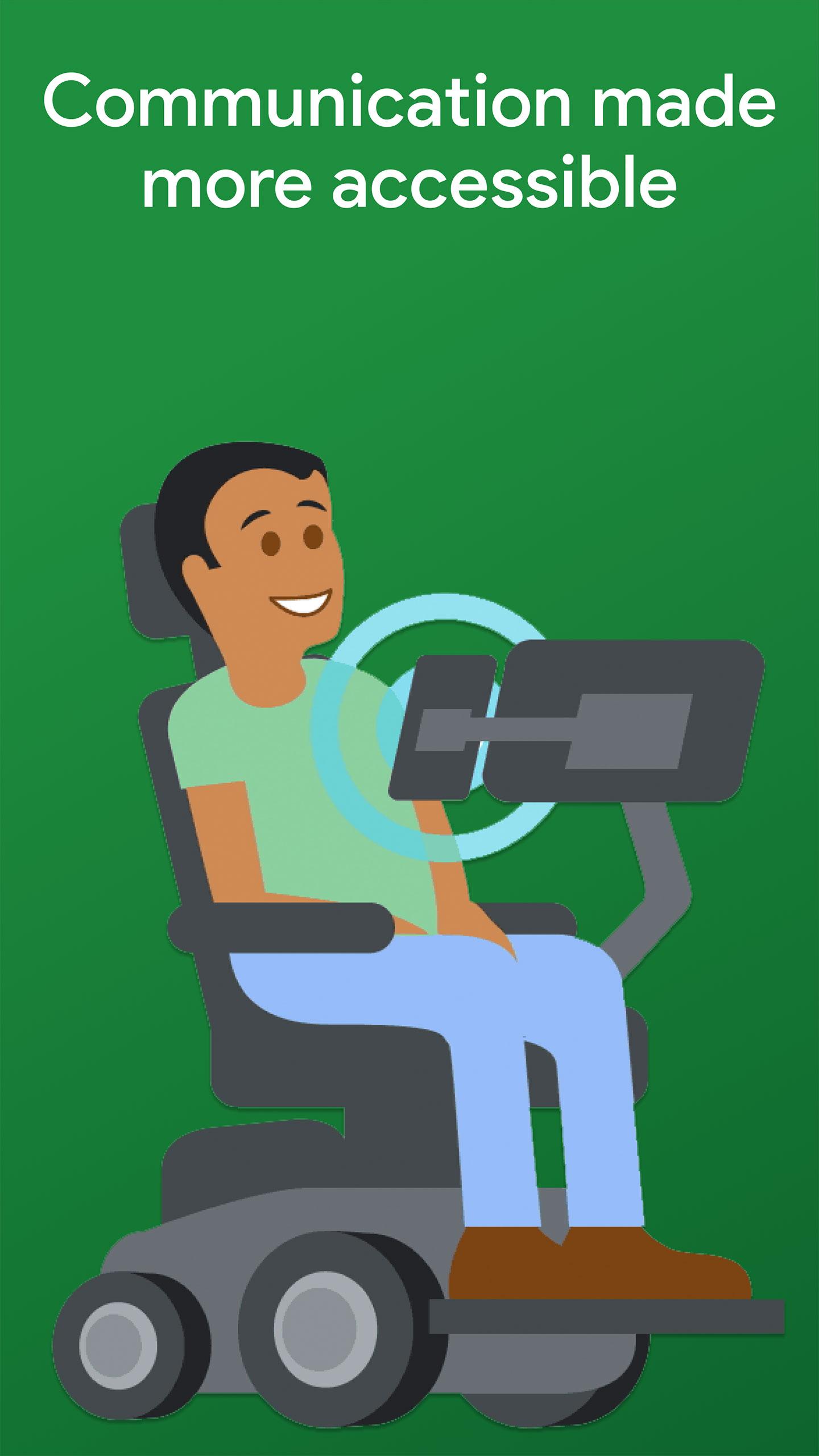
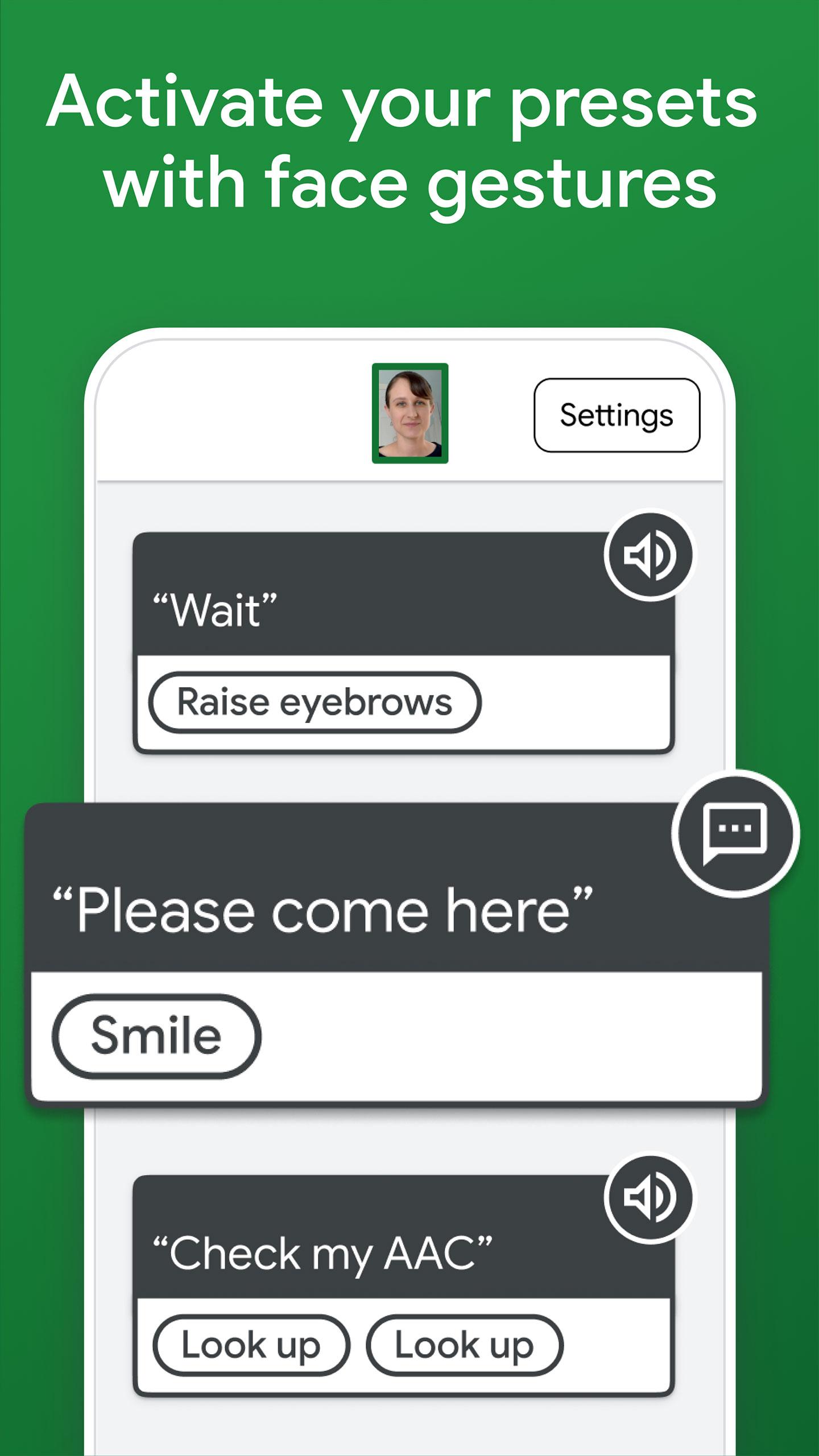
Text a loved one, get a caregiver's attention, or laugh along with friends. Project Activate is designed for people who are unable to speak or use technology with their hands, including those who have ALS, muscular dystrophy, cerebral palsy, or multiple sclerosis, and those who have had a brainstem stroke or cervical spinal cord injury. This app enables you to activate customized preset communications by making facial gestures, such as smiling or looking up.
With your face, you can
• Play a text-to-speech phrase
• Play audio to express yourself or control a smart speaker
• Send a text message
• Make a phone call
With direct access, a loved one or carer can
• Customize communications
• Adjust the face gesture sensitivity
Notes
• Project Activate is designed as a general communication app and not as a call bell. The app is not intended or designed as a means to communicate in the event of an emergency or as a backup to any device that may be used in connection with an individual's medical care.
• Project Activate is not meant to replace a speech-generating device (SGD / AAC). People who typically use an SGD may find Project Activate useful for quickly expressing short phrases like “please wait” or “hah!”, as a secondary device, and on its own in situations where it is impractical to set up and calibrate an SGD.
• Sending text messages and making phone calls require that the device has a phone plan, and your plan's standard calling and messaging rates apply.
• If you are running Project Activate continuously, close the app or turn off your device for an hour every few days to minimize wear on your device.
Avance
Etiquetas
ComunicacionesInformación
Desarrollador
Research at Google
La última versión
13.0
Última actualización
2021-09-22
Categoría
Comunicaciones
Disponible en
Google Play
Mostrar más
Cómo jugar Project Activate con GameLoop en PC
1. Descargue GameLoop desde el sitio web oficial, luego ejecute el archivo exe para instalar GameLoop.
2. Abra GameLoop y busque "Project Activate", busque Project Activate en los resultados de búsqueda y haga clic en "Instalar".
3. Disfruta jugando Project Activate en GameLoop.
Minimum requirements
OS
Windows 8.1 64-bit or Windows 10 64-bit
GPU
GTX 1050
CPU
i3-8300
Memory
8GB RAM
Storage
1GB available space
Recommended requirements
OS
Windows 8.1 64-bit or Windows 10 64-bit
GPU
GTX 1050
CPU
i3-9320
Memory
16GB RAM
Storage
1GB available space