Open Talk English Speaking App para PC
Open Talk
Descarga Open Talk English Speaking App en PC con GameLoop Emulator
Open Talk English Speaking App en PC
Open Talk English Speaking App, proveniente del desarrollador Open Talk, se ejecuta en el sistema Android en el pasado.
Ahora, puedes jugar Open Talk English Speaking App en PC con GameLoop sin problemas.
Descárgalo en la biblioteca de GameLoop o en los resultados de búsqueda. No más mirar la batería o llamadas frustrantes en el momento equivocado nunca más.
Simplemente disfrute de Open Talk English Speaking App PC en la pantalla grande de forma gratuita!
Open Talk English Speaking App Introducción
Want to Speak Fluent English Live and Learn English Online?
Improve Your Spoken English and Boost Confidence?
📌 Meet India’s Favourite Open Talk English Speaking App – Your Answer to “How to Speak English Fluently?”
💡 Open Talk helps you overcome the fear of speaking in English by connecting you with real students as practice partners. You can practice English confidently without hesitation, interacting with learners from all across India.
Improve your English conversation skills by speaking with practice partners and have fun while you learn. Interactive video lessons by expert English teachers help you improve your speaking, reading, listening, grammar, writing, and pronunciation.
Start with basic phrases and sentences, learn new words daily, and practice speaking anywhere, anytime, on your mobile. With unlimited conversation practice, your spoken English improves every day!
🚨 Open Talk English Learning App uses English conversation practice to help you speak English fluently. The conversation lessons will give you the confidence to speak with native English speakers.
Key Features:
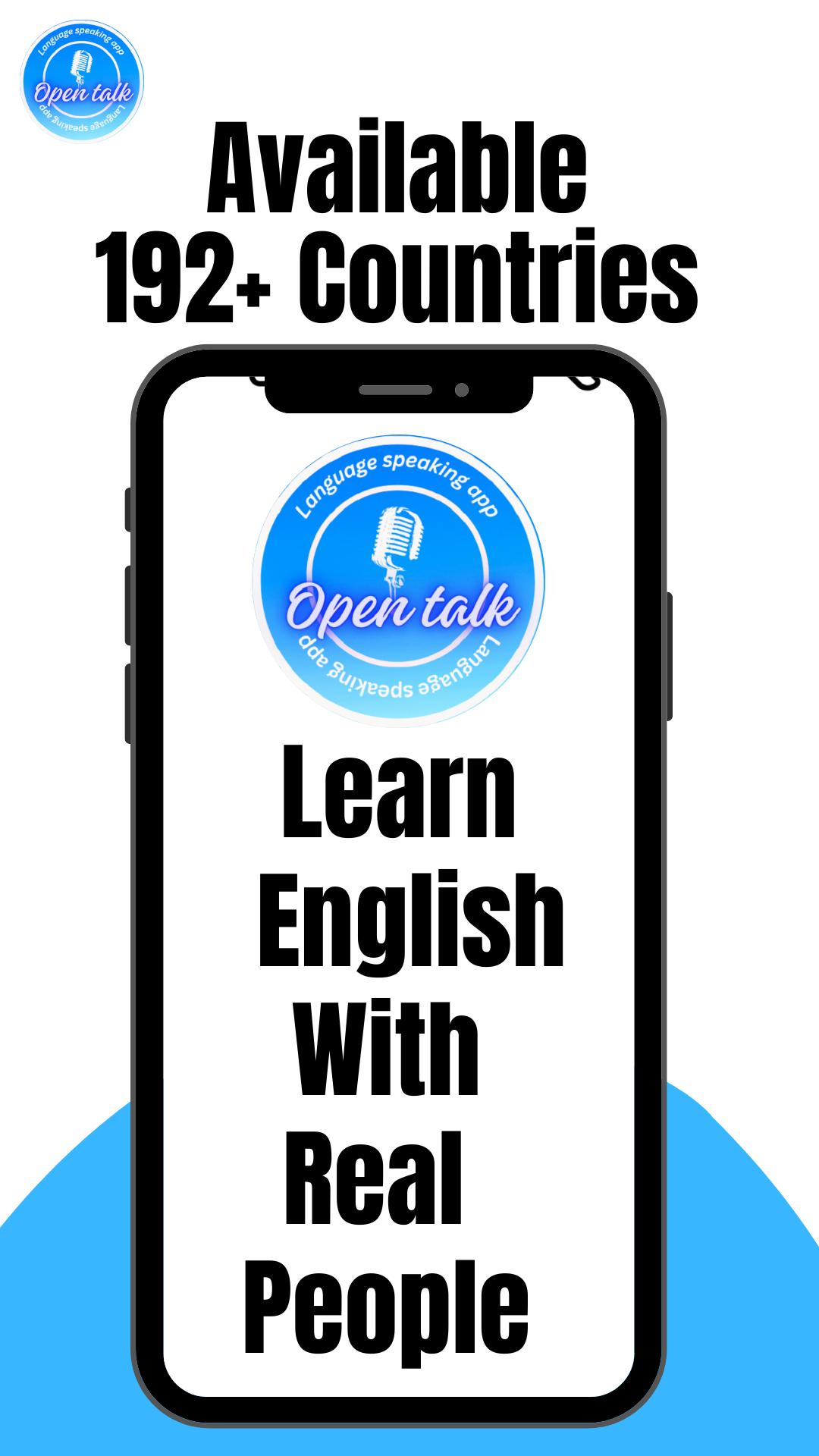
💡 Speak in English Online: Talk to real students and practice English conversation.
💡 Unlimited Practice: Practice with unlimited students daily.
💡 Beginner English Grammar: Learn English grammar and vocabulary.
💡 Conversation Skills: Develop speaking conversation skills with practice partners.
💡 Record and Improve English: Record your pronunciation to improve confidence.
💡 Pronunciation: Practice the correct pronunciation of words.
💡 Conversation Tools: Speaking with students and native speakers will help you gain confidence in English.
Open Talk English Speaking App is designed to help students speak English without hesitation. Each lesson includes grammar, speaking, vocabulary, and reading. The speaking practice is fun and easy, making learning enjoyable! Open Talk offers beginner English conversation lessons, as well as business English conversations for those at the beginner level.
Download Open Talk today to improve your English conversation skills!
Open Talk English Speaking App - India
1️⃣ Speak English fluently
2️⃣ Practice speaking with native speakers
3️⃣ Learn English words and phrases
4️⃣ Practice spoken conversation with students
5️⃣ Speak with students from all over the world
Here’s what you’ll get with Open Talk:
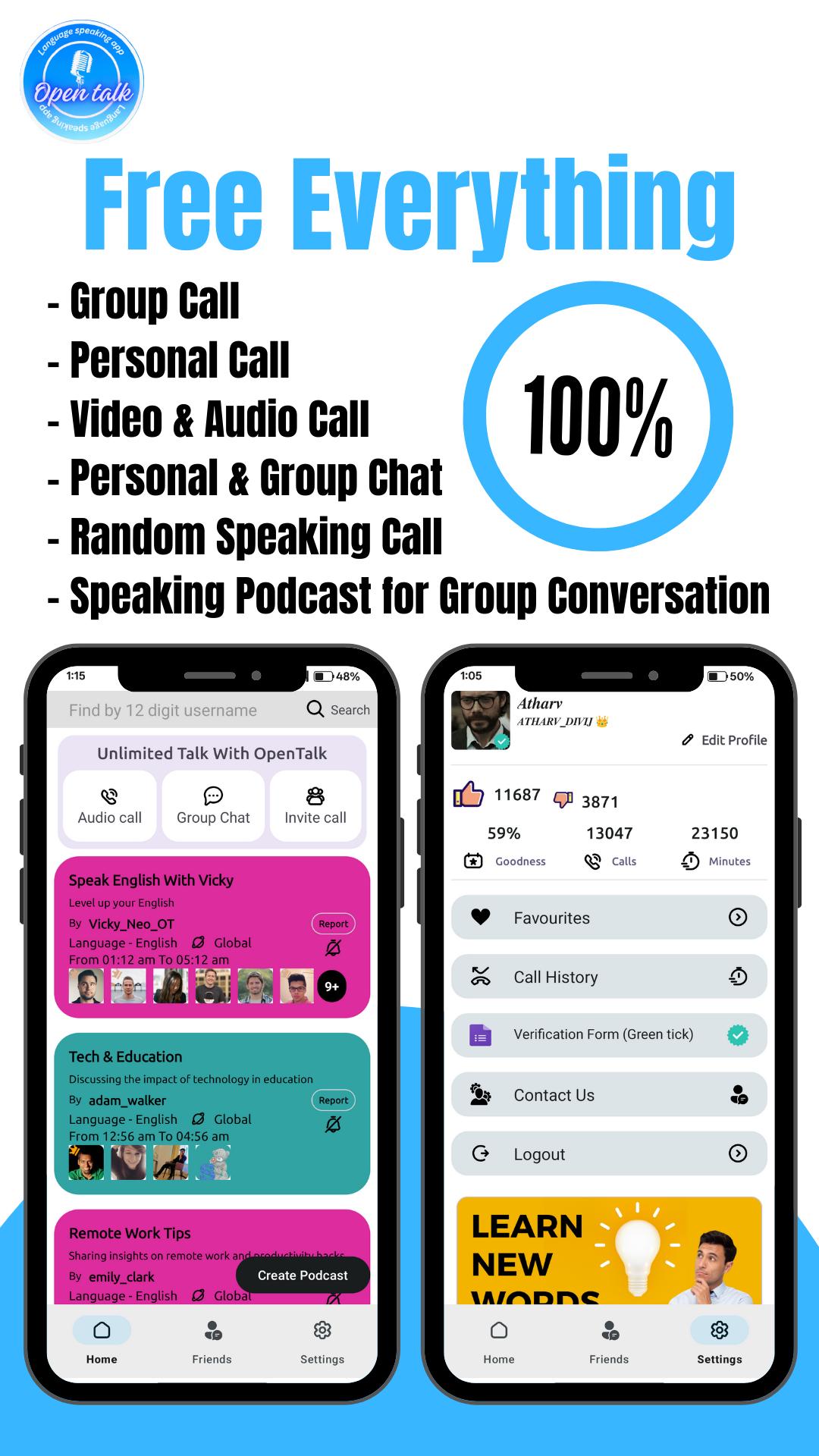
✅ 1:1 Speaking Practice
✅ Audio Calls
✅ Video Calls
✅ Unlimited Talk Time
✅ Group Calls
✅ Group Chats
✅ Private Chats
✅ Private Audio/Video Calls
✅ Favorite Speaking Partners
Open Talk – Your all-in-one app for learning and practicing spoken English with real people.
Keywords:
Open Talk
Open Talk English App
Open Talk Spoken English
Open Talk App Download
Open Talk Free App
Open Talk Video Call
Open Talk Buddy Talk
Open Talk HD
Open Talk Live Video Call
Open Talk Plus
Open Talk Let's Speak English
Avance
Etiquetas
ComunicacionesInformación
Desarrollador
Open Talk
La última versión
2.5.6
Última actualización
2025-02-24
Categoría
Comunicaciones
Disponible en
Google Play
Mostrar más
Cómo jugar Open Talk English Speaking App con GameLoop en PC
1. Descargue GameLoop desde el sitio web oficial, luego ejecute el archivo exe para instalar GameLoop.
2. Abra GameLoop y busque "Open Talk English Speaking App", busque Open Talk English Speaking App en los resultados de búsqueda y haga clic en "Instalar".
3. Disfruta jugando Open Talk English Speaking App en GameLoop.
Minimum requirements
OS
Windows 8.1 64-bit or Windows 10 64-bit
GPU
GTX 1050
CPU
i3-8300
Memory
8GB RAM
Storage
1GB available space
Recommended requirements
OS
Windows 8.1 64-bit or Windows 10 64-bit
GPU
GTX 1050
CPU
i3-9320
Memory
16GB RAM
Storage
1GB available space