
Hola-Private&Fast web Browser para PC
Dating Group
Descarga Hola-Private&Fast web Browser en PC con GameLoop Emulator
Hola-Private&Fast web Browser en PC
Hola-Private&Fast web Browser, proveniente del desarrollador Dating Group, se ejecuta en el sistema Android en el pasado.
Ahora, puedes jugar Hola-Private&Fast web Browser en PC con GameLoop sin problemas.
Descárgalo en la biblioteca de GameLoop o en los resultados de búsqueda. No más mirar la batería o llamadas frustrantes en el momento equivocado nunca más.
Simplemente disfrute de Hola-Private&Fast web Browser PC en la pantalla grande de forma gratuita!
Hola-Private&Fast web Browser Introducción
Hola Browser is your private browser and mobile desktop browser with custom news recommendation, free video downloader, ad blocker, and quick scan web pages that help you save mobile data, also protect your private information.
😀Why choose Hola Browser?
√The free ad blocker can block annoying ads when you search in Hola browser and help you implement safe and free Adblock.
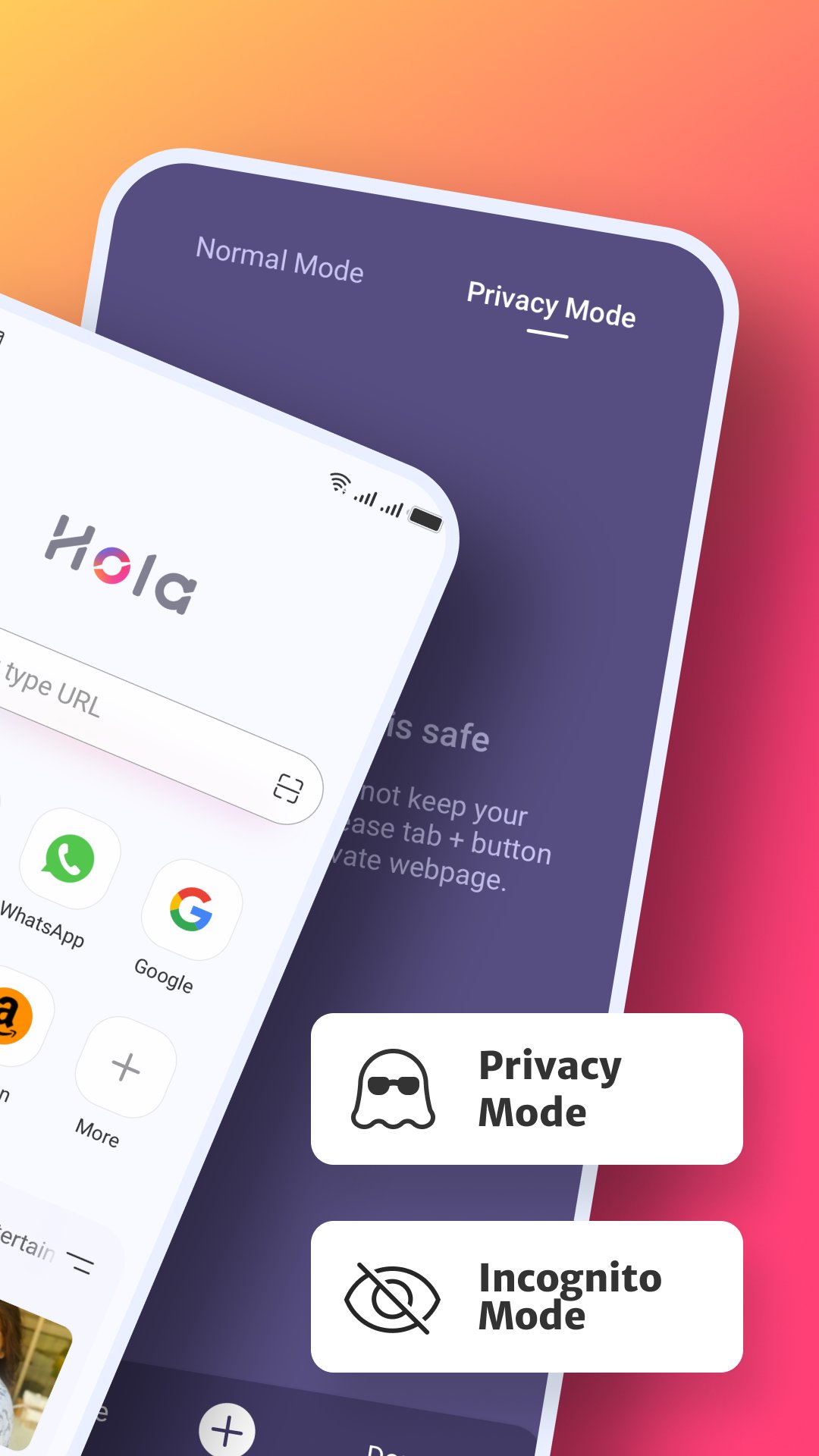
√Incognito browsing mode that you can conduct the private search as a private browser and keep your privacy protected all the time.
√Dark web mode gives you a better experience in a low-light environment. √Video downloader to play and download wonderful and favorite videos with AdBlock as you like.
√Private incognito browser mode to freely browse and search for information.
√Breaking news recommendations keep you up to date on local news.
-------All Functions-------
⭐Smart Video Downloader
Fast and Easy
With Hola browser which is a multifunction private browser that has fast and free video sniffer, you can download easily and quickly all videos and movies from mainstream websites and any social media application, like
Instagram, WhatsApp, Telegram, Snapchat, and Facebook to your devices.
⭐AD Blocker
Safe and Private
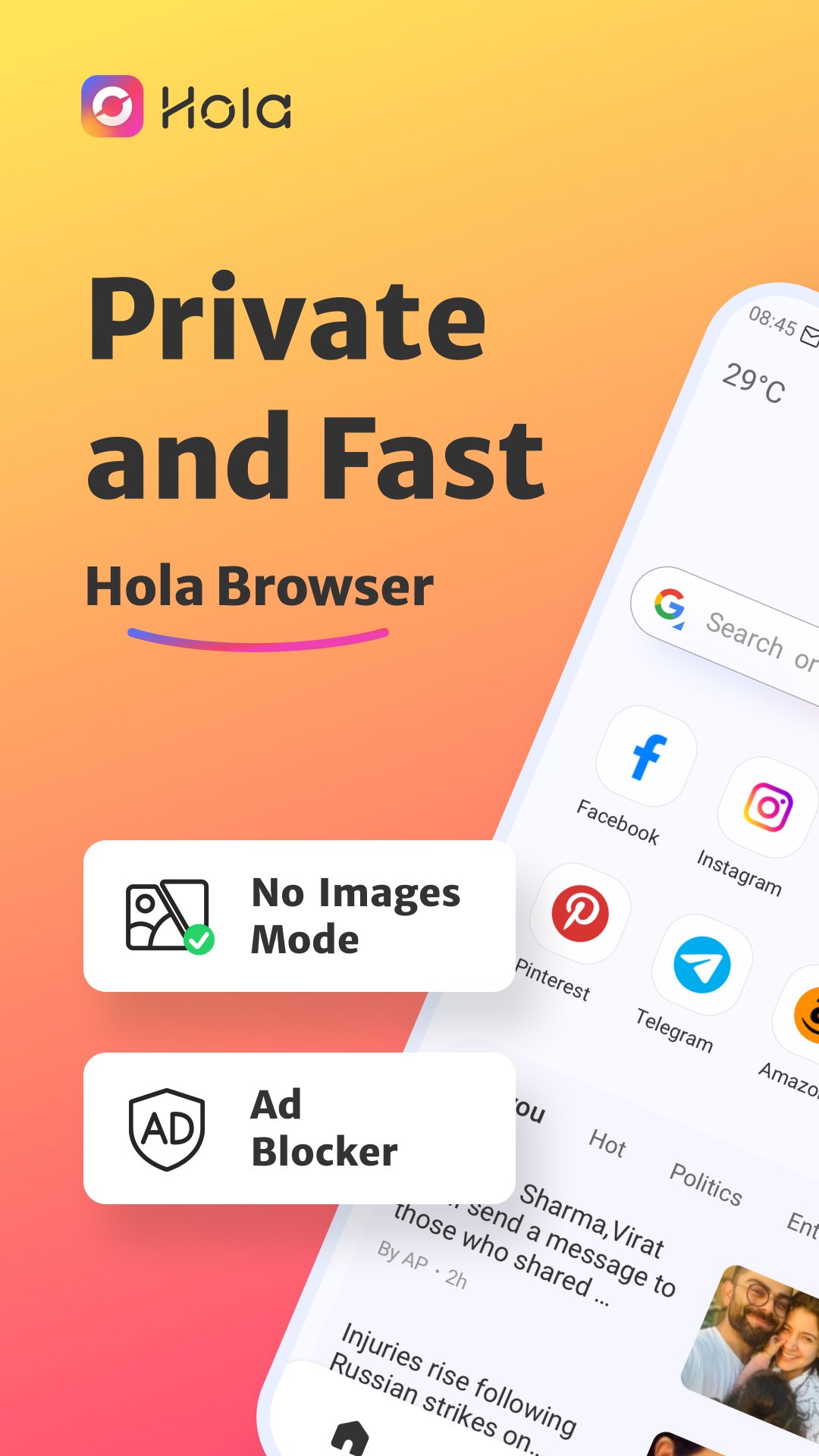
A plug-ins-free adblocker blocks ads that prevent your privacy from being invaded and Adblock stop ads impact your user experience on hola browser, also incognito keeps you from being tracked on the web browser.
⭐Fast web page search
Convenient and Quick
By enabling quick web search for notification panel in settings, you can incognito and private search directly and safely in the notification panel.
⭐No Images mode
Fast and Economical
Web browser with No Images mode will help you save your mobile data and money in the hola browser, also implement the private browser experience.
⭐Incognito Mode
Safe and Privacy
The private hola browser has Incognito mode that allows you to browse and search the web pages privacy and incognito without leaving any search or browsing history.
⭐Bookmark management
Customized and Fast
Bookmark web pages at any time and visit your favorite web with one tap.
⭐Night mode
Protect your eyes
Turn on the Night mode for a great visual search experience when you browse web pages in low-light environments.
-------Q&A-------
1.How to turn on incognito mode on hola browser?
Open the Me tab in hola browser, “Incognito” will appear on the screen page, click the button on the right to open incognito mode. Incognito mode can protect your privacy.
2.How to use the video downloader?
Search the video or movie you want to download, there will be a download button below the video, click the download button to launch the video downloader then you can watch it in the hola browser.
3.Why use adblocker?
Hola browser is a safe and private browser with a free ad blocker, search with adblocker allows the web pages to load faster and reduce annoying ads on the web, also can save your data and money.
4.What kind of video can be downloaded in hola browser?
Hola Browser’s video sniffer can automatically identify the media resources in the URL. You can download videos on social media channels like Instagram, Facebook, WhatsApp, and so on, also use video downloader to download the favorite movies and interesting videos you searched on the web.
Avance
Etiquetas
ComunicacionesInformación
Desarrollador
Dating Group
La última versión
v2.25.11.1
Última actualización
2026-03-31
Categoría
Comunicaciones
Disponible en
Google Play
Mostrar más
Cómo jugar Hola-Private&Fast web Browser con GameLoop en PC
1. Descargue GameLoop desde el sitio web oficial, luego ejecute el archivo exe para instalar GameLoop.
2. Abra GameLoop y busque "Hola-Private&Fast web Browser", busque Hola-Private&Fast web Browser en los resultados de búsqueda y haga clic en "Instalar".
3. Disfruta jugando Hola-Private&Fast web Browser en GameLoop.
Minimum requirements
OS
Windows 8.1 64-bit or Windows 10 64-bit
GPU
GTX 1050
CPU
i3-8300
Memory
8GB RAM
Storage
1GB available space
Recommended requirements
OS
Windows 8.1 64-bit or Windows 10 64-bit
GPU
GTX 1050
CPU
i3-9320
Memory
16GB RAM
Storage
1GB available space