Pocket Gamepad para PC
Petr Kouril
Descarga Pocket Gamepad en PC con GameLoop Emulator
Pocket Gamepad en PC
Pocket Gamepad, proveniente del desarrollador Petr Kouril, se ejecuta en el sistema Android en el pasado.
Ahora, puedes jugar Pocket Gamepad en PC con GameLoop sin problemas.
Descárgalo en la biblioteca de GameLoop o en los resultados de búsqueda. No más mirar la batería o llamadas frustrantes en el momento equivocado nunca más.
Simplemente disfrute de Pocket Gamepad PC en la pantalla grande de forma gratuita!
Pocket Gamepad Introducción
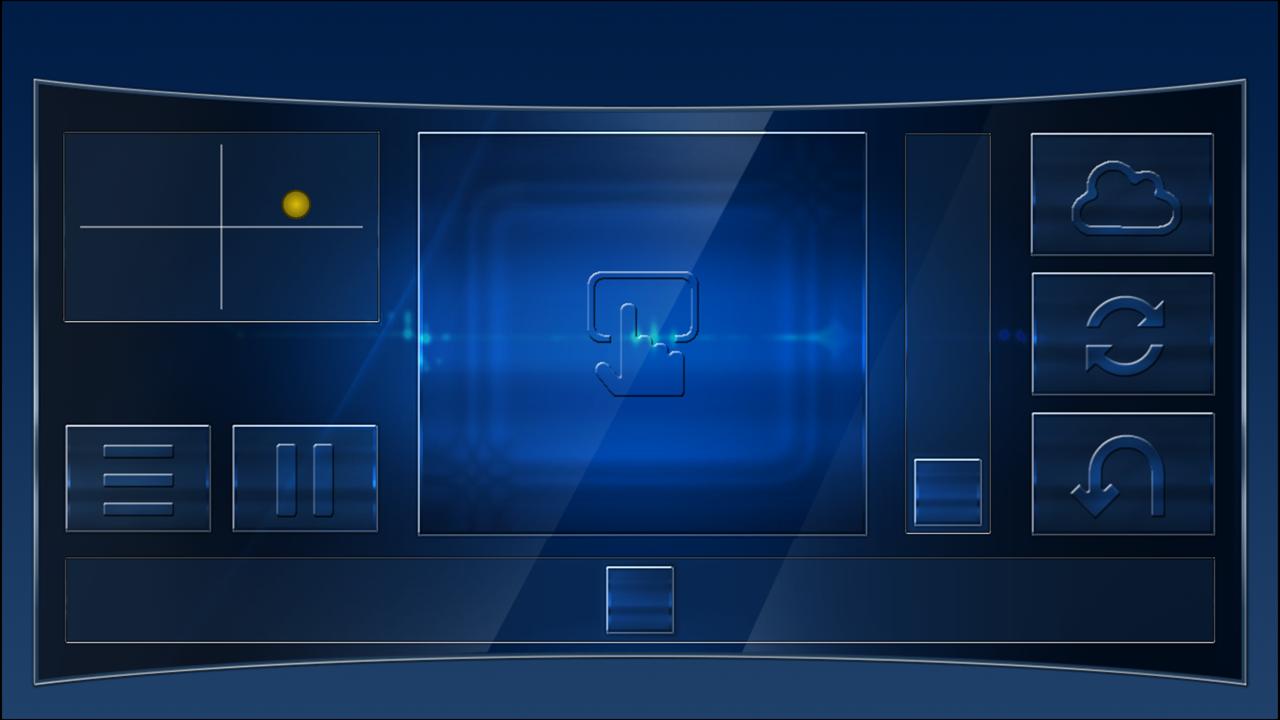
Use your Android device as a joystick, steering wheel, gamepad, mouse or keyboard for 99% PC games.
We have created skins for example for:
RedBull Air Race Game
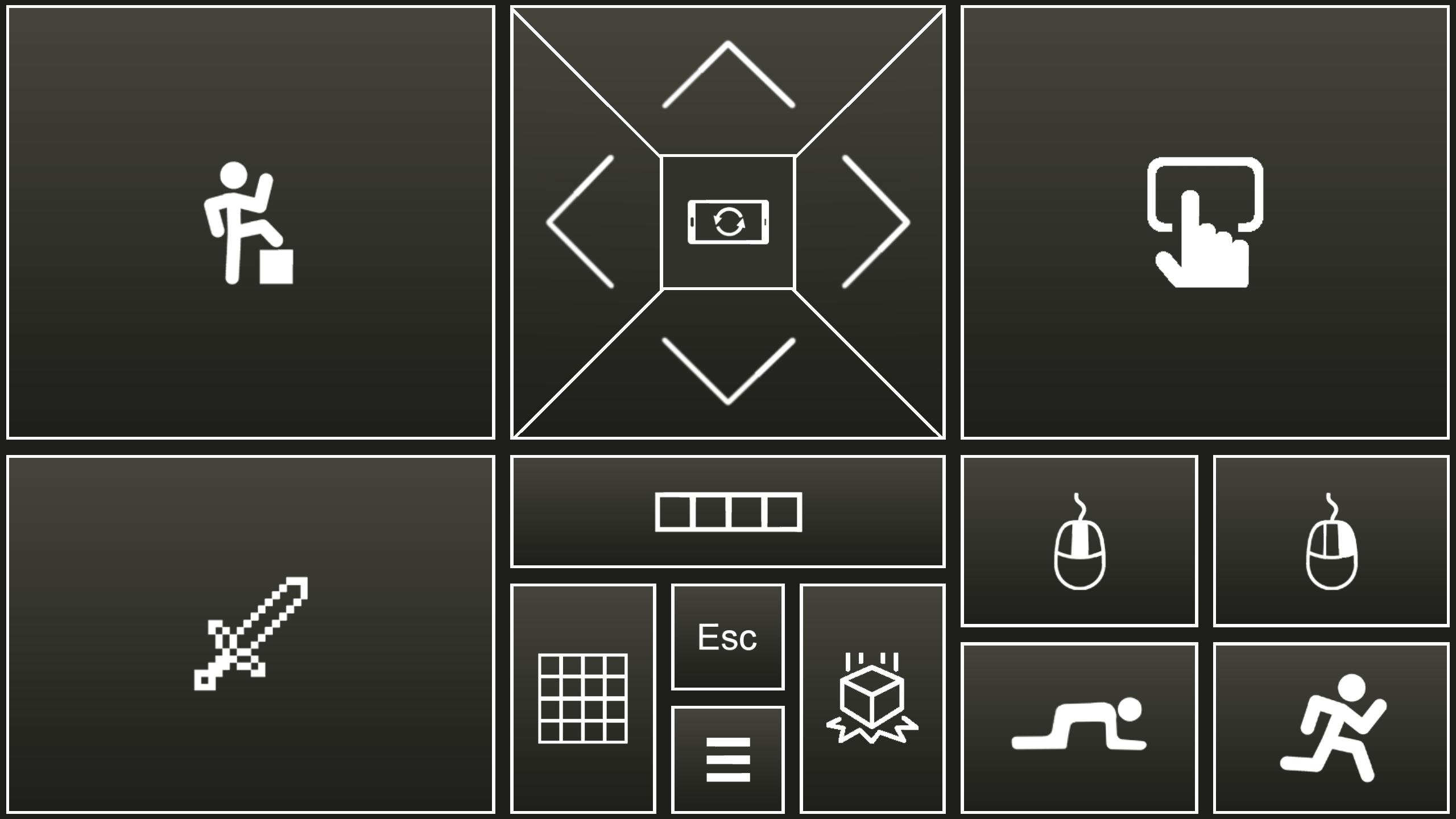
Minecraft
Counter Strike
World of Tanks
Microsoft flight simulator
and many more...
- This is an emulator of real joystick, which is identified by PC as real Plug and play device.
- Application also emulate PC keyboard and mouse.
- All skins are fully customizable
- You can create your own skins (xml, png, mp3 files) and play any PC game.
Quick start:
- Install PocketGamepad server on your PC. Server is available here:
http://www.pgpad.com/downloads/server/PocketGamepadSetup.exe
- Install PocketGamepad at your smart phone.
- Launch PocketGamepad server at your PC.
- Launch PocketGamepad at your smart phone.
- Press Menu / Connect and then press the Search button. When Application find the PocketGamepad server, press the connect button.
Selecting skin
- Menu / Skins (games)
- Select skin and press the Play button
Customizing skin
- Select skin
- Press Menu / Edit skin
- Press button which you want to customize.
- Menu / Save as
- Menu / Finish editting
When you want to control PC game, game on the PC must be focussed, not on the background.
skins XML schema:documentation:
http://www.pgpad.com/downloads/doc/xml_schema.pdf
Avance
Etiquetas
CasualInformación
Desarrollador
Petr Kouril
La última versión
4.11
Última actualización
2024-07-24
Categoría
Casual
Disponible en
Google Play
Mostrar más
Cómo jugar Pocket Gamepad con GameLoop en PC
1. Descargue GameLoop desde el sitio web oficial, luego ejecute el archivo exe para instalar GameLoop.
2. Abra GameLoop y busque "Pocket Gamepad", busque Pocket Gamepad en los resultados de búsqueda y haga clic en "Instalar".
3. Disfruta jugando Pocket Gamepad en GameLoop.
Minimum requirements
OS
Windows 8.1 64-bit or Windows 10 64-bit
GPU
GTX 1050
CPU
i3-8300
Memory
8GB RAM
Storage
1GB available space
Recommended requirements
OS
Windows 8.1 64-bit or Windows 10 64-bit
GPU
GTX 1050
CPU
i3-9320
Memory
16GB RAM
Storage
1GB available space