
Ludo Star - Classic King Ludo para PC
Quick PhotoEditing Apps
Descarga Ludo Star - Classic King Ludo en PC con GameLoop Emulator
Ludo Star - Classic King Ludo en PC
Ludo Star - Classic King Ludo, proveniente del desarrollador Quick PhotoEditing Apps, se ejecuta en el sistema Android en el pasado.
Ahora, puedes jugar Ludo Star - Classic King Ludo en PC con GameLoop sin problemas.
Descárgalo en la biblioteca de GameLoop o en los resultados de búsqueda. No más mirar la batería o llamadas frustrantes en el momento equivocado nunca más.
Simplemente disfrute de Ludo Star - Classic King Ludo PC en la pantalla grande de forma gratuita!
Ludo Star - Classic King Ludo Introducción
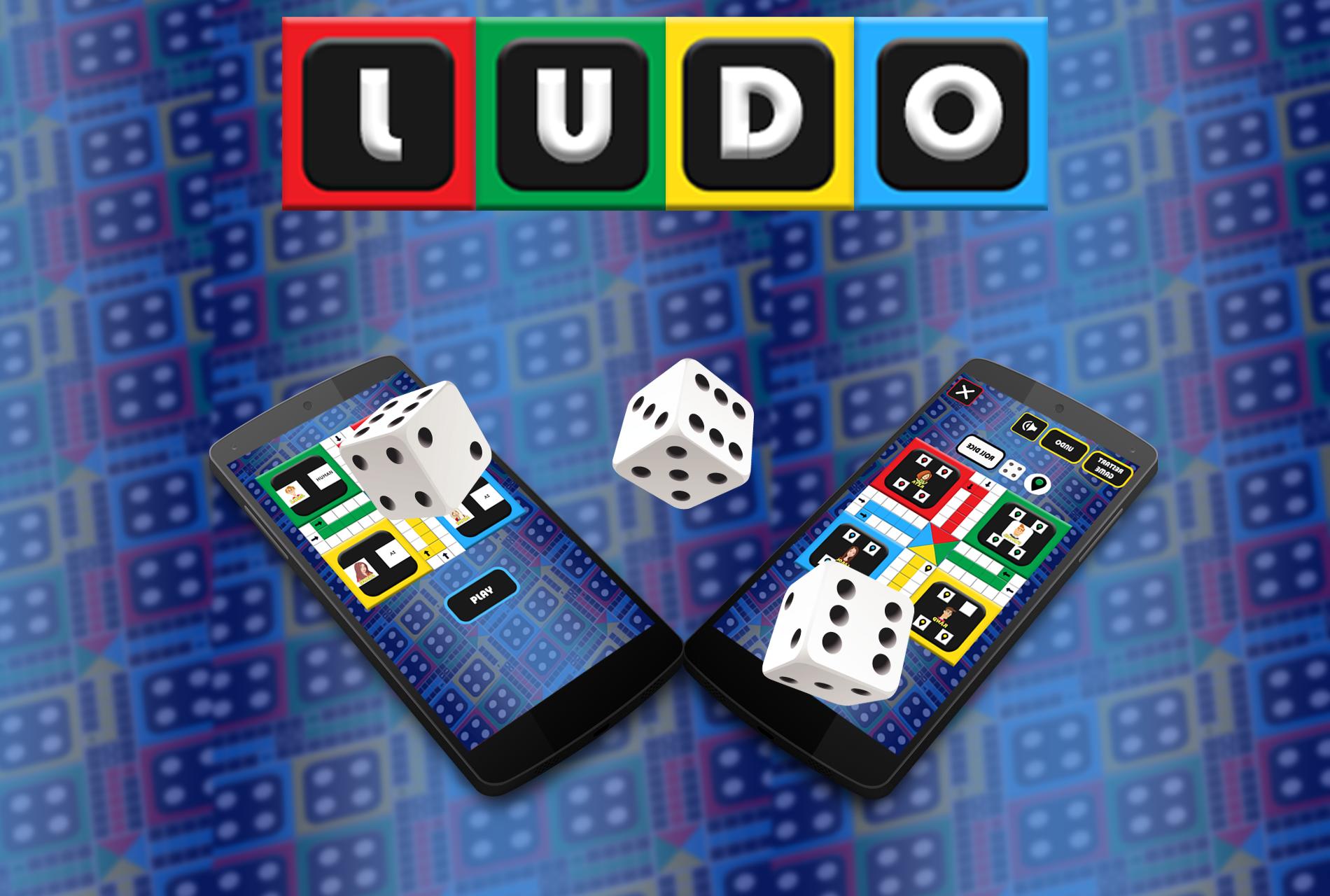
Play Free Classic Ludo Offline With Friends. Download and Enjoy Classic Ludo Now Free. Classic Ludo is the Fastest Ludo board game played by king. Join the Ludo club now.
Fastest Classic Ludo is board game played between friends and family. Recall your childhood! Ludo is creative, addictive and easy to play. The Classic Ludo game which is free to play & can be played between friends and computer.
2, 3 or 4 player ludo board game. The Ludo Star Game, moveable counters, a throw-able die and a scoring facility. Everything you need to play the ludo game plus instructions on how to play. The last game is automatically saved for you to continue. Ludo Star Download and install for hours of fun and enjoyment.
Ludo Star is a android platform game that support Android platform at same time in multiplayer mode. Ludo Star is a friends and family game that was once played by kings and now it can be enjoyed by you and your family and friends.
A perfect The Ludo Board Game that was loved by Mughals, Mahabharat 's King and many old king of India and world.
If you don't have any partner with you to play THE LUDO GAME, In that case also you can play LUDO, Because we have come with AI system. We are offering AI as your opponent to play and live your childhood time.
Super Ludo Star can be played among 2 to 4 players. Moreover, you can select the option to play the game against the computer (as 3 different opponents) or against your friends. The Ludo Star game includes four players red, blue, green, yellow
Ludo Star - Classic King Ludo Features:
✔ High-end graphics with stunning colors
✔ User-friendly menus
✔The Ludo Star Game Play 2 to 4 Player Local Multiplayer Mode and computer Player
✔ Interactive game sounds
✔ Finish Ludo Game in 10 Minutes
✔ Playable offline
✔ Multi-player computer options
✔ Colour compatible board.
✔ Download for Free!
✔ Remove player option in local mode
its a perfect time killer for the fun. Ludo Star - Classic King Ludo is creative, addictive and easy to play .
Thanks For Download!
Avance
Etiquetas
CasualdeportesInformación
Desarrollador
Quick PhotoEditing Apps
La última versión
2.3
Última actualización
2024-09-07
Categoría
Casual
Disponible en
Google Play
Mostrar más
Cómo jugar Ludo Star - Classic King Ludo con GameLoop en PC
1. Descargue GameLoop desde el sitio web oficial, luego ejecute el archivo exe para instalar GameLoop.
2. Abra GameLoop y busque "Ludo Star - Classic King Ludo", busque Ludo Star - Classic King Ludo en los resultados de búsqueda y haga clic en "Instalar".
3. Disfruta jugando Ludo Star - Classic King Ludo en GameLoop.
Minimum requirements
OS
Windows 8.1 64-bit or Windows 10 64-bit
GPU
GTX 1050
CPU
i3-8300
Memory
8GB RAM
Storage
1GB available space
Recommended requirements
OS
Windows 8.1 64-bit or Windows 10 64-bit
GPU
GTX 1050
CPU
i3-9320
Memory
16GB RAM
Storage
1GB available space