
Cell Power Lesotho para PC
Expertron (Pty) Ltd
Descarga Cell Power Lesotho en PC con GameLoop Emulator
Cell Power Lesotho en PC
Cell Power Lesotho, proveniente del desarrollador Expertron (Pty) Ltd, se ejecuta en el sistema Android en el pasado.
Ahora, puedes jugar Cell Power Lesotho en PC con GameLoop sin problemas.
Descárgalo en la biblioteca de GameLoop o en los resultados de búsqueda. No más mirar la batería o llamadas frustrantes en el momento equivocado nunca más.
Simplemente disfrute de Cell Power Lesotho PC en la pantalla grande de forma gratuita!
Cell Power Lesotho Introducción
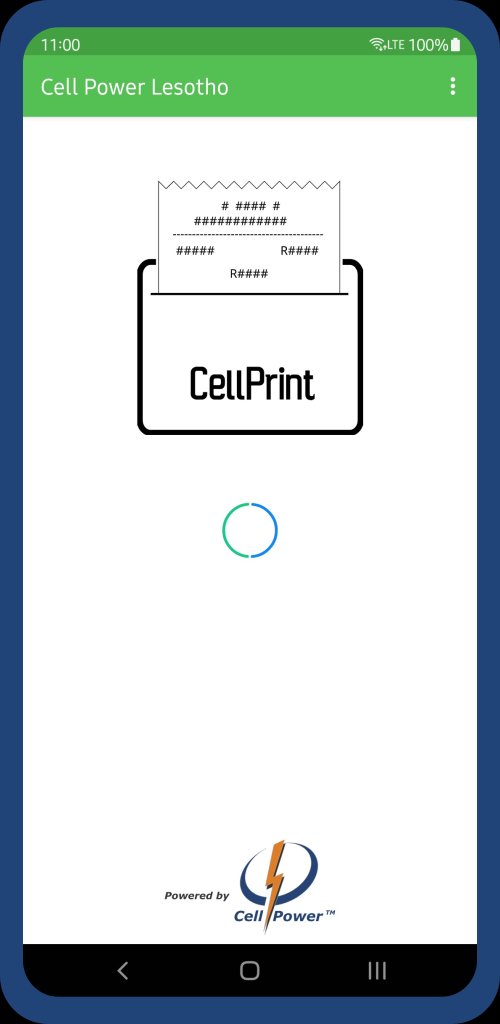
The Cell Power Lesotho POS vending and printing app can be used to access the Cell Power vending interface and to print vouchers using a bluetooth or USB printer.
Check Bluetooth Printing Availability by tapping on the three dots in the top right and tap "Select Printer". Select the printer you want to use from the displayed list.
* If no printer is displayed check your Paired Bluetooth devices list.
By default the App will try to auto-detect and select the Bluetooth and USB Printer.
Avance

Etiquetas
EmpresaInformación
Desarrollador
Expertron (Pty) Ltd
La última versión
1.1.4
Última actualización
2025-08-15
Categoría
Empresa
Disponible en
Google Play
Mostrar más
Cómo jugar Cell Power Lesotho con GameLoop en PC
1. Descargue GameLoop desde el sitio web oficial, luego ejecute el archivo exe para instalar GameLoop.
2. Abra GameLoop y busque "Cell Power Lesotho", busque Cell Power Lesotho en los resultados de búsqueda y haga clic en "Instalar".
3. Disfruta jugando Cell Power Lesotho en GameLoop.
Minimum requirements
OS
Windows 8.1 64-bit or Windows 10 64-bit
GPU
GTX 1050
CPU
i3-8300
Memory
8GB RAM
Storage
1GB available space
Recommended requirements
OS
Windows 8.1 64-bit or Windows 10 64-bit
GPU
GTX 1050
CPU
i3-9320
Memory
16GB RAM
Storage
1GB available space