1С:Мобильная бухгалтерия para PC
1C-SOFT LLC
Descarga 1С:Мобильная бухгалтерия en PC con GameLoop Emulator
1С:Мобильная бухгалтерия en PC
1С:Мобильная бухгалтерия, proveniente del desarrollador 1C-SOFT LLC, se ejecuta en el sistema Android en el pasado.
Ahora, puedes jugar 1С:Мобильная бухгалтерия en PC con GameLoop sin problemas.
Descárgalo en la biblioteca de GameLoop o en los resultados de búsqueda. No más mirar la batería o llamadas frustrantes en el momento equivocado nunca más.
Simplemente disfrute de 1С:Мобильная бухгалтерия PC en la pantalla grande de forma gratuita!
1С:Мобильная бухгалтерия Introducción
Mobile accounting for entrepreneurs, sole proprietors, and the self-employed.
Mobile accounting is completely FREE:
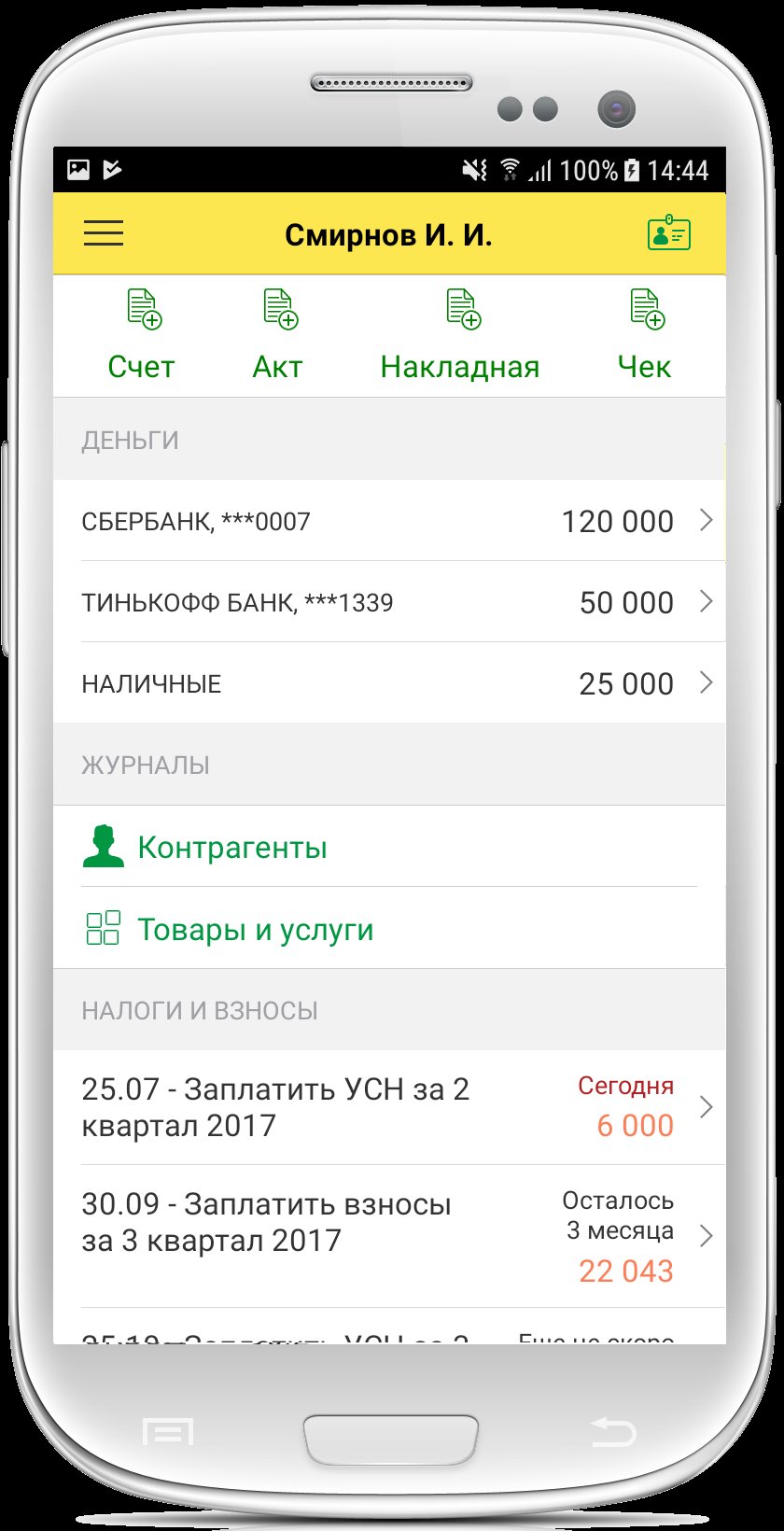
- Calculates and reminds you about taxes: simplified tax system, insurance contributions, patents, and self-employed tax
- Prepares payments under the Unified Tax Payment (UTP) to replenish the Unified Tax Account
- Prepares and sends payments directly to the bank
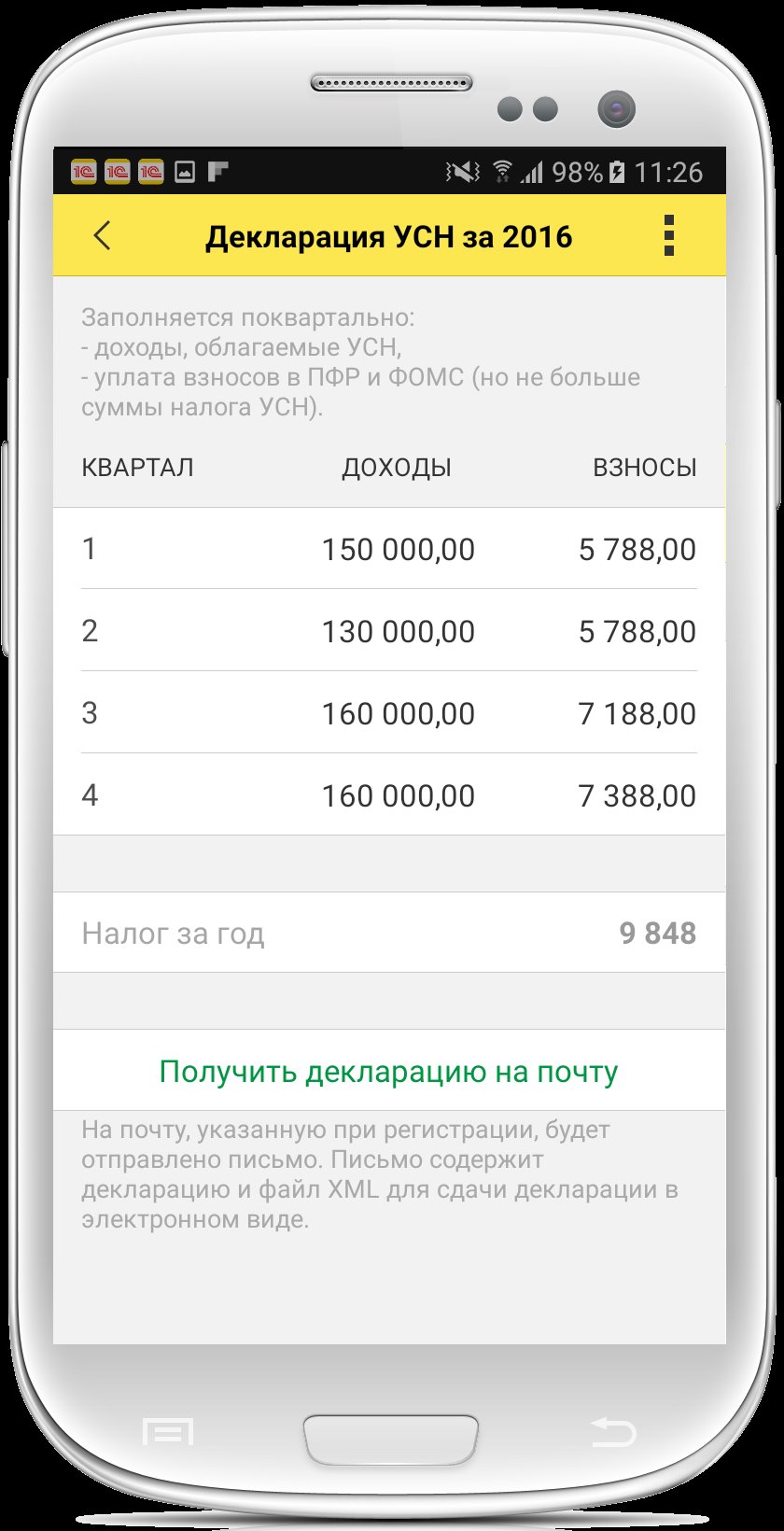
- Reminds you to file and complete simplified tax system declarations for 2025 and 2026
- Reminds you to file and complete notifications under the simplified tax system
- Prepares notifications to reduce the patent amount
- Sends the client an invoice, certificate or waybill, UPD, reconciliation report, and power of attorney
- Generates and sends receipts to the client for self-employed individuals or individual entrepreneurs on the professional income tax (TIT)
Mobile accounting is suitable for:
• Entrepreneurs on the simplified tax system with any rate: 0%, 4%, 6%, and tax holidays, and Patents
• Self-employed individuals (professional income tax payers) Income registered in the "My Tax" service
For LLCs and sole proprietors with VAT, we have a more functional 1C:BusinessStart application.
Install 1C:BusinessStart now:
https://play.google.com/store/apps/details?id=com.e1c.mcstartbusiness
For entrepreneurs:
• Calculate fixed insurance premium amounts for 2025 and 2026
• Calculate taxes and advance payments due under the simplified taxation system (STS) for 2025 and 2026
• Pay taxes and contributions for 2025 and 2026
• Prepare an income and expense ledger
• Prepare and submit STS tax returns for 2025 and 2026
• Submit a zero STS tax return for 2025 and 2026
• Reminders of upcoming tax payment deadlines, salary payments, or report submissions.
For the self-employed - integration with the "My Tax" service:
• Income registration and receipt of electronic receipts
• Receipt of certificates
• Receipt of tax payment receipts
For everyone:
• Invoices with the option to insert your logo, signature, and seal;
• Acts, TORG-12 invoices, UPDs, and sales receipts
• Counterparty reconciliation statements
• Power of attorney
• Cash accounting, incoming and outgoing payments
• Accounting for settlements with customers and suppliers
• Accounting for inventory balances
• Receive customer payments by card through Yukassa
Integration with 1C:
• 1C:Kassa service
• Online reporting (1C-Reporting)*
• Access to the application from a computer via 1C:BusinessStart*
Integration with banks:
• Currently, exchange is supported with Avangard, Tochka, T-Bank, Modulbank, Uralsib, UBRIR, Bank "SAINT PETERSBURG", and Blank Bank
• Uploading bank statements via Share allows you to upload information about current account receipts and send payments through the SberBusiness, T-Business, and other mobile apps.
Always Current information:
• Checking changes to tax details
• Filling in counterparty information using the Taxpayer Identification Number (TIN)*
• Entering addresses using the same classifier used by the tax office
• Current classifiers for tax authorities and banks
Online cash registers:
• Uploading sales data from the 1C:Cashier suite (online cash register)
Backup:
• Mobile app data is saved in cloud storage, from where it can be restored if you change your phone number (available after registration)
* A 1C:BusinessStart subscription is required.
The app is built on the 1C:Enterprise 8.3 mobile platform.
Avance
Etiquetas
EmpresaInformación
Desarrollador
1C-SOFT LLC
La última versión
1.0.142
Última actualización
2026-05-29
Categoría
Empresa
Disponible en
Google Play
Mostrar más
Cómo jugar 1С:Мобильная бухгалтерия con GameLoop en PC
1. Descargue GameLoop desde el sitio web oficial, luego ejecute el archivo exe para instalar GameLoop.
2. Abra GameLoop y busque "1С:Мобильная бухгалтерия", busque 1С:Мобильная бухгалтерия en los resultados de búsqueda y haga clic en "Instalar".
3. Disfruta jugando 1С:Мобильная бухгалтерия en GameLoop.
Minimum requirements
OS
Windows 8.1 64-bit or Windows 10 64-bit
GPU
GTX 1050
CPU
i3-8300
Memory
8GB RAM
Storage
1GB available space
Recommended requirements
OS
Windows 8.1 64-bit or Windows 10 64-bit
GPU
GTX 1050
CPU
i3-9320
Memory
16GB RAM
Storage
1GB available space