
Useful English Expressions para PC
Jaco Corp.
Descarga Useful English Expressions en PC con GameLoop Emulator
Useful English Expressions en PC
Useful English Expressions, proveniente del desarrollador Jaco Corp., se ejecuta en el sistema Android en el pasado.
Ahora, puedes jugar Useful English Expressions en PC con GameLoop sin problemas.
Descárgalo en la biblioteca de GameLoop o en los resultados de búsqueda. No más mirar la batería o llamadas frustrantes en el momento equivocado nunca más.
Simplemente disfrute de Useful English Expressions PC en la pantalla grande de forma gratuita!
Useful English Expressions Introducción
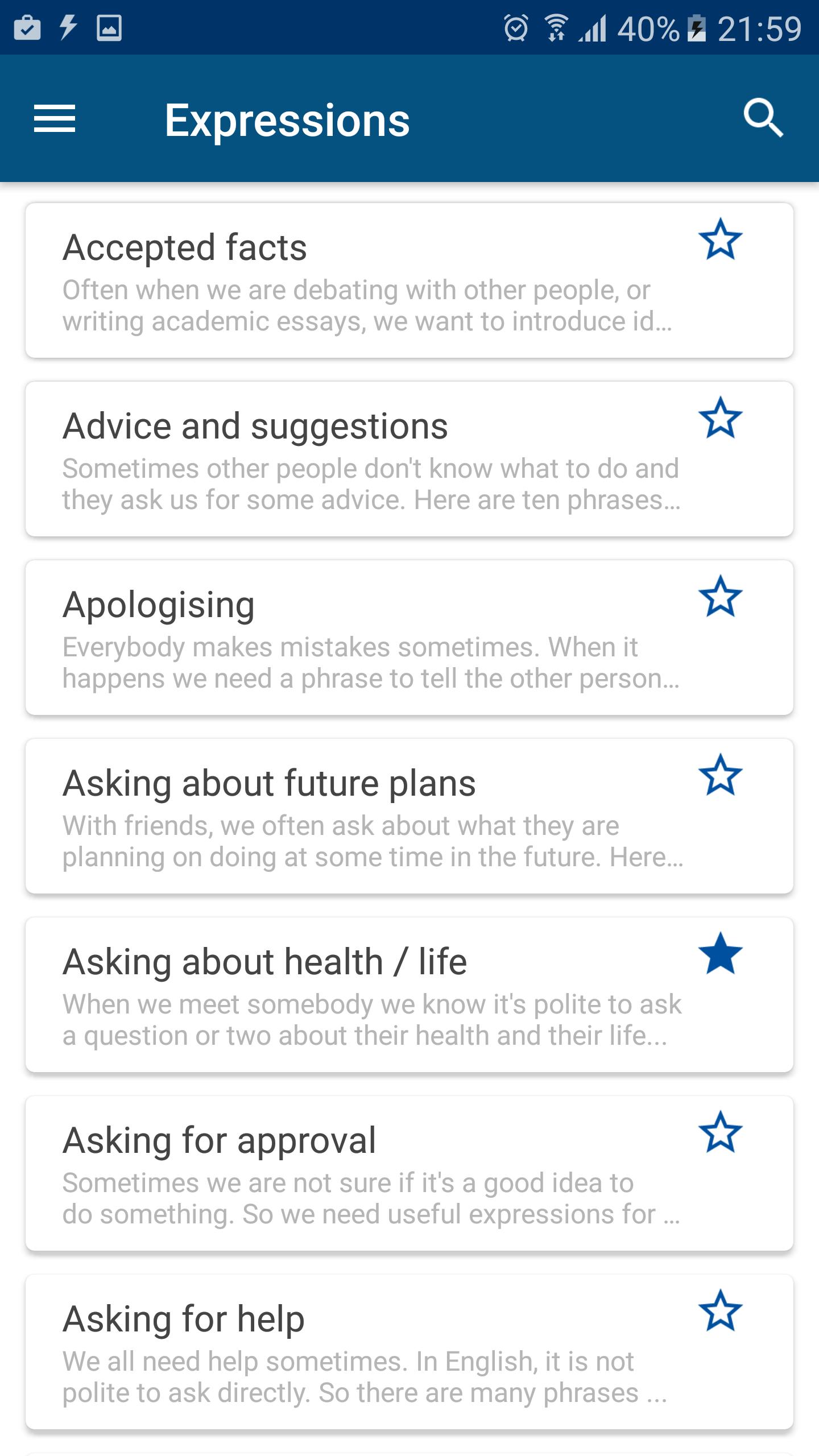
This app contains 1190 common and useful expressions or phrases which you can use to improve and strengthen your English skills.
With this app, you would like to know how many different ways to say hello, say goodbye or ask someone's health etc.
Moreover, you can boost your English vocabulary by learning new words in various topics such as airport, bank, colors, shops etc.
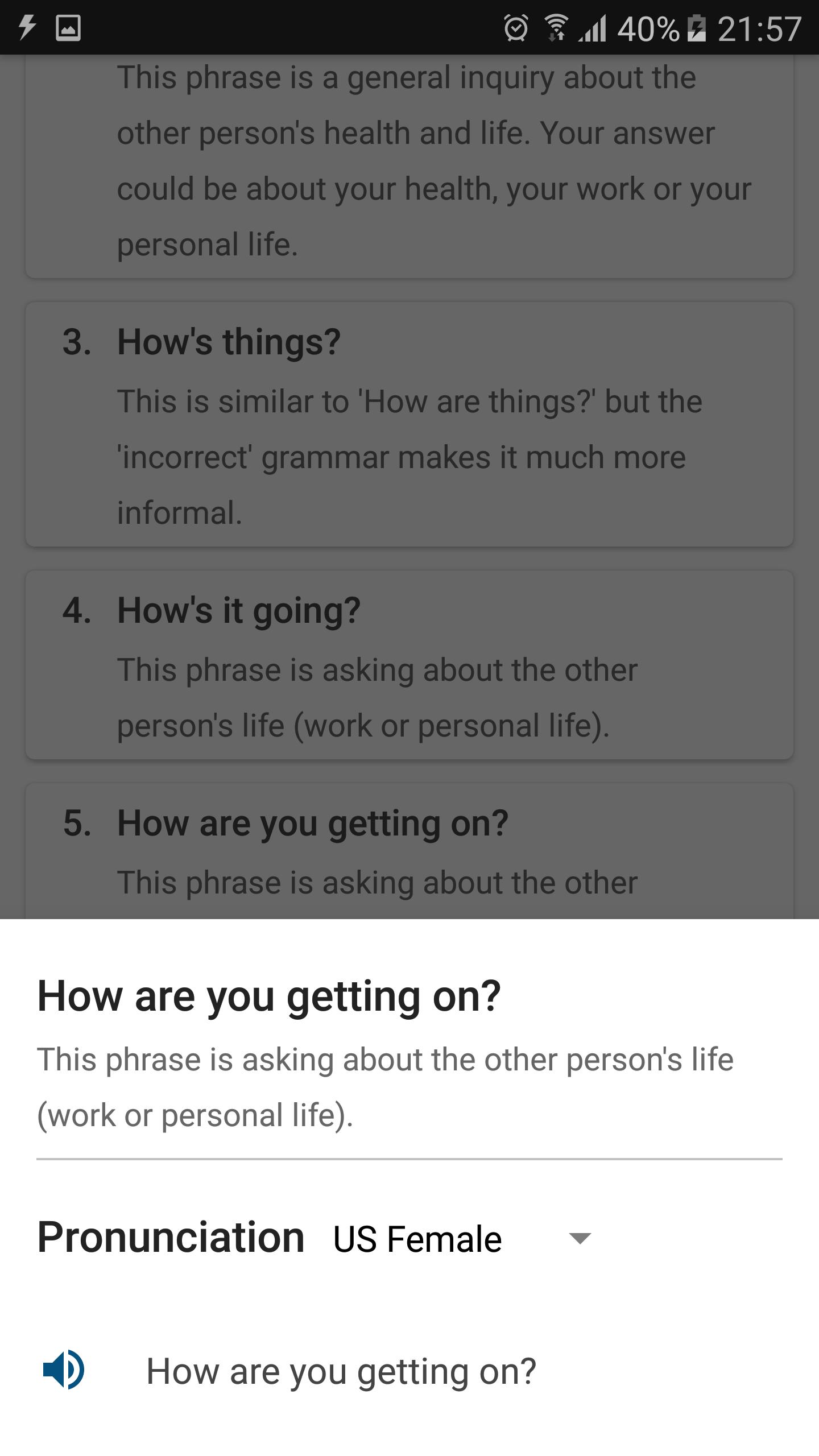
You can practice yourself by listening audio for each expression in total 4 different voices. Moreover, you can add an expression into your favorite list or take your note for an interesting phrase.
These phrases or expressions can be used not only in your daily conversation but also in academic writing. All phrases and expressions in this app are based on Britain English.
Avance
Etiquetas
Books-&Información
Desarrollador
Jaco Corp.
La última versión
2.3.0
Última actualización
2021-01-05
Categoría
Books-reference
Disponible en
Google Play
Mostrar más
Cómo jugar Useful English Expressions con GameLoop en PC
1. Descargue GameLoop desde el sitio web oficial, luego ejecute el archivo exe para instalar GameLoop.
2. Abra GameLoop y busque "Useful English Expressions", busque Useful English Expressions en los resultados de búsqueda y haga clic en "Instalar".
3. Disfruta jugando Useful English Expressions en GameLoop.
Minimum requirements
OS
Windows 8.1 64-bit or Windows 10 64-bit
GPU
GTX 1050
CPU
i3-8300
Memory
8GB RAM
Storage
1GB available space
Recommended requirements
OS
Windows 8.1 64-bit or Windows 10 64-bit
GPU
GTX 1050
CPU
i3-9320
Memory
16GB RAM
Storage
1GB available space