WiFi Chess para PC
KSOLVES
Descarga WiFi Chess en PC con GameLoop Emulator
WiFi Chess en PC
WiFi Chess, proveniente del desarrollador KSOLVES, se ejecuta en el sistema Android en el pasado.
Ahora, puedes jugar WiFi Chess en PC con GameLoop sin problemas.
Descárgalo en la biblioteca de GameLoop o en los resultados de búsqueda. No más mirar la batería o llamadas frustrantes en el momento equivocado nunca más.
Simplemente disfrute de WiFi Chess PC en la pantalla grande de forma gratuita!
WiFi Chess Introducción
Get tired of apps which cost you loss of internet data then this app is for you.This app connects two friends to each other for playing chess without using internet. Only user have to do is turn on device’s WIFI and app will show the list of users available nearby although users can accept or decline the request to play with.
-> Now you can play chess on two different devices without any loss of your internet data.
-> One tap and connect with nearby friend through wifi / hotspot.
-> No matter your device has internet connection or not, play with your friends offline.
-> Forgot about compatibility issue, this app is compatible with both Android and iOS devices.
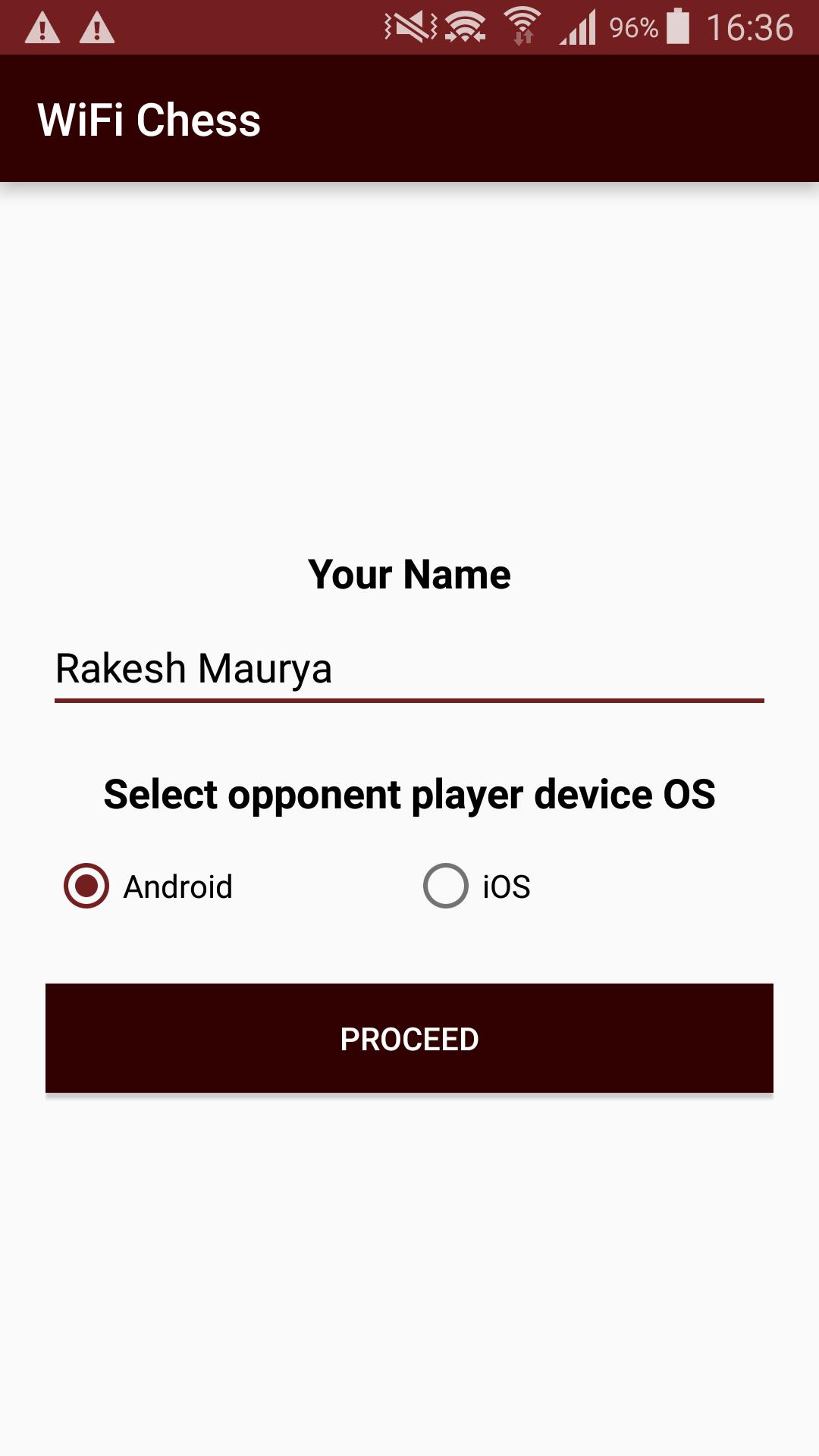
This Game interface allows you :
-> To play game with available friends around you
-> To choose mobile interfaces between Android and iOS.
-> To send request to stranger for invitation to play.
-> Accept / decline stranger to play with
See captured pieces for both users.
Avance
Información
Desarrollador
KSOLVES
La última versión
1.9
Última actualización
2019-09-16
Categoría
Juegos de mesa
Disponible en
Google Play
Mostrar más
Cómo jugar WiFi Chess con GameLoop en PC
1. Descargue GameLoop desde el sitio web oficial, luego ejecute el archivo exe para instalar GameLoop.
2. Abra GameLoop y busque "WiFi Chess", busque WiFi Chess en los resultados de búsqueda y haga clic en "Instalar".
3. Disfruta jugando WiFi Chess en GameLoop.
Minimum requirements
OS
Windows 8.1 64-bit or Windows 10 64-bit
GPU
GTX 1050
CPU
i3-8300
Memory
8GB RAM
Storage
1GB available space
Recommended requirements
OS
Windows 8.1 64-bit or Windows 10 64-bit
GPU
GTX 1050
CPU
i3-9320
Memory
16GB RAM
Storage
1GB available space