MSHARP para PC
Mahindra & Mahindra Ltd
Descarga MSHARP en PC con GameLoop Emulator
MSHARP en PC
MSHARP, proveniente del desarrollador Mahindra & Mahindra Ltd, se ejecuta en el sistema Android en el pasado.
Ahora, puedes jugar MSHARP en PC con GameLoop sin problemas.
Descárgalo en la biblioteca de GameLoop o en los resultados de búsqueda. No más mirar la batería o llamadas frustrantes en el momento equivocado nunca más.
Simplemente disfrute de MSHARP PC en la pantalla grande de forma gratuita!
MSHARP Introducción
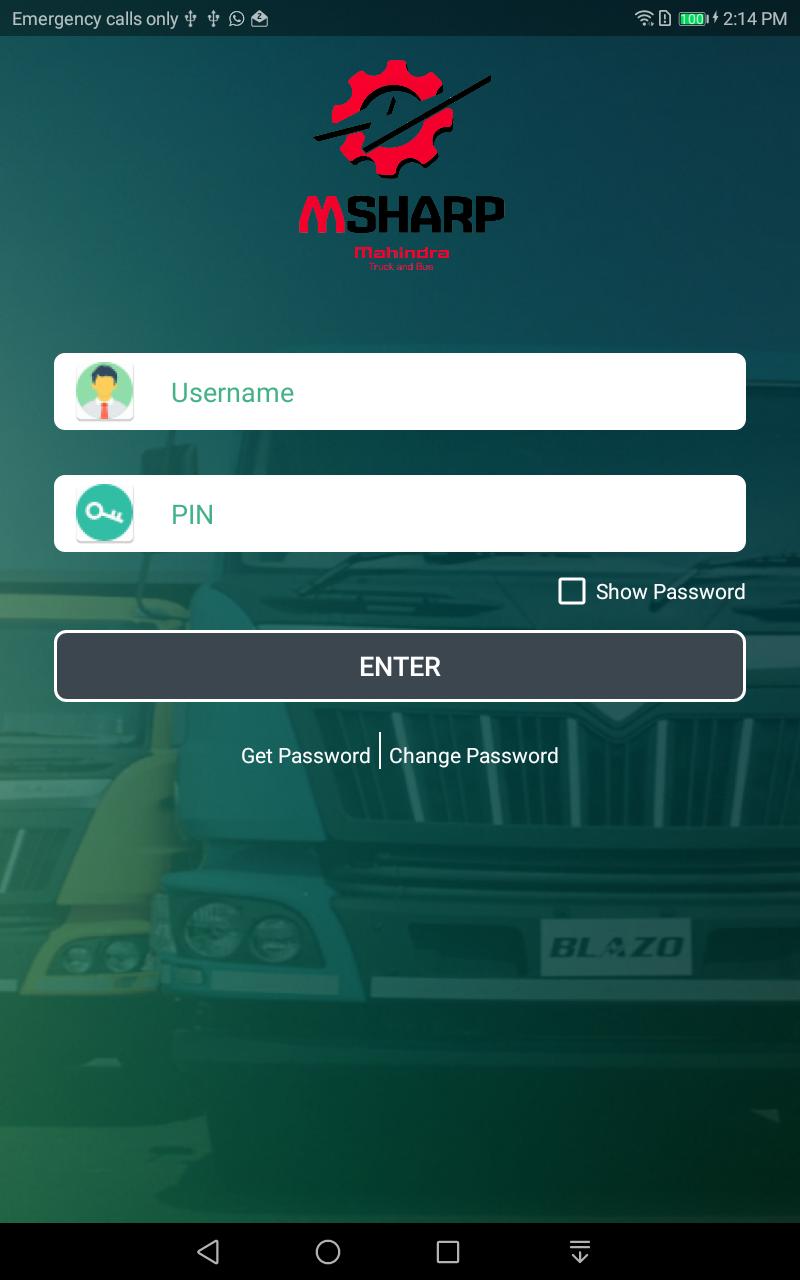
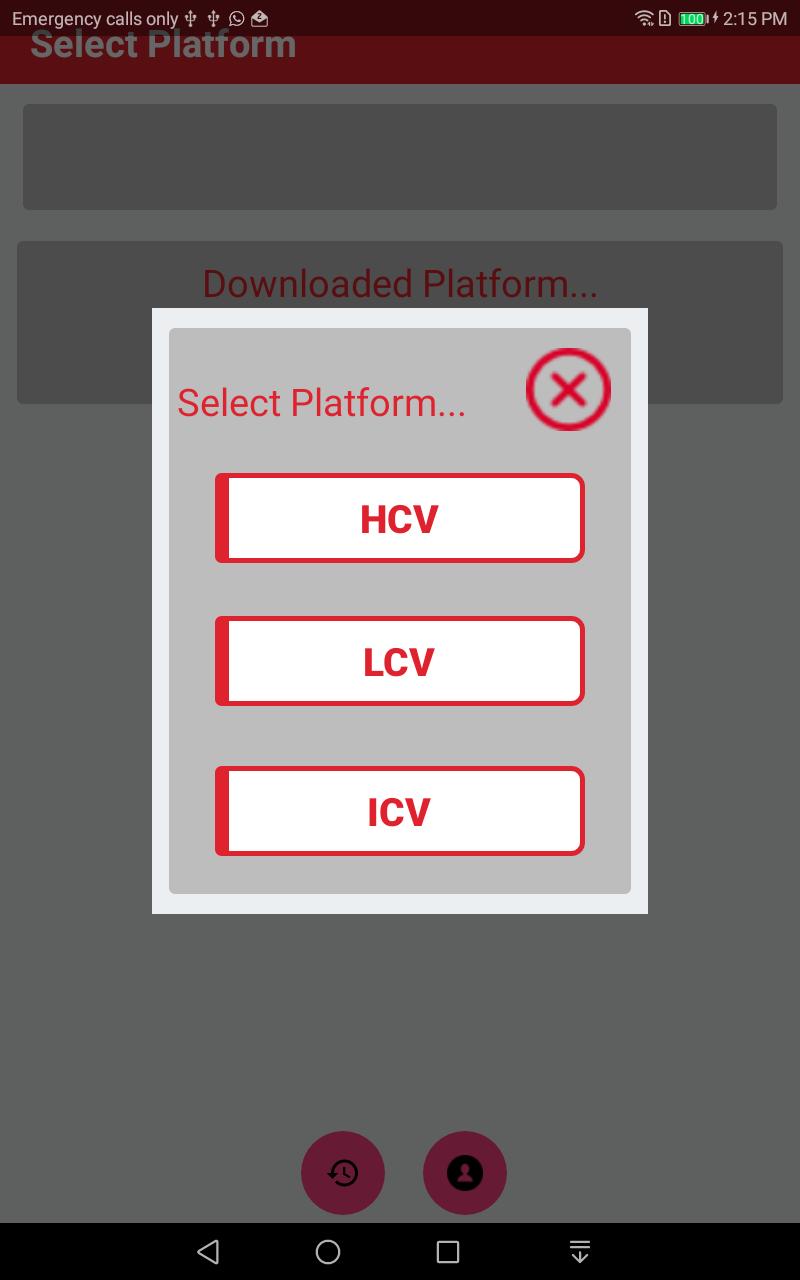
- Mahindra Guided Troubleshooting Software GTSS will be the guide to field technicians to trouble shoot the vehicle with symptoms in addition to P code base. The application will provide step by step guidance for resolution of DTC codes and find out the root cause of the complaint.
GTSS app will be available in English language and later stage Hindi language will be added. The app incorporates the videos, SOP’s Check sheet and wiring diagram’s of the sensors and actuators. Field technician are not adhering to the diagnostics manual for troubleshooting as it is difficult to refer in field. Warranty cost of component increases because wrong troubleshooting. Easy guide to identify root cause of any electronics Engine related issue. Any technician can troubleshoot faults codes effectively. Field team capability will increase and right problem identification & analysis will be assured. Less time required to identify the root cause of failure. Less down time & proper guidance reduces the scope for replacing the components like Injectors, Pump, ECU or Wiring harness.
GTSS fault finding methodology ensures 100% adherence of troubleshooting SOP. Eradicate the trial and error method in field for troubleshooting DTC’s.
Avance
Etiquetas
Auto-&Información
Desarrollador
Mahindra & Mahindra Ltd
La última versión
3.1.7
Última actualización
2018-12-19
Categoría
Auto-vehicles
Disponible en
Google Play
Mostrar más
Cómo jugar MSHARP con GameLoop en PC
1. Descargue GameLoop desde el sitio web oficial, luego ejecute el archivo exe para instalar GameLoop.
2. Abra GameLoop y busque "MSHARP", busque MSHARP en los resultados de búsqueda y haga clic en "Instalar".
3. Disfruta jugando MSHARP en GameLoop.
Minimum requirements
OS
Windows 8.1 64-bit or Windows 10 64-bit
GPU
GTX 1050
CPU
i3-8300
Memory
8GB RAM
Storage
1GB available space
Recommended requirements
OS
Windows 8.1 64-bit or Windows 10 64-bit
GPU
GTX 1050
CPU
i3-9320
Memory
16GB RAM
Storage
1GB available space