
How to draw a heart para PC
ArmHead development
Descarga How to draw a heart en PC con GameLoop Emulator
How to draw a heart en PC
How to draw a heart, proveniente del desarrollador ArmHead development, se ejecuta en el sistema Android en el pasado.
Ahora, puedes jugar How to draw a heart en PC con GameLoop sin problemas.
Descárgalo en la biblioteca de GameLoop o en los resultados de búsqueda. No más mirar la batería o llamadas frustrantes en el momento equivocado nunca más.
Simplemente disfrute de How to draw a heart PC en la pantalla grande de forma gratuita!
How to draw a heart Introducción
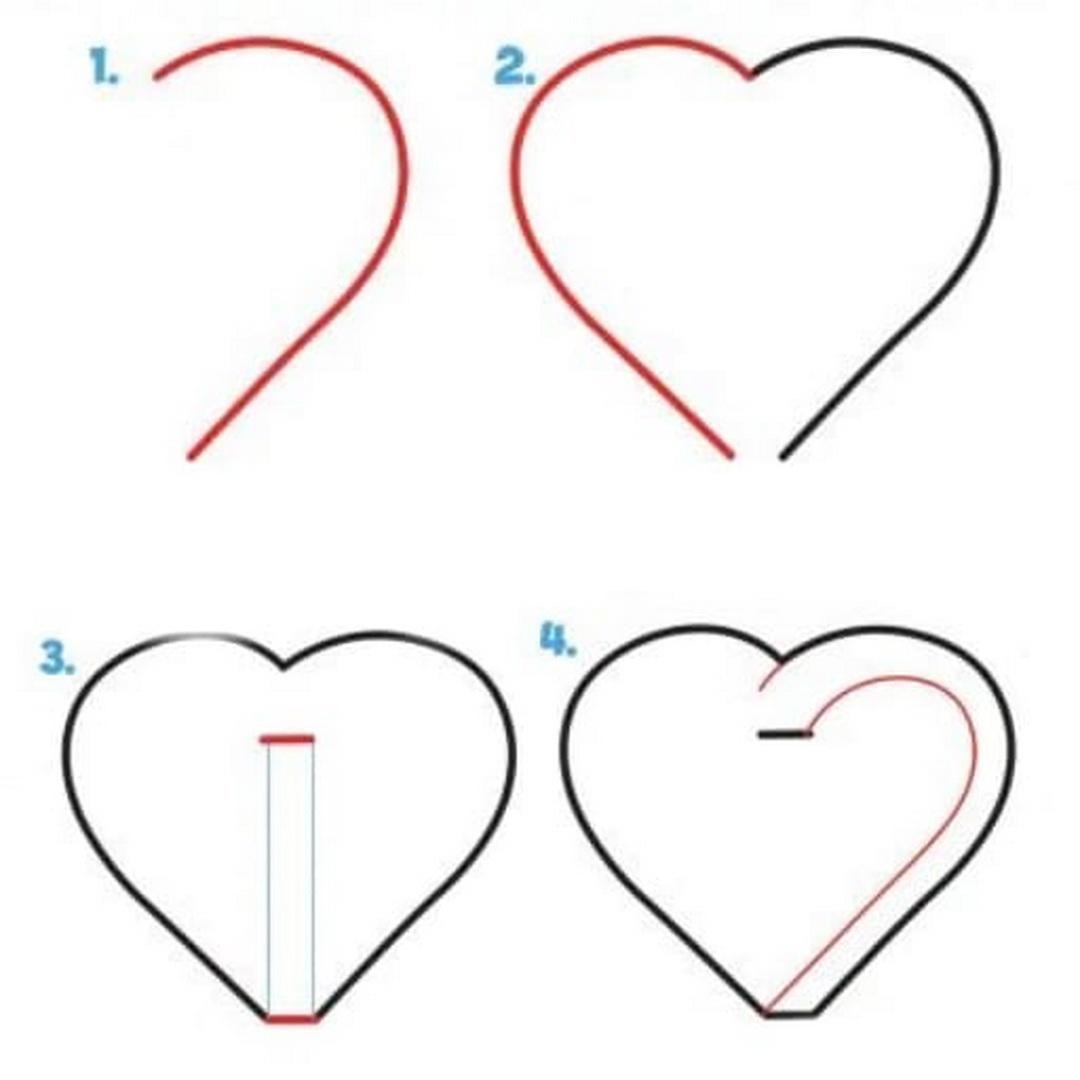
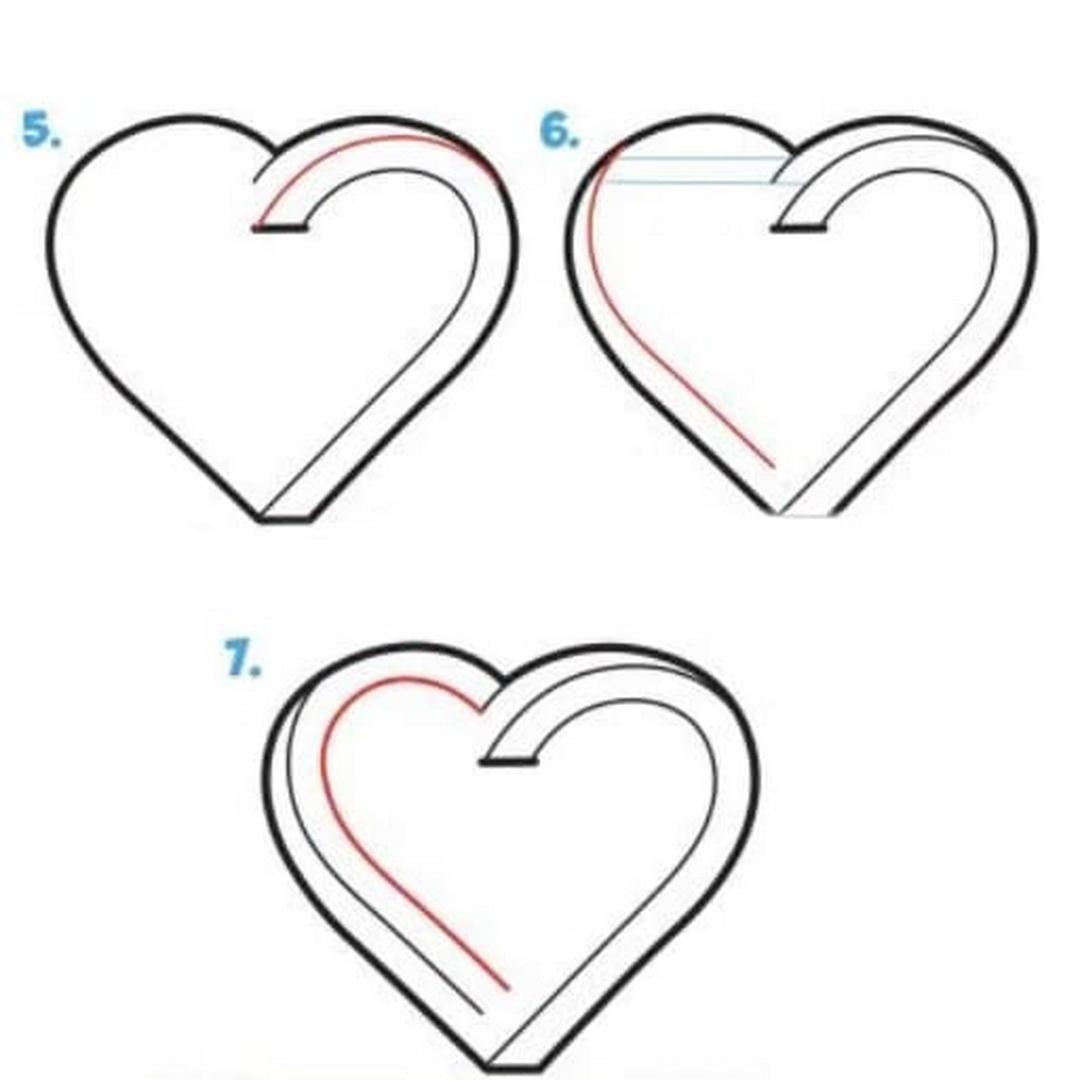
Sometimes we have the hardest time drawing simple things. For example, the shape of a heart is deceptively simple, but messing it up is even easier! These tutorials will show you how to learn how to draw a heart step by step. Here we will look at how to draw a heart step by step with a pencil.
There are many ways to draw hearts. This figure is often used as icons, in design, for scrapbooking and themed events. There are several easy ways to draw a heart. Let's start! Even though it may seem like a difficult task, drawing hearts is easy and fun.
Want to quickly and beautifully draw a heart? Then these step-by-step instructions with pictures are just for you. You can draw different patterns with hearts. And also hands showing a heart with fingers are great for decorating a postcard for Valentine's Day. A declaration of love, friendship or just a congratulation in the form of a postcard is always more pleasant if it is made by hand.
How to draw hearts from hands step by step, these simple tutorials will help you with pictures. Here we will learn how to create a heart. It's very easy and won't take you a whole lot of time.
This lesson is intended for beginner illustrators, those who are just getting acquainted with drawing. How to draw a heart by numbers. How to draw a heart by cells. You can find all this here! A beautiful heart with smooth edges, drawn with colored pencils, can be done by everyone, including children of four years old.
All images used in this application are taken from open sources, of unknown origin.
If you are the legal owner of these images hosted in the application and do not want them to appear in it, please contact us in any way convenient for you, and we will immediately correct the situation.
Avance
Etiquetas
Art-&Información
Desarrollador
ArmHead development
La última versión
0.1
Última actualización
2023-01-03
Categoría
Art-design
Disponible en
Google Play
Mostrar más
Cómo jugar How to draw a heart con GameLoop en PC
1. Descargue GameLoop desde el sitio web oficial, luego ejecute el archivo exe para instalar GameLoop.
2. Abra GameLoop y busque "How to draw a heart", busque How to draw a heart en los resultados de búsqueda y haga clic en "Instalar".
3. Disfruta jugando How to draw a heart en GameLoop.
Minimum requirements
OS
Windows 8.1 64-bit or Windows 10 64-bit
GPU
GTX 1050
CPU
i3-8300
Memory
8GB RAM
Storage
1GB available space
Recommended requirements
OS
Windows 8.1 64-bit or Windows 10 64-bit
GPU
GTX 1050
CPU
i3-9320
Memory
16GB RAM
Storage
1GB available space