Video Thumbnail Maker para PC
Mobi App & Thumbnail Maker Inc
Descarga Video Thumbnail Maker en PC con GameLoop Emulator
Video Thumbnail Maker en PC
Video Thumbnail Maker, proveniente del desarrollador Mobi App & Thumbnail Maker Inc, se ejecuta en el sistema Android en el pasado.
Ahora, puedes jugar Video Thumbnail Maker en PC con GameLoop sin problemas.
Descárgalo en la biblioteca de GameLoop o en los resultados de búsqueda. No más mirar la batería o llamadas frustrantes en el momento equivocado nunca más.
Simplemente disfrute de Video Thumbnail Maker PC en la pantalla grande de forma gratuita!
Video Thumbnail Maker Introducción
Elevate Your Content with Video Thumbnail Maker!
Are you a YouTuber, vlogger, or social media content creator looking to make your videos and posts truly stand out? Video Thumbnail Maker is the essential graphic design app you need to create eye-catching video thumbnails, impressive channel art, and stunning social media banners that attract more views, clicks, and subscribers!
In today's visually driven digital landscape, a compelling video thumbnail is your content's first impression. It's the most powerful tool to capture attention and encourage viewers to click. Our Video Thumbnail Maker app empowers you to design professional-quality custom thumbnails quickly and effortlessly, even if you have no prior design experience.
Why Video Thumbnail Maker is Your Go-To Design Tool:
• Effortless Thumbnail Creation: Transform your ideas into beautiful visuals in minutes with our intuitive and user-friendly interface.
• Perfect for YouTube & Beyond: Specifically optimized for creating YouTube thumbnails, YouTube channel art, and video covers for all major social media platforms like Facebook, Instagram, Twitter, and more.
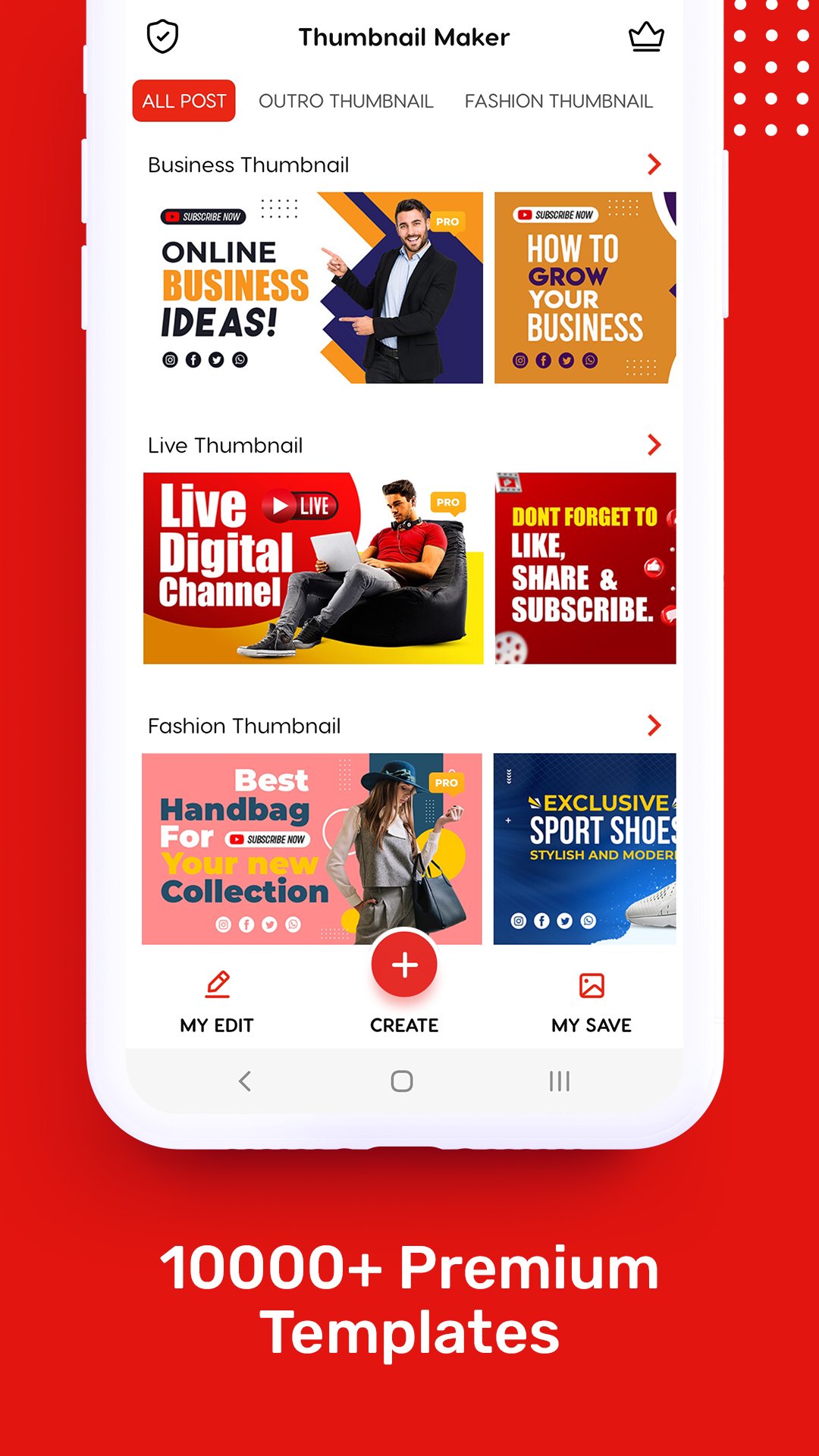
• Extensive Template Library: Get started instantly with hundreds of professionally designed templates. Customize them to match your brand and video theme.
• Powerful Photo Editing Tools:
◦ Add Text to Photos: Choose from a vast collection of stylish fonts, adjust colors, sizes, and add shadows or outlines to make your text pop.
◦ Diverse Stickers & Graphics: Enhance your custom thumbnails with a rich library of trending stickers, emojis, shapes, and graphic elements.
◦ Custom Backgrounds: Select from various stunning backgrounds, solid colors, or upload your own images to create unique designs.
◦ Image Cropping & Resizing: Easily crop and resize your images to fit the perfect dimensions for any platform.
◦ Filters & Effects: Apply professional filters and effects to give your video thumbnail that polished, high-quality look.
◦ Background Remover: Quickly remove backgrounds from your photos to create transparent images for seamless layering.
• Boost Engagement & Growth: High-quality video thumbnails are proven to significantly increase click-through rates, leading to more views, watch time, and ultimately, more subscribers for your channel.
• Save & Share High-Quality: Export your creations in high resolution, ready to upload directly to your social media platforms without any watermarks.
Whether you're creating gaming videos, vlogs, tutorials, or marketing content, Video Thumbnail Maker provides all the tools you need to create visually appealing and effective video thumbnails and banner art. Stop scrolling through generic options and start designing truly unique and captivating visuals that grab attention and drive your content's success.
Download Video Thumbnail Maker today and start making your content impossible to ignore!
Avance

Etiquetas
Art-&Información
Desarrollador
Mobi App & Thumbnail Maker Inc
La última versión
1.1.5
Última actualización
2025-12-20
Categoría
Art-design
Disponible en
Google Play
Mostrar más
Cómo jugar Video Thumbnail Maker con GameLoop en PC
1. Descargue GameLoop desde el sitio web oficial, luego ejecute el archivo exe para instalar GameLoop.
2. Abra GameLoop y busque "Video Thumbnail Maker", busque Video Thumbnail Maker en los resultados de búsqueda y haga clic en "Instalar".
3. Disfruta jugando Video Thumbnail Maker en GameLoop.
Minimum requirements
OS
Windows 8.1 64-bit or Windows 10 64-bit
GPU
GTX 1050
CPU
i3-8300
Memory
8GB RAM
Storage
1GB available space
Recommended requirements
OS
Windows 8.1 64-bit or Windows 10 64-bit
GPU
GTX 1050
CPU
i3-9320
Memory
16GB RAM
Storage
1GB available space